
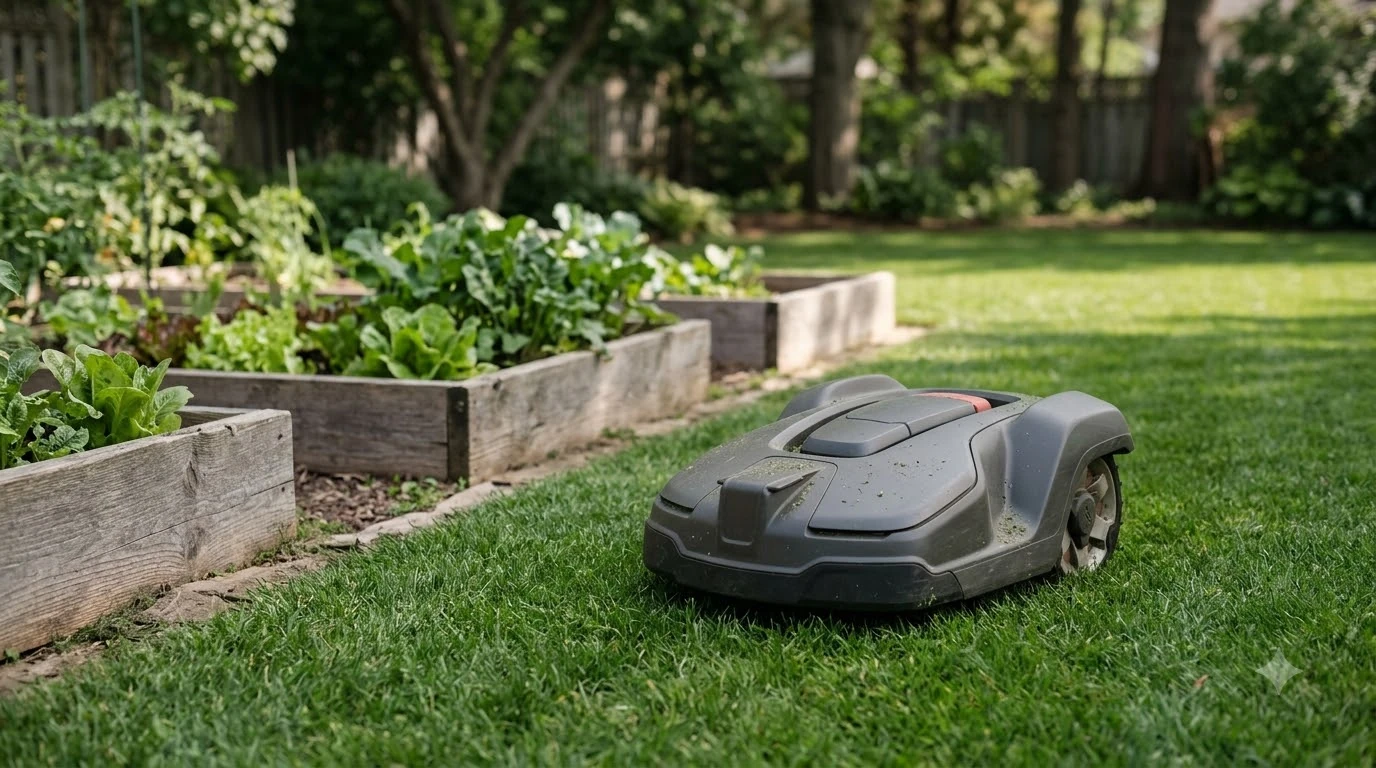

The best robot lawn mower for people who travel often is one with a PIN lock, a lift alarm, and app control that works from anywhere. Travel changes three things: theft exposure while the house is empty, how you check on the mower, and whether it keeps working unattended. As of 2026-11-10, manufacturer documentation confirms these features, but they vary by model.
The short answer
- Theft: look for a PIN that must be entered after the mower is stopped or lifted.
- Monitoring: choose a model whose app shows live position and sends alerts when it leaves its boundary.
- Connection: Bluetooth alone is only for nearby control, so control from anywhere needs Wi-Fi or cellular.
- Unattended runs: a rain sensor that returns the mower to its dock is common on many models.
- Terrain: many models struggle on grades steeper than 70%, so check your slope before you buy.
What makes a best robot lawn mower for people who travel often
For someone who is away for weeks at a time, a robot mower is judged on three things rather than on cutting quality alone. The first is whether the mower is useless to a thief. The second is whether you can see where it is without being home. The third is whether it can keep cutting safely when nobody is around to rescue it from a stuck position. Each of these depends on specific settings and connections, and the answers differ from one brand to the next.
Our reading is that the best robot lawn mower for people who travel often starts with the security features and the connection type, and only then compare cutting performance. A mower that cuts well but cannot report its location is a weaker fit than a slightly slower model with a full app, because the app is what you use from an airport or a hotel.

Theft protection: PIN codes and lift sensors
Husqvarna’s support page says the correct PIN must be entered if the mower is stopped or lifted. An alarm sounds if the PIN is not entered within 30 seconds after you press STOP, and it sounds instantly if the mower is lifted. These two rules are the core of the anti-theft design on that brand’s models.
Some Husqvarna models add a time lock. It asks for the four-digit PIN at an interval you set, so a mower that is left running for days still prompts for the code. The support page gives no default interval, so check the setting on your own model. The same page says the available features may vary depending on which model you have and how it is configured, which means a lower-priced model may lack some of these functions.
When you compare models, ask the seller directly whether the PIN, the time lock, and the lift alarm are standard on that exact model. Do not assume they are included because the brand offers them elsewhere in its range.
Remote monitoring and location from anywhere
Husqvarna Automower Connect lets you track the mower in real time on an app map. The page credits GPS tracking for the location feature, and it describes a virtual boundary that you draw in the app. If the mower leaves the defined area, you are notified through the app. For a traveler, this is the most useful alert, because a mower that has wandered onto a neighbour’s lawn or out of the yard is visible at once.
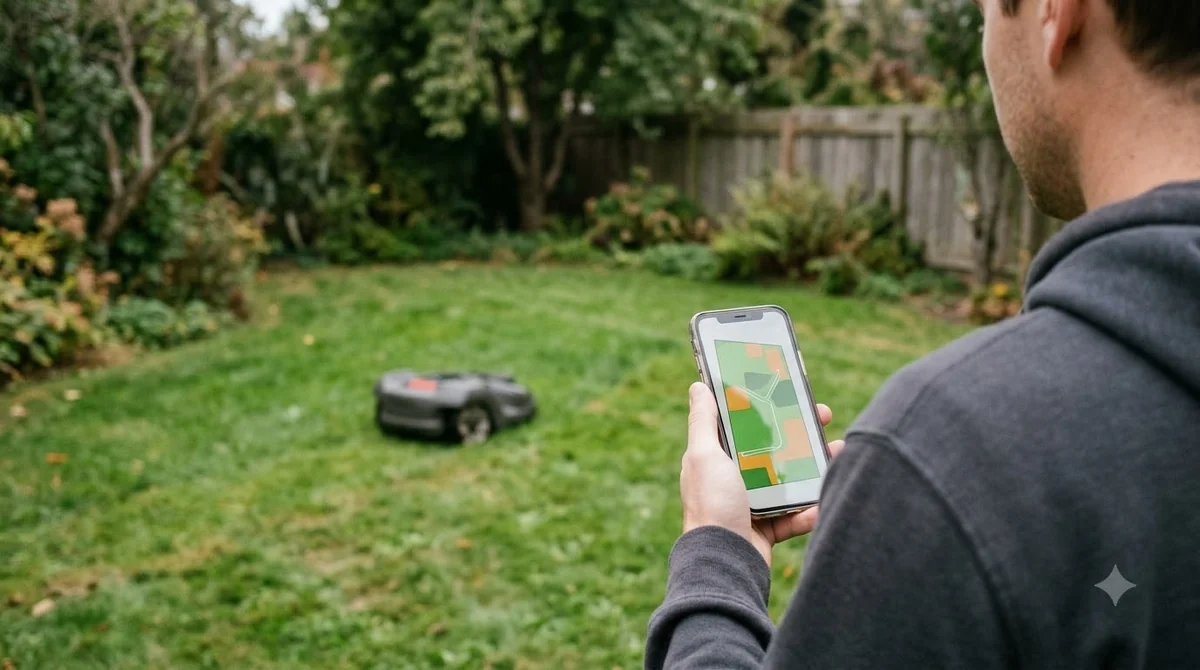
The map view is also how you confirm that the best robot lawn mower for people who travel often is running on schedule after a trip. A quick check from a hotel can show whether it has completed its runs, although the app is only as useful as the connection behind it. That is where the next section matters.
Wi-Fi, cellular, or Bluetooth: what needs to be connected
Bluetooth is the only connection that does not need Wi-Fi or cellular service. Husqvarna says its range is up to 30 metres and that it is included on all models. That range is enough for setup and for standing near the yard, but it does nothing for a traveler on a plane.
For control from anywhere, Husqvarna’s page says the mower must be connected to Wi-Fi for coverage, and it points to models with cellular or Wi-Fi connectivity, or with the Automower Connect Kit, for smart-home links to Google Home or Amazon Alexa. The table below sets out the three connections and what each means when you are away.
| Connection | What the Husqvarna page says | What it means while you travel |
|---|---|---|
| Bluetooth | Range up to 30 metres, included on all models | Nearby setup and checks only |
| Wi-Fi | Needed for coverage when controlling from anywhere | Works only if your home network stays on while you are gone |
| Cellular or Connect Kit | Linked to smart-home services on eligible models | Lets you control and check the mower without relying on home Wi-Fi, where the model supports it |
A practical point follows from this. If your home internet goes down, a Wi-Fi-only mower may stop reporting to the app, so a cellular option is worth the extra cost for a long trip. Confirm the exact connection package with the seller before you assume it is included.
Rain, schedules, and unattended runs
Many robot mowers include a rain sensor that sends the mower back to the dock when the weather turns, and most can be programmed from a smartphone app. Both features reduce the risk of the mower working wet ground while you are away. The rain sensor is common rather than universal, so ask whether your model has one.
The available sources do not say how long a rain delay lasts, or how a mower behaves over several weeks of no input. Our reading is that a robot lawn mower for people who travel often needs its schedule set before leaving, check that the mower has completed its last run, and avoid leaving a long gap in a growing season. A neighbour who can lift the mower out of the way or restart it is a sensible backup.
Terrain and lawn size still set the limit
Many models struggle on grades steeper than 70%, which is about 35 degrees. Most robot mowers are designed for lawns under one acre, and a larger yard usually needs a model rated for that area. A slope that the mower cannot climb will cause it to stop and wait, which is the situation a traveler is least able to fix.
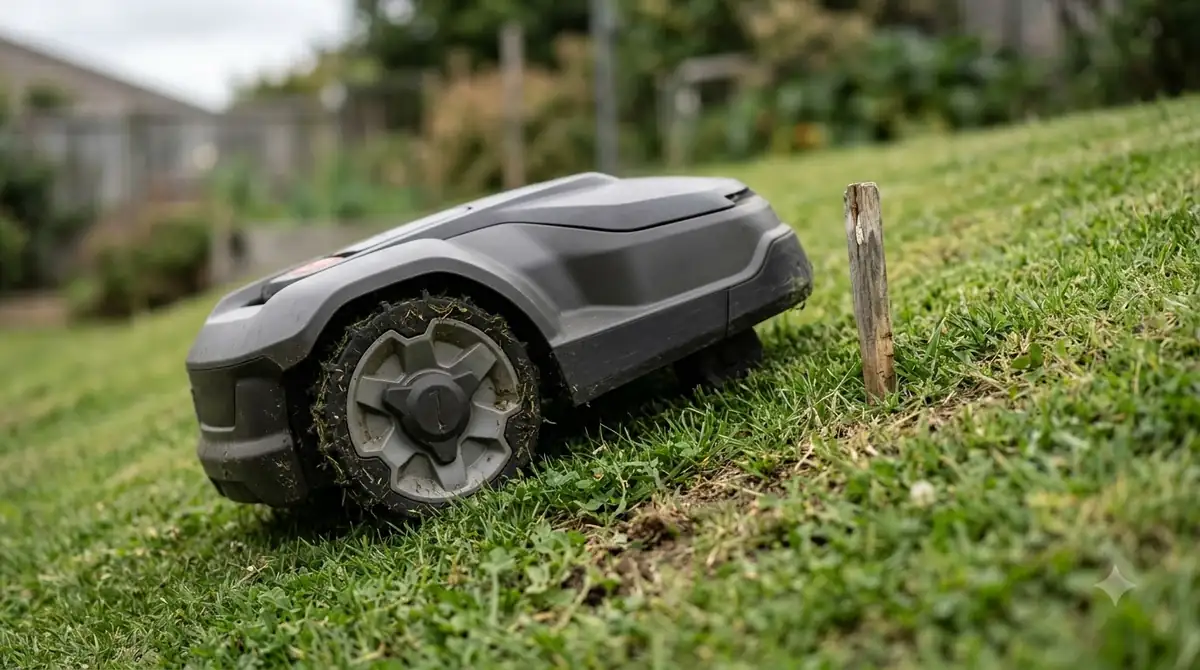
Measure the steepest section of your lawn before you compare models, and check the slope rating in the manufacturer’s spec sheet rather than the marketing copy. A model rated for a steeper grade gives more margin, so it is a better choice if the yard is hilly.
What to check before you buy
Five checks cover most of what a traveler needs. Work through them in order before you choose a model.
- PIN and alarm. Confirm the PIN is required after the mower is stopped or lifted, and that the lift alarm is standard on your model.
- Live location. Check that the app shows the mower’s position and sends a notice when it leaves the boundary.
- Connection. Decide between Wi-Fi, cellular, or Bluetooth only, and make sure the connection works where you will be.
- Rain and schedule. Ask whether the mower has a rain sensor, and set a schedule you can check from the app.
- Slope and size. Compare your steepest grade and lawn size with the model’s stated limits.
None of these checks replaces a neighbour or a gardener for a long absence, even with the best robot lawn mower for people who travel often. They reduce the risks you can control from the spec sheet and the app.
Frequently asked questions
Can someone steal a robot lawn mower?
Husqvarna’s support page says the correct PIN must be entered after the mower is stopped or lifted, otherwise an alarm sounds. Protection depends on the model and its settings, so check the manual for your exact mower.
Does a robot lawn mower need Wi-Fi?
Not for nearby control. Husqvarna says Bluetooth reaches up to 30 metres on all models. Control from anywhere requires Wi-Fi or cellular connectivity, depending on the model.
Can I see where my robot mower is while I am away?
On Husqvarna models with Automower Connect, the app shows the mower’s live position on a map. You are also notified if it leaves the virtual boundary you set, provided the model supports the connection.
Is a robot mower safe to leave alone for weeks?
The manufacturer pages we read do not cover multi-week absences. Our reading is that you should confirm the schedule, the rain behavior, and the connection before you leave, and arrange a neighbour to check on the yard.
Sources
- Husqvarna support: how the Automower theft protection system works (manufacturer): PIN, alarm timing, time lock, and model variation.
- Husqvarna Automower Connect (manufacturer): real-time map, virtual boundary alerts, Bluetooth range, and connectivity.
- LawnStarter robot lawn mower guide (lawn service blog): rain sensors, lift and tilt sensors, app programming, slope limit, and lawn size.
 Up next8 min readBest Robot MowersHow Often to Replace Robot Mower BladesUpdated Nov 11, 2026
 9 min readBest Robot MowersAre Robot Lawn Mowers Worth It? Who Benefits and Who Should SkipUpdated Nov 11, 2026
 9 min readBest Robot MowersBest Robot Lawn Mower for People with Back Pain: What Helps and What Still Needs LiftingUpdated Nov 11, 2026
 7 min readBest Robot MowersBest Robot Mower for People with Allergies: What to CheckUpdated Nov 17, 2026
 9 min readBest Robot MowersBest Robot Lawn Mower for Homeowners With Limited Mobility: What to CheckUpdated Nov 10, 2026
 8 min readBest Robot MowersBest Robot Lawn Mower That Works With Google Home in 2026Updated Nov 11, 2026