
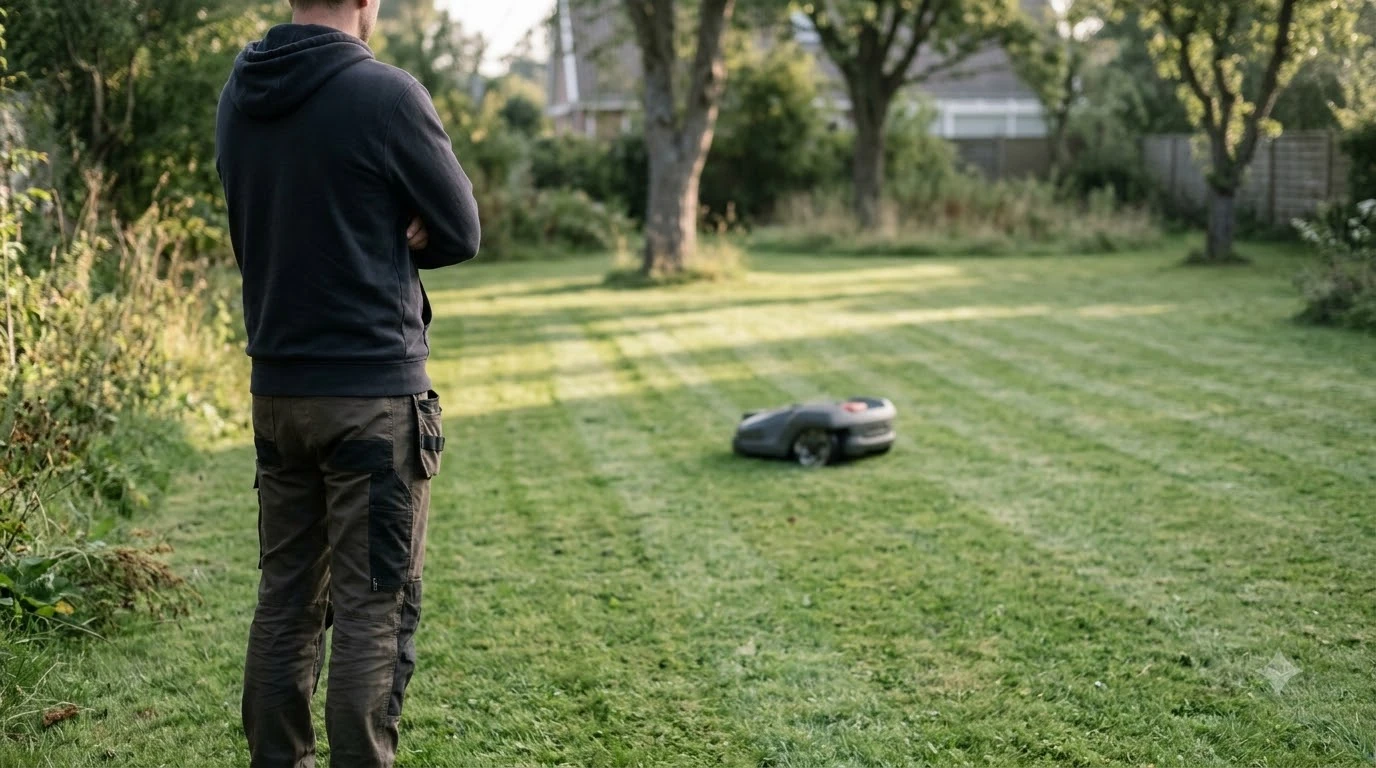

Segway Navimow positioning lost means the mower cannot confirm where it is on the map, usually because satellite signal dropped out at the mower or at its reference antenna. As of 2026-11-10, Segway’s own support pages list a short set of checks: open sky for the antenna and charging station, a stable network, current app and firmware, and a restart. Most cases clear up once the signal returns.
The short answer
- What it means: the mower lost its satellite fix, so the app map may show a wrong or stale position.
- Why it happens: trees, walls, a poorly placed reference antenna, or a weak network can break the shared view of satellites.
- First check: move the antenna and charging station to a spot with open sky and confirm the light turns blue on the X3.
- Then: check the network, update the app and firmware, and restart the mower and the app.
Segway Navimow positioning lost: what it means
A Navimow finds its place in two ways at once. It reads satellite signals from GNSS constellations, which Segway’s EFLS document lists as GPS, BeiDou, GLONASS and Galileo. A receiver needs signals from at least four satellites to compute a position, so a mower that loses most of them has no reliable fix to work from. Segway describes EFLS as a system that combines satellite positioning with other sensors.
When satellite signal drops, Segway says the system keeps estimating position from its gyroscope, accelerometer, magnetic compass and wheel counter. The mower can keep working for a short time on those sensors. Our reading is that this is why a lost fix is not an immediate stop, but it also means the position drifts the longer the signal stays away. A map that looks wrong in the app is the sign to act, not a reason to wait.
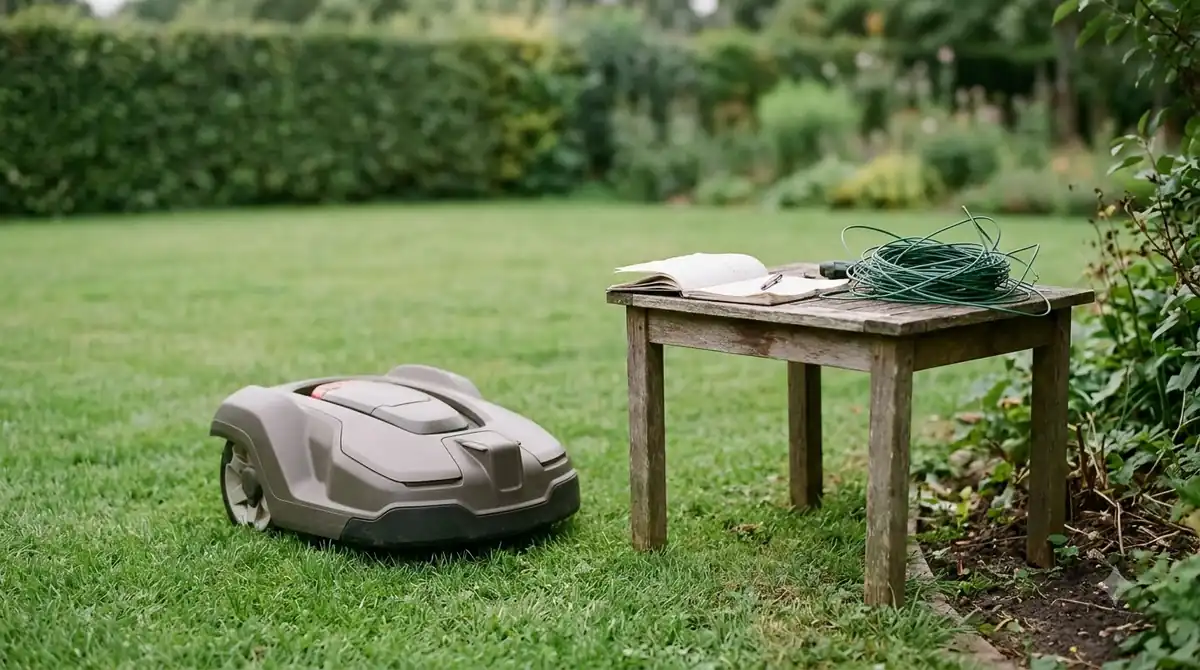
Why the signal drops: sky view and the 10-satellite rule
For centimeter-level accuracy, Segway’s EFLS document says the robot and the reference antenna must each receive signals from at least 10 of the same satellites at the same time. That is the real requirement behind most Segway Navimow positioning lost reports. The antenna and the mower have to look at the same piece of sky, so an antenna that cannot see the side of the yard the mower is working on is no help there.
Segway’s example shows the failure clearly. An antenna mounted on the west side of a house sees only the satellites over the west, while a mower working on the east side sees only the east. Neither has 10 shared satellites, so accurate navigation on that side is not possible. The document recommends mounting the antenna on the highest point with the widest view, such as a roof. The antenna and charging station do not need a direct line of sight to the mower, because the charging station relays correction data by radio. What matters is that both see the same sky.
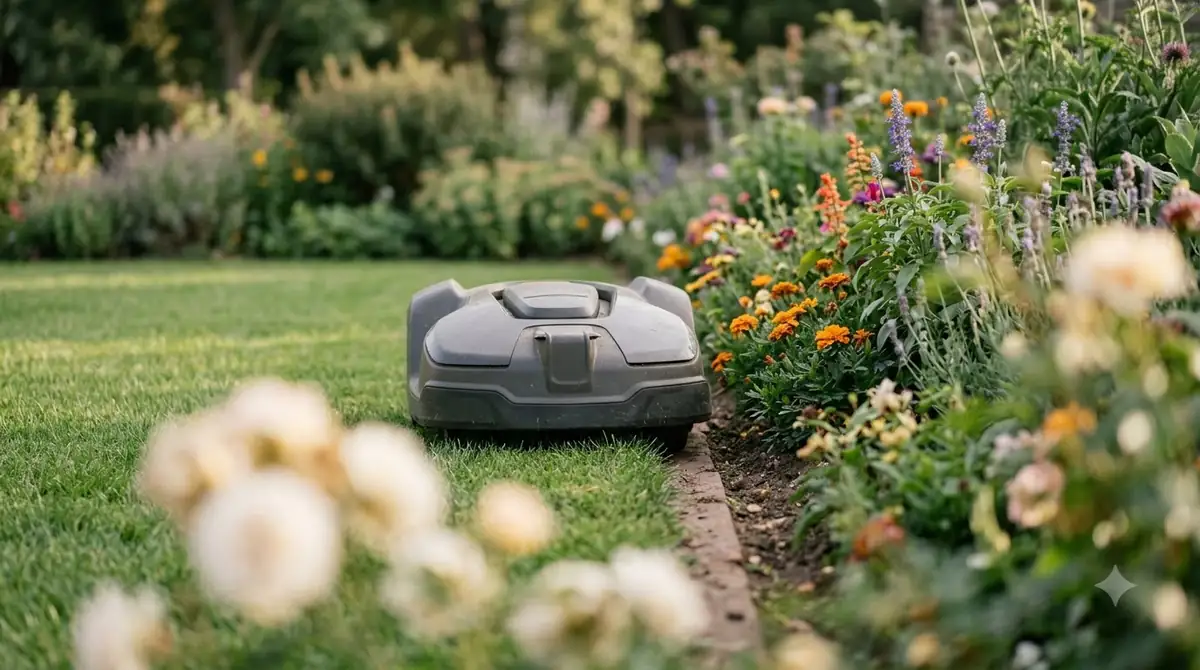
Canopy is the common case. A third-party RTK guide (RTKdata, a vendor-side publication) says RTK needs a clear sky above roughly 15 degrees from the horizon, and that dense canopy can block and reflect satellite signals, which causes more fix drops. The same guide says extra satellites do not remove those reflections. Our reading is that a tree line can break the fix even when the antenna has a view of the open sky above the lawn, so a shaded corner of the yard deserves a test run before you trust the map there.
What the yellow light means on a Navimow X3
On the Navimow X3, Segway’s support page says a flashing yellow light means the GPS signal is weak. The fix it describes is to move the antenna and the charging station to an open area and watch whether the light turns blue. A blue light is the sign the signal has recovered.
The page is written for the X3, so check the indicator guide for your own model before you rely on the colors. Other Navimow models may use different lights or menus in the app.
Quick checks Segway support lists first
Segway’s H1 troubleshooting page for a Navimow positioning lost report gives a short order of checks. Work through them in this sequence, because the first one fixes most cases.
- Find open sky. Keep the mower and the antenna away from structures and dense trees, as the page advises.
- Check the network. Confirm that both the phone and the mower have a stable connection, since a poor network can stop the map from loading in real time.
- Update the app and firmware. Make sure both are on the latest version.
- Restart the mower and the app. Restart both to clear temporary glitches.
- Check map data. If you recently edited the map or added areas, confirm those changes saved. The X3 page includes this step.
- Reinstall the app. The X3 page lists this as the last step before contacting support.
After any change, watch the first full cutting cycle rather than trusting the app alone. Check whether the mower returns to the dock on schedule and whether the map shows it where it really is. If the light or the map fails again within the same spot, the site is the likely cause. Our reading is that moving the antenna is a bigger fix than any setting in the app, so spend the effort there before adjusting the mowing height or zones.
Tall grass and obstacles can look like lost positioning
Not every odd map result is a lost fix. Segway’s H1 page on uncut areas lists three possible causes: poor satellite signal, obstacle avoidance, and tall grass. It says a missed patch is covered after a few more cutting cycles, so one missed strip is not always a positioning fault.
Tall grass has its own fix. The page says that if grass is over 6 cm, set the first cutting cycle to 5 cm or 4 cm, and it advises against setting a very low height directly. The table below separates the common symptoms.
| What you see | Likely cause | First check |
|---|---|---|
| Yellow light, map position jumps | Weak satellite signal | Move antenna and charging station to open sky |
| Map shows mower in the wrong place, light is fine | Network or stale app data | Check connection, restart app |
| A strip is left uncut, position looks right | Obstacle avoidance or tall grass | Wait a few cycles, lower the first cut to 5 cm or 4 cm |
| Problem started after an update or map edit | Firmware or map save issue | Confirm firmware, check map data |
When to contact Segway support
If the steps above do not clear the segway navimow positioning lost problem, Segway’s US support address is navimowsupport-us@rlm.segway.com. The H1 and X3 pages both ask for the same details, so gather them before you write. Include the mower’s serial number, the time you noticed the issue, a map screenshot with the mower’s real position marked, a note on trees or walls nearby, and your app version and phone operating system version.
Frequently asked questions
Does a Navimow keep mowing when positioning is lost?
Segway says that when satellite signal drops, the mower keeps working temporarily by estimating its position from its gyroscope, accelerometer, compass and wheel counter. This is a short-term fallback, so a lasting loss should be checked rather than ignored.
How many satellites does a Navimow need?
Segway’s EFLS document says a receiver needs at least four satellites for a position. For centimeter-level accuracy, the robot and the reference antenna must both see at least 10 of the same satellites at the same time.
Does RTK fix a Navimow that loses its position?
RTK depends on the same sky view. Segway’s documents tie accuracy to the shared 10-satellite view and the antenna position, so RTK does not remove the problem of trees or walls blocking the sky. Our reading is that antenna placement is the first thing to fix.
What should I send Segway support?
Send the serial number, the date and time of the problem, a map screenshot with the real position marked, a photo or note on nearby obstacles, and your app and phone OS versions, as Segway’s support pages request.
Sources
- Navimow X3: why the position on the app differs (Segway support): yellow light meaning, open-area check, network, firmware, restart, map data, reinstall, support email.
- Navimow H1: why the position on the app differs (Segway support): open area away from structures and trees, network, firmware, restart, support details.
- Navimow H1: what to do if a certain area is uncut (Segway support): causes, a few more cycles, 6 cm grass rule.
- RTK accuracy guide 2026 (RTKdata, vendor-side guide): clear sky above about 15 degrees, canopy blocks and reflects signals. Fact reused from the sibling shaded-lawn fact sheet, read in this session.
- Segway Navimow EFLS document (Segway technical PDF, hosted by a reseller): satellite counts, 10 shared satellites, sensor fallback, antenna placement.
 Up next8 min readLearnWhat Is EFLS on Segway Navimow? How the Positioning WorksUpdated Nov 11, 2026
 8 min readLearnSegway Navimow Vision Fence Not Working: Causes and FixesUpdated Nov 11, 2026
 9 min readLearnHow to Set Up Segway Navimow i110N: Easy Step-by-Step GuideUpdated Nov 10, 2026
 7 min readLearnHow to Update Segway Navimow i110n FirmwareUpdated Nov 11, 2026
 7 min readLearnHow Long Does the Segway Navimow i110N Battery LastUpdated Nov 11, 2026
 6 min readLearnSegway Navimow Customer Service: How to Reach SupportUpdated Nov 13, 2026