
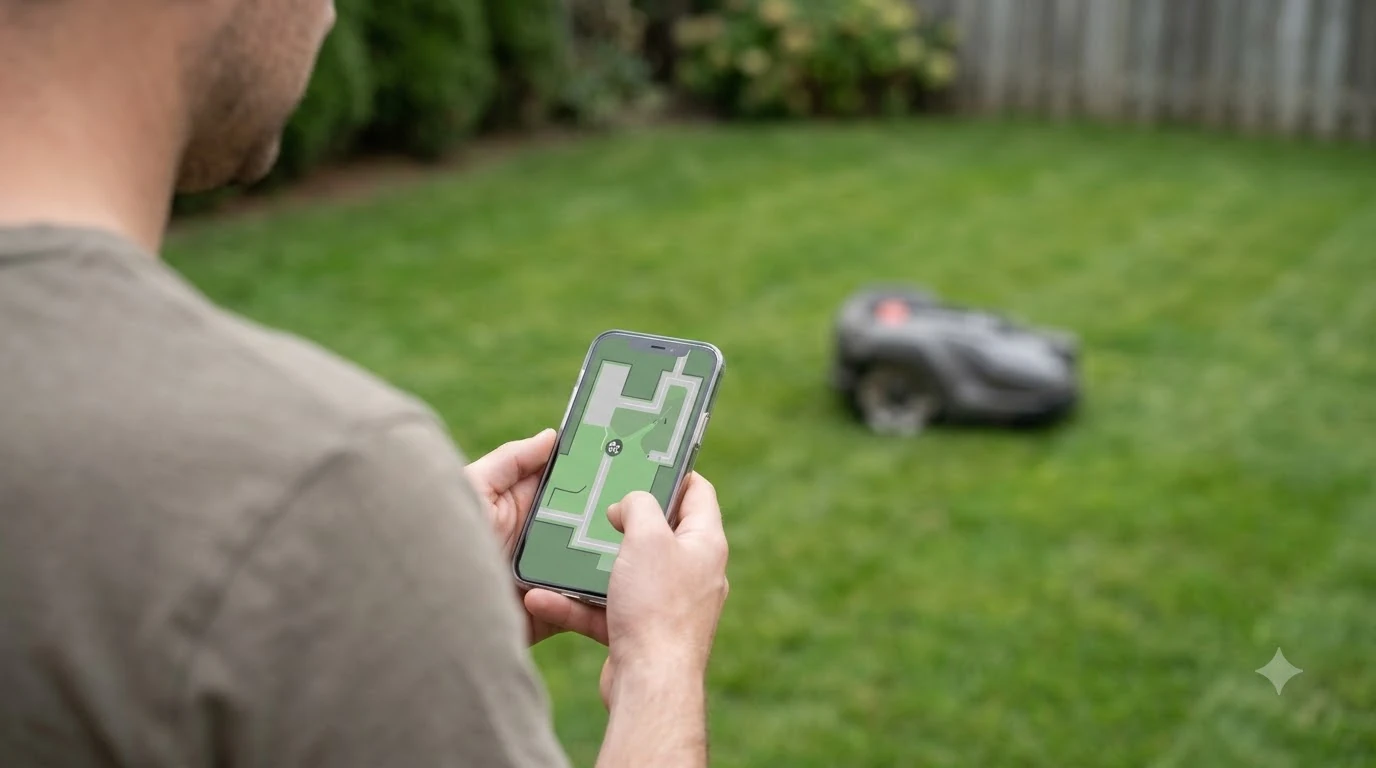

Learning how to protect a robot mower from theft starts with three built-in tools: a PIN lock, a lift alarm and location tracking. Many mowers offer them, but each one has to be turned on, and some features need a separate kit or a 4G connection, which is why whether robot mowers need wifi or cellular matters here. The steps below explain what each tool does and where its limits are.
The short answer
- PIN lock: Husqvarna says its Automower cannot be used without the PIN code, which is needed whenever the mower is stopped or lifted.
- Alarm: the Husqvarna alarm sounds if the PIN is not entered within 30 seconds of pressing STOP, or instantly if the mower is lifted.
- Tracking: GPS and geofence alerts depend on the model, and some need a 4G network or a separate kit.
- Charging station: anchor it firmly or keep it in a lockable area.
- Storage: bring the mower indoors at night and during trips.
How to protect a robot mower from theft with a PIN lock
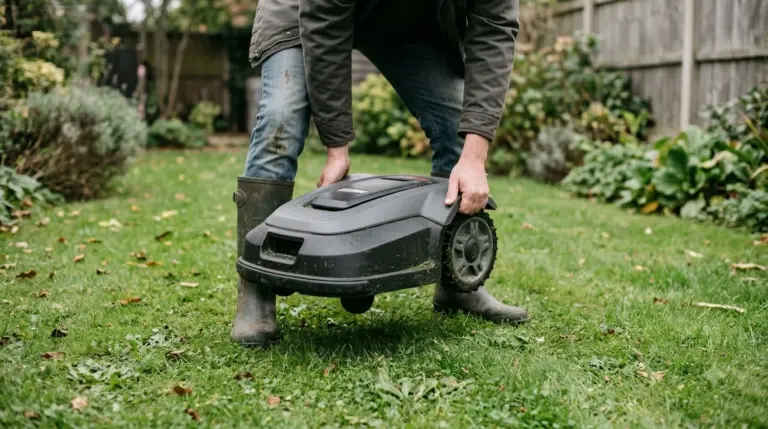
A PIN lock is the first defense because it controls whether the mower works at all. Husqvarna states that its Automower “cannot be used without the PIN code,” and the code must be entered whenever the mower is stopped or lifted, or an audio alarm goes off. Without the code, a thief who picks up the mower triggers the alarm instead of getting a working machine. A PIN lock does not stop someone from carrying the mower away, only from running it, which is why the alarm and storage steps below still matter. That is the core of the setup, because the lock works even when other parts of the setup fail.
Some models add a time lock. According to Husqvarna, these models ask for the four-digit PIN again at an interval you set, so the code is needed even when nobody has touched the mower. Choose a code that nobody outside your household knows, and do not write it on the mower or the charging station, since a shared code weakens the lock.
Registering the mower to your own account matters too. Sunseeker advises linking the mower to your account so that others cannot easily reset or use it. Our reading is that the PIN and the account link cover different gaps: the code protects the mower on the lawn, and the account stops someone from taking it over in the app. The account link is one more layer of protection.
Turn on the lift and stop alarm
The alarm is the feature that catches someone in the act, and it is a useful part of how to protect a robot mower from theft. On Husqvarna Automowers, the alarm sounds if the PIN is not entered within 30 seconds of pressing STOP, or instantly if the mower is lifted. Entering the correct PIN turns the alarm off at any time, so the owner can silence it while standing next to the mower.
- Find the anti-theft menu. Look for it in the app or on the mower’s control panel. Menu names differ by brand and model, so check the manual.
- Turn the PIN on. Set a code that you can remember, and make sure the PIN requirement is active before you leave the mower outdoors. Turning it on first is the simplest step.
- Check the alarm timing. Our reading is that you should confirm the siren behavior on your own model, because the 30-second and instant triggers come from Husqvarna’s Automower documentation and may not match every mower.
Track location and set a geofence
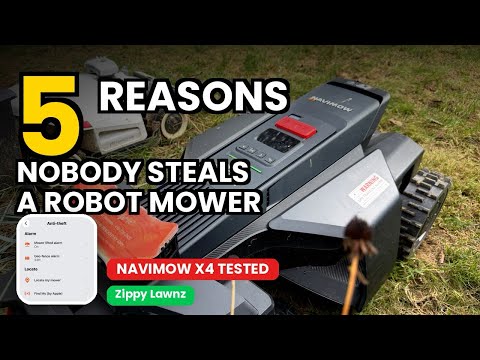
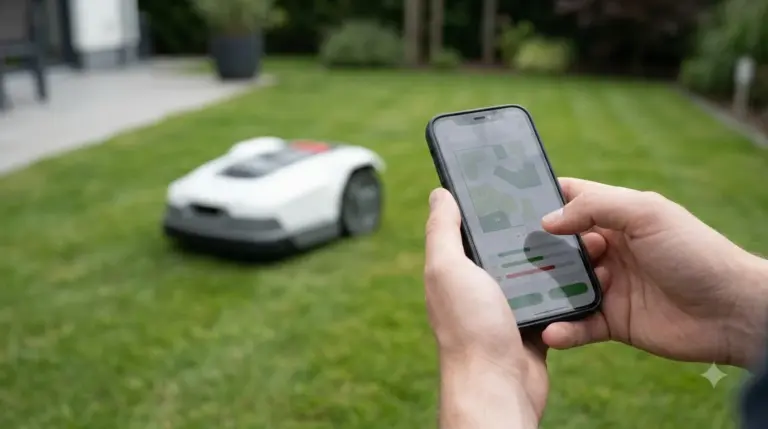
Location tracking helps you find a mower that has left the yard, and a geofence alerts you when it crosses a boundary you set. Tracking is the feature to add when you want to know where a mower is after it has already moved, which is a different question from stopping a theft at the moment it happens. These are separate features, and the requirements differ by model. The table below compares the three setups described in the manufacturer documentation.
| Setup | What it does | What it needs |
|---|---|---|
| GeoFence on Husqvarna X-line models | The GPS unit creates a virtual fence, notifies you when the mower moves past it, and lets you track its movements | A GPS unit that is built into X-line models |
| Husqvarna Automower Connect kit | Provides the GPS unit on other models, which Husqvarna sells separately | A separate purchase for models without the built-in unit |
| Navimow H1 anti-theft geofence | A loud alarm and an app push notification when the mower is outside the geofence, with an adjustable range | A switch to a 4G network in the Network Management menu first; not available on the H500 |
Two points matter most when you compare tracking options. First, a geofence depends on the mower knowing where it is, so check whether your model has a GPS unit or a 4G connection. Second, the fence range can usually be changed, so set it to cover your lawn and not much more. Navimow’s support article says the range is adjustable but does not list a default value. A separate tracker is another option, covered in GPS trackers for robot mower theft.
Husqvarna notes that available features may vary by model and settings, so the manual for your exact mower is the final check before you rely on any tracking feature.
Secure the charging station
Anchor the charging station firmly to the ground, or place it in a hidden or lockable area, because a loose station is easy to lift. Anchoring it is a practical first step. The station is part of the protection too: according to Husqvarna, an Automower is paired with its own charging station and can never function with another one, since the loop signal would be inaccurate.
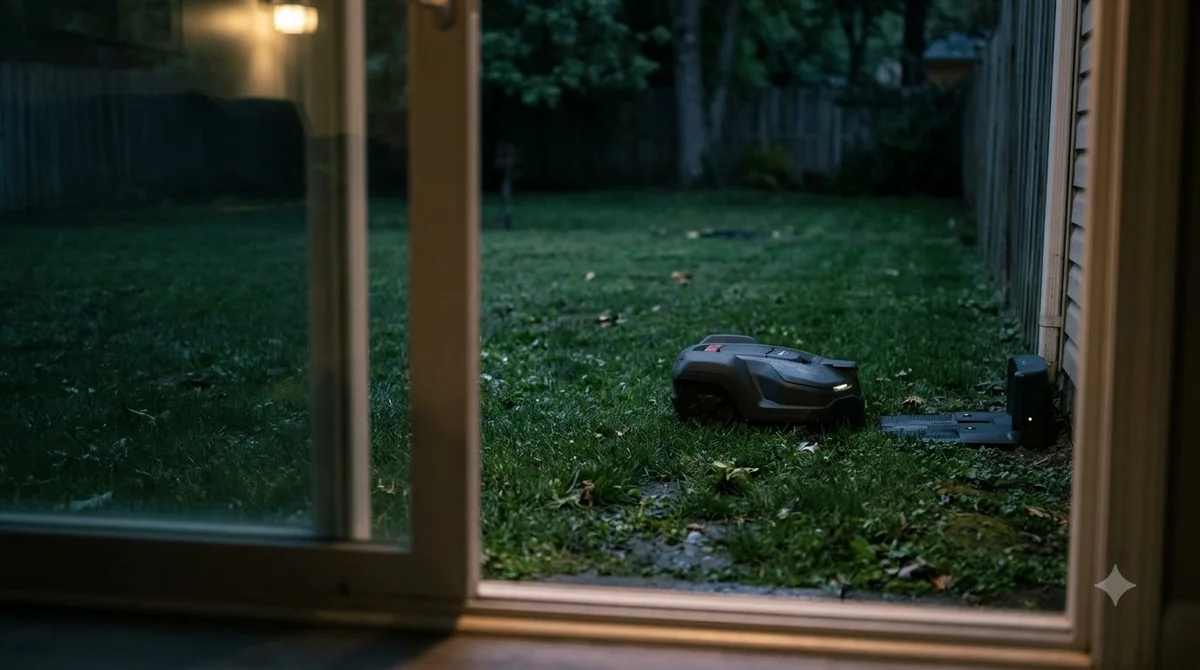
- Set the station on a hard, level spot that you can fix down, and check the manual for approved mounting methods.
- Keep the station out of view from the street where the yard allows it.
- Put it near a lockable space such as a shed or a fenced side yard, if you have one.
Our reading is that a paired station makes the base a second item worth protecting, not just a place where the mower sleeps. A thief who takes the station alone still leaves the mower without a charge, so anchoring it reduces the value of the whole set.
Store the mower out of sight
Bring the mower indoors at night and during trips, because a garage, shed or other locked space is the simplest protection. Storage is the easiest answer to how to protect a robot mower from theft when you are away from home. Sunseeker recommends keeping the mower in a garage, shed or locked space overnight or while traveling, so it is not left on the lawn when the yard is empty. If you plan to store it for months, see how to store a robot mower for winter.
Yard visibility also helps. Sunseeker suggests motion-activated lights and notes that they can make it harder for thieves to approach undetected.
Check insurance and keep records
Insurance is the last layer of how to protect a robot mower from theft. Check whether your home policy covers outdoor equipment such as robotic mowers, because policies differ. Warranty terms are a different matter, explained in the robot mower warranty guide. Keep the purchase receipt and the mower’s serial number in a safe place, since you will need them for a claim and for a police report.
The PIN, alarm, geofence and storage steps above do the preventing, and the paperwork covers the rest.
No single feature makes a robot mower theft-proof, so the practical goal is to make the mower harder to use, harder to reach and easier to recover. Our reading is that a PIN, a lift alarm, a locked station and indoor storage together give more protection than any one of them alone. Check which features your model has before you buy, because how to protect a robot mower from theft depends on them, and turn on all of them the day you set up the mower.
Frequently asked questions
Can someone use a stolen robot mower without the PIN?
No, according to Husqvarna, its Automower cannot be used without the PIN code. The PIN must be entered whenever the mower is stopped or lifted, or an audio alarm sounds. The exact rules depend on the model, so check your manual.
Does a robot mower need GPS to be protected?
No. The PIN and alarm rules on Husqvarna’s support page do not depend on GPS. GPS adds location tracking and geofence alerts, and on some models it is sold as a separate kit. The PIN and alarm are the core of the protection, so GPS is an extra layer rather than a requirement. Husqvarna notes that features may vary by model and settings.
Do robot mowers need a 4G connection for theft alerts?
Some do. Navimow says its H1 must be switched to a 4G network in the Network Management menu before the anti-theft menu can be used, and the feature is not available on the H500. Check the spec sheet for the model you own before you rely on a 4G feature for theft alerts.
What should I do if my robot mower is stolen?
Report it to the police, with the serial number, and any location shown in the app, then contact your insurer if your policy covers outdoor equipment. Our reading is that the serial number and purchase record speed up both steps. This is a general guide, not legal advice.
Sources
- How does the Automower theft protection system work? (Husqvarna): PIN rules, 30-second and instant alarm timing, time lock, GeoFence on X-line models.
- Navimow H1: What is the Anti-Theft function (Segway Navimow support): geofence alarm, 4G setup, H500 exclusion.
- Are lawn mower robots theft proof? (Sunseeker): charging station anchoring, indoor storage, motion lights, insurance check, account link.
 Up next8 min readBest Robot MowersBest Robot Lawn Mower With Anti-Theft GPS Tracking: What to CheckUpdated Nov 11, 2026
 9 min readBest Robot MowersBest Robot Lawn Mower With Theft Alarm: Features to CheckUpdated Nov 11, 2026
 9 min readBest Robot MowersWhen Do Robot Lawn Mowers Go on Sale? A Year-Round GuideUpdated Nov 11, 2026
 8 min readBest Robot MowersRobot Mower Warranty Guide: Coverage, Exclusions and ClaimsUpdated Nov 11, 2026
 8 min readBest Robot MowersRobot Mower Subscription Fees: Simple 2026 Price GuideUpdated Nov 11, 2026
 9 min readBest Robot MowersDo Robot Mowers Need Wifi or Cellular?Updated Nov 11, 2026