
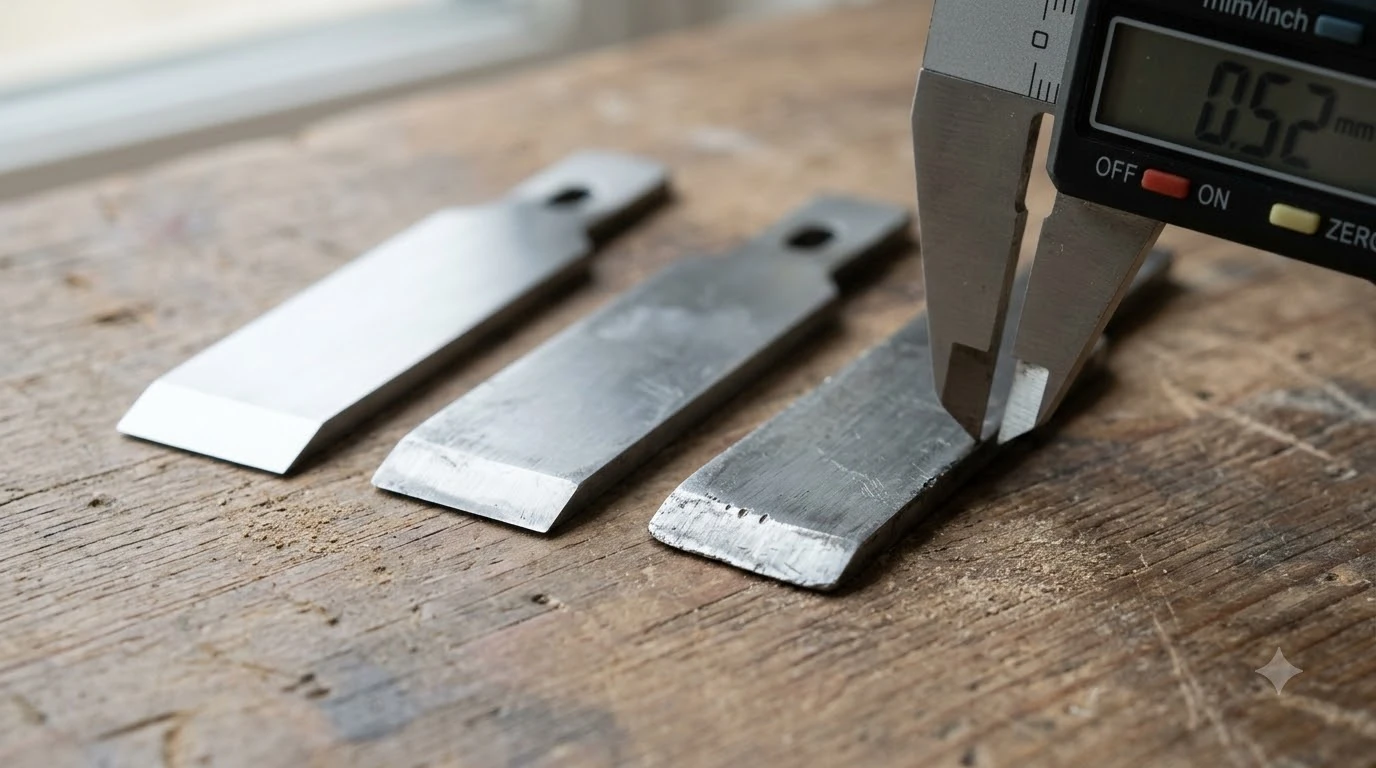

Dull robot mower blades signs include frayed grass tips, uneven cut patches, extra battery use and damaged edges. Check the blades every few weeks during the mowing season, because torn tips are where lawn damage starts. Most manufacturers recommend replacing the blade rather than sharpening it, so the inspection tells you when to swap it out.
The short answer
- Frayed or whitened grass tips after mowing are the sign most manufacturers name first.
- Uneven patches of higher grass, especially in wet conditions, point to a blade that no longer cuts evenly.
- Extra battery use and more trips to the charger can follow a blade that drags through grass.
- Damage such as chips, rust, cracks or bends means replace the blade now.
- Intervals vary: Husqvarna gives 3 to 6 weeks for main disc blades, and Mammotion suggests every 3 months or 150 hours.
Why dull robot mower blades damage the lawn
A dull blade tears grass instead of slicing it, and that damage is the root of most dull robot mower blades signs. The University of California IPM program describes lawns injured by dull blades as turning grayish soon after mowing, with leaf tips that are torn or shredded, then turn yellow to brown and die. Virginia Tech turf specialist Mike Goatley describes the same result as a brownish-white cast where the torn tips have died.
The damage matters beyond looks, and it is one more reason to watch the dull robot mower blades signs closely. The UC IPM page says turf weakened by blade injury is more susceptible to drought or disease, so a blade that looks only slightly tired can still stress the lawn over a season.
Sign 1: Frayed or whitened grass tips
Frayed or whitened grass tips after mowing are the first of the dull robot mower blades signs to check. Husqvarna lists this as a reason to change the blades, alongside visible wear or damage on the blade itself. Mammotion calls chewed, grey-white tips the most reliable sign of a blunt blade.
To check for this sign among the dull robot mower blades signs, look closely at the cut grass tips after a mow. UC IPM says a lawn hit by dull blades turns grayish soon after mowing, while a clean cut leaves even tips.
Sign 2: Uneven cut and irregular patches
Irregular patches are one of the dull robot mower blades signs: the blade no longer cuts uniformly across the disc. Mammotion describes leftover higher grass patches that are especially noticeable in wet grass, where a dull edge struggles to cut evenly.
Sign 3: More battery use and more trips to the charger
A blade that drags through grass makes the mower work harder. Husqvarna lists increased battery and energy use as one effect of running dull or damaged blades. Mammotion notes that the robot returns to its charger more often than usual.
This is one of the dull robot mower blades signs that is easy to miss, because the mower still finishes the lawn. Compare the number of charging trips per run with what you saw after the last blade change.
Sign 4: Damaged edges, cracks and bends
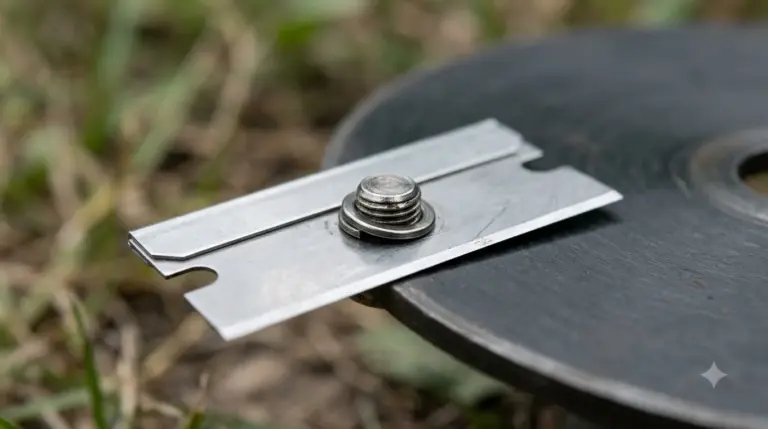
Physical damage is the clearest of the dull robot mower blades signs and the clearest reason to replace a blade. Mammotion says rounded, chipped or significantly rusted edges call for replacement, and cracked, bent or enlarged-hole blades are a safety risk. Eufy gives the same rule in plain terms: replace the blade when it is dull, bent, chipped or damaged.
- Rounded or chipped edge: Mammotion says to replace the blade.
- Heavy rust: Mammotion says significantly rusted edges mean replace.
- Crack or bend: stop using the blade until it is replaced.
- Enlarged mounting hole: Mammotion lists this as dangerous, so replace the blade.
Sign 5: Noise and imbalance
Grinding or clacking is not always one of the dull robot mower blades signs, because it can point to an unbalanced or loose blade rather than a dull edge. Mammotion says noise may come from an unbalanced blade, a worn part or a loose screw, so check the mounting before you assume the edge is the cause.
Mammotion also warns that a bent blade creates a significant weight imbalance, and old washers left on the disc can stop a new blade from pivoting correctly. Remove old washers before fitting a replacement, as covered in our guide on how to change robot mower blades.
Dull robot mower blades signs: how often to check and replace
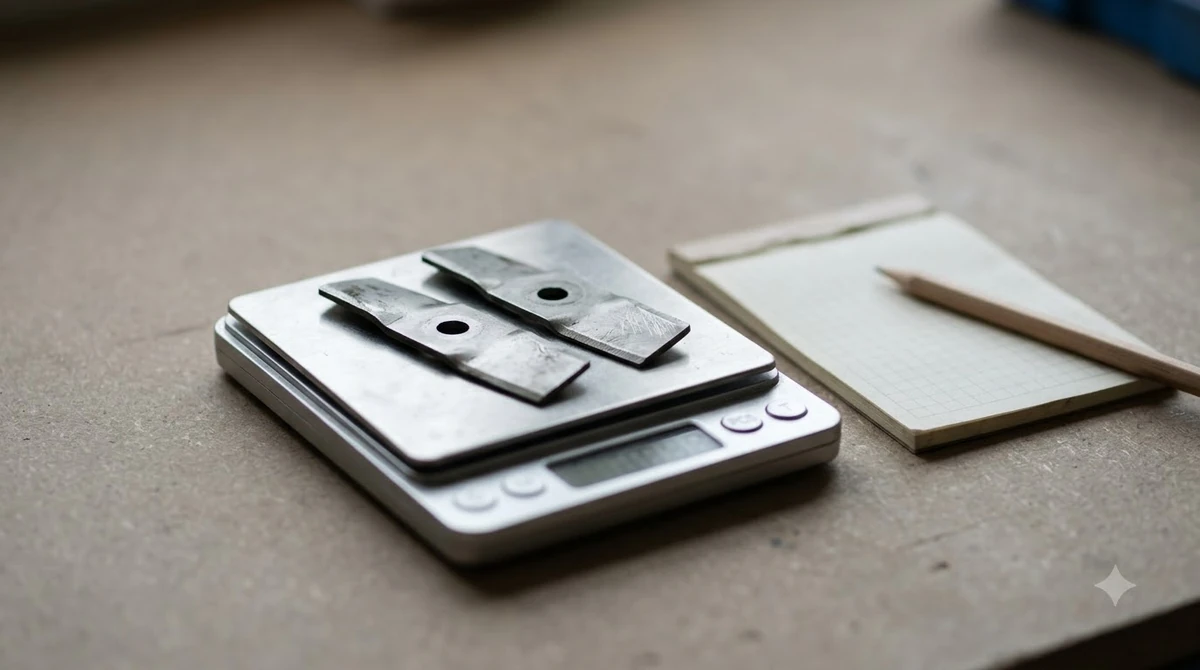
Manufacturer intervals are the best starting point for checking dull robot mower blades signs, but they vary by disc type and by the amount of mowing. Check each figure against your model’s manual, and see how often to replace robot mower blades for the wider picture, before you set a reminder.
| Source or disc | Stated interval |
|---|---|
| Husqvarna main disc (normal conditions) | 3 to 6 weeks |
| Husqvarna EdgeCut disc | 9 to 12 weeks |
| Mammotion general guidance | Every 3 months or after 150 hours, or sooner if cutting quality drops |
| Robomow knife plate blades | Usually 1 to 3 months |
| Eufy blades | No reliable calendar rule; replace when dull, bent, chipped or damaged |
Our reading of these figures is that the blade’s condition matters more than the calendar, so use the dull robot mower blades signs as the trigger. Use the interval as a reminder to inspect, then replace the blade when one of the signs above appears.
Sharpen or replace: what the sources say
For most robot mowers, the manufacturer advice on dull robot mower blades signs is to replace the blade rather than sharpen it. Husqvarna’s support page recommends replacement and does not mention sharpening. Mammotion does not recommend sharpening thin robot blades because of the imbalance risk.
| Option | What the sources say |
|---|---|
| Replace the blade | Husqvarna and Eufy direct owners to replace worn or damaged blades |
| Sharpen the blade | Virginia Tech suggests sharpening standard mower blades at least three times per growing season, with balancing afterward |
| Sharpen a thin robot blade | Mammotion does not recommend it because of imbalance |
The Virginia Tech guidance covers standard lawn mower blades, not the thin disposable blades used in most robot mowers. For a robot mower, the safer default is replacement. Our blade sharpening or replace guide goes deeper on what each maker says.
Safe inspection before you touch the blades
Turn the mower off before you check the blades for dull robot mower blades signs. Husqvarna tells owners to set the mower to OFF before handling the blades and to wear protective gloves, and our list of cut-resistant gloves for changing robot mower blades covers what to check.
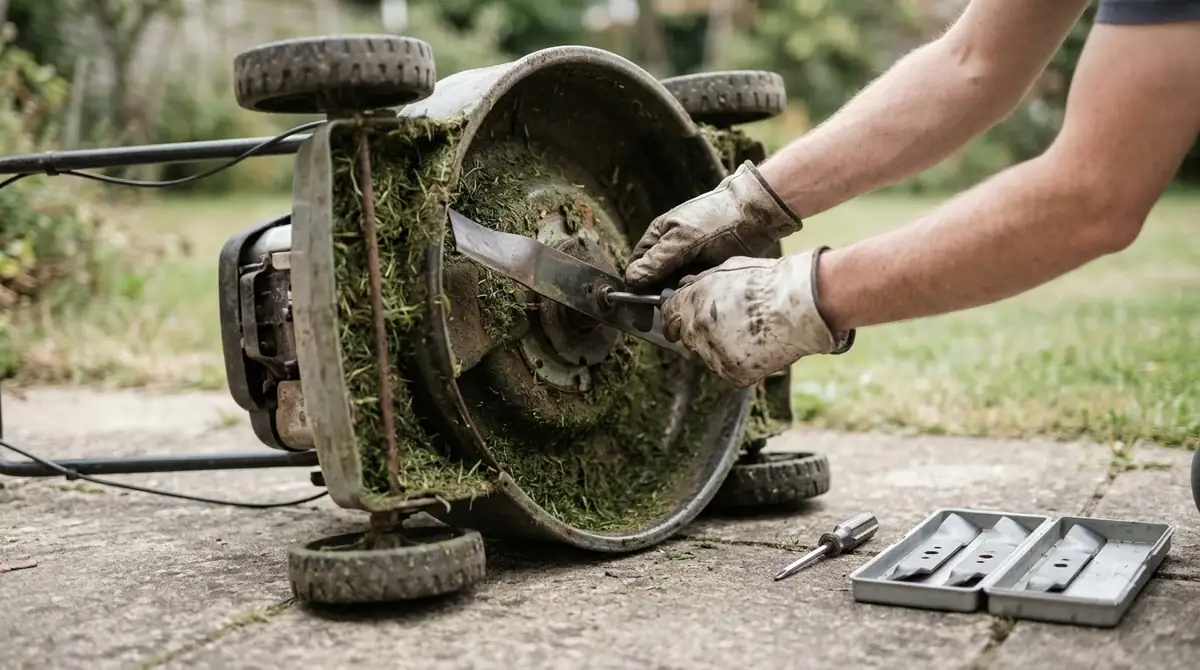
- Set the mower to OFF. Confirm it is not running before you lift the cover or reach under the deck.
- Put on protective gloves. Blade edges can cut even when they look worn.
- Look at the tips and edges. Check the grass tips after a mow, then the blade for rounding, chips, rust, cracks or bends.
- Check the mounting. Look for a loose screw, an old washer or a blade that does not pivot freely, and confirm which replacement blades fit your model before you order.
- Replace the blade if a sign appears. Mammotion calls cracked or bent blades dangerous, so do not use them.
Frequently asked questions
Can a dull robot mower blade cause brown grass?
Yes. The UC IPM turf page says torn leaf tips eventually turn yellow to brown and die. It also says injured turf is more susceptible to drought or disease, so a dull blade can add stress to the lawn.
How often should I check robot mower blades?
Check the blades for dull robot mower blades signs every few weeks during the mowing season. Husqvarna gives 3 to 6 weeks for main disc blades, and Mammotion suggests every 3 months or after 150 hours, or sooner if cutting quality drops.
Do I need to sharpen robot mower blades?
Most robot mower manufacturers recommend replacement when the dull robot mower blades signs appear. Virginia Tech’s sharpening advice is for standard lawn mower blades, and Mammotion advises against sharpening thin robot blades because of imbalance.
Is a noisy blade always a dull blade?
No. Mammotion says grinding or clacking can come from an unbalanced blade, a worn part or a loose screw. Check the mounting and balance before you assume the cutting edge is the cause.
Sources
- Husqvarna Automower blade support page (manufacturer): replacement signs, intervals, set mower to OFF.
- Mammotion blade change guide (manufacturer): uneven patches, edge damage, noise, interval and imbalance.
- UC IPM, dull mower blade injury (university extension): gray lawn, torn tips, disease susceptibility.
- Virginia Tech News, sharpen lawn mower blades (university extension): torn grass, brownish-white cast, sharpening frequency.
 Up next7 min readGearRobot Mower Blade Sharpening or Replace: What the Makers SayUpdated Nov 11, 2026
 9 min readGearRobot Mower Blade Screws Replacement: When to Change ThemUpdated Nov 11, 2026
 7 min readGearRobot Mower Wheel Replacement: When to Swap and What to CheckUpdated Nov 11, 2026
 7 min readGearBest Cut Resistant Gloves for Changing Robot Mower Blades: What to CheckUpdated Nov 11, 2026
 8 min readGearUniversal Robot Mower Blades: What Fits and What to CheckUpdated Nov 11, 2026
 8 min readGearStainless Steel Robot Mower Blades: What the Sources ShowUpdated Nov 11, 2026