
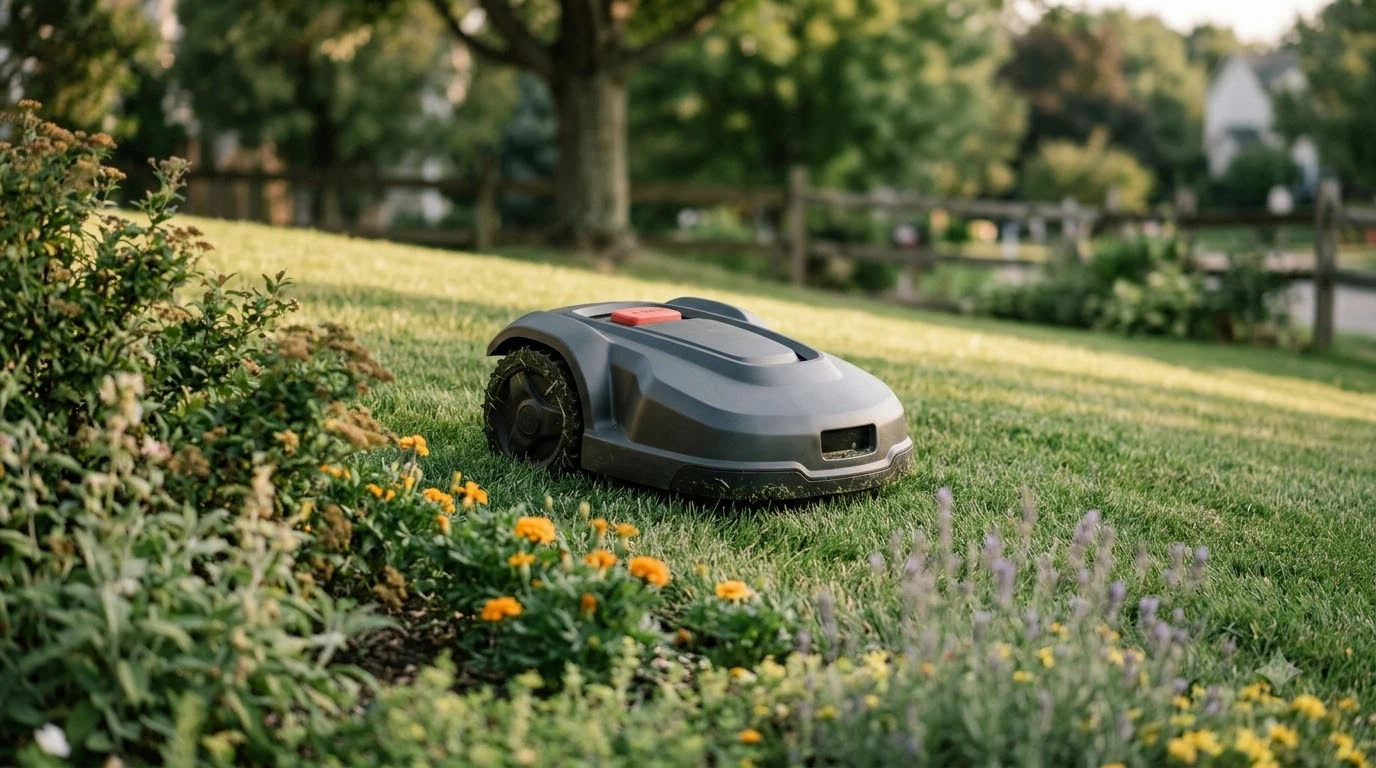

A Worx Landroid “no wire signal” alert means the mower cannot detect its boundary wire. On wired models, the charging station sends a signal around the perimeter loop, and the mower uses it to know where its area ends. A loose clamp, a damaged section or a mower parked outside the area can all trigger the alert. Worx’s own wiki groups these problems under error E1, which covers a wire the mower cannot detect or an exit from the working area.
The short answer
- Meaning: a Worx Landroid no wire signal alert means the mower cannot read the boundary signal from the charging station.
- First check: confirm whether the mower is inside or outside the working area when the alert appears.
- Split the problem: a 3 m (10 ft) test loop shows whether the existing wire is at fault.
- Find a break: check old repair spots first, then walk the wire with an AM radio tuned near 700 kHz.
- Wire-free models: Worx’s Vision AI page says they need no boundary wire, so this alert does not apply to them.
What the Worx Landroid no wire signal alert means
On wired Landroid models, the boundary wire is a loop that runs around the lawn and ends at the charging station. The station sends a signal through that loop, and the mower follows it to find the edge of its area. When the mower cannot detect the loop, it stops and shows an error. Worx’s wiki lists this as error E1, described as the mower being unable to “detect the boundary wire or leaves the designated area.”
The on-screen wording can differ by model and firmware, so the exact text on your display may not read “no wire signal.” If your mower shows a wire or boundary alert, the wiki’s E1 steps are the right starting point. The alert is about signal detection, so the cause can sit in the wire, the charging station connection, or the mower’s position.
Check the basics before you open the wire
Start by checking where the mower is when a Worx Landroid no wire signal alert appears. Worx’s E1 page gives one first step: check whether the mower is inside or outside the designated working area. Our reading is that a mower parked on the far side of the loop, or one that has drifted over the edge, can show the same alert even when the wire is intact.
Next, look at the charging station. The wire ends must sit firmly in the clamps. Our reading is that a loose or corroded clamp can interrupt the loop just as a cut does, so clean any corrosion off the contacts and push the wire fully into each clamp before you restart the station.
- Note the mower’s position. Is it inside the area, outside it, or on the edge when the alert appears?
- Check the clamps. Make sure both wire ends are seated and not corroded.
- Restart and recheck. Our reading is to restart the mower after the clamps are checked, then see if the alert returns.
If the alert stays after these checks, the wire itself is the likely cause, and the next step is a test loop. A mower that also fails to find its base is a separate issue, covered in Landroid docking problems.
Run a test loop to split the problem
A short test loop separates a station or mower fault from a fault in the outdoor wire, which is the quickest way to narrow down a Worx Landroid no wire signal alert. Worx’s test-loop procedure uses about 3 m (10 ft) of boundary wire, which is enough to form a small circle on the grass.
- Cut a test wire. Use about 3 m (10 ft) of boundary wire.
- Connect it. Strip both ends and insert them into the clamps on the charging station.
- Lay it in a circle. Place the wire on the ground in a loop.
- Test the mower. Park the mower on its base inside the loop and see whether the error persists.
- Read the result. If the error clears, the problem is the existing boundary wire and needs further inspection.
The test-loop page also explains the LED. A green LED with the error showing means the charging station recognizes the wire. Worx notes the signal may still be too weak for the Landroid to detect, so a green light does not rule out a damaged loop. Treat green as a partial pass, not a full one.
Find a break in the boundary wire
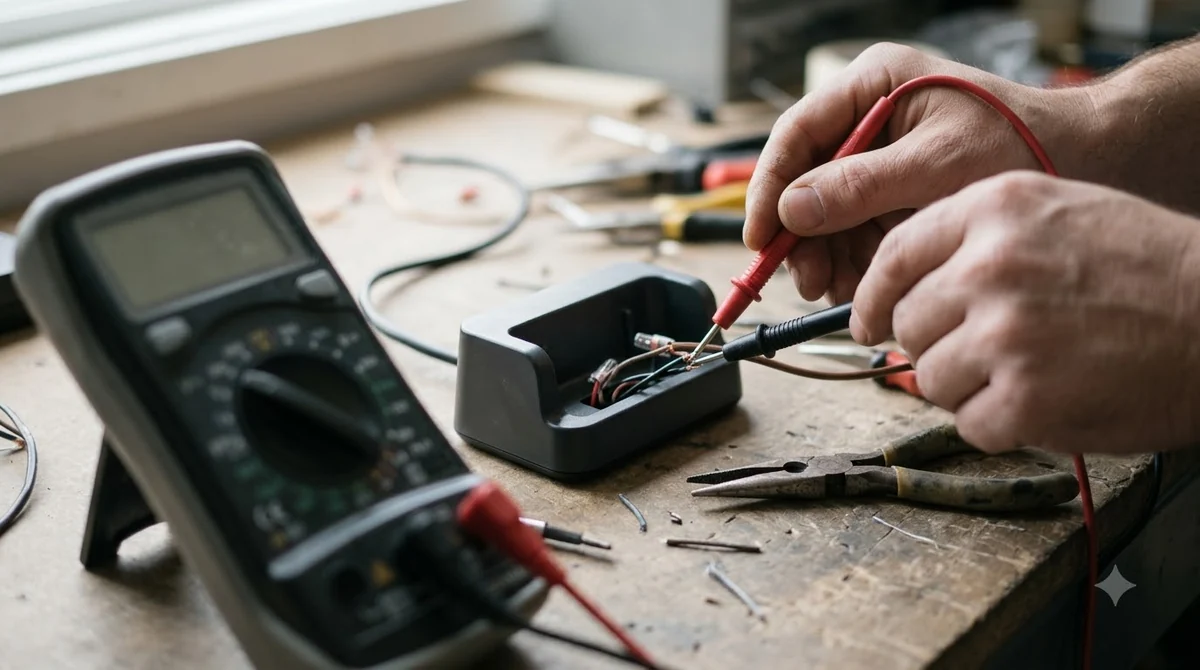
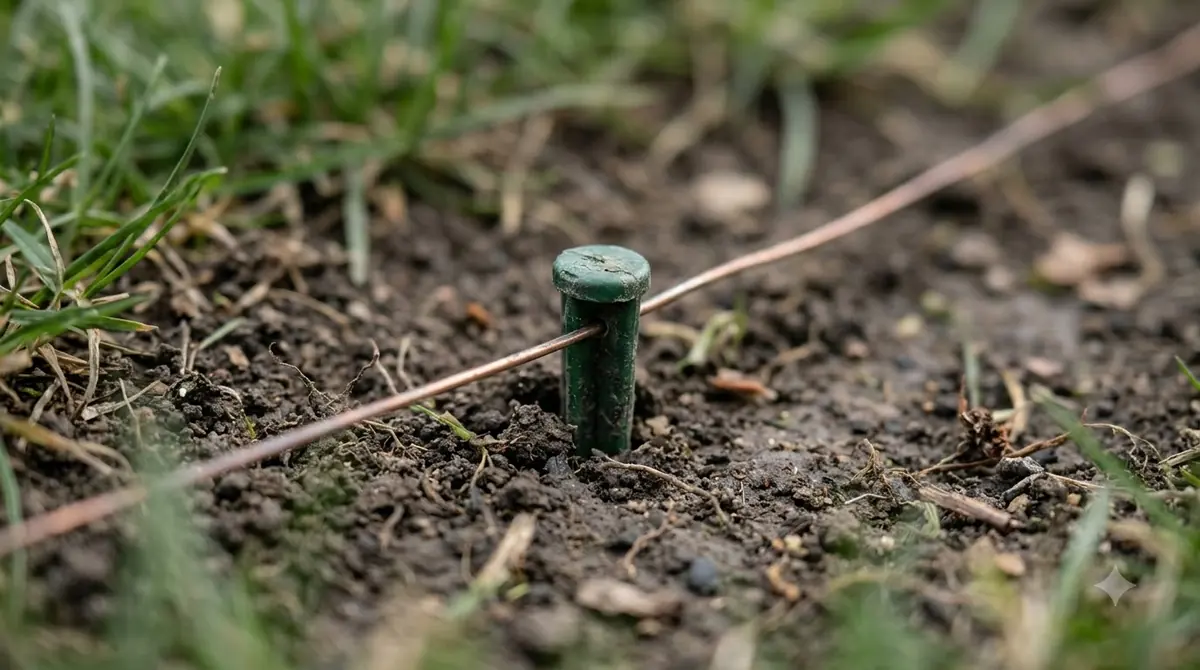
If the test loop clears the Worx Landroid no wire signal alert, the break is somewhere in the outdoor loop. Worx’s locating guide starts with the places most likely to be damaged: earlier wire repairs, then any odd scratches or marks on the ground. Our reading is that spots where the wire runs close to the surface are the likeliest places for outdoor damage.
- Old repair sites first. Worx says that if you have repaired the wire before, inspect those areas first.
- Visible damage second. Look for scratches, marks or a spot where the wire has been pulled out of the soil.
- AM radio third. Worx describes tuning a portable AM radio to about 700 kHz, away from stations, with the antenna extended and angled toward the ground.
With the radio, walk along the wire. Worx says the interference noise gets louder as you approach the wire and quieter at the damaged spot. A loop wire break detector, used according to its maker’s instructions, is the other option Worx lists. Our reading is that a proper wire connector is a better repair than tape, and that the loop should be retested before the mower returns to its normal area. For other brands, see locating a break in robot mower wire for the general method, and waterproof wire connectors for the usual repair part.
If the perimeter needs more wire, Worx sells a Boundary Wire Kit that extends the boundary by an additional 165 feet, along with wire connectors and a lawn stake kit. Check the kit’s model fit before you buy, since accessory lists change between regions.
When a wire-free Landroid avoids this alert
Wire-free Landroid models do not use a boundary wire, so a Worx Landroid no wire signal alert cannot appear for them. For the wider trade-offs, see wire-free versus boundary wire robot mowers. Worx’s Vision AI page says the mower “doesn’t need boundary wires, RTK antennas or radio beacons.” Worx’s US lineup also lists RTK models that have no antenna to install, along with the WR220 AI model that needs no mapping.
Wire-free does not mean trouble-free. RTK positioning depends on satellites. According to Trimble’s GNSS guide, obstructions limit the visible satellites and can cause multipath errors, and RTK needs at least 5 common satellites to initialize and at least 4 tracked afterward. Sunseeker advises a base station with a clear view of the sky, ideally a 160 degree vertical view, away from walls and roof eaves.
| Setup | Boundary wire | Main failure point |
|---|---|---|
| Wired Landroid | Yes | Wire breaks, clamp connections, mower position |
| RTK Landroid | No | Sky view at the base station, satellite visibility |
| Vision AI Landroid | No | Not stated on Worx’s page; check the model manual |
What to check before you buy a wired or wire-free model
The choice depends on your yard and on how much fault finding you want to do when a Worx Landroid no wire signal alert appears. A wired model needs a one-time installation, then ongoing care for the loop. A wire-free model removes the wire from the equation but adds a base station or camera setup with its own placement rules.
- Yard shape. Our reading is that wired loops suit yards with clear, reachable edges, while wire-free models suit yards with many beds and obstacles that are hard to fence.
- Sky view. If trees or walls block the base station site, RTK may struggle. Look at the base position before buying.
- Repair tolerance. Our reading is that wired owners should expect to find and splice breaks at some point, so spare connectors and a short test wire are worth keeping on hand.
- Manual. Check the model’s own manual for the alert list, since E1 and other codes differ between Classic and newer models. If you are still choosing, see choosing a Worx Landroid model.
Frequently asked questions
Does a Worx Landroid need a boundary wire?
Only wired models do. Worx’s Vision AI page says that model “doesn’t need boundary wires, RTK antennas or radio beacons.” Wired Landroid models rely on a perimeter loop from the charging station, and that loop is what the wire alert refers to.
What should I check first when the alert appears?
Check whether the mower is inside or outside the designated working area. Then check that both wire ends are firmly seated in the charging station clamps and free of corrosion. These two checks cover the first step Worx lists for E1.
What does a green LED on the charging station mean?
According to Worx’s test-loop page, a green LED means the charging station recognizes the wire. The signal may still be too weak for the mower to detect, so green alone does not confirm a healthy loop.
How do I find a break in the boundary wire?
Start with old repair sites and visible damage. If a Worx Landroid no wire signal alert persists, Worx describes an AM radio tuned near 700 kHz: the noise gets louder as you approach the wire and quieter at the damaged spot. A loop wire break detector is another option.
Sources
- Worx Landroid wiki, Error E1 (Worx): E1 description and the inside or outside first check.
- Worx Landroid wiki, test the boundary wire with a test loop (Worx): test wire length, steps and green LED meaning.
- Worx Landroid wiki, locate a damaged spot in the boundary wire (Worx): repair-site check and the 700 kHz AM radio method.
- Worx Landroid lineup (Worx): RTK models with no antenna to install, and the WR220 AI model.
- Worx Landroid Vision AI page (Worx): vendor statement that no boundary wire is needed.
- Worx robotic mower accessories (Worx): Boundary Wire Kit extension of 165 feet.
- Trimble, position modes and critical factors for RTK (Trimble): obstructions, multipath and satellite counts.
- Sunseeker, what is RTK technology (manufacturer): base station sky view and walls or roof eaves.
 Up next8 min readLearnHusqvarna Automower No Loop Signal: Causes and FixesUpdated Nov 11, 2026
 9 min readLearnAnthbot M5 RTK Station Setup Problems: Causes and FixesUpdated Nov 11, 2026
 8 min readLearnSegway Navimow Vision Fence Not Working: Causes and FixesUpdated Nov 11, 2026
 8 min readLearnMammotion Luba Stuck at Charging Station: Causes and FixesUpdated Nov 11, 2026
 9 min readLearnRobot Mower Lifted Error Keeps Appearing: Causes and FixesUpdated Nov 11, 2026
 7 min readLearnRobot Mower Stuck in the Same Spot? Causes and FixesUpdated Nov 11, 2026