
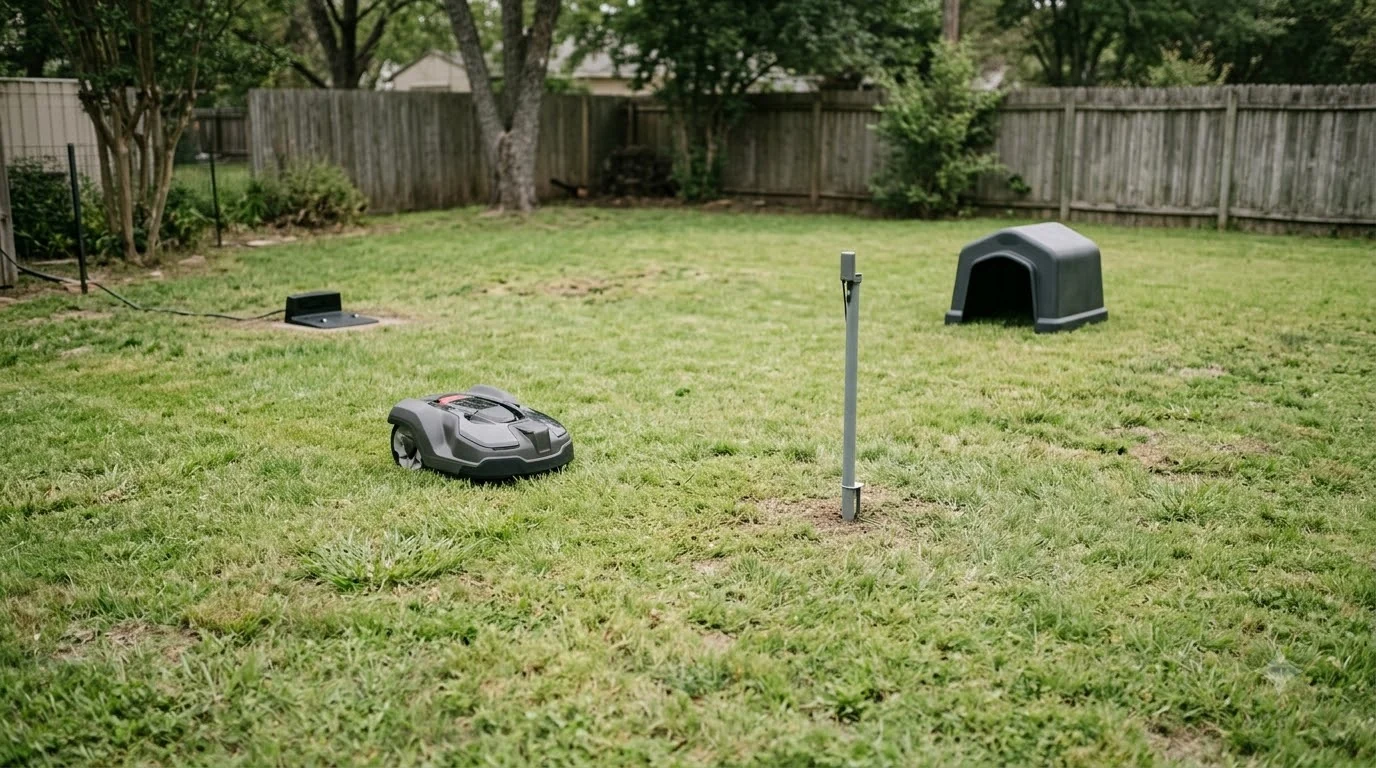

This Segway Navimow X3 review covers a series of large-lawn robot mowers, and the specs change by model. The series covers lawns from about 1,500 m² on the X315 up to 10,000 m² on the X390, with a 20-70 mm cutting height, dual RTK/GPS navigation and a front camera. Start by matching the model to your lawn size, then check the specs and the independent review before you buy.
The short answer
- Model choice comes first. Segway rates the X315, X330, X350 and X390 at 1,500, 3,000, 5,000 and 10,000 m².
- Cutting height is 20-70 mm on all four models in the data sheet used by Notebookcheck.
- Navigation combines RTK/GPS with a VisionFence camera that the manufacturer says recognizes more than 180 common yard objects.
- The one independent Segway Navimow X3 review we found, of the X315, praised navigation on large gardens and flagged edge offset and the price.
- Before buying, check the coverage rating, the cellular fee and the support articles on GPS and app connection.
Segway Navimow X3 review: which model fits your lawn
The X3 name covers four models that share a body design and most navigation hardware. What changes is the area each one is rated for, the top speed and the battery size. The table below uses the rated areas from Segway’s Australian product page and the battery and speed figures from the Notebookcheck data sheet. Both are manufacturer or reviewer figures, so confirm them on the page for your own market.
| Model | Rated area | Max speed | Battery |
|---|---|---|---|
| Navimow X315 | 1,500 m² | 0.8 m/s | 6 Ah |
| Navimow X330 | 3,000 m² | 0.8 m/s | 8 Ah |
| Navimow X350 | 5,000 m² | 1.0 m/s | 10 Ah |
| Navimow X390 | 10,000 m² | 1.0 m/s | 12.8 Ah |
As a rough guide, 1,500 m² is about 0.37 acres and 10,000 m² is about 2.5 acres. Our reading is that the rated area is a ceiling, not a target. Lawns with many beds, slopes or tight corners use more of the mower’s battery per square meter than an open rectangle, so a model with a higher rating usually leaves more margin.
Cutting height, width and slope
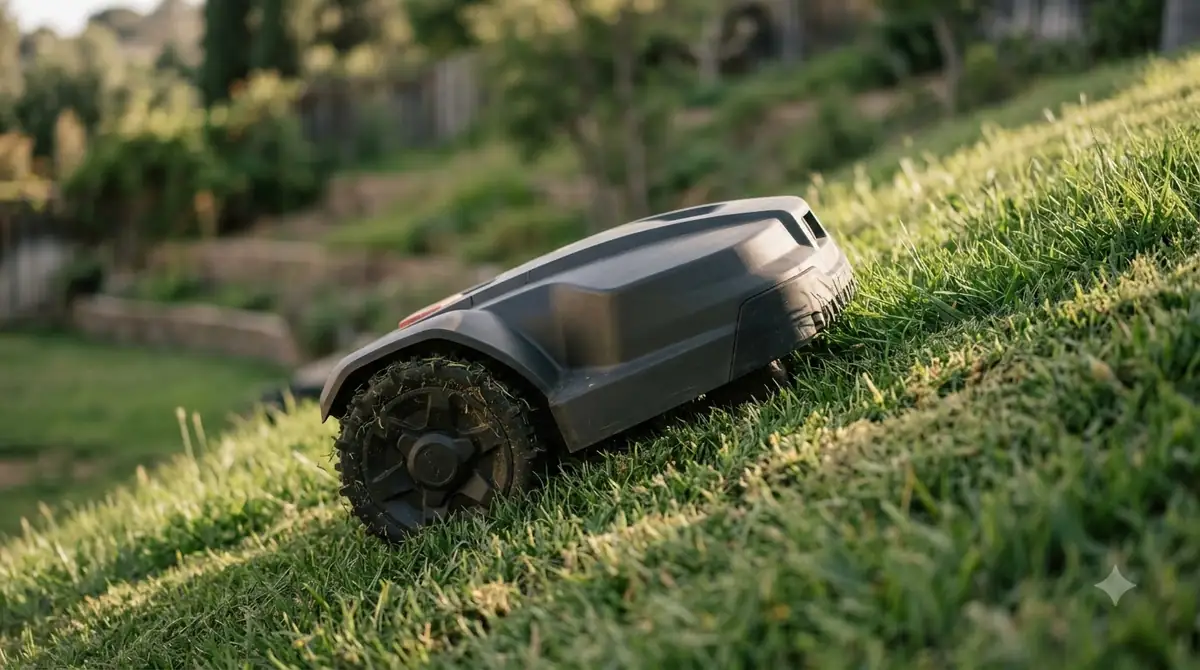
The cutting height range is 20-70 mm for every X3 model in the Notebookcheck data sheet, and the reviewer notes that the app adjusts it in 5 mm steps. The cutting width is 23.7 cm, and the listed weight is 19.6 to 19.9 kg depending on model. Segway’s listed slope rating is 50% (26.5 degrees) for the mowing area. That is a manufacturer claim. The reviewer of the X315 said they could not reliably confirm it on their own test ramp, so treat the figure as a claim until you see it on your own slope.
Slope is the figure to read most carefully. Wet grass and loose soil reduce grip on any robot mower, so our reading is that a slope near the rated 50% limit deserves a cautious first run in dry weather before you rely on it. Our Navimow i110N vs X3 comparison shows how the larger series differs from the smaller i110N.
Navigation: RTK, GPS and the camera
Segway describes the X3 navigation as EFLS 3.0 with dual RTK signal support and triple-frequency observation. The manufacturer also says Network RTK access is included at no extra cost. Segway’s own support articles tie a weak GPS signal to the antenna and charging station placement, so our reading is that the spot you pick for the charger matters as much as the hardware. Our how to set up an RTK robot mower guide covers antenna placement, and the RTK vs vision robot mower comparison explains how the two navigation methods differ.
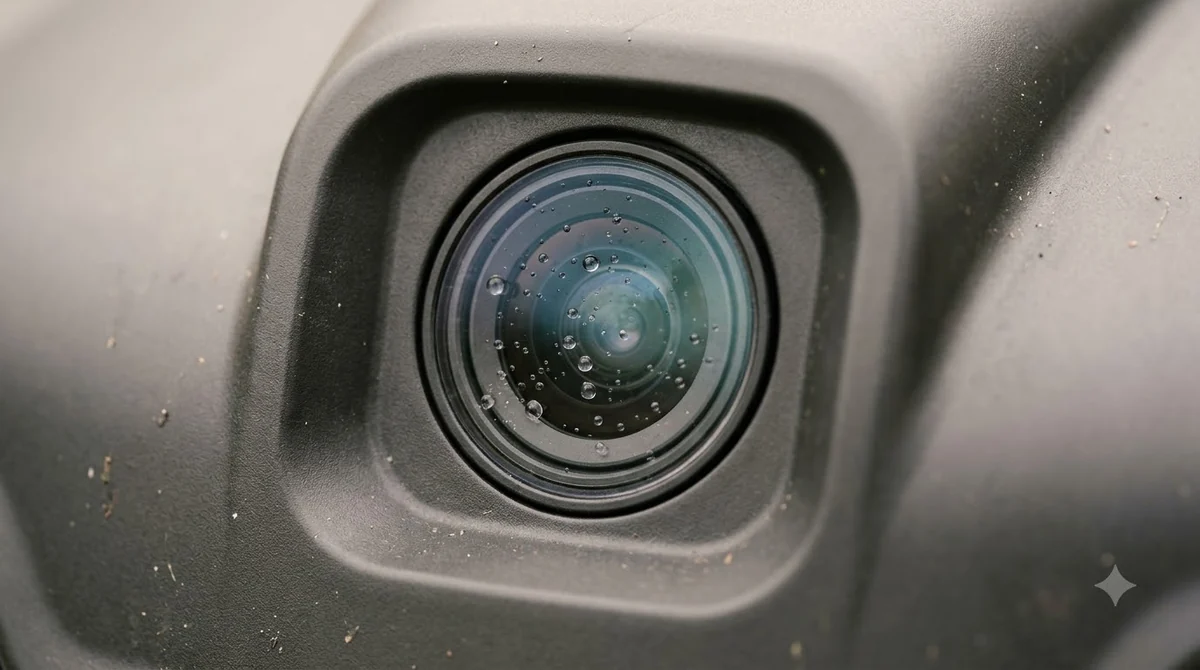
The VisionFence system uses a time-of-flight sensor with a 0.1-2 m range, three cameras and a 300° field of view. Segway says it detects more than 180 yard object types and more than 24 animal types, and it can detect a person up to 3 m away and slow to 0.2 m/s. The camera works in low light too, with a stated night perception distance of 1.8 m. Keep the lens clean, because Segway’s mowing-path guidance links a dirty lens and bare patches to unexpected avoidance. A robot mower camera lens cleaning kit is the simple accessory for that job.
Edge mowing and obstacle handling
Edge cutting is where the reviewer’s notes are most specific, so they are worth reading before you decide. In the X315 test, the edge disc offset the cut about 9 cm inward, and at least 10 cm of lawn stayed uncut if the edge was not prepared. The reviewer also noted that obstacle avoidance cannot be switched off when mowing edges, and that auto-mapping could be more sensitive at high speed.
In the same review, the X315 missed a small tennis ball on one of three attempts. The reviewer still rated the obstacle detection as strong overall. Our reading is that a yard with many small toys or loose hoses should be cleared before each mow, whatever the model. If the X3 looks too big for your yard, our best alternatives to Segway Navimow guide lists other options.
What the independent Segway Navimow X3 review found
The Notebookcheck review of the X315, published July 1, 2025, is the only independent review we read for this series. It is one reviewer testing one model, so read these points as observations, not as a verdict on the whole X3 range.
- Reviewer pros: suited to very large gardens, systematic and reliable navigation, strong obstacle detection, high working speed, an optional trimmer module for edges, and a large, easy-to-read display.
- Reviewer cons: expensive, and the side trimmer module was not yet available at the time of the review.
- Reviewer figures: about two hours of runtime in normal mowing, covering 400+ m² per charge; about one hour to charge; noise around 55 dB, depending on activity.
- Cellular fee: the reviewer noted about $30 a year for 4G service after the first year. Check the current fee on Segway’s site, since it can change.
Setup checks from Segway’s support pages
Segway’s X3 support articles cover the issues owners ask about most. A flashing yellow light means a weak GPS signal, and Segway advises moving the antenna and charging station to an open area until the light turns blue. When the app shows Mower Disconnected, the first checks are power, Wi-Fi strength and the 4G setting under the mower’s network options. If the mower stops on the way back to the charger, Segway’s advice is to update the firmware and clear any obstruction on the path. For a missed patch of lawn, the support article lists causes such as a non-grass area inside the VisionFence zone and a narrow passage.
For most buyers, the practical question is not whether a Segway Navimow X3 review praises the hardware, but whether the lawn layout suits the mower. Our reading is that the navigation and edge notes above matter more for a yard with many beds, trees and boundary corners than the headline speed or battery figure. A clear plan for the charging station and the edge strip will do more for the result than any single spec.
What to check before you buy
Our reading of the evidence is a short checklist rather than a ranking, and it applies to any Segway Navimow X3 review you read:
- Match the area rating to your lawn. Measure the lawn, then add room for beds and slopes. Pick the next model up if the lawn sits near the rating.
- Confirm the spec for your market. Ask the seller or check the regional spec page for battery, slope and noise, since the figures above vary by model and region.
- Check the site for RTK and antenna. Look at the sky view from the charging station and decide whether you need the antenna accessory.
- Plan the edges. Budget for hand trimming along the boundary, because the reviewer’s edge offset leaves a strip uncut.
- Factor in the running cost. Add the cellular fee and any accessory prices to the purchase price, and confirm both on the seller’s page.
Frequently asked questions
Which Navimow X3 model is right for a half-acre lawn?
A half-acre is about 2,000 m², which is above the X315’s 1,500 m² rating. Our reading is that the X330, rated at 3,000 m², leaves more margin for beds and slopes.
What cutting height range does the Navimow X3 offer?
The data sheet used by Notebookcheck lists 20-70 mm for all four X3 models, adjusted in 5 mm steps in the app.
Does the Navimow X3 need an internet connection?
For a Segway Navimow X3 review of connectivity, the app and the RTK service depend on a connection. The support articles name Wi-Fi and a 4G setting as options when the app shows Mower Disconnected.
Can I trust the 50% slope rating?
It is the manufacturer’s claim for the mowing area. The independent reviewer of the X315 could not reliably confirm it on a test ramp, so check the slope in your own yard before relying on it.
Sources
- Navimow X3 series page, Segway Navimow (Australia) (manufacturer): rated areas by model, RTK, VisionFence and obstacle avoidance figures.
- Notebookcheck review of the Navimow X3 (independent reviewer, X315 model): data sheet for all four models, test notes, pros, cons and dates.
- Segway support: X3 position on the app (manufacturer): flashing yellow light and antenna placement.
- Segway support: area missed out (manufacturer): causes of missed patches and VisionFence zones.
- Segway support: mowing path is abnormal (manufacturer): bare patches, lens cleaning and avoidance.
 Up next9 min readReviews & CompareSegway Navimow i110N vs X3: Which Lawn Size and Specs Fit YouUpdated Nov 11, 2026
 9 min readReviews & CompareSegway Navimow X3 Problems and Complaints: What the Support Pages ShowUpdated Nov 11, 2026
 8 min readReviews & CompareSunseeker Elite X5 Review: Specs, Versions and LimitsUpdated Nov 11, 2026
 7 min readReviews & CompareHookii Neomow X SE Review: 0.75-Acre Specs and Slope LimitsUpdated Nov 11, 2026
 7 min readReviews & CompareMOVA LiDAX Ultra 2000 Review: Specs, Slope and LimitsUpdated Nov 11, 2026
 8 min readReviews & CompareRobot Mower Owner Reviews After 2 Years: What to CheckUpdated Nov 11, 2026