
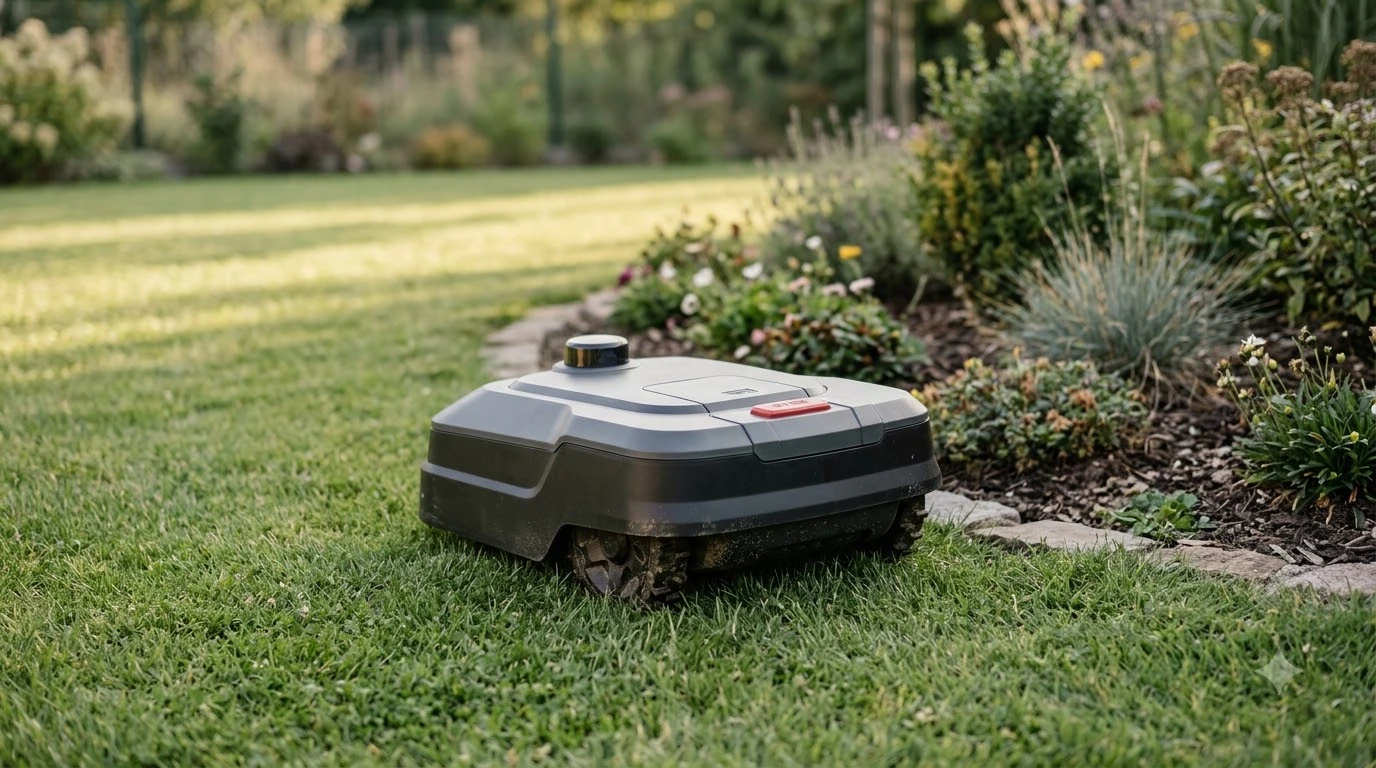

This Worx Landroid Vision review uses Worx’s published specs: the WR340 is rated for 1 acre, a 30% slope and RTK Cloud navigation. The Vision name covers five models, so check the model number first. The main trade-offs are the charging base rules and the camera-based docking that Worx support pages describe.
The short answer
- Lineup: four Vision Cloud models with RTK navigation at 1/4, 1/2 and 1 acre, plus a 4WD 1/4 acre model, and one Vision AI model at 1/2 acre.
- WR340 specs: 1 acre recommended lawn, 30% (17 degree) maximum slope, 8.7 in cutting width, 60 minute charge.
- Setup limit: Worx asks for a flat, hard charging spot with a 2 m straight approach in front.
- Our reading: match the model’s lawn size and slope limit to your yard before comparing prices. No independent test data is cited here.
The Vision lineup: five models, two navigation types
Worx lists five Vision models, with recommended lawns from 1/4 acre to 1 acre. Four use RTK Cloud positioning, and one uses AI vision with a 1/2 acre rating.
| Model | Recommended lawn | Navigation |
|---|---|---|
| WR310.1 (Vision Cloud) | 1/4 acre | RTK Cloud |
| WR320.1 (Vision Cloud) | 1/2 acre | RTK Cloud |
| WR340 (Vision Cloud) | 1 acre | RTK Cloud |
| WR341 (Vision Cloud 4WD) | 1/4 acre | RTK Cloud |
| WR220 (Vision AI) | 1/2 acre | AI vision |
Worx describes the Cloud models as having “Centimeter-level RTK precision” and “No antenna to install.” For the WR220, it says “No mapping required.” The two navigation types are not the same, so compare model numbers rather than the Vision name alone.
WR340 specs: what the 1 acre model lists
The WR340 is rated for 1 acre, climbs a 30% (17 degree) slope and weighs 30.9 lb with its battery, according to Worx’s US product page for the 1 acre model.
| Spec | Listed value |
|---|---|
| Recommended lawn | 1 acre |
| Maximum slope | 30% (17 degrees) |
| Cutting height | 1.57 to 3.54 in, electric adjustment |
| Cutting width | 8.7 in |
| Weight | 30.9 lb with battery |
| Battery | 20 V 5 Ah, model WA3675 |
| Charge time | 60 min at 3 A |
| Connectivity | Bluetooth, Wi-Fi and 4G |
| Warranty | 3 Year Limited Warranty (shown as a link label) |
The page shows no price, so this Worx Landroid Vision review does not quote one. Check the warranty document for coverage terms, because the product page shows only the label. Cutting height is listed as a range, and the page does not state how many settings the range includes.
Navigation: RTK Cloud, a camera and no on-site antenna
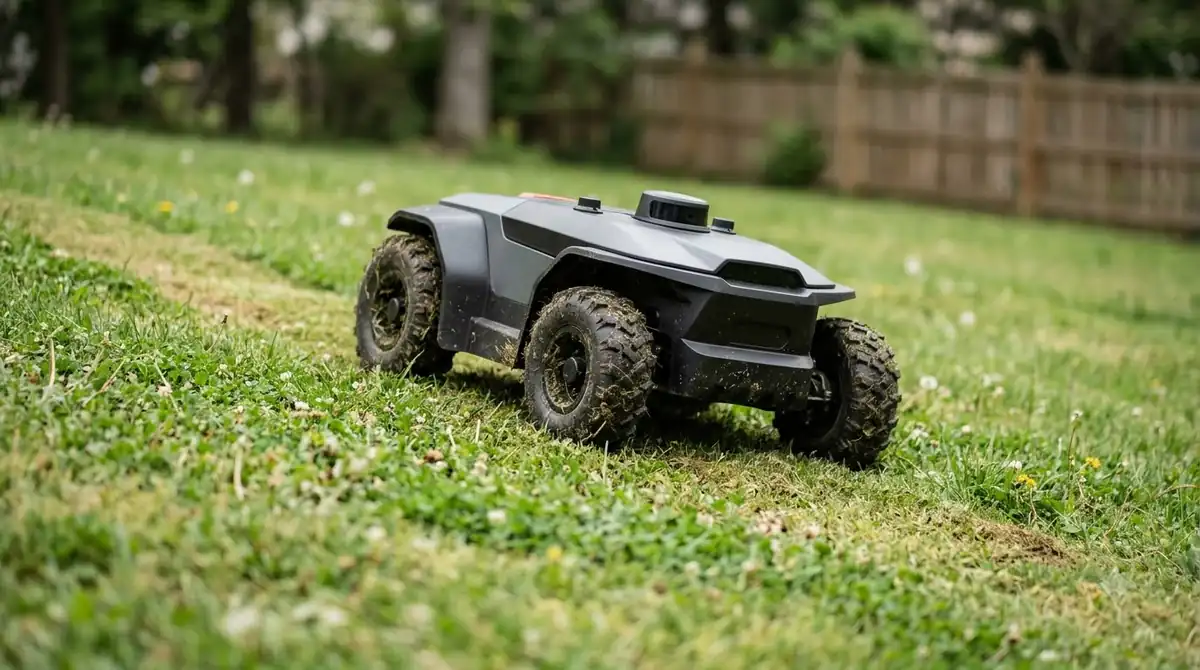
Worx says the WR340 uses cloud-delivered RTK positioning with no on-site antenna, plus a stereo camera and V-SLAM for shaded areas. The page states “No rooftop antennas. No lawn poles.”
The product and lineup pages we read do not mention a boundary wire for any model. Our reading for this Worx Landroid Vision review: confirm in the manual whether any wire is required before you assume a wire-free install. Worx does not list a satellite-coverage limit on the pages we read, so ask Worx support about tree cover before buying. Our RTK vs vision robot mower comparison explains why tree cover matters for each method.
Charging base: placement rules that affect docking
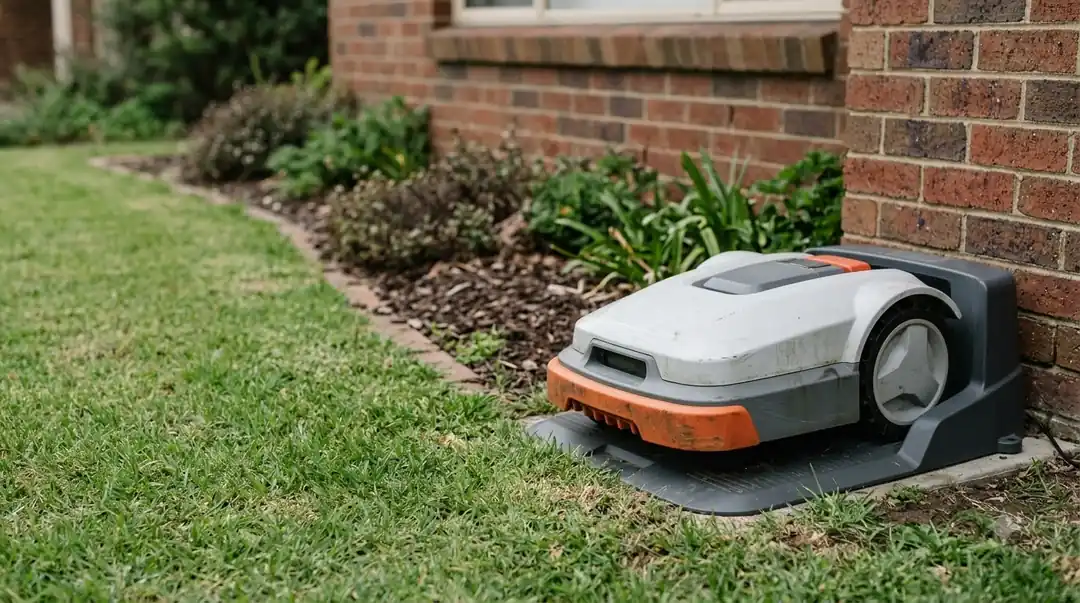
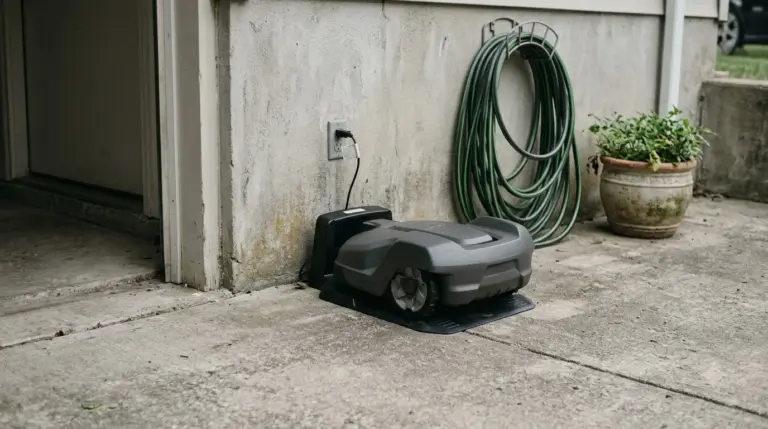
Docking is the area where this Worx Landroid Vision review relies most on Worx’s own pages. Worx’s installation guide asks for a flat, hard surface, a 2 m straight approach in front of the base and 1.5 m of clear space behind it. Those rules matter because docking depends on the base position.
Worx’s troubleshooting page says the mower cannot use Wi-Fi or Bluetooth to find the base and reads a QR code with its camera instead. Its error guide also says to move the base if the charging temperature is above 55 C or below 3 C, and to level it if it tilts more than 5 degrees, per the Worx E7 charging and docking page.
- Place the base on flat, hard ground and secure it with the supplied screws.
- Keep the QR code clean and visible, and keep the contacts clear.
- Choose a shaded spot where possible, as Worx’s installation guide prefers shade.
Heads up
These docking rules come from Worx’s own support pages. This review does not draw on user complaints, so it does not show how often docking problems happen.
Camera error E13: what Worx says to check
Worx’s E13 camera error page lists a loose camera cable, an open camera cover and outdated firmware as the main causes, with firmware 1.2.33 or newer as the target.
- Check the camera cable. Reconnect it gently if it has come loose.
- Close the camera cover tightly.
- Restart the mower.
- Check the firmware. Worx’s fix order calls for version 1.2.33 or newer.
The page does not say how to open the cover, where the cable sits, how to check the firmware version or which models it covers. Check the manual for those physical steps before you open the mower.
Setup before the first mow
Worx’s installation plan asks for grass below 9 cm before the first mow, a passage of at least 1 m and a charging cable of 10 m. Those numbers should be checked against your yard before you install the base.
Worx’s Wi-Fi setup page lists two bands, 2.4 GHz and 5 GHz, for the app connection. Confirm that your router broadcasts one of them where the mower will sit.
The WR340 page also lists 4G among its connectivity options. Our reading: 4G matters most when the router is far from the lawn, but the page does not say what data plan comes with it, so check that before you buy. Plan the outlet for the charging cable within the 10 m length Worx lists, since a longer run is not covered by the installation plan.
Worx Landroid Vision review: who each option suits
Based on Worx’s listed sizes, the 1/4 acre models suit smaller yards, and the WR340 suits lawns up to 1 acre. The WR341 is the only model Worx describes for slopes and steps. Our best Worx Landroid model to buy guide looks at the wider range.
Our reading: the 1/4 acre models have the smallest rated coverage in the lineup, so they leave the least room for slopes, obstacles and any separate zones. A 1/2 acre rating gives more headroom for a mid-size yard, but it still needs the same base placement and firmware checks described above.
Our reading: match the rated lawn size to your measured area, then leave headroom, because slopes and obstacles reduce real coverage. Worx gives no slope rating for the WR341 on the lineup page, so check its product page before choosing it for a steep yard. The WR220 suits owners who want no mapping, but it is rated for 1/2 acre. To see how Worx’s camera approach compares with other brands, read our eufy E15 vs Worx Landroid Vision and Worx Landroid vs Husqvarna comparisons.
Frequently asked questions
Does the Worx Landroid Vision need a boundary wire?
In this Worx Landroid Vision review, the Worx product and lineup pages we read do not mention a boundary wire for any Vision model. They describe the Cloud models as needing no on-site antenna. Confirm the setup requirements in the manual before you install, because the product pages do not list every step. For other options, see our guide to the best robot mower without a boundary wire.
What is the largest lawn the Worx Landroid Vision handles?
Worx lists the WR340 at 1 acre, the largest recommended lawn among the five Vision models on its lineup page. Measure your lawn first and keep headroom above that figure, since slopes and obstacles reduce real coverage.
What slope can the WR340 climb?
Worx lists a maximum slope of 30% (17 degrees) for the WR340. The lineup page gives no slope rating for the other models, so check each model’s product page before buying for a steep yard.
Why does a Worx Landroid Vision fail to dock?
Worx’s support pages point first to the charging base: a flat, hard surface, a clear approach and a charging temperature between 3 C and 55 C. Check those conditions, then clean the contacts and the QR code before you restart the mower.
Sources
- Landroid Vision Cloud 1 Acre (WR340) (Worx): recommended lawn, slope, cutting height and width, weight, battery, charge time, connectivity and warranty label.
- Landroid lineup (Worx): five Vision models, lawn sizes and navigation wording.
- E7 charging issues, temperature and docking errors (Worx wiki): temperature and tilt limits.
- Cannot find the charging base (Worx wiki): QR code and camera base finding.
- Installation: charging base (Worx wiki): flat surface, approach distances, shade.
- E13 camera error (Worx wiki): causes and fix order.
- Installation plan (Worx wiki): grass height, passage width, cable length.
- Wi-Fi setup (Worx wiki): 2.4 GHz and 5 GHz bands.
 Up next9 min readReviews & CompareWorx Landroid Vision Pros and Cons: What Reviews ShowUpdated Nov 11, 2026
 8 min readReviews & Compareeufy E15 vs Worx Landroid Vision: Lawn Size, Slope and SpecsUpdated Nov 11, 2026
 9 min readReviews & CompareHusqvarna Automower 115H vs Worx Landroid Vision: SpecsUpdated Nov 11, 2026
 10 min readReviews & CompareSegway Navimow i105N vs Worx Landroid Vision: Which Fits Your LawnUpdated Nov 11, 2026
 8 min readReviews & CompareWorx Landroid Vision Problems and ComplaintsUpdated Nov 11, 2026
 7 min readReviews & CompareBest Alternative to Worx Landroid: What the Published Specs ShowUpdated Nov 11, 2026