

Can you sell a used robot mower? Yes, but the buyer needs the app account removed, the PIN code, and the proof of purchase. Manufacturer support pages we read list similar steps for used units, though the exact steps vary by brand. Clear them before you list the mower, so the sale does not stall after payment.
The short answer
- App: remove the mower from your account so the buyer can add it to theirs.
- PIN: give the buyer the code, because app recovery is limited to people already linked to the account.
- Warranty: do not promise coverage, since one policy we read says the warranty is not transferable.
- Paperwork: keep the receipt, model number and serial number ready for the buyer.
Can you sell a used robot mower if the app is still linked?
Remove the mower from your app account before the handover, since the buyer needs to add it to theirs. A sale is smoother when the mower is no longer linked to your login. Husqvarna’s used-product guidance recommends that sellers remove the product from the Husqvarna Connect app if they added it earlier. The same guidance warns that otherwise you will continue to collect data from the product. It also says there is no need to reset the mower in any way, so the account and pairing steps matter more than a factory reset.
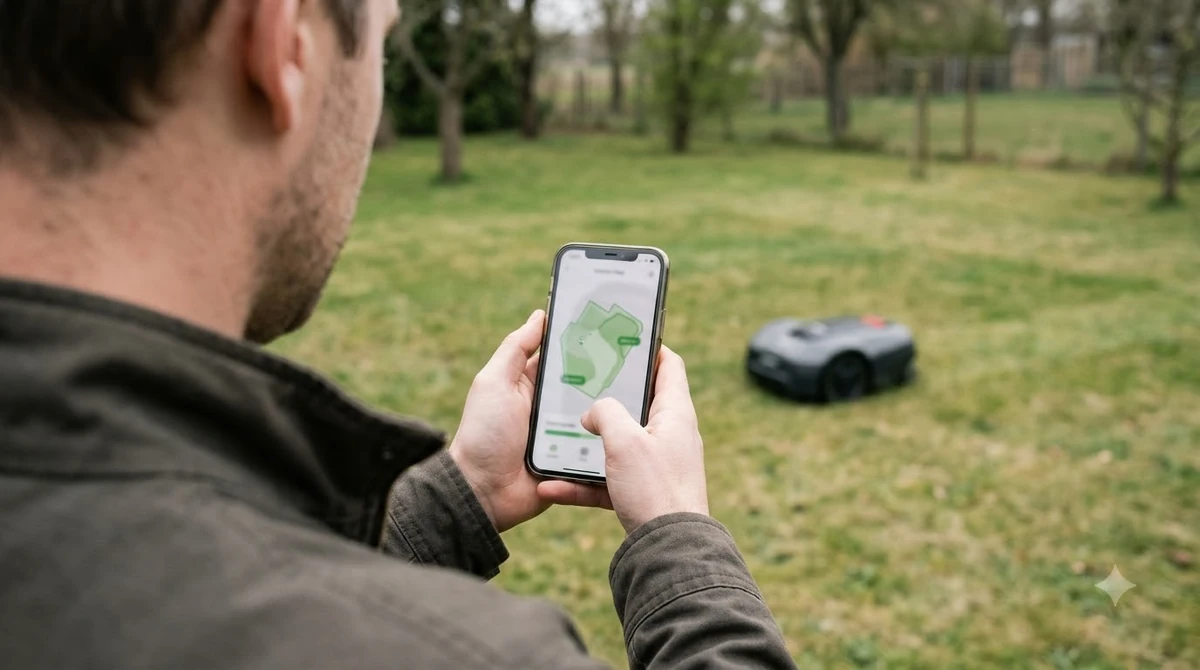
The same guidance says the same applies if you added the mower to Automower Connect, so remove it there too. For robotic mowers, the same guidance points to a separate step for removing pairings from the mower itself. Our reading is to do both before the buyer arrives, so the handover does not leave a paired mower behind.
The buyer has a matching task, covered from their side in buying a used robot lawn mower. The guidance asks the buyer to confirm that the previous owner removed the mower, then to add it to their own account. Usage statistics move to the buyer’s app automatically, but personal data does not.
Hand over the PIN code, or the buyer may be locked out
Make sure the buyer has the PIN before the sale closes, because a new owner cannot easily recover it on their own. Husqvarna’s PIN article says the app recovery option is only available to users already linked to the mower’s account, so a buyer who is not linked has no app route. The article adds that app recovery cannot be used to access a mower registered to a previous owner.
The PIN matters because it gates daily use. Per the same article, without the correct PIN you cannot operate the mower or connect it to your account, and the PIN is also needed to turn the mower on and to stop a theft-protection alarm. After five wrong attempts the mower locks for about 30 minutes, and each further wrong attempt adds time up to a maximum of 4 hours, with no way to override the lock. For background on how the code fits into robot mower theft protection, see our separate guide.
The factory PIN is 0000 or 1234, depending on the model, and owners replace it during setup. A buyer who does not have the PIN should first ask you. If that fails, the Automower PIN article says a dealer will reset access only after a valid receipt verifies ownership. Our reading is to write the PIN down and hand it over in person, so the buyer is not left with a locked mower. The article also describes changing the PIN in the Automower Connect app under Settings and Security once you know the current code, so a buyer who wants a personal PIN can set one after taking over.
Do not promise that the warranty goes with the mower
Do not list the mower as under warranty unless the maker confirms it for your model and region. The Husqvarna warranty policy for Australia says the warranty covers the original or initial purchaser, and it describes that coverage as “not transferable.” Its warranty period starts on the date of purchase. So can you sell a used robot mower with its warranty? Not safely, unless the maker confirms it.
The US warranty page we read covers defects in material or workmanship under normal use. It does not say whether coverage passes to a later owner. Sunseeker’s warranty page we read does not say that either, so ask the maker directly before you sell. For how warranty terms generally work, see our robot mower warranty guide.
Keep the receipt, model number and serial number ready
A buyer needs proof of purchase for any warranty claim, and Husqvarna’s US warranty page names what it accepts. It asks for “reliable proof of purchase, including a filled-in warranty card, invoice, or receipt,” and that proof should show the date of purchase, the model number, the serial number, and the dealer’s name and address.
The same page says that registering the product does not replace this proof. Give the buyer a copy of the receipt and warranty card, and note the serial number in your records. Our reading is that a clear paper trail makes the sale easier to trust. Can you sell a used robot mower without the receipt? You can try, but the Automower PIN article says a dealer needs a valid receipt to verify ownership before resetting access, so a missing receipt makes that route harder.
Other brands may use an account transfer instead
Some brands move ownership through an account rather than a PIN handover, so the steps for selling a used robot mower depend on the brand. Sunseeker’s page describes a transfer in which the new owner creates an account and enters their email address. Both parties receive a confirmation email once the transfer is complete, and the page says the action “cannot be undone.”
This article draws on only two brands’ support pages, Husqvarna and Sunseeker. Other brands may handle the sale differently, so read your brand’s own app guide before you list the mower.
Disclose the battery and blade history in the listing
A buyer will want to know about the battery, so state its age and whether it has ever been replaced. Write down the facts rather than estimating them. Can you sell a used robot mower faster with a clear history? Our reading is that notes on the battery, blades and storage make the listing easier to trust. Storage history is also worth noting, because a buyer will want to know whether the mower stayed indoors or outdoors over winter.
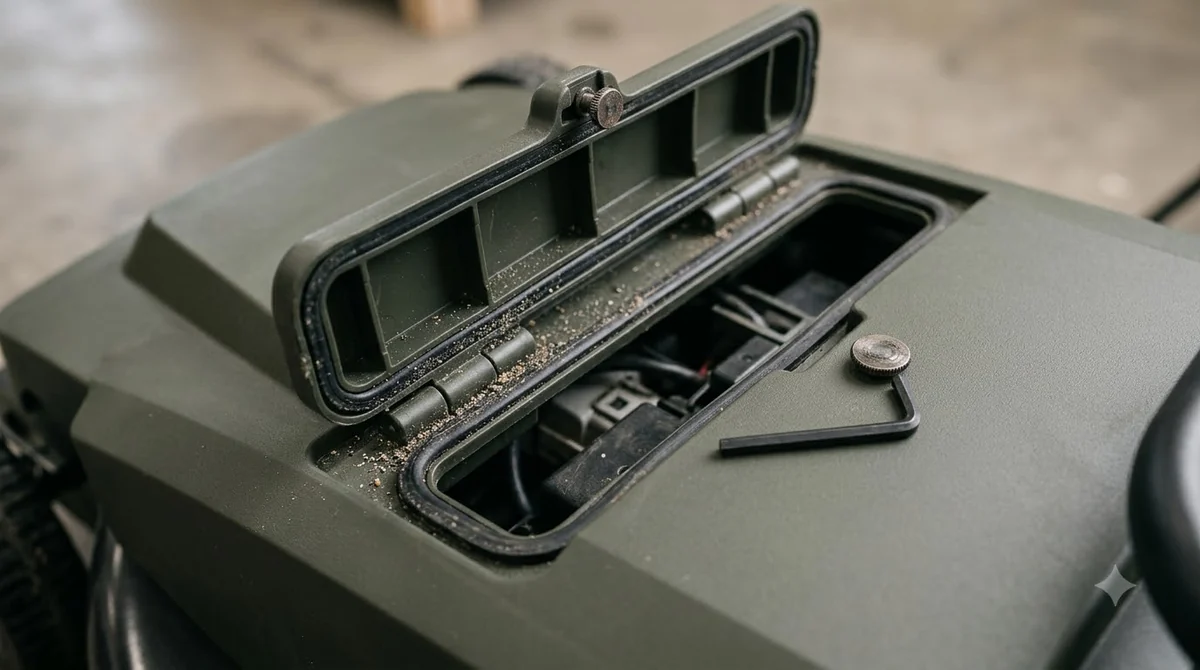
Our reading is to list three points in the sale notes:
- Battery: its age, and whether it was ever replaced.
- Blades: the date of the last replacement.
- Storage: whether the mower stayed indoors or outdoors over winter.
The sources we read for this article do not give a battery lifespan for a specific model, so the listing should state facts about your unit rather than a guessed lifespan. For general background, see robot mower battery life.
Frequently asked questions
Can you sell a used robot mower without giving the PIN?
It is not a good idea. Husqvarna’s PIN article says app recovery is only available to users already linked to the mower’s account, so a new owner may not be able to recover the PIN. Give the code to the buyer before the sale closes.
Does the warranty transfer to the buyer?
It depends on the brand and region. The Australian Husqvarna policy we read says the warranty is for the initial purchaser and is not transferable. The US page we read does not say either way, so ask the maker about your model.
Should I remove the mower from my app before I sell it?
Yes. Husqvarna’s used-product guidance recommends that sellers remove the product, otherwise the mower keeps sending data to the seller’s account. The buyer should confirm the removal, then add the mower to their own account.
What paperwork should I give the buyer?
Give a copy of the receipt, invoice or warranty card that shows the purchase date, model number, serial number and dealer. Husqvarna’s US page says product registration does not replace proof of purchase.
Sources
- Husqvarna used-product guidance (Husqvarna): app removal, pairing removal, buyer steps and data transfer.
- Automower PIN code article (Husqvarna): factory PIN, recovery limits and the dealer receipt rule.
- Husqvarna warranty policy for Australia (Husqvarna): initial purchaser, not transferable, start date and proof of purchase.
- Husqvarna warranty page for the US (Husqvarna): defect coverage and the proof of purchase details.
- Sunseeker warranty details (Sunseeker): account transfer steps, and no statement on warranty transfer.
 Up next8 min readLearnCan a Robot Mower Mow Over Sticks? What the Sources SayUpdated Nov 11, 2026
 8 min readLearnWhat Happens If a Robot Mower Runs Over a Hose?Updated Nov 11, 2026
 8 min readLearnIs It OK to Run a Robot Mower Every Day?Updated Nov 11, 2026
 9 min readLearnDo Robot Mowers Really Work? Yes, on the Right LawnUpdated Nov 11, 2026
 8 min readLearnHow Fast Does a Robot Mower Cut? Speed Figures ExplainedUpdated Nov 11, 2026
 8 min readLearnWhat Is Cutting Width on a Robot Mower?Updated Nov 11, 2026