
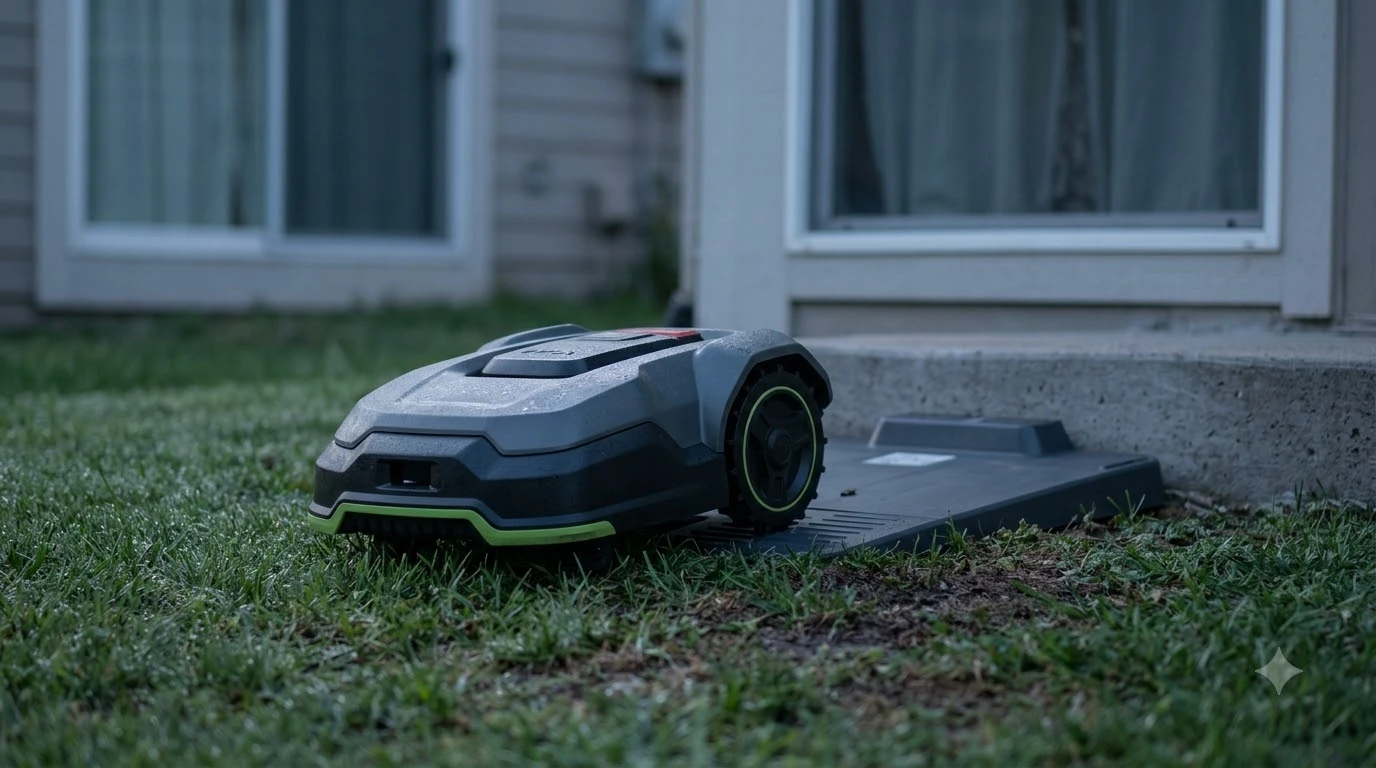

Husqvarna Automower 430X NERA problems and complaints fall into four documented areas: camera alerts on vision models, partial mowing, schedule and battery checks, and firmware support. The 430X is listed as discontinued on Husqvarna’s own support page, and the company publishes fixes for each area. As of November 12, 2026, we did not find an independent complaint dataset for this model, so the fixes below come from manufacturer documentation rather than owner tallies.
The short answer
- Status: Husqvarna’s UK support page marks the 430X NERA as Discontinued, and a Husqvarna news release names the 430V and 450V NERA as replacements.
- Camera errors: four documented messages for Husqvarna’s AI vision models; the fix is to clean and dry the lens, restart, then contact a dealer. The sources we read do not confirm that the 430X shows them.
- Partial mowing: check the guide wire connection to the charging station pins first.
- Security updates: Husqvarna states at least three years from manufacture for FOTA-capable models; 430X coverage is not confirmed in the sources we read.
Husqvarna Automower 430X NERA problems and complaints: discontinued status
Anyone researching Husqvarna Automower 430X NERA problems and complaints should confirm the model’s status before troubleshooting an older unit. Husqvarna’s UK support page for the Automower 430X NERA shows a “Discontinued” label and a link to other robotic lawn mowers for sale, with no replacement named on that page.
Husqvarna’s news release from October 2025 says the 430V and 450V NERA replace the 430X and 450X NERA. For a buyer, that means parts, accessories and support articles may be easier to find for the successor models. Our reading is that a used 430X should be checked against the current support list before purchase.
Heads up
The 430X support page still lists an Operator’s Manual dated 10/03/2025 in English. Check that the manual you are using is the current edition for your model, since this page only dates the English version.
Camera error messages and the documented fix
The camera-related alerts are the most specific problem messages Husqvarna documents in this area. Husqvarna’s troubleshooting article for AI vision mowers lists four messages and one fix order, and the sources we read do not confirm that the 430X shows these messages, so use this section only if your unit does.
| Message on the mower | Husqvarna’s documented first step |
|---|---|
| Camera lens blocked | Remove leaves, slugs or other debris, rinse with running water, and dry with a soft cloth |
| Camera lens wet | Dry the lens carefully, then restart the mower |
| No object detection available | Clean and dry the lens, then restart the mower |
| Vision system problem | Restart after cleaning; if it persists, contact a Husqvarna dealer |
The same article describes an object avoidance setting under More, Settings, Operation, Object avoidance, with the options “Continue mowing” and “Pause mowing.” That setting is listed for the 405VE, 410VE, 430V and 450V NERA models. It is not listed for the 430X, so do not assume it works the same way on your unit without checking the manual.
For every lens message in the table, Husqvarna’s first step is cleaning and drying the lens or restarting the mower, not a parts swap. Our guide to the Husqvarna Automower 430X NERA review covers what the model is.
Mowing only part of the lawn
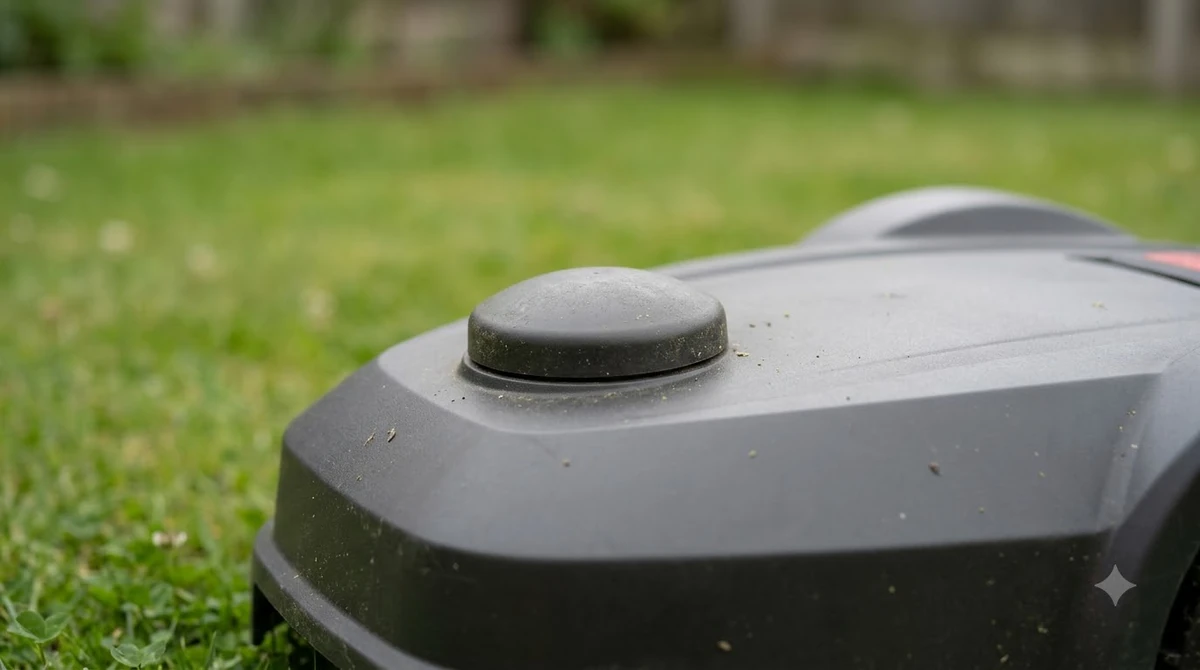
A mower that finishes without covering the whole lawn often has a boundary or guide wire problem. Husqvarna’s support material for the 430X family points to the guide wire pins on the charging station as a first check, and it is one of the Husqvarna Automower 430X NERA problems and complaints that has a specific wiring fix.
The guide wire must connect to the G1, G2 or G3 pins on the charging station, not to the AR or AL connections. The 430X uses the G1 to G3 pins. Husqvarna’s wire installation guide also describes the light signals on the charging station: solid green means good, flashing green means ECO mode, flashing blue indicates a loop fault, flashing red indicates an antenna issue, and solid red indicates a board fault or the wrong power supply.
- Check the light. Read the charging station light and match it to Husqvarna’s signal list.
- Check the guide wire pins. Confirm the guide wire is on G1 to G3, not AR or AL.
- Check the loop. A flashing blue light points to a loop fault; re-check the boundary wire connections at the charging station.
If the loop fault stays, our page on a Husqvarna Automower no loop signal goes through it in more detail.
Schedule and battery checks
Two common symptoms are a mower that stops early and one that runs for shorter periods than before. They have different causes, and Husqvarna documents them separately.
When the daily limit is reached, the mower shows “Today’s mowing complete” and resumes at the next scheduled session. That is normal behavior, not a fault. If the mower does not follow its schedule at all, check the schedule in the app before assuming a hardware problem.
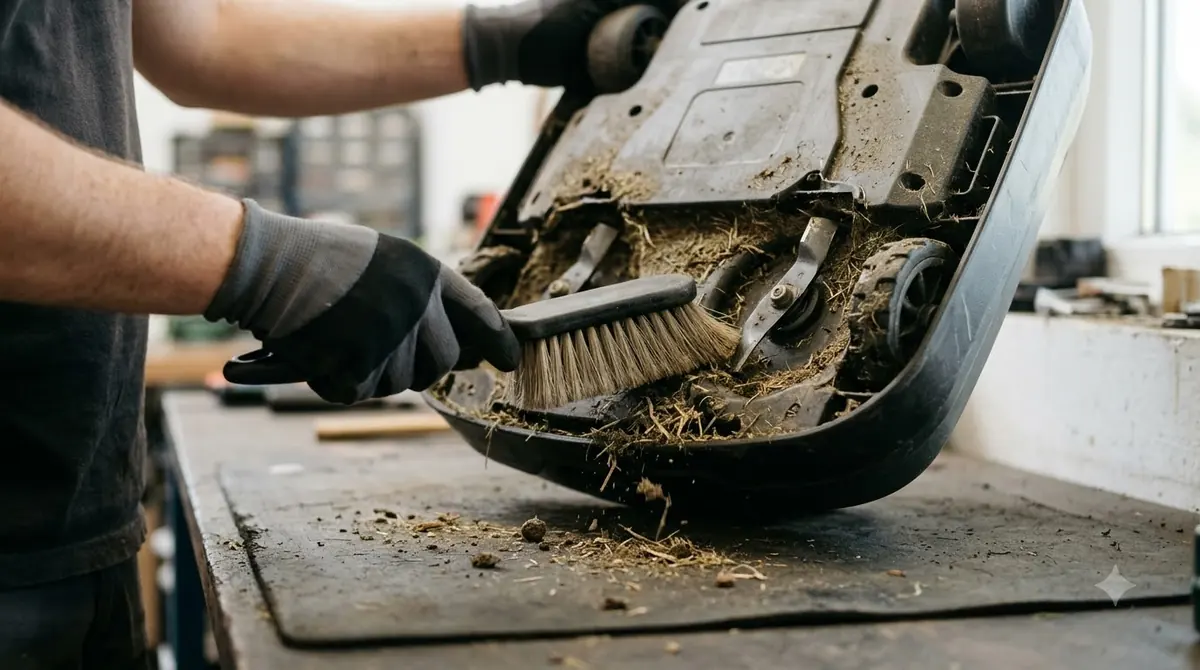
Shorter mowing and charging times can point to reduced battery capacity. Husqvarna’s documented order is to clean the blade disc and wheels first, then run the battery test on page 98 of the Operator’s Manual. Our reading is that cleaning comes first because it costs nothing and rules out drag from debris. If the pack does need replacing, see our Husqvarna Automower replacement battery page.
Connectivity and wire-free conditions
The 430X support page links four troubleshooting articles: navigation accuracy, Wi-Fi, Bluetooth and mobile connection. Each article covers a different link in the setup, so start with the one that matches the symptom you see in the app.
The wire-free version depends on conditions. Husqvarna’s technology page states that satellite signals need an open sky view and that the mower needs internet coverage across the whole lawn through Wi-Fi or cellular. Where coverage is poor, a physical boundary wire is the documented alternative.

Firmware and security update window
Husqvarna says Automower models with FOTA (over-the-air firmware) support receive security updates for at least three years from the manufacturing date. The company’s page links a separate list of which models support FOTA, and we did not read that list.
For a used 430X, find the serial number and manufacture date first, then check whether the model is on the FOTA list, and see how to update Husqvarna Automower 430X firmware. If it is not, the three-year window does not apply, and updates must be installed manually.
What the sources do not show
Husqvarna’s documentation tells you what the company says to do, not how often each problem happens. We found no independent failure-rate or complaint count for the 430X in the sources we read, so this page does not claim that any of the Husqvarna Automower 430X NERA problems and complaints it lists is common or rare.
Forum posts and video comments may describe other issues, but they are not used here as facts.
Frequently asked questions
Is the Husqvarna Automower 430X NERA still for sale?
Husqvarna’s UK support page marks it as Discontinued, and a Husqvarna news release names the 430V and 450V NERA as replacements. Check the current product list in your region before buying.
Does the object avoidance pause setting fix camera errors on the 430X?
Husqvarna lists that setting for the 405VE, 410VE, 430V and 450V NERA models, not the 430X. Start with cleaning and a restart, then check the manual for your unit.
Why does my mower only mow part of the lawn?
Husqvarna’s documentation points first to the guide wire connection. The wire should go to the G1 to G3 pins on the charging station, not AR or AL.
Does a used 430X still get security updates?
Husqvarna states a minimum of three years from manufacture for FOTA-capable models. Check the manufacture date and whether your model is on the FOTA list.
Sources
- Husqvarna support, Automower 430X NERA (Husqvarna): discontinued status, support article list, Operator’s Manual date.
- Troubleshoot camera errors on Automower robotic lawn mowers with AI vision technology (Husqvarna): camera messages, fix order, object avoidance setting scope.
- Security updates support period for Automower robotic lawn mowers (Husqvarna): three-year minimum from manufacture for FOTA models.
- Husqvarna introduces 4 new mowers to its Automower NERA range (Husqvarna): 430V and 450V NERA as successors.
- Automower wire installation guide (Husqvarna): charging station light signals.
- Why is my Automower only mowing portions of the lawn (Husqvarna): guide wire pin rule.
 Up next9 min readReviews & CompareHusqvarna Automower 115H Problems and Complaints: Common Faults and FixesUpdated Nov 12, 2026
 12 min readReviews & CompareHusqvarna Automower 430X NERA Review: Specs, Status and LimitsUpdated Nov 13, 2026
 8 min readReviews & CompareSegway Navimow i110N vs Husqvarna Automower 430X NERA: Sourced Specs Side by SideUpdated Nov 13, 2026
 9 min readReviews & CompareHusqvarna Automower 430X NERA vs 450X NERA: Which Model Fits Your LawnUpdated Nov 11, 2026
 8 min readReviews & CompareHusqvarna Automower 430X NERA Pros and Cons: Honest ReviewUpdated Nov 18, 2026
 10 min readReviews & CompareHusqvarna Automower 450X NERA Review: Specs, Limits and What to CheckUpdated Nov 13, 2026