
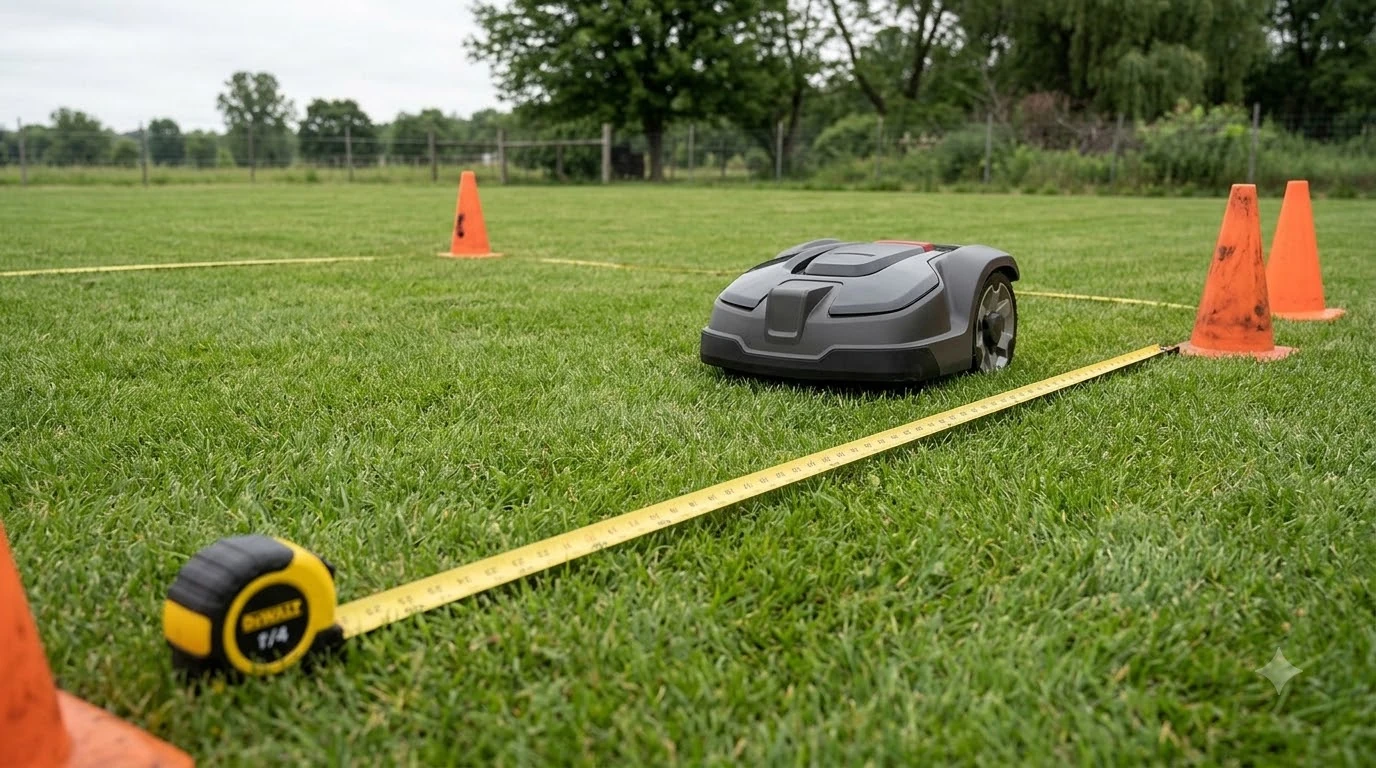

Here is how to set up channels between lawn zones: on a wire-free mower you draw a path in the app, and on a boundary-wire mower you lay wire or a passage so the mower can travel between areas. The method depends on how your mower navigates, and brand manuals give different widths and menu names, so check your model before you start.
The short answer
- Wire-free mowers record a channel or transport path in the app.
- Husqvarna EPOS paths start at least 1 m (3.3 ft) inside the work area.
- Boundary-wire passages need 2 m (6 ft 6 in) of space, or 60 cm (24 in) with a guide wire.
- Worx Landroid Classic zones share one boundary wire, with a corridor about 15 cm (6 in) wide between them.
How to set up channels between lawn zones: which method applies
Wire-free mowers draw a channel or transport path in the app, while boundary-wire mowers use a passage or a shared wire loop. The table below lists the brands covered by their own support pages, with the limit each page states.
| Brand and system | Where the setting lives | Stated limit |
|---|---|---|
| Mammotion, wire-free channel | Create > Channel on the map page | No width limit stated |
| Husqvarna Automower EPOS, transport path | Add > Transport path in the map section | Start at least 1 m (3.3 ft) inside the work area |
| Husqvarna Automower, boundary-wire passage | Installation settings in the app or on the display | 2 m (6 ft 6 in) without a guide wire, 60 cm (24 in) with one |
| Worx Landroid Classic, multi-zone | Multi-zone page in the app, or Define zones on the LCD | Corridor about 15 cm (6 in) wide between zones |
Before you follow any steps on how to set up channels between lawn zones, check the brand and system, and do not copy a number from this guide until you know which one applies. For the bigger picture, see our multi-zone robot mower explainer. A figure that belongs to a boundary-wire passage does not apply to a wire-free path, and the reverse is also true.
Draw a channel or transport path in the app
Knowing how to set up channels between lawn zones on a wire-free mower starts here: a channel or transport path is a route the mower follows to reach another area. Husqvarna’s support page for EPOS describes a transport path that guides the mower between the docking point and a work area, and says the mower does not mow while it is on that path.
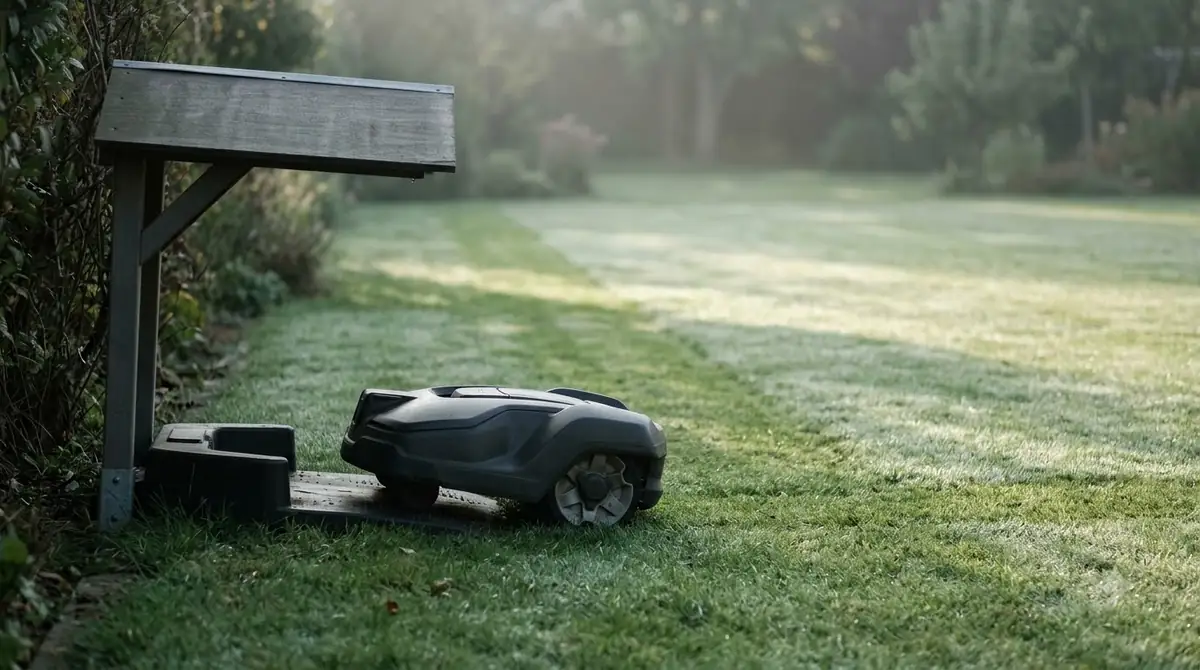
Mammotion’s help page describes the channel as a recorded route. Tap Create, then Channel, on the map page. Press play, drive the mower by hand from one task area to another or back to the charging station, then finish the recording. The page does not explain every icon, so confirm the last step in the app.
Husqvarna uses a different sequence. You create each work area with Add > Work area, then add a transport path with Add > Transport path, starting it at least 1 m (3.3 ft) inside the work area. The Husqvarna EPOS support article notes that work areas cannot be split later, so plan the layout first.
One shared transport path can connect several work areas, and separate paths also work. With separate paths, the mower returns to the docking point after each area before it moves on. Our reading is that a shared path saves time when areas sit in a row, while separate paths suit areas on opposite sides of the yard. If the zones are separate lawns, see can a robot mower mow multiple separate lawns.
Set a passage on a boundary-wire mower
On boundary-wire Automower installs, the two wires on each side of a passage need at least 2 m (6 ft 6 in) of space when there is no guide wire. Adding a guide wire lets the wires sit closer, and Husqvarna’s passage setup guide gives the spacing rules.
- Without a guide wire, keep the two boundary wires at least 2 m (6 ft 6 in) apart.
- With a guide wire, the boundary wires can sit 60 cm (24 in) apart, and the guide wire must be at least 30 cm (12 in) from each boundary wire.
- The mower travels on the left of the guide wire when it faces the charging station, so leave the most clear space on that side.
Husqvarna recommends 2 m (6 ft 6 in) for a good cutting result on the Automower 435X AWD and 535 AWD. If the mower gets stuck in a passage, the guide says to adjust the corridor width. Systematic passage mowing needs a guide wire and is set under More > Settings > Installation > Lawn Coverage in the app. Keep the frequency low, because repeated passes can wear the grass in the corridor. The Automower 105 does not support Automatic Passage Handling.
Link zones with one wire on Worx Landroid Classic
On Worx Landroid Classic, every zone connects to the charging station with the same boundary wire. The Worx wiki says zones are separated by a corridor about 15 cm wide, which keeps the mower from moving between zones on its own and helps it follow the wire.
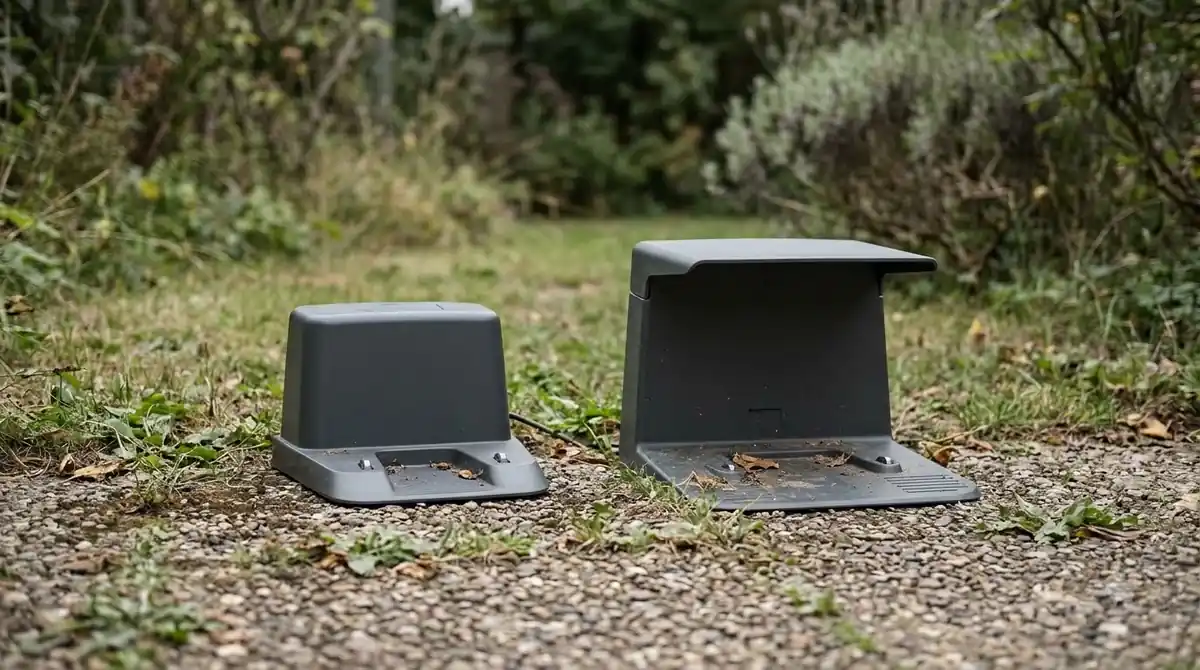
If your zones are fully separate, Worx suggests a second charging station or moving the mower by hand between them, since the multi-zone feature may not suit separate lawns. Where separate wire segments sit next to each other, lay them side by side so they form a closed loop. The Worx multi-zone guide covers the full wiring rules.
- Start in the charging base. Turn the mower on and enter the PIN.
- Open the working time menu. Select the clock icon, then Define zones.
- Choose the number of zones. The Landroid Classic supports up to 4 zones.
- Drive the first zone. Press START and let the mower follow the wire, then press STOP when it reaches the Zone 1 area.
- Save and repeat. Select YES to save, then repeat for each extra zone.
Where the wire crosses a walkway, keep the walkway level with the lawn and avoid gravel or uneven tile. Worx says the wire should sit no deeper than 5 cm under the walkway. The app also has a multi-zone tutorial, and if Wi-Fi does not reach the whole lawn, allow some tolerance when you define the zone starting points.
Mistakes that leave the mower stuck outside a zone
The most common mistake in how to set up channels between lawn zones is a passage the mower cannot reach. Husqvarna warns against narrow passages of this kind, and it also warns that a stay-out zone drawn across a transport path stops the mower from reaching its destination.
- Unreachable passages. Measure the gap before you draw or lay anything, and keep it wide enough for the mower to pass.
- Stay-out zones on a transport path. Keep them clear of the path, or the mower cannot finish its trip.
- Tiny stay-out zones. Husqvarna sets the minimum size at 30 x 30 cm (1 x 1 ft).
- Narrow bottlenecks. Worx warns that a bottleneck smaller than 15 x 15 cm may impair its Zone Keeper feature.
- Wide Zone Keeper corridors. Worx describes a Zone Keeper corridor as no wider than 60 cm and at least 1 m long.
Our reading is that a channel which looks right on the map can still fail on uneven ground. Watch the first few runs through each channel before you trust the schedule to it. Exclusion areas are covered in how to set up no-go zones on a robot mower, and tight side yards in robot mower for narrow side-yard passages.
What to check before you set up a channel
Before you decide how to set up channels between lawn zones, confirm which system your mower uses, because the rules for a wire-free path and a boundary-wire passage are different. Measure the gap between the two zones, and mark it on your map before you draw or lay anything. Note where the charging station sits relative to each zone, since Husqvarna’s transport path rules depend on whether the docking point falls outside a work area.
Next, look for obstacles along the route. A stay-out zone, a garden bed or a tight corner can block a path that looks clear on the map. Husqvarna sets the minimum stay-out zone at 30 x 30 cm (1 x 1 ft), so keep any exclusion smaller than that out of the plan. Finally, check that the model you own is the one the manual describes, since the Automower 105 does not support Automatic Passage Handling while the 435X AWD and 535 AWD do.
Frequently asked questions
Does a robot mower need a channel to reach a second zone?
Brand manuals describe a passage, a transport path or a shared wire loop as the link between zones. Without one, the mower may not reach the second area on its own, so check your model’s manual for the required setup.
How wide should a passage be?
For Husqvarna boundary wire, the wires need 2 m (6 ft 6 in) of space without a guide wire, or 60 cm (24 in) with one. Worx describes a corridor about 15 cm wide between zones, which is a different system, so do not mix the two numbers.
Do I need RTK for a channel?
The Mammotion channel help page does not list boundary wire, RTK or other prerequisites. Check the app and the model manual before you set up a channel, since requirements can differ by model.
Can fully separate zones use one mower?
Worx says multi-zone may not suit fully separate zones and suggests a second charging station or moving the mower by hand. Plan for that setup before you buy wire or stakes.
Sources
- Mammotion support: How to Create Channel (Mammotion): steps for recording a channel on the map page.
- Husqvarna support: work areas, stay-out zones and transport paths with EPOS (Husqvarna): transport path rules, 1 m start distance, stay-out zone minimum.
- Husqvarna support: how to create a passage in an Automower installation (Husqvarna): wire spacing with and without a guide wire, 435X and 535 AWD recommendation.
- Worx wiki: Landroid Classic multi-zone setup (Worx): shared boundary wire, corridor width, LCD steps, Zone Keeper limits.
 Up next8 min readLearnHow to Set Up No-Go Zones on a Robot MowerUpdated Nov 11, 2026
 7 min readLearnLymow Mapping: Zones, No-Go Areas and ChannelsUpdated Nov 13, 2026
 9 min readLearnHow Long Does It Take to Set Up a Robot Mower?Updated Nov 11, 2026
 9 min readLearnHow to Set Up a Robot Mower on a SlopeUpdated Nov 12, 2026
 9 min readLearnHow to Set Up Ecovacs GOAT O1000: Step-by-Step GuideUpdated Nov 10, 2026
 9 min readLearnHow to Set Up the Dreame A1 Pro Robot Mower Step by StepUpdated Nov 10, 2026