
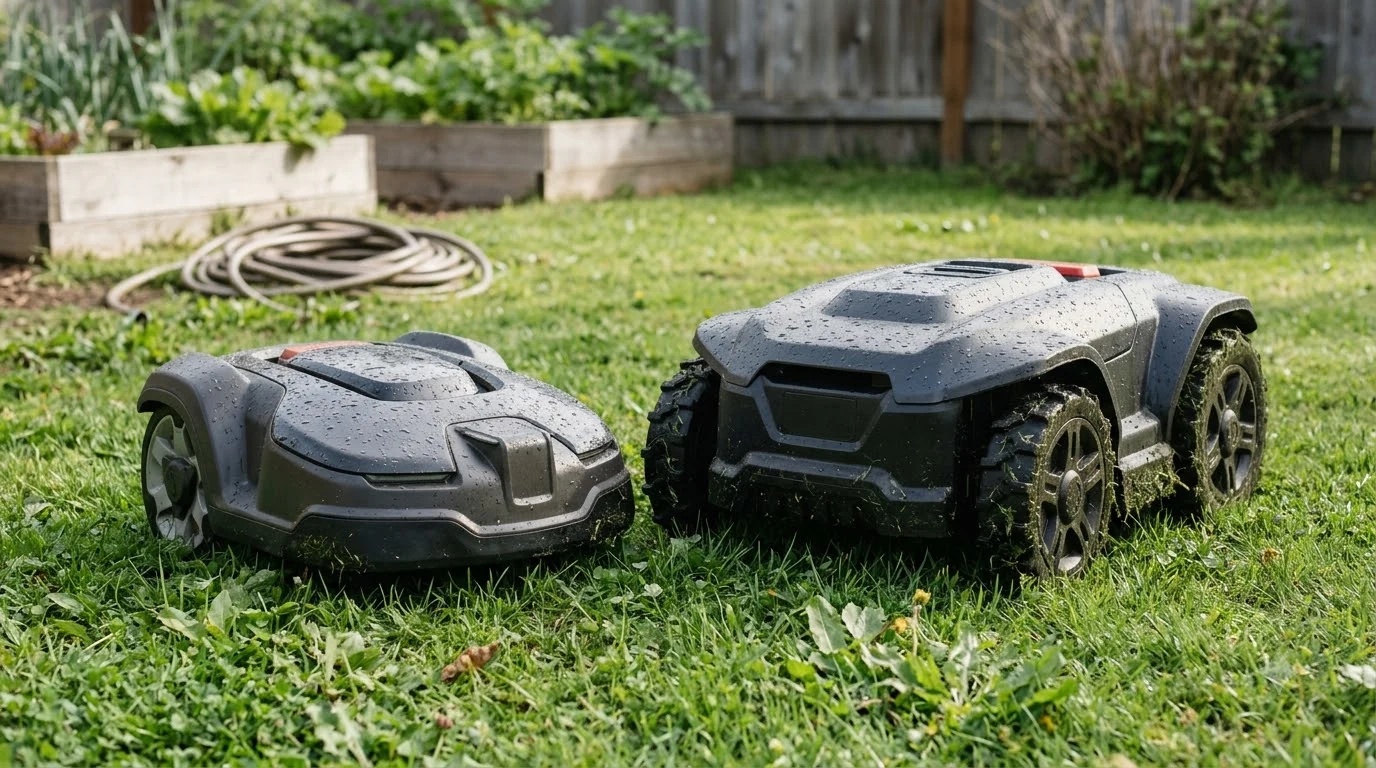

Anthbot M5 pros and cons come down to easy setup and no boundary wire on one side, and LiDAR navigation that trails RTK in narrow gaps and remote access that costs extra on the other. As of 2026-11-12, the reviewer and listing sources we read agree on these points.
The short answer
- Main pro: the LiDAR version needs no boundary wire and no RTK station, which the listing and reviewer both state.
- Main con: the reviewer found LiDAR less precise than RTK in narrow passages and noted there is no four-wheel drive.
- Extra cost: remote access uses 4G, and the reviewer says it costs extra once the included period ends.
- Fit check: the listing gives a recommended area of 500 m² and a maximum slope of 45%, so measure both before you buy.
This article covers the LiDAR version of the M5. The sources we read do not confirm the same specs for the RTK version, so the numbers below apply to the LiDAR model only. Our sources are a reviewer’s hands-on write-up, a retailer’s spec listing, and the maker’s FAQ.
Anthbot M5 pros and cons: the pros the reviewer reported
The reviewer’s main pros are setup and layout flexibility. Each one below comes from the reviewer’s own write-up, so it is a reported result, not a lab measurement or an independent benchmark.
- No wire or RTK station: the reviewer calls the setup simple, with no perimeter wire or RTK station to install.
- Complex layouts: the reviewer says it handled multiple zones, narrow paths, and slopes.
- Docking flexibility: the reviewer’s mower docked successfully even where the clearance was less than ideal.
- Edge control: the reviewer calls per-edge behavior adjustment a big strength.
- Quiet operation: the reviewer describes the brushless motor as quiet for day-to-day use.
- Obstacle handling: the reviewer says the mower kept mowing around obstacles instead of leaving large strips of grass uncut.
Mapping was another point in its favor. The reviewer found automatic mapping “genuinely impressive,” although it stopped short of one spot the reviewer would have covered by hand. That result reflects day-to-day setup rather than a spec sheet.
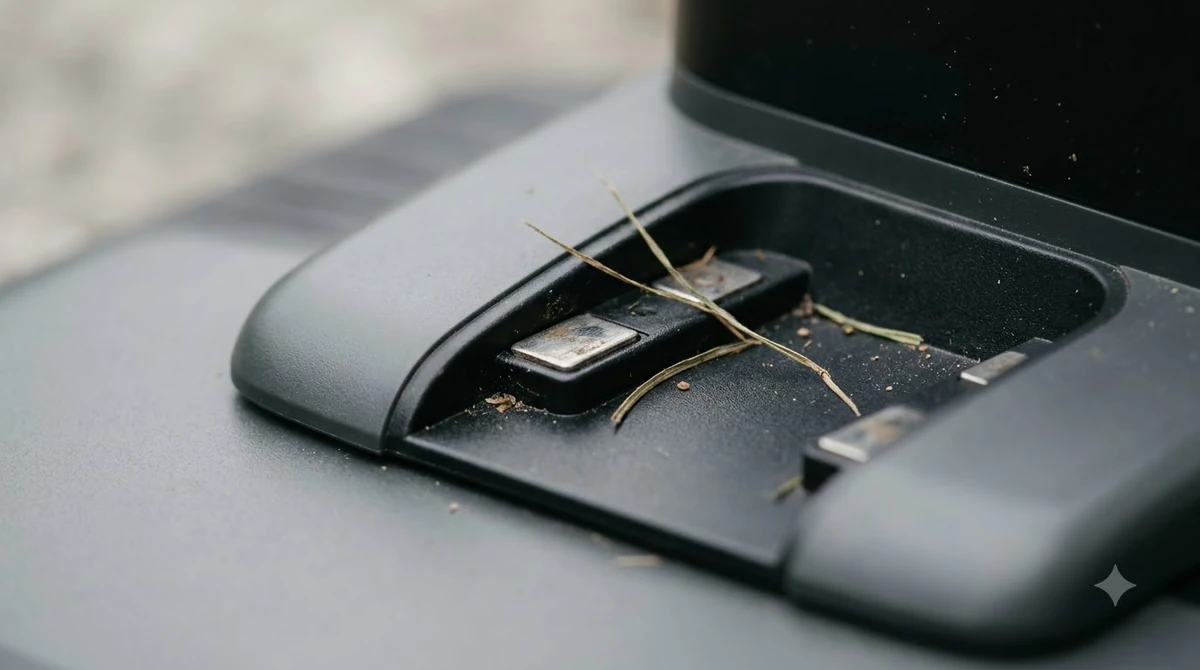
Anthbot M5 cons and where they show up
The cons are concentrated in navigation precision, traction, and connectivity. Each one matters more on certain lawns than others, so they only become a problem when they match your yard.
- Narrow passages: the reviewer says LiDAR is less precise than RTK, especially in narrow gaps, and that it can snake slightly more.
- Remote access: 4G remote access costs extra after the limited included period, according to the reviewer.
- Traction: with no four-wheel drive, the reviewer suggests a four-wheel-drive model may suit bumpy or root-heavy gardens better.
- Steps: at one step, the mower hesitated briefly before it continued. The reviewer suggests marking the edge so it stands out from the path.
- Obstacles: in the reviewer’s ball test, the mower made slight contact, so detection was not perfect in every case.
Our reading on the anthbot m5 pros and cons is that the navigation and traction cons matter most for narrow or sloped lawns. A simple, open lawn will show them less often. For a lawn with several tight gaps, the balance shifts toward the cons, because the reviewer’s LiDAR comparison is the weakest point in the write-up. If narrow gaps are your main worry, the Anthbot M5 vs Mammotion YUKA comparison shows how an RTK-based rival differs on slope and navigation.
Two of the cons are also easy to check before purchase. The 4G fee and the no-four-wheel-drive note appear in the reviewer’s cons list, so you can weigh them against your budget and slope before you commit to the model.

Specs that decide whether the M5 fits
Most of the anthbot m5 pros and cons trace back to a few spec numbers. The table below lists what the listing and reviewer report for the LiDAR version, as of 2026-11-12. Use it as a checklist when you weigh the trade-offs against your own lawn.
| Spec | Reported value | Our reading |
|---|---|---|
| Recommended lawn size | 500 m² (1/8 acre) | Measure the mowable area and leave room for slopes and obstacles. |
| Maximum slope | 45% (about 24 degrees) | Check your steepest section, since the reviewer notes there is no four-wheel drive. |
| Cutting height | 30 to 70 mm, set in the app | Cut very long grass by another method first, as the maker’s FAQ advises. |
| Cutting width | 20 cm, five blades | Plan mowing passes around this width for your lawn layout. |
| Weather rating | IPX6 | This is a water-resistance rating, not a cleaning instruction. |
| Battery | 2.5 Ah (45 Wh) | Run time and charge time are the reviewer’s figures: 40 minutes to run, 60 minutes to charge. See how long the Anthbot M5 battery lasts for more on runtime. |
| Navigation | 360° LiDAR plus dual vision | No boundary wire or RTK station is needed, per the listing. |
Wi-Fi, charging, and dock clearance limits
Three limits matter before setup, and each one is fact-checkable. The maker’s FAQ says the robot supports only 2.4G Wi-Fi for now, so a network that broadcasts only on 5 GHz will not pair. Confirm the band in your router settings before you start, and follow a full Anthbot M5 setup guide for the rest.
Charging has its own rule, and the maker’s cooldown step is easy to plan around once you know it. The FAQ says a battery that is too hot or too cold triggers charging protection, and the fix is to power the mower off, wait half an hour, and then try charging again. Other fixes for this kind of fault are covered in the Anthbot M5 problems and fixes article.

Dock clearance is the third limit, and it is one of the less obvious items. The reviewer quotes the maker’s recommendation of 2 meters of clearance on each side of the charging station. The reviewer’s own dock still worked in a tighter spot, but the maker’s guidance is the safer target for planning.
What the sources do not show
These sources have clear gaps, and the article does not fill them with guesses. We did not find an independent long-term test of the M5, and the maker’s own product page did not load for us, so the official spec sheet is unconfirmed.
The reviewer’s write-up is one source, and the retailer listing repeats its specs without adding test data. Figures such as noise levels, price, and total obstacle counts appeared only in search snippets, so we left them out. Prices change often, so check the current price and any 4G fee with the seller before you buy.
Who the Anthbot M5 suits, and who should skip it
The M5 suits a small, enclosed lawn under 500 m² with few narrow gaps and no steep, bumpy sections. It also suits someone who wants no boundary wire and is comfortable on a 2.4G network. Our reading is that the anthbot m5 pros and cons favor a flat, open yard with a simple layout.
Skip it if the cons weigh more than the pros for your yard. That usually means many narrow passages where precision matters, a slope near the 45% limit, or heavy tree cover. Also skip it if you need remote access on a tight budget, since the reviewer says 4G costs extra. Before you buy, compare the cons above with your own yard, and check the current price and any 4G terms with the seller, since both can change. For a verdict-style view, read the Anthbot M5 review.
In short, the list is most useful when you read it against your own yard: strong on setup and layout flexibility, weaker on narrow-gap precision and remote access costs. Measure your lawn first, then decide which of these trade-offs matter for you.
Frequently asked questions
Does the Anthbot M5 need a boundary wire?
The listing and the reviewer both say the LiDAR version of the anthbot m5 needs no boundary wire and no RTK station. The reviewer calls the setup simple for that reason. Confirm the model name, since the RTK version was not covered by the sources we read.
Is the Anthbot M5 good for a sloped lawn?
The listing gives a maximum slope of 45%, about 24 degrees. The reviewer notes there is no four-wheel drive, which may make bumpy or root-heavy slopes harder. Measure your steepest section before you decide, since slope is one of the key trade-offs to check.
Does the Anthbot M5 work on 5 GHz Wi-Fi?
The maker’s FAQ says the robot supports only 2.4G Wi-Fi for now and does not support 5G. Check your router settings for a 2.4G network before you start pairing.
What are the main anthbot m5 pros and cons?
The main anthbot m5 pros are no boundary wire, no RTK station, and flexible docking, according to the reviewer. The main cons are LiDAR precision in narrow passages, extra 4G costs for remote access, and no four-wheel drive. Weigh each one against your lawn layout and slope.
Does remote access cost extra on the Anthbot M5?
The reviewer says 4G support costs extra if you want remote access, after a limited included period. Check the current service terms with the seller, since they can change.
Sources
- Anthbot FAQ (manufacturer): 2.4G Wi-Fi only, the 30-minute charging cooldown, and blade checks, including the 10 cm and 7 cm cutting guidance.
- No Wires, No RTK: ANTHBOT M5 LiDAR Robotic Mower Review (EasyLawnMowing): the reviewer’s pros, cons, and spec table, reported as the reviewer’s own testing.
- ANTHBOT M5 LiDAR product listing (FreshlyCharged): lawn area, slope, cutting height, IPX6 rating, battery, and the no-wire, no-RTK statement.
 Up next8 min readReviews & CompareAnthbot M5 vs Anthbot Genie: Smart Spec ComparisonUpdated Nov 14, 2026
 8 min readReviews & CompareAnthbot M5 Alternatives: What to Compare Before You BuyUpdated Nov 11, 2026
 7 min readReviews & CompareAnthbot M5 Problems and Complaints: Issues and FixesUpdated Nov 14, 2026
 6 min readReviews & CompareAnthbot M5 Slope Limit: What 45 Percent Means on Your LawnUpdated Nov 14, 2026
 9 min readReviews & CompareAnthbot M5 vs Mammotion YUKA: Specs, Slope and NavigationUpdated Nov 11, 2026
 7 min readReviews & CompareSegway Navimow i110N vs Anthbot M5: Specs ComparedUpdated Nov 13, 2026