
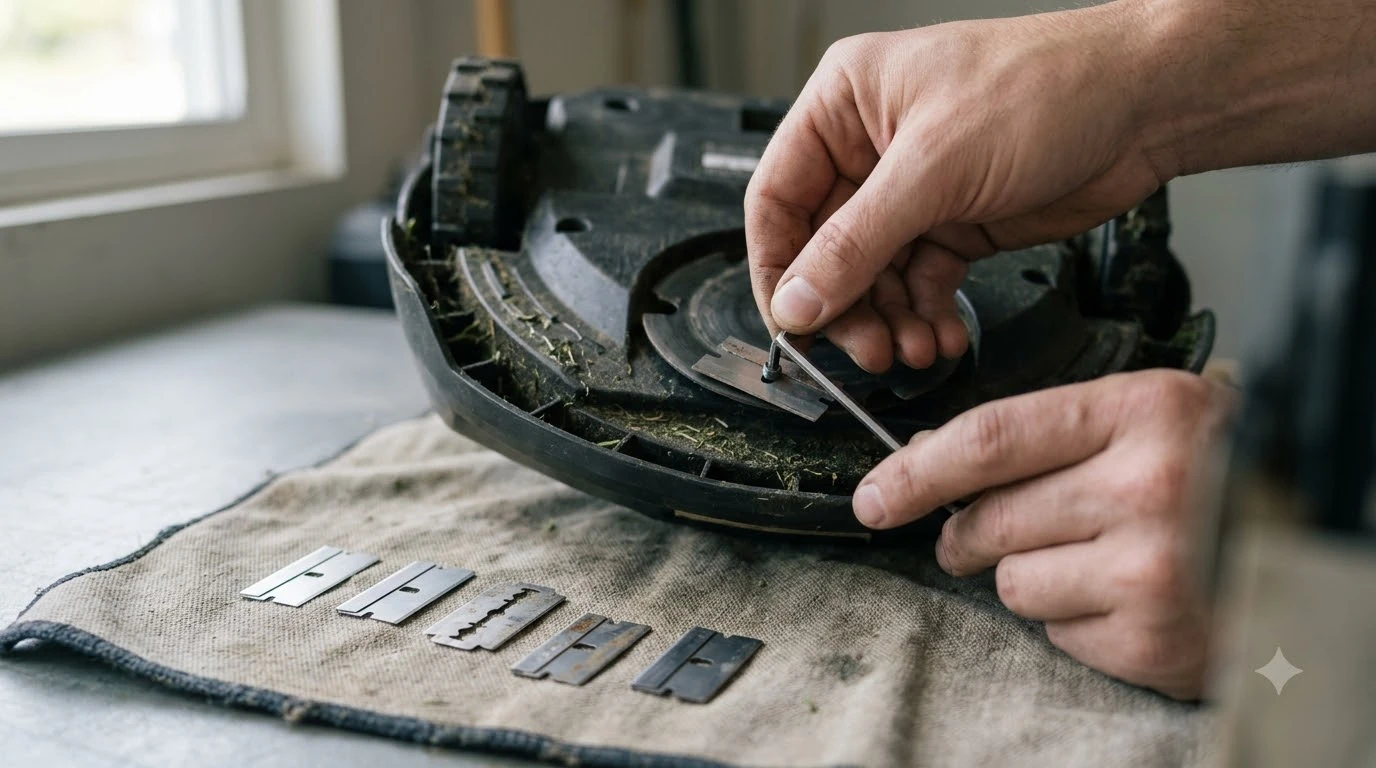

Mammotion LUBA replacement blades should match your exact model and be replaced as a full set. The LUBA user manual recommends changing all cutting blades at the same time when the mowing result drops, so a single blade is rarely the right order.
Before you order, check your exact model, the number of blades in the set, and whether new screws come with it. A blade made for another model is the costly mistake, and it is easy to avoid with a few checks.
The short answer
- Match: use blades approved by Mammotion and designed for your specific mower model.
- Set: replace all blades together, and compare the set with the 8 cutting blades in the manual’s package figure.
- Screws: order new screws every time, because the manual says not to reuse them.
- Interval: the manual gives every six months and every three months or 150 hours of mowing, and the US maintenance blog says one to two months in the mowing season.
What the manual says about Mammotion LUBA replacement blades
The LUBA user manual says cutting blades can be replaced when they are damaged or worn, and it recommends changing them every six months.
Section 9 of the manual covers cutting blade replacement and names an M2.5 Allen key as the tool you need. The manual’s maintenance rules also say to set the LUBA to OFF before you do any maintenance on it. For the full hands-on procedure, see our guide on how to change Mammotion LUBA blades.
The manual also says all cutting blades should be replaced at the same time when the mowing result no longer looks as good as before. It adds that thick grass may call for more frequent changes. Our reading is that a set order, not a single blade, is the normal way to buy Mammotion LUBA replacement blades. Our explainer on how long robot mower blades last helps you decide when the time has come.
How many blades come with a LUBA
The LUBA user manual’s package figure lists 8 cutting blades and 2 blade disks, so that count is the reference when you compare a replacement set. The figure is a parts key for the box contents, not a shopping list.
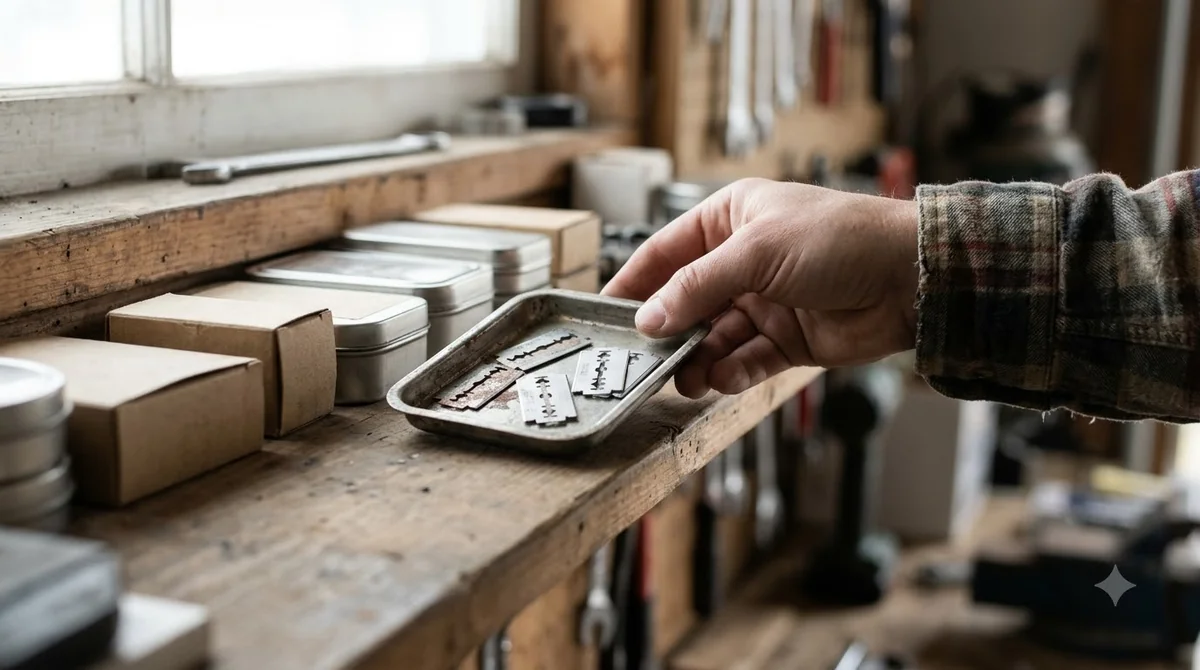
The figure does not say whether the blade disks are replaced with the blades or only supplied as spares. Read your own copy of the manual before ordering disks, because a set that covers blades alone will not change the disk.
Some listings include screws and washers with the blades. Others may not, so check the contents line of each listing against the manual’s count before you pay for it.
Matching the blade to your model
Mammotion’s manual asks owners to use original blades approved by Mammotion, and its US maintenance blog says blades should be designed for the specific mower model. Model match is therefore the first check for any set of Mammotion LUBA replacement blades, before size or price. For a model-neutral view of blade fit, see which replacement blades fit your model.
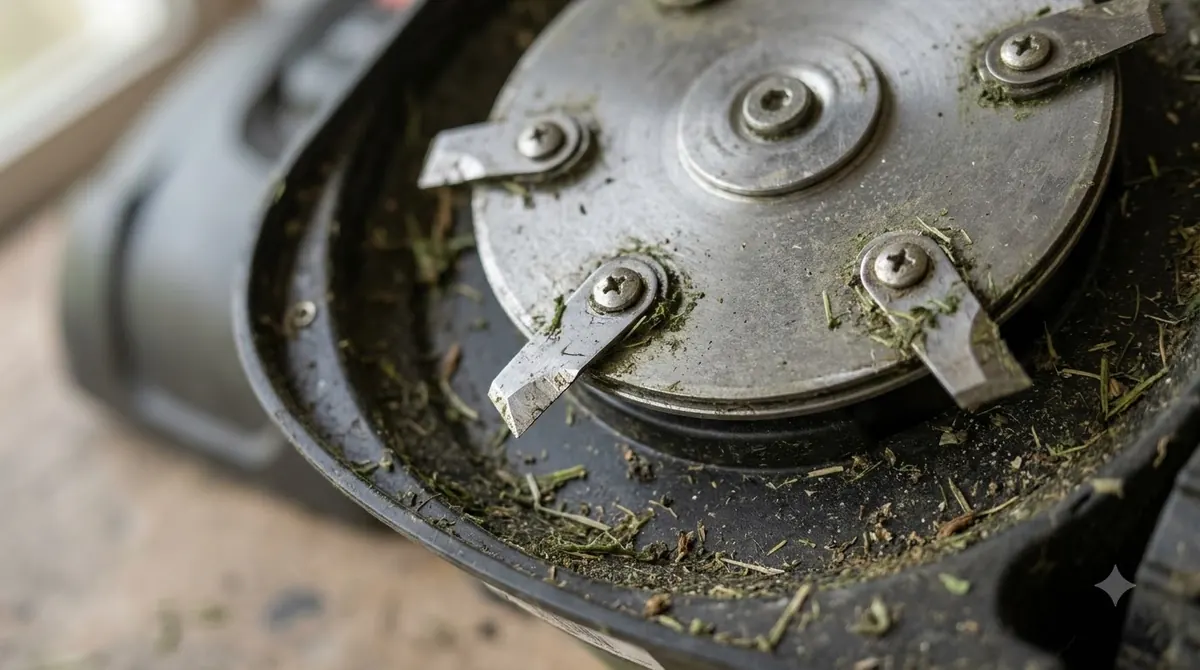
The US blog does not list which blades fit which LUBA model, so it cannot settle a fit question by itself. Mammotion also sells its own Endurance Replacement Blades. The product page should show the models it fits, and this article could not open that page to confirm the list, so read the model list on the listing and compare it with your exact LUBA model and series.
Third-party sets come in many sizes and finishes. Some listings describe broad compatibility without naming a model list. Our reading is that a listing’s compatibility claim is not a fit check. Compare the new blade’s shape and mounting hole with the blade you remove before you fit anything.
How often to order a new set
The LUBA manual gives more than one interval for Mammotion LUBA replacement blades, from every six months to every three months or 150 hours of mowing, so plan a full set for each mowing season.
| Source | Suggested interval | Notes |
|---|---|---|
| LUBA user manual V1.2, section 9 (opening line) | Every six months | Replace when the blades are damaged or worn. |
| LUBA user manual V1.2, section 9 (note) | Every three months or 150 hours of mowing | Thick grass may need more frequent changes. |
| LUBA user manual V1.2, maintenance section 4 | Every 50 to 100 hours | Replace the blades and their screws together. |
| Mammotion US maintenance blog | Every 1 to 2 months in the mowing season | Depends on lawn size, mowing frequency, grass type and hits on hard objects. |
The manual and the blog agree on one rule: replace all blades together. Buying a full set, not a single blade, keeps cutting performance balanced across the disk.
Our reading is that the shorter figures are the safer planning guide during a heavy mowing season. A mower that runs many hours will reach the 150-hour or 50 to 100-hour mark sooner than a calendar suggests.
Screws, tools and gloves to order with the set
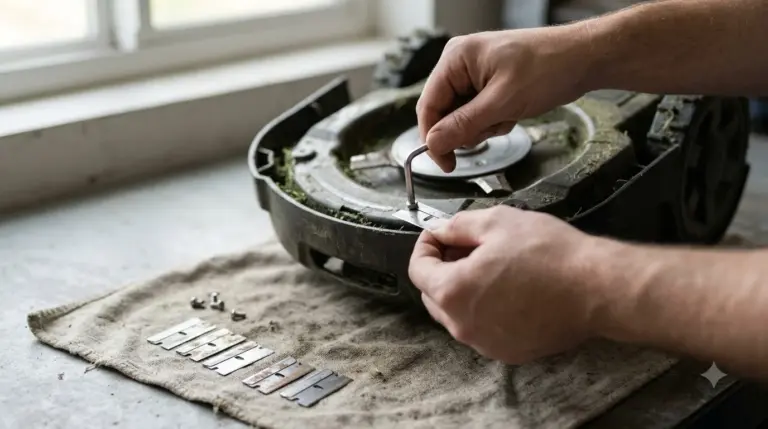
Order a new screw for every blade, because the LUBA manual says not to reuse screws and warns that doing so can cause serious injury. Our guide to replacing robot mower blade screws covers the screw side in general.
Mammotion’s UK blade guide says the screws are single-use and that an electric drill or driver can damage the screw heads or the cutting plate. Plan to fit each new blade with a new screw, using the tool the manual names.
That tool is an M2.5 Allen key. The manual’s maintenance section also asks for heavy gloves when you inspect or replace a blade. The manual gives no torque value for the blade screws, so this article does not give one either. Check your manual for tightening guidance and do not guess.
Warranty and parts terms to check
The LUBA manual’s warranty table lists the cutting blade under wearing parts, so check the blade terms before you assume coverage. In the extracted table text, the period for that row is not clear.
A wearing part is one that is expected to wear out with use. Blades fit that description, so do not assume they fall under the terms that cover the main body or the battery.
The manual also asks owners to use Mammotion original spare parts where possible, and it asks for the product serial number when you request warranty service. Keep the serial number and proof of purchase with your records before you order. Our guide to Mammotion LUBA spare parts covers the other wear items.
What to check before you order Mammotion LUBA replacement blades
Before you order, confirm your exact model, the blade count, whether screws are included, and whether the seller names original or approved parts.
- Model and series. Match the listing to your exact LUBA model before you pay.
- Set count. Compare the number of blades with the 8 cutting blades in the manual’s package figure.
- Screws. Confirm that new screws come with the set.
- Part status. Look for an original or approved statement, and check any third-party blade against your manual.
- Old blade. Keep the removed blade so you can compare its shape and mounting hole with the new one.
Heads up
Do not fit a blade you have not checked against your model. The manual’s safety section says to keep hands and feet away from the rotating blades, and its maintenance rules say to set the LUBA to OFF before any maintenance.
Our reading is that the model match matters more than the price or the material when you buy Mammotion LUBA replacement blades. The manual wins over any listing, so when a listing and the manual disagree, follow the manual and ask the seller to confirm fit in writing before you buy.

Frequently asked questions
Do I have to replace all LUBA blades at once?
Yes, the manual recommends it. It says all cutting blades should be replaced at the same time when the mowing result no longer looks as good as before. Mammotion’s US blog gives the same advice to keep cutting performance balanced.
How many blades does the LUBA come with?
The package figure in the LUBA user manual lists 8 cutting blades and 2 blade disks. Check whether a replacement order covers the blades, the disks or both, because the figure does not say how the disks are supplied.
Can I reuse the old blade screws?
No. The manual says not to reuse screws, and doing so can cause serious injury. Mammotion’s UK blade guide calls the screws single-use, so fit each new blade with a new screw.
Does the warranty cover replacement blades?
The manual’s warranty table lists the cutting blade under wearing parts. The period for that row is not clear in the extracted text, so check the current warranty terms with Mammotion support before you assume coverage.
Sources
- LUBA Robotic Lawn Mower User Manual V1.2 (Mammotion): section 9 on blade replacement, the package figure, the maintenance section on blades and screws, and the warranty table.
- Robot lawn mower maintenance (US blog) (Mammotion): replacement frequency, replacing all blades together, model match and screw advice.
- Mammotion blade change guide (UK blog) (Mammotion): single-use screws and the warning against electric drills.
 Up next8 min readGeareufy E15 Replacement Blades: What to Check Before You OrderUpdated Nov 20, 2026
 8 min readGearMammotion YUKA Replacement Blades: What to Check Before You BuyUpdated Nov 20, 2026
 7 min readGearBest Garage for Mammotion Luba: What to Check Before You BuyUpdated Nov 14, 2026
 8 min readGearHow to Change Mammotion LUBA Blades in 8 StepsUpdated Nov 19, 2026
 8 min readGearMammotion LUBA Replacement Battery: Models, Warranty and What to CheckUpdated Nov 19, 2026
 7 min readGearMammotion Luba Replacement Wheels: What to Check FirstUpdated Nov 19, 2026