
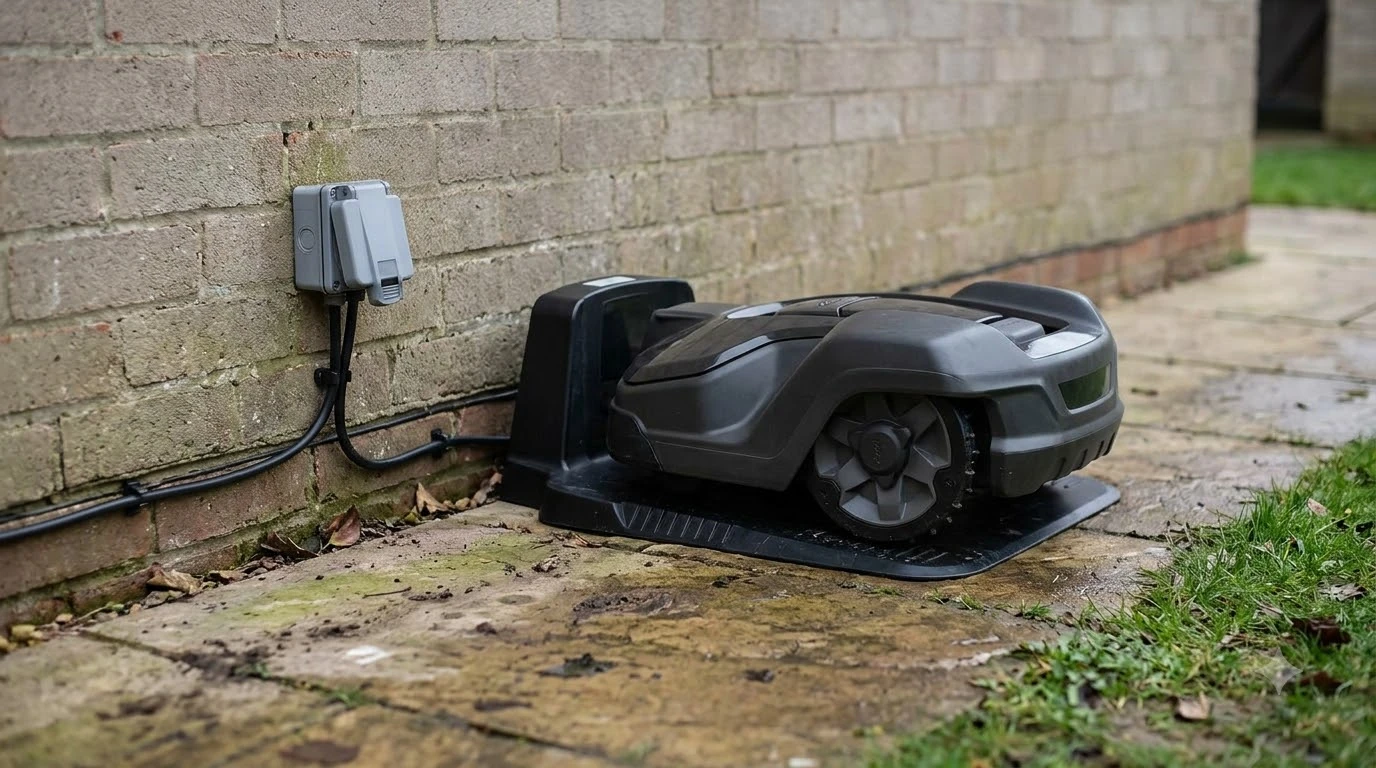

A robot mower charger power adapter replacement must match the output voltage, current and connector that your charging station was designed for. Check the rating label on the original adapter and the station manual before you buy, because output ratings differ by brand and model. Compatibility is model-specific, so a listing title alone is not enough.
The short answer
- Match the ratings. Voltage, current, connector and polarity should match the original adapter and the station manual.
- Read the status light first. An off light points to the power supply, and a solid red light points to the circuit board or power supply.
- Keep outdoor power protected. Use a GFCI-protected outlet, and avoid power strips and extension cords for the station.
How the power adapter fits into a robot mower charging setup
The power adapter feeds the charging station, and the station supplies the mower when it docks. If the adapter fails, the station may stop charging even though the mower and the station are fine. Husqvarna’s charging station guidance says to place the station near a power outlet, which is the first place to check when docking stops. A robot mower charger power adapter replacement only makes sense once you have confirmed the adapter is the fault, and our guide to causes to check when a charger stops working walks through the other suspects.
What a status light tells you before you replace anything
A status light helps separate a power supply problem from a board problem, so read it before you order a part, and our guide to what charging station lights mean covers other patterns. Husqvarna’s manual describes the pattern this way:
- Off or no light: points to a power supply problem.
- Solid red: points to a circuit board or power supply issue.
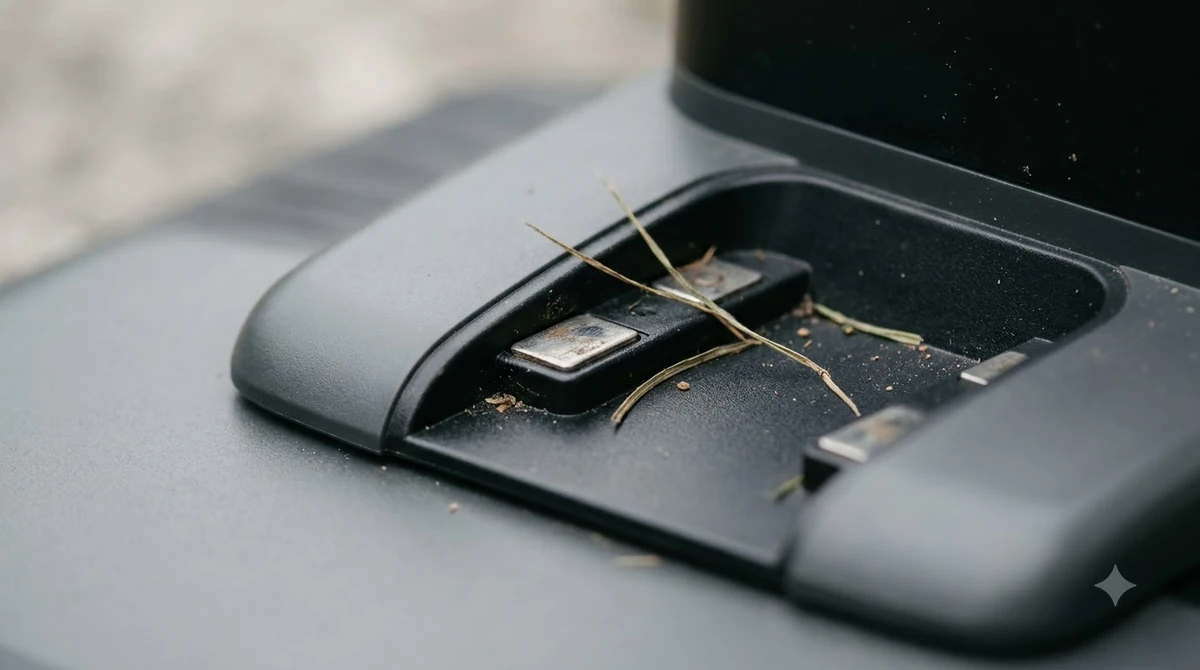
Because a solid red light can come from either the board or the supply, the light alone does not prove the adapter is the failure. Confirm that the outlet has power, that the cable is firmly connected to both the adapter and the station, and that the charging contacts are clean before you buy a robot mower charger power adapter replacement.
Robot mower charger power adapter replacement: how to match voltage, current and connector
The safest replacement is the one whose ratings match the label on the original adapter. Use this table as a checklist, and treat the manual as the reference for your model.
| Spec | Where to find it | Why it matters |
|---|---|---|
| Output voltage | Adapter rating label and station manual | A mismatch can prevent charging or damage the station. |
| Output current | Adapter rating label and station manual | The supply has to deliver the current the station draws. |
| Connector and polarity | Physical plug on the cable and the station socket | A wrong plug or reversed polarity may not fit or may damage the circuit. |
| Cable length | Original cable, measured from the outlet to the station | A cable that is too short forces an extension, which the station manual may forbid. |
| Model compatibility | Manufacturer part listing or manual | Adapters sold for another model can look identical and still be wrong. |
Compare the physical plug and the label first, because a listing title often describes a different model than the one on your station. Our reading is that a robot mower charger power adapter replacement should only be bought after these five items are confirmed against your own hardware.

Genuine parts versus third-party adapters
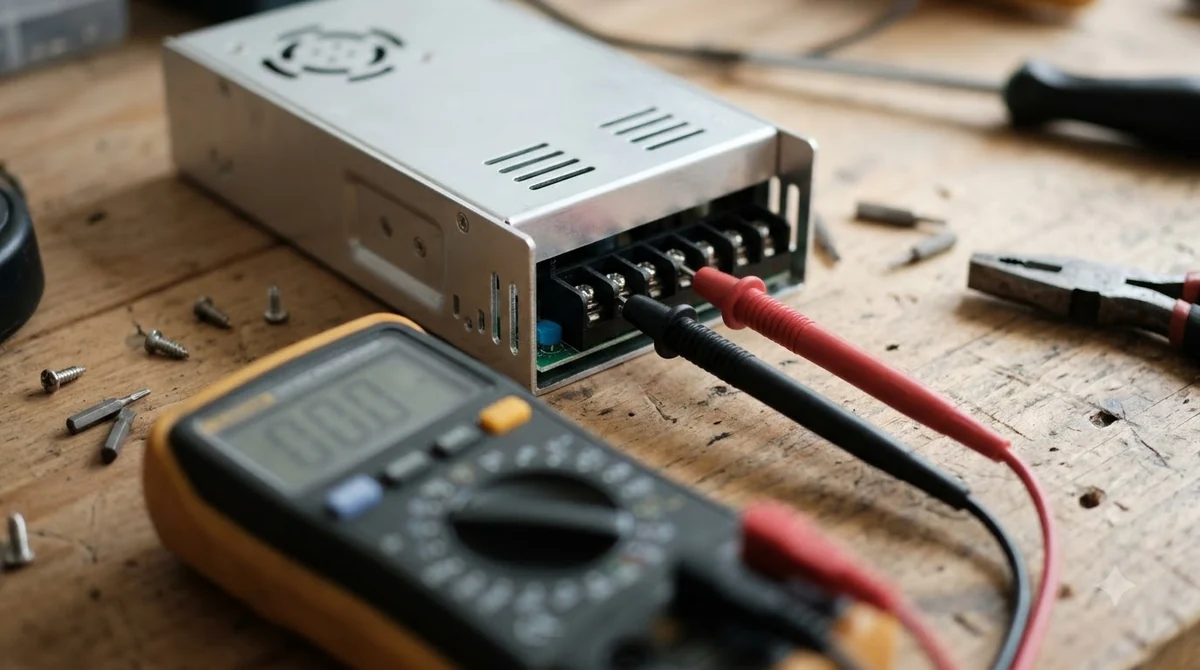
A power supply sold by the mower or station maker is the lowest-risk choice, because it is labeled for specific models. Third-party sellers of a robot mower charger power adapter replacement can work, but only when the seller states compatibility for your exact station and the ratings match the original label.
- Ask for the exact model number of the station, not only the mower brand.
- Check that the output voltage, current and connector are listed, not just the wattage.
- Keep the original label photo before you buy, so you can compare it with the new unit.
We did not verify any third-party listing for this article, so treat marketplace listings as unconfirmed until the seller’s compatibility statement matches your station manual.
Outdoor outlet and electrical safety for the station
The outlet that powers a charging station is outdoors in most yards, so ground fault protection matters, and it applies to whichever robot mower charger power adapter replacement you end up using. Our overview of charging station power requirements goes deeper on outlets and circuits. The U.S. Consumer Product Safety Commission says outdoor receptacles have required GFCI protection since 1973, and a GFCI can trip at a current difference as small as 0.006 A. The University of Illinois Extension makes the same point for home use, recommending GFCIs on outdoor outlets and noting that a GFCI “shuts off power instantly if it detects a problem.”
The same extension page adds a caution that applies to any outdoor appliance: be careful with electrical equipment outdoors, even when it is plugged into a GFCI-equipped outlet. A GFCI is one layer of protection, not a reason to ignore a damaged cord or a wet connection.
- Test the GFCI monthly and after any power failure, using the test button on the outlet.
- Use outdoor-rated cords only. The CPSC advises using extension cords labeled for outdoor use.
- Avoid power strips and extension cords for the station. Toro’s commercial charging station manual says not to plug the station into either.
Check your own manual for the same rule, because home models can differ from commercial ones. If the outlet is far from the station, the usual answer is to move the station, not to daisy-chain power. Our look at what makers allow for outdoor extension cords explains where cords are permitted at all.
When to stop and call a professional
Stop using the charger if the cord, plug or adapter is cracked, warm to the touch, or smells of burning. Call the manufacturer or a licensed electrician before any further testing, because mains wiring and outdoor outlets carry real shock and fire risk.
Frequently asked questions
Can I use any adapter with the same voltage?
No. For a robot mower charger power adapter replacement, voltage alone is not enough. Current, connector polarity and a written model compatibility statement also have to match the original label and the station manual.
What does a red light on the charging station mean?
Husqvarna’s manual says a solid red light points to a circuit board or power supply issue, so the light alone does not prove the adapter has failed.
Do outdoor outlets need GFCI protection?
The CPSC says outdoor receptacles have required GFCI protection since 1973. Test the GFCI monthly and after a power failure.
Can I plug the charging station into an extension cord?
Toro’s commercial charging station manual says not to plug the station into a power strip or extension cord. Check your own manual, and if a cord is unavoidable, use one labeled for outdoor use.
Sources
- Husqvarna charging station placement guide (manufacturer): outlet placement and status light meaning.
- Toro charging station installation manual (manufacturer): power strip and extension cord rule, input rating example.
- CPSC GFCI fact sheet (U.S. government): GFCI trip level, outdoor GFCI rule and testing.
- CPSC extension cords and power strips (U.S. government): outdoor-rated cords.
- University of Illinois Extension, electrical safety talks (university extension): GFCI on outdoor outlets and outdoor appliance caution.
 Up next8 min readGearMammotion LUBA Replacement Blades: What to Match Before You OrderUpdated Nov 20, 2026
 8 min readGearMammotion YUKA Replacement Blades: What to Check Before You BuyUpdated Nov 20, 2026
 8 min readGearAnthbot Replacement Battery: What to Check Before You BuyUpdated Nov 20, 2026
 7 min readGearAnthbot Replacement Blades: What to Check Before You BuyUpdated Nov 12, 2026
 9 min readGearDreame Replacement Battery: What to Check Before You BuyUpdated Nov 12, 2026
 8 min readGearSunseeker Replacement Battery: What to Check Before You BuyUpdated Nov 19, 2026