
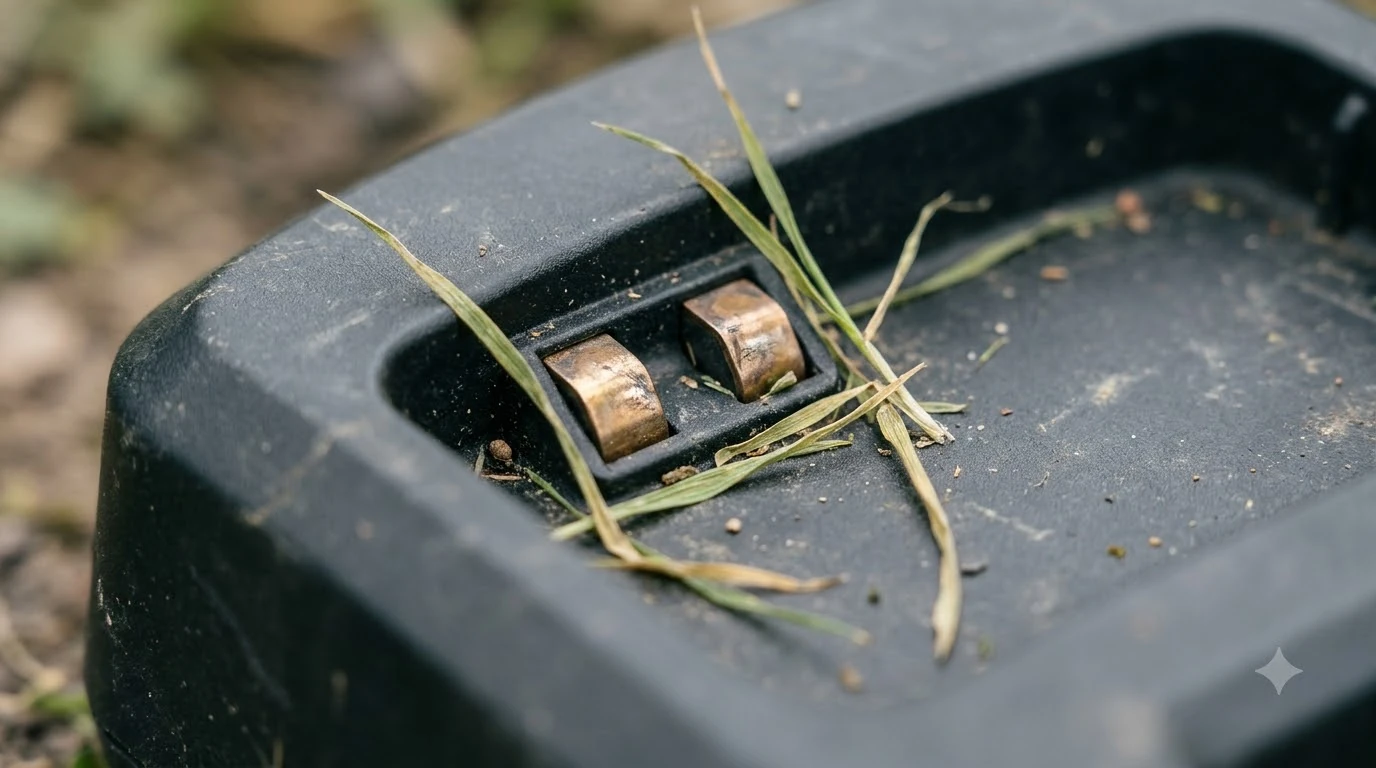

Robot mower charging contacts corrosion is the light green or white buildup on the metal plates of the mower and its charging station. Clean it with the power off: wipe the contacts with a dry or lightly damp cloth, use fine abrasive only where wiping fails, and dry everything before the next charge. Guidance from the brands below is current as of November 2026.
The short answer
- Turn power off first. Husqvarna’s station steps begin by disconnecting the power supply unit.
- Wipe first. A dry or damp microfiber cloth removes dirt before any abrasive is used.
- Abrasive only for light corrosion. Husqvarna says fine grade emery cloth “if necessary”; Gardenia names fine-grain sandpaper for a light green deposit.
- Dry before charging. Anker says “make sure everything is fully dry” before the mower goes back on charge.
- Check every week or two. Anker advises wiping every couple of weeks, and Mammotion advises checking weekly, especially after rainy weeks.
Why robot mower charging contacts corrosion causes problems
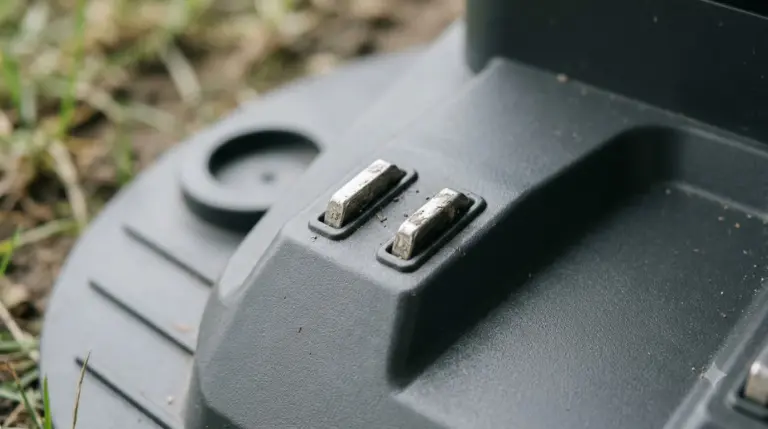
Charging contacts are the metal plates on the underside of the mower and on the charging station. Mammotion’s maintenance guide puts the effect plainly: “Moisture buildup or corrosion can cause inefficient charging or trigger false errors in the app.” That is why a mower may dock correctly and still report a charging fault. If cleaning does not help, our robot mower not charging fix lists other causes to rule out.
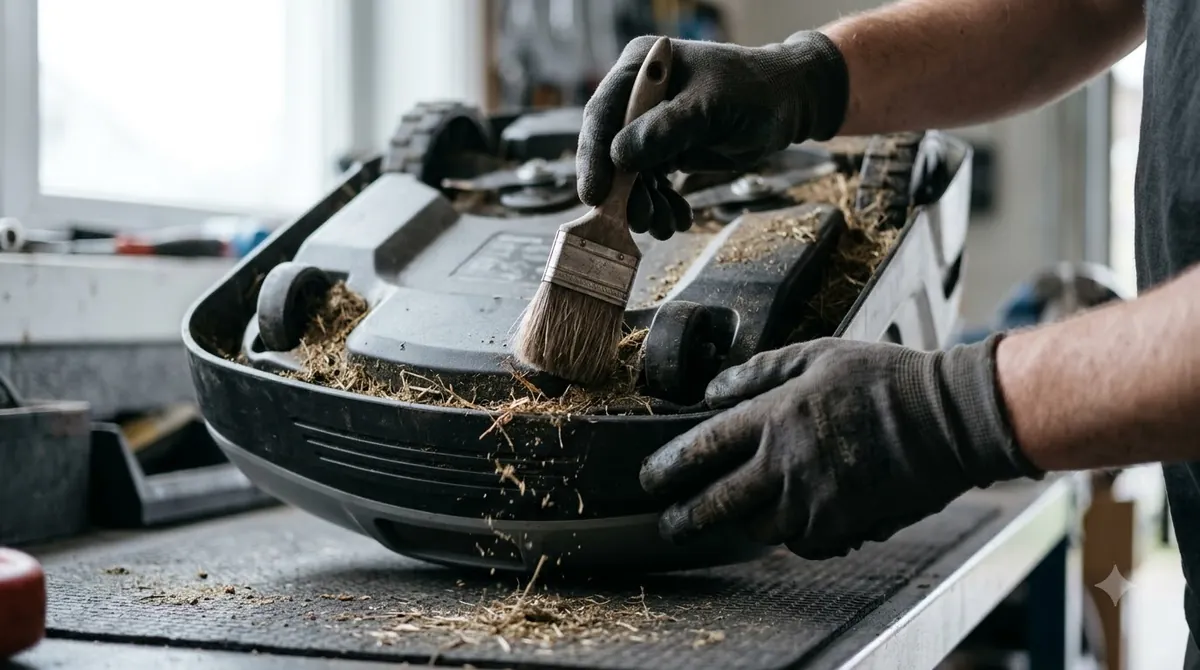
Moisture is the cause the sources name most often, and it is the main reason robot mower charging contacts corrosion comes back after a clean. Anker warns that “trapped moisture around the charging contacts or underside can lead to corrosion over time.” Mammotion also warns that running in wet conditions “increases the risk of electrical shorts, especially around charging contacts and sensors.” Our reading is that a short wipe after wet mowing is the cheapest protection an owner can add.

Before you start: cut power and check the station
Cleaning a charging station means working near mains power, so start with the power off. Husqvarna’s charging station guide begins its cleaning steps with “Disconnect the power supply unit.” Gardenia’s guide makes the same point for the mower itself, telling owners to “make sure that the power is off!” before wiping. Anker advises that, if the battery is removable, the battery should come out before cleaning for extra safety. Anker’s article also says to power the mower down before cleaning underneath it or touching the blades.
Look at the station before you touch anything. Note how the robot mower charging contacts corrosion looks: whether the plates are dull, green, white or blackened, and whether grass or soil has built up around them. Those notes tell you whether a dry wipe is enough or whether you need to use a tool.
How to clean robot mower charging contacts step by step
Most charging contacts need only a wipe. Work through the steps in order and stop as soon as the plates look clean and bright.
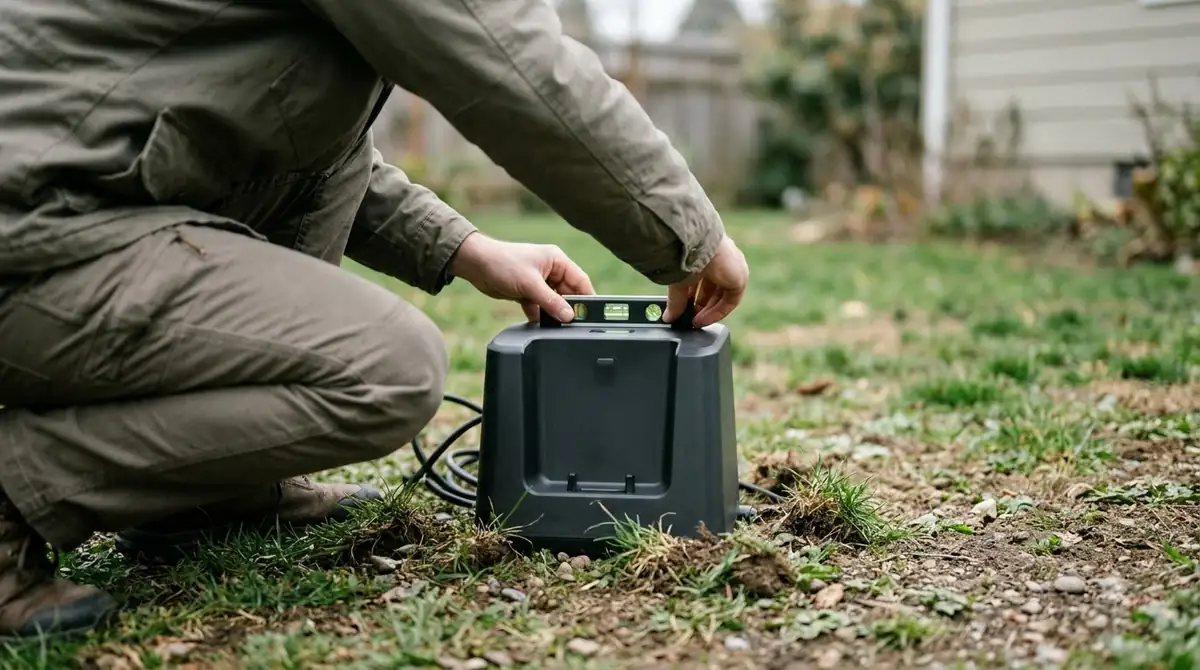
- Cut power and remove the battery if it is removable. Disconnect the station’s power supply unit and power down the mower, as Husqvarna and Anker advise.
- Clear debris. Brush away grass and soil from the station plates and the mower’s contact points, as in our guide to cleaning a robot mower. Mammotion’s spring checklist also says to clear leftover debris from the charging station before the first run.
- Wipe the plates. Use a dry cloth or electronic contact cleaner. Mammotion’s monthly routine uses a dry cloth or electronic contact cleaner, and Gardenia suggests a damp microfiber cloth for dirt.
- Treat light corrosion. If robot mower charging contacts corrosion shows as a light green or white deposit that does not wipe off, Husqvarna says to clean the plates with a fine grade emery cloth “if necessary.” Gardenia names fine-grain sandpaper for the same deposit. Use the lightest pressure that works.
- Keep water out of the station. Husqvarna says running water is allowed only on its NERA and EPOS models; on other models, do not use running water to clean the station.
- Dry completely. Dry the plates with a dry cloth and let everything air out before reconnecting power. Anker says to make sure everything is fully dry before placing the mower back on charge.
Once the plates are clean, reconnect the power supply, check that the mower docks cleanly, and watch the first charge. A clean dock with no app error is the result you want.
Which materials to use and which to avoid
Manufacturers name a small set of materials for robot mower charging contacts corrosion and warn against a larger set. The table below lists what each source says, using only the wording from the pages we read.
| Material or method | What the source says | Our reading |
|---|---|---|
| Dry microfiber or dry cloth | Anker: “Use a dry cloth to wipe the charging contacts on both the mower and the docking station.” Mammotion uses a dry cloth for monthly wipes. | First choice for routine dirt. |
| Electronic contact cleaner | Mammotion lists it as a monthly option. Anker says a contact cleaner “approved by the manufacturer” is acceptable for slight corrosion. | Check the manual for approved products before using one on a station. |
| Fine grade emery cloth or fine-grain sandpaper | Husqvarna: clean the contact plates “using a fine grade emery cloth if necessary.” Gardenia: fine-grain sandpaper for “a light green deposit.” | Only for corrosion that will not wipe away. Use light pressure and stop once the plates are bright. |
| Steel wool | Anker lists it as an option for stubborn residue. | Our reading: leave it out. It is harder to control than fine sandpaper, and Anker’s own general warning against wire brushes and metal scrapers points the same way. |
| Running water | Husqvarna: allowed only on NERA and EPOS models; not allowed on other models. | Check the model before using water on the station. |
| High-pressure washer or solvents | Husqvarna: “Never use a high-pressure washer or solvents to clean the charging station.” | Avoid entirely. |
| Wire brushes or metal scrapers | Anker: “Strong cleaning sprays, wire brushes, or metal scrapers can damage protective coatings and sensitive parts around the mower.” | Avoid on the plates. |
The sources do not agree on every point. Anker’s list includes steel wool, while its general warning rules out wire brushes and metal scrapers. Our reading is that fine abrasive used lightly on the plates is the most common method, and steel wool is the one to skip. When in doubt, follow the operator’s manual for your exact model.
How often to check and clean the contacts
Intervals differ by brand, but the sources line up on a simple rhythm for checking robot mower charging contacts corrosion: a quick look every week or two, a deeper wipe at least monthly, and extra attention after wet weeks and at the end of the season.
| When | What to do | Source |
|---|---|---|
| Every week or two | Check both sets of contacts; clean if corroded | Mammotion (weekly check); Anker (“every couple of weeks”) |
| Monthly | Wipe mower and dock contacts with a dry cloth or electronic contact cleaner | Mammotion |
| After rainy weeks | Check for corrosion and clean | Mammotion: “especially after rainy weeks” |
| Every 6 to 12 months | Clean the charging station as a whole | Gardenia: “every six to twelve months is worthwhile” |
| After each season | Have the station professionally cleaned | Husqvarna: “a thorough, professional cleaning at your dealer’s after each season” |
Before winter storage, clean the contacts on both the mower and the station to stop robot mower charging contacts corrosion over the off-season, then store the mower where it stays dry. Our robot mower winterizing guide covers the rest of the routine. If you live where wet weeks are common, shorten the interval.
Preventing robot mower charging contacts corrosion between cleanings
Routine care is mostly about keeping water and debris away from the plates. Three habits help most:
- Dry the mower before docking. Anker says to make sure everything is fully dry before placing the mower back on charge.
- Keep the station area clear. Mammotion advises clearing debris from the charging station and says to ensure the charging base is shaded in summer, which is one more reason to think about where to put the robot mower charging station. Our reading is that removing leaves and clippings from in front of the plates is the simplest way to keep them clean.
- Cover the station when you can. A robot mower charging station cover may help keep rain and leaves off the plates, in our reading.
- Avoid spraying the station. Husqvarna rules out high-pressure water and solvents, and Mammotion warns against running in wet conditions.
Frequently asked questions
Can I clean robot mower charging contacts with water?
Only on some models. Husqvarna says running water is acceptable on its NERA and EPOS models. For other models it says not to use running water on the charging station, and never to use a high-pressure washer or solvents.
How often should I check for robot mower charging contacts corrosion?
Check them every week or two and wipe them at least monthly. Mammotion recommends a weekly check with a monthly wipe, and Anker suggests wiping every couple of weeks. Clean sooner after rainy weeks.
Do I need to unplug the charging station before cleaning?
Yes. Husqvarna’s cleaning steps begin with disconnecting the power supply unit, and Gardenia tells owners to confirm the power is off before wiping.
Can robot mower charging contacts corrosion stop my mower from charging?
Corrosion can cause inefficient charging or false app errors, according to Mammotion. It may not stop a charge completely, but a mower that docks and reports a charging fault should have its contacts checked first.
Sources
- Husqvarna support: cleaning the Automower charging station (Husqvarna): power disconnection, emery cloth for contact plates, limits on running water and solvents, and the after-season professional clean.
- Cleaning robot lawn mower guide (Anker, eufy UK): wipe interval, drying before charging, corrosion from trapped moisture, and the materials it lists.
- AWD robot lawn mower maintenance guide (Mammotion): weekly and monthly contact checks, the effect of moisture on charging and app errors, and the wet-running shorts warning.
- How to clean and take care of a robotic mower (Gardenia Organic): fine-grain sandpaper for a light green deposit, damp microfiber cloth, power-off step, and the station cleaning interval.
 Up next7 min readGearRobot Mower Spare Charging Contacts: When a Spare Is Worth ItUpdated Nov 20, 2026
 9 min readGearBest Dielectric Grease for Robot Mower Charging Contacts: Types and Care GuideUpdated Nov 19, 2026
 9 min readGearBest Anti-Corrosion Spray for Robot Mower Wheel Axles: Types and CareUpdated Nov 19, 2026
 10 min readGearSmart Sprinkler Controllers and Robot Mowers: What to Check Before You Sync ThemUpdated Nov 13, 2026
 9 min readGearBest Garden Hose Sprayer to Clean Robot Mower: What Brands AllowUpdated Nov 13, 2026
 9 min readGearRobot Mower Blade Screws Replacement: When to Change ThemUpdated Nov 19, 2026