
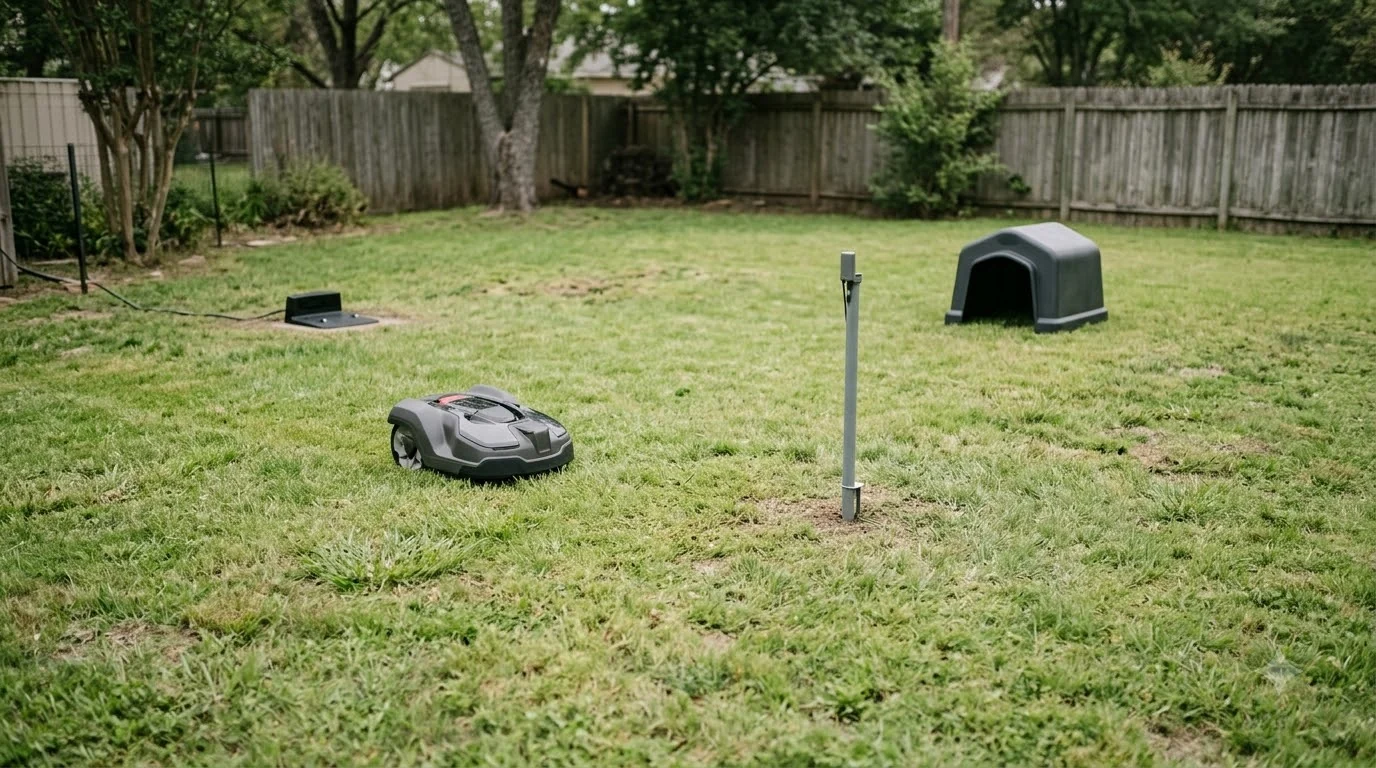

This Worx Landroid M500 review finds a wire-guided robot mower rated for lawns up to about 500 square meters, with an 18 cm cutting width and a cutting height adjustable from 30 to 70 mm. The UK product page (titled “Landroid M500 Plus”) and the owner’s manual agree on the area and cutting width, but they name different model codes and do not match on weight or cutting height, so check the label on your unit. Based only on the manufacturer’s documentation, it suits a small to medium yard that can take a boundary wire installation.
The short answer
- Rated area: up to 500 m² (about 5,400 sq ft) according to both the product page and the owner’s manual.
- Cutting height: 30 to 70 mm in four positions per the manual; the product page lists 30 and 60 mm.
- Setup: it needs a boundary wire. The product page says a 150 m wire and 210 pegs come in the box.
- Main limits in the manual: a boundary wire no longer than 350 m, and no more than 25 m from the center of the lawn to the wire.
- Weather: the manual describes a rain sensor, says wet lawns cause wheel slip, and asks you to place the charging base in a shady area.
Worx Landroid M500 review: specs at a glance
The spec sheet is the fastest way to see what the machine is built for, so this Worx Landroid M500 review starts there. The table below separates the two sources, because they describe the same product line but not identical numbers.
| Item | Product page (UK, M500 Plus, model WR165E) | Owner’s manual (model WR139E) |
|---|---|---|
| Maximum lawn area | 500 m² | 500 m² |
| Maximum slope | 35 % | Up to 35% or 20 degrees (setup section, not in the technical data table) |
| Cutting height | 30 / 60 mm, adjustable | 30 to 70 mm, 4 positions |
| Cutting width | 18 cm | 18 cm cutting diameter |
| Battery | Li-Ion 20 V, 2.0 Ah PowerShare | Li-ion, model WA3551.3 |
| Charging time | Not listed | About 70 minutes |
| Machine weight | 9.5 kg with battery | 9.1 kg |
| Noise | 67 dB | LwA 65.5 dB(A); LpA 45.5 dB(A) |
| Warranty | 2 years, plus 1 year if registered within 30 days | Not listed |
The two documents are close enough to describe one product family, but the model codes differ and the weight and cutting-height figures do not match. This article uses each source’s own figures and does not average them. Before you buy, compare the label on the unit with the code printed on the box.
Heads up
The UK product page we read is titled “Landroid M500 Plus” and lists model WR165E, while the owner’s manual is for WR139E. Our reading is that these may be two variants of the same line, but we could not confirm that or which code is sold in your market. Ask the seller for the model code before you compare prices or accessories.
Worx Landroid M500 setup: the boundary wire the manual expects
The Landroid M500 finds its way with a buried or pegged boundary wire rather than GPS, so installation is the main job before the first cut. According to the product page, the box includes a 150 m wire, 210 pegs, two wire repair connectors and two distance gauges.
The manual is strict about layout: the total wire length should not exceed 350 m, and the distance from the center of the lawn to the wire perimeter should stay within 25 m. If the lawn is larger or the wire has to snake around a long garden, the setup gets harder to keep inside those limits. Our guide to matching boundary wire for a Worx Landroid covers what to check when you need extra wire.
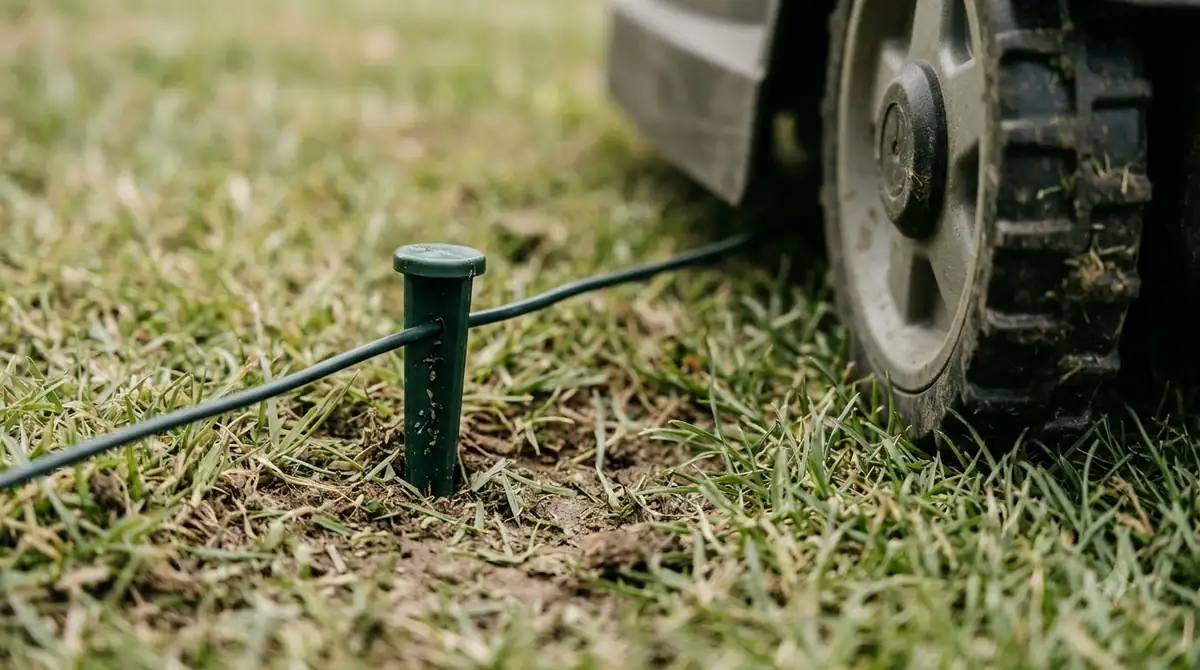
A Worx Landroid M500 review should flag the neighbor rule early. The manual also asks you to keep at least 1 m between your wire and a neighbor’s robot mower wire, because a closer wire can make the mower reverse or turn erratically. Joints are a known weak spot. The manual warns that a wet or badly repaired joint can leak the signal, so it asks for a fully waterproof connection with the supplied connectors. For a yard with many trees, beds or fences, plan the route on paper before you start pegging.
- Plan the perimeter first: check that the whole loop stays under 350 m and that no part of the lawn is more than 25 m from the wire.
- Keep the wire at least 1 m from neighbors’ robot mower wires.
- Waterproof every joint: use the supplied repair connectors and insulate them completely.

What the documentation supports on the plus side
Several features in the documents are clear, checkable points. The manual says the mower can only start when the power is on and the correct PIN has been entered, which is a useful anti-theft check. It also describes a built-in Wi-Fi module and a companion app, and it asks the user to connect the mower to a 2.4 GHz network, with DHCP enabled, to get the app working.
The four cutting height positions in the manual give owners a way to change grass length through the season. The product page’s 18 cm cutting width matches the manual’s 18 cm cutting diameter, so the two sources agree on the size of the cutting path. Neither source compares the noise figures with other robot mowers, so treat them as the manufacturer’s numbers only.
Worx Landroid M500 limits and failure points from the manual
The troubleshooting pages of the manual describe the situations where the mower most often fails to do its job. This Worx Landroid M500 review treats them as the manufacturer’s own list of problems and fixes, not as reports of real use.
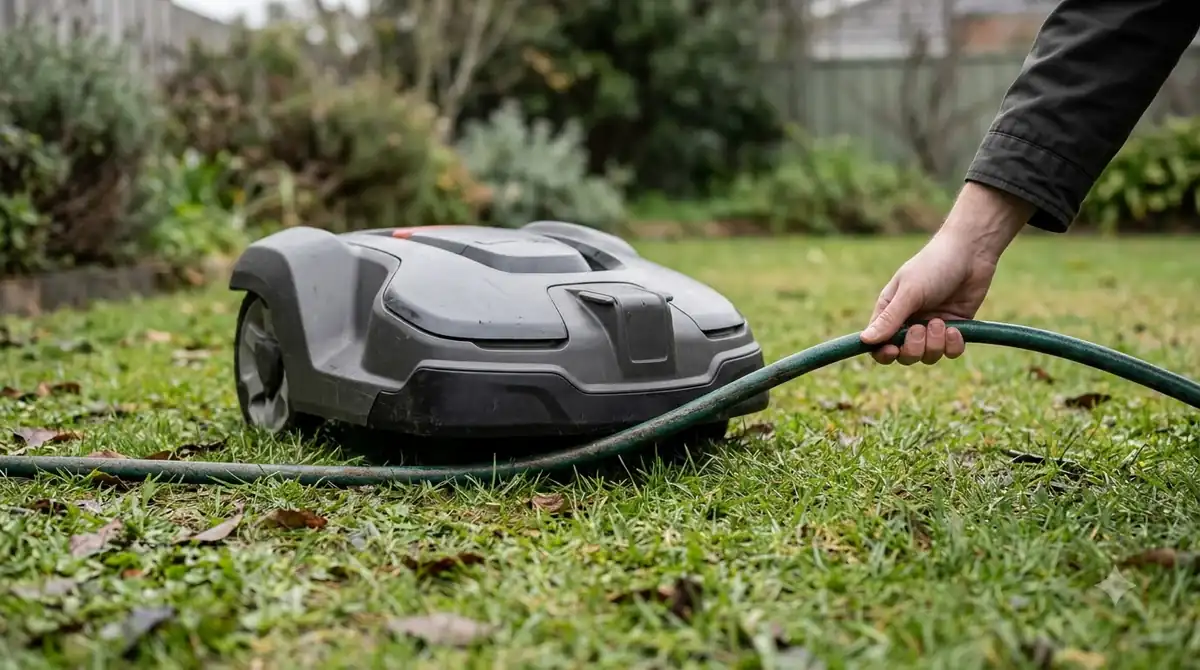
- The mower runs outside the wire or misses a zone: the manual points to wire joints, a neighbor’s wire too close, and damaged insulation.
- Slipping on slopes: the manual says low drive-wheel grip can make the mower slip out of its working area going down a hill, and it asks you to keep the wheels clean. Both sources give a 35 % maximum slope.
- Obstacles and tall grass: the manual asks users to clear twigs and branches from underneath, and to raise the cutting height when the grass is long or dense.
- Short run times: the manual links shorter run times to a clogged blade disc or grass that is too high and thick.
The manual does not publish an independent failure rate, and it does not say how often these problems happen in practice. If the mower loses its signal, our guide to Worx Landroid no wire signal causes goes further. For a buyer, the useful point is that most listed fixes are about wire layout, cleaning and the charging base, rather than a single known fault.
Wet lawns, heat and charging base placement
Weather is a recurring theme in the manual. It calls the mower weather proof but says mowing wet grass does not give the best result, and it describes a rain sensor that sends the mower back to its charging base, with a default rain delay of 180 minutes.
The troubleshooting table adds that a lawn that is too wet causes wheel skid and repeated slip, so the advice is to wait until it dries (see also our guide to robot mower wheels slipping on grass). It also warns against using the mower in bad weather, especially when there is a risk of lightning. The charging base should be placed in a shady area, since the manual says over-temperature protection can stop charging and power the mower off when it docks.
The manual also recommends a 30 mA residual current device (RCD) on the supply circuit, and it says the mower should not be washed with a pressure washer, because water can get into the electronics. A practical reading for a buyer is that the charging base and the outdoor power outlet need the same planning as the boundary wire, before the mower arrives.
Who the Worx Landroid M500 suits (our reading)
Based on the manufacturer’s published figures, this Worx Landroid M500 review concludes the mower fits a yard of up to about 500 m² with a reasonably clear layout, where a buried or pegged wire can be installed without many tight corners. It is also a sensible fit for a buyer who wants a PIN lock and a mower that can be set to several cutting heights. It is a weaker fit for steep lawns near the 35 % slope limit, for yards with many long wire runs past 350 m, or for owners who will not keep the charging base in shade.
For this Worx Landroid M500 review, we have no independent test data for the model. If you want a machine with published field tests, look for third-party tests of the same model code, and compare the specs above before you order. Our guide to choosing a Worx Landroid model shows how the wider range is laid out.
Frequently asked questions
Does the Worx Landroid M500 need a boundary wire?
Yes. The product page and the owner’s manual both describe a boundary wire system, and the box includes a 150 m wire with pegs according to the product page.
What is the maximum lawn size for the Worx Landroid M500?
Both the product page and the owner’s manual list a cutting area of 500 m². The manual also limits the boundary wire to 350 m and the distance from the lawn center to the wire to 25 m, so a large lawn with a complex shape may not fit those limits.
What cutting heights does the Worx Landroid M500 offer?
The owner’s manual lists 30 to 70 mm in four positions. The product page lists 30 and 60 mm as the adjustable range, so check the actual settings on your model.
Why do the Worx sources list different model numbers?
The product page summary we read gives model WR165E, and the owner’s manual we read is for WR139E. The weights and cutting heights also differ slightly, so the label on your unit and the seller’s listing are the reliable check.
Sources
- Worx Landroid M500 Plus product page (UK) (Worx): specs, box contents and warranty, page title “Landroid M500 Plus”, model WR165E.
- Worx Landroid owner’s manual, model WR139E (PDF) (Worx): technical data, safety, quick reference and troubleshooting pages.
 Up next8 min readReviews & CompareWorx Landroid Vision Cloud WR320.1 Review: Specs and Setup LimitsUpdated Nov 16, 2026
 8 min readReviews & CompareGardena Sileno Minimo vs Worx Landroid M500: Full Spec ComparisonUpdated Nov 19, 2026
 8 min readReviews & CompareWorx Landroid Vision Review: 5 Models, Specs and Worth ItUpdated Nov 12, 2026
 9 min readReviews & CompareWorx Landroid Vision Pros and Cons: What Reviews ShowUpdated Nov 12, 2026
 8 min readReviews & CompareIs the Worx Landroid Vision Worth It? Model Specs Compared (2026)Updated Nov 14, 2026
 8 min readReviews & CompareWorx Landroid Vision vs Mammotion Luba 3 AWD: Published Specs ComparedUpdated Nov 14, 2026