
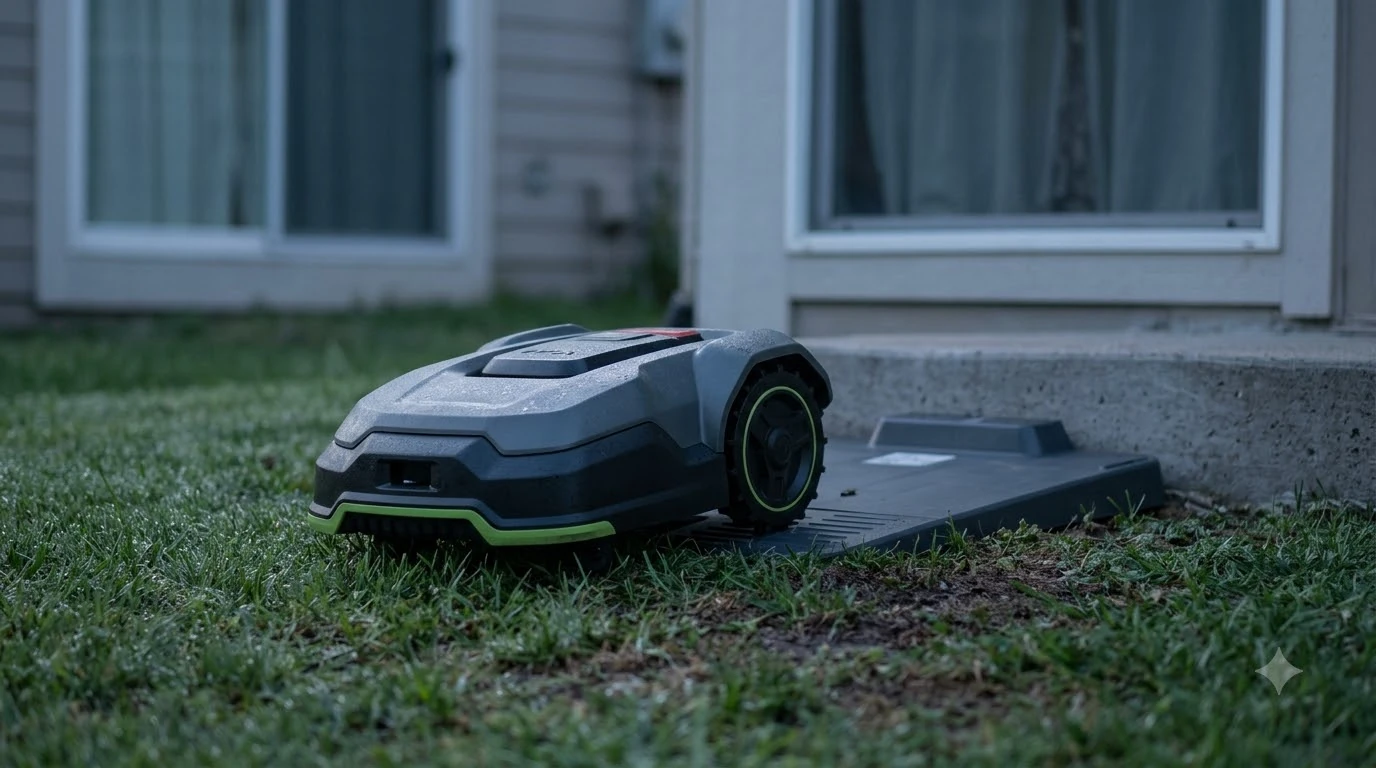

This Worx Landroid Vision Cloud review covers the WR320.1, which Worx rates for a 0.5 acre lawn and a 30 percent (17 degree) slope, with RTK Cloud navigation and a stereo camera. Its listed charge time is 100 minutes at 3 A. This review relies only on Worx’s product and support pages, so it is a spec and setup check rather than a test report.
The short answer
- Model: WR320.1, listed by Worx as the Landroid Vision Cloud WR320.1.
- Lawn and slope: 0.5 acre recommended, 30 percent (17 degrees) maximum slope.
- Cutting: 8.7 in cutting width, 3 blades, electric height adjustment from 1.57 to 3.54 in.
- Battery: 20 V 5 Ah pack (WA3675), charge time listed as 100 minutes.
- Setup limits: a flat, hard charging spot with a 2 m straight approach; passages at least 1 m wide; grass below 9 cm before the first mow.
- Our reading: check lawn size, steepest slope and passage width against your yard before comparing this model with others.
What the WR320.1 is
Worx’s US product page names this unit the Landroid Vision Cloud WR320.1 and sets its recommended lawn at 0.5 acre. The listed package includes the mower, a charging station, a charger, a 20V battery, spare blade kits, a No-Go Line of 19.7 ft, stakes and manuals. The page is the main source for every figure in this review, and it lists a “3 Year Limited Warranty” link label without showing the terms.
The Vision name covers several model numbers, so the number on the box matters more than the name. This Worx Landroid Vision Cloud review covers only the WR320.1 and does not repeat the wider lineup.
Worx Landroid Vision Cloud review: lawn size and slope limits
Worx rates the WR320.1 for a 0.5 acre lawn and a maximum slope of 30 percent (17 degrees). These are two separate limits. A yard can fit the lawn rating and still have one section steeper than the slope figure, so both need checking.
Our reading: measure the lawn first, then find the steepest section and compare it with the slope figure. Our guide on how to choose a robot mower for slopes explains the steps. The product page does not describe performance on wet grass or on slopes near the limit.

Cutting system and height
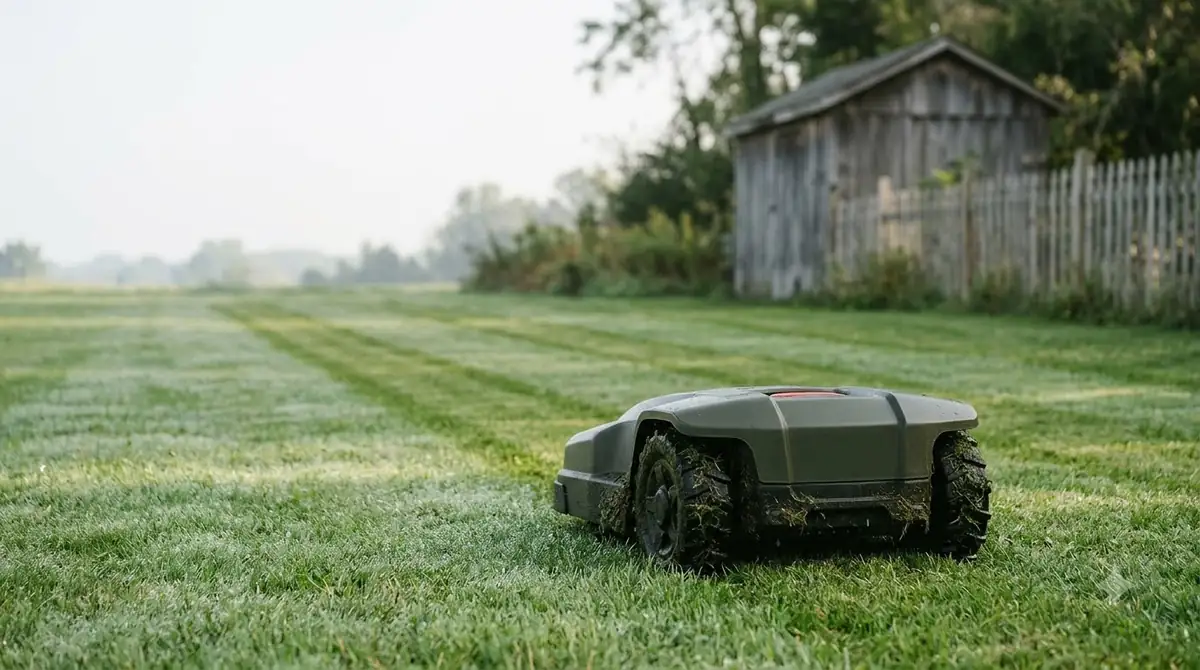
The WR320.1 has an 8.7 in cutting width and three blades that turn at 2,400 rpm with no load. Cutting height is set electrically between 1.57 and 3.54 inches.
| Cutting spec | Listed value |
|---|---|
| Cutting width | 8.7 in |
| Blades | 3 |
| No-load speed | 2,400 rpm |
| Height range | 1.57 to 3.54 in, electric adjustment |
| Blade disc | Self-leveling |
The page also lists a Cut-to-Zero module, a rain sensor and a deck that Worx describes as washable with a water hose. These are listed features of this model, so confirm that your package includes them before you rely on any of them.
Navigation: RTK Cloud, stereo camera and V-SLAM
In this worx landroid vision cloud review, navigation is the part to read closely. Worx lists the WR320.1 navigation as RTK Cloud with a stereo camera and V-SLAM, and our explainer on what RTK stands for on a robot mower covers the term. Connectivity is listed as Bluetooth, Wi-Fi and RadioLink, and software updates can be installed over the air or via USB. The page also lists multi-zone management.
Worx’s installation plan says to protect sensitive areas by marking flower beds or decorative gardens with the provided magnetic strips or decorative fences. That page does not mention a boundary wire, so the setup steps it describes are the ones to follow, with the No-Go Line in the box.
Battery, charge time and weight
The battery is a 20 V 5 Ah Li-ion pack, model WA3675. The product page gives a charge time of 100 minutes at 3 A, with a charger input of 120 V, 60 Hz, 90 W. The mower weighs 31.0 lb with the battery and measures 24.2 in by 20.9 in by 11.1 in.
For a worx landroid vision cloud review, the page gives one charge-time figure. It does not say how that figure changes with battery age, and it does not state how long a mowing session lasts on a full charge. Treat 100 minutes as the listed charge time, not a measured runtime.
Charging base placement
Worx’s charging base guide asks for a flat, hard surface and a 2 m straight path in front of the station so the mower can enter easily. For one of the installation options it describes, it also asks for at least 1.5 m of clearance behind the station. Where possible, the guide suggests a shaded spot to protect the battery and charger from overheating. Our guide to the best garage for a Worx Landroid covers shelter for the dock.
Wi-Fi, app and finding the base
Worx’s Wi-Fi setup page says the Landroid Vision works with 2.4 GHz and 5 GHz Wi-Fi. Setup needs the Landroid Vision app, Bluetooth on the phone, and the mower within connectable distance for Bluetooth pairing. The page does not say Wi-Fi is required for mowing, but it recommends a Wi-Fi connection for full functionality and current software. It also says app instructions are only carried out once the mower returns to an area with good signal.
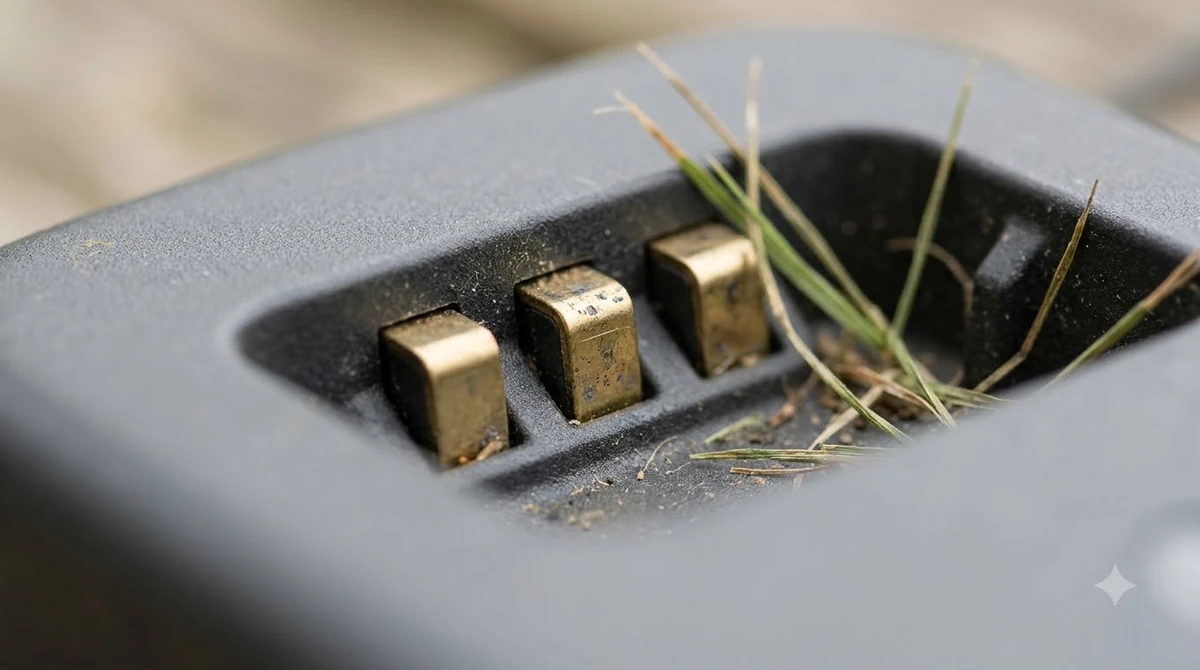
The base is found with the camera rather than with Wi-Fi or Bluetooth. Worx’s troubleshooting page says the mower “cannot communicate with the base station via Wi-Fi or Bluetooth” and reads the base’s QR code instead. If the camera cannot see that code during the search, the mower may not find the base. Worx’s suggested fixes are to review the quick start guide, face the charging contacts and QR code toward the work area, and confirm the installation distances from the base to the edge.
Camera error and firmware
Worx’s E13 camera error page lists a disconnected or faulty internal camera as the cause, and it also names a loose connection, an open cover or outdated firmware. The fix order it gives starts with the camera cable, then the cover, then a restart and firmware update. The page asks for firmware 1.2.33 or newer.
Our reading: check the firmware version before you assume a hardware fault, because the page lists outdated firmware as one of the causes. Keep the camera cover closed tightly after any cable check. Owner-reported faults are collected in our Worx Landroid Vision problems and complaints guide.
Installation prep: grass height and passages
The installation plan asks you to trim grass below 9 cm before the first mow and after long breaks. It asks for passages at least 1 m wide and notes that the charging cable supplied is 10 m long. It also advises trimming edges near walls, fences and corners, which it says helps autonomous navigation.
- Trim the grass. Bring it below 9 cm before the first mow.
- Clear the passages. Keep every route the mower must take at least 1 m wide.
- Place the base. Use a flat, hard spot with 2 m of straight approach in front.
- Mark sensitive areas. Use the magnetic strips or fencing around beds and gardens.
Who the WR320.1 suits
Our reading for this worx landroid vision cloud review: the WR320.1 fits a yard that falls within the 0.5 acre rating, with no section steeper than 30 percent, a charging spot that meets the flat and straight-path rules, and passages at least 1 m wide. Buyers with larger lawns or steeper ground should check the rating and slope figures for whichever model number they are considering.
This review does not rank the WR320.1 against other mowers. No independent test data was read for it, and the figures above are the manufacturer’s printed values.
Frequently asked questions
Does the WR320.1 need a boundary wire?
The installation plan read for this review does not mention a boundary wire. The box includes a No-Go Line of 19.7 ft and stakes. Check the manual that ships with your unit for the exact setup steps.
How large a lawn is the WR320.1 rated for?
Worx’s product page lists a recommended lawn of 0.5 acre. That is a recommendation printed by the manufacturer, not an independent test result.
What slope can it climb?
The page lists a maximum slope of 30 percent, or 17 degrees. Measure your steepest section and compare it with that figure before you buy.
How long does it take to charge?
The product page lists 100 minutes at 3 A. The page does not say how long one charge lasts while mowing, so the charge time is not a runtime figure.
Sources
- Landroid Vision Cloud WR320.1 product page (Worx): recommended lawn, slope, cutting, battery, charge time, box contents and features.
- Installation plan (Worx support wiki): grass height, passage width, cable length and sensitive-area advice.
- Installation, charging base (Worx support wiki): surface, straight approach, clearance and shade advice.
- Wi-Fi setup (Worx support wiki): supported bands, Bluetooth setup and signal notes.
- Cannot find the charging base (Worx support wiki): QR code search and base orientation.
- E13 camera error (Worx support wiki): possible causes and fix order.
 Up next9 min readReviews & CompareWorx Landroid M500 Review: Specs, Setup and LimitsUpdated Nov 16, 2026
 8 min readReviews & CompareWorx Landroid Vision Review: 5 Models, Specs and Worth ItUpdated Nov 12, 2026
 9 min readReviews & CompareWorx Landroid Vision Pros and Cons: What Reviews ShowUpdated Nov 12, 2026
 8 min readReviews & CompareIs the Worx Landroid Vision Worth It? Model Specs Compared (2026)Updated Nov 14, 2026
 8 min readReviews & CompareWorx Landroid Vision vs Mammotion Luba 3 AWD: Published Specs ComparedUpdated Nov 14, 2026
 7 min readReviews & CompareWorx Landroid Vision vs eufy E18: Simple Spec ComparisonUpdated Nov 11, 2026