

How to clean a robot mower: switch it off, turn it over, clear clippings from the underside and wheels, then wipe the body, sensors and charging contacts with a cloth. Brand guides agree on that routine, but they differ on water use, so the rules depend on your model. This guide sets out the steps from three brand guides, how often to clean, and what to avoid.
The short answer
- Power off first: clean the mower only when it is switched off.
- How often: Mammotion suggests every one to two weeks in the growing season.
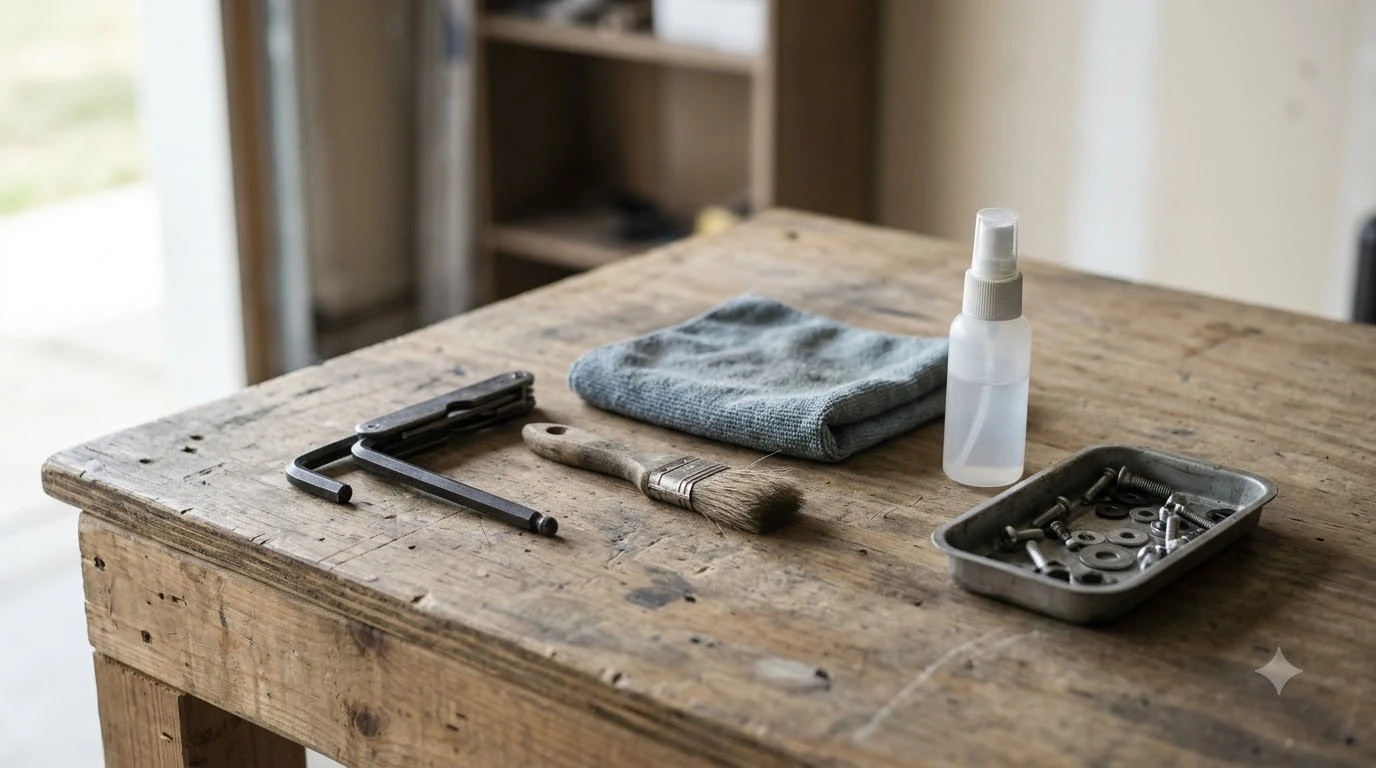
- Tools: gloves, a soft brush, a damp cloth and fine-grade emery cloth for the charging plates.
- Water: rinse with a hose only if your model’s manual allows it.
- Never: use a high-pressure washer or solvents on the mower or the charging station.
How to clean a robot mower step by step
Husqvarna’s US support guide lists a nine-step routine for its Automower models, and the same order works as a template for most robot mowers. Turn the mower off, put on protective gloves, then turn it upside down so you can reach the skid plate, wheels and blade area. Work on the underside before the body so loose clippings do not land on parts you have already cleaned.
- Clear the clumps. Pull out chunks of clippings by hand, keeping your fingers clear of the skid plate and blades.
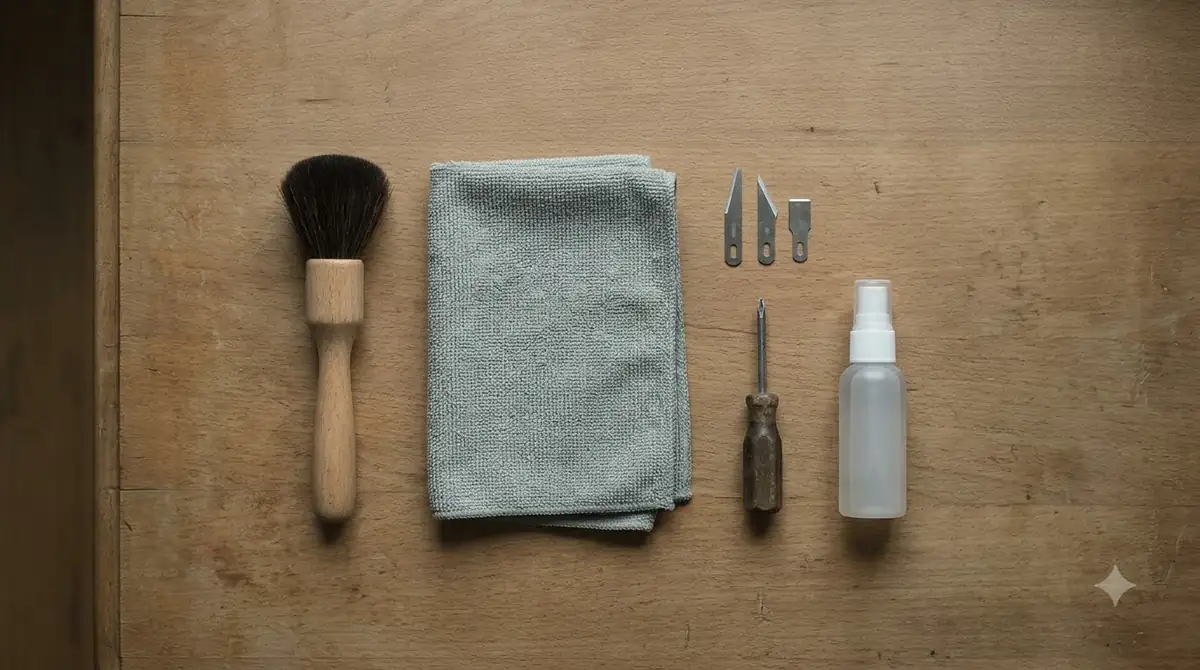
- Brush the underside. Use a soft brush or a dishwashing brush on the skid plate, wheels and body. Mammotion recommends a soft brush or plastic scraper here.
- Check the wheels. Brush off mud and grass while turning each wheel by hand. Mammotion notes that grass, mud and small stones can get stuck around the wheels. Worn tread is a separate job, covered in robot mower wheel replacement.
- Inspect the charging plates. Clean them with fine-grade emery cloth only if they need it, as Husqvarna advises.
- Flip it back. Turn the mower upright so any loose clippings fall out.
- Wipe the body. Use a damp cloth, with a mild soap solution if needed, on the chassis, body and panels.
- Wipe the sensors. Use a microfiber cloth on the lenses and sensors. eufy’s guide says dirt or water spots can reduce navigation accuracy.
- Let it dry. Mammotion says the mower should dry completely before it goes back on the charging station.
The cleaning routine is short. eufy says a thorough clean usually takes less than 15 minutes, so a full pass fits easily into a weekend check.
How often to clean a robot mower
Mammotion recommends cleaning the mower every one to two weeks during the growing season. eufy suggests a weekly clean during mowing season that covers clippings on the body, underside, wheels and charging contacts. Husqvarna does not give a number and says only to clean the mower regularly.
Rough conditions call for more attention. eufy advises removing wet grass build-up and checking the wheels and underside after heavy rain or muddy mowing. At the end of the season, Husqvarna recommends a thorough professional cleaning at your dealer, and eufy suggests a full clean along with a check of the battery and charging contacts.
Monthly checks fill the gaps between cleanings. Mammotion suggests checking battery health, wheels and sensors once a month. It also recommends replacing blades every one to two months during the mowing season, which is a good moment to look at the underside while the mower is flipped. A robot mower maintenance checklist puts these monthly checks in order, and a maintenance kit keeps the brush and cloth together.
How to clean the charging station
Disconnect the power supply before you touch the charging station. Husqvarna’s five-step station routine starts there, then asks you to clear grass, leaves and twigs that could block docking. The surface can be wiped with a damp cloth and a mild soap solution if needed.
- Disconnect power. Unplug the power supply unit before you start.
- Clear the dock area. Remove grass, leaves and twigs that could get in the way of docking.
- Wipe the surface. Use a damp cloth, adding mild soap if needed.
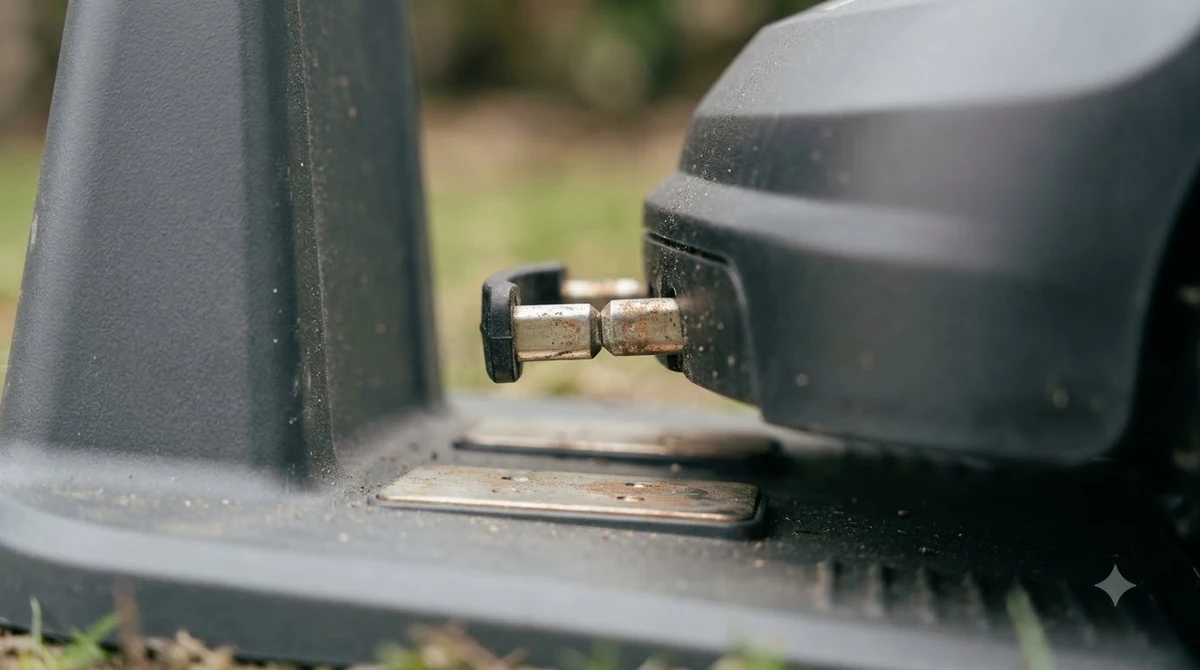
- Clean the contacts. Use a soft dry or slightly damp cloth on the charging contacts, as eufy suggests. Use fine-grade emery cloth on the contact plates only if they need it, as Husqvarna advises.
- Dry before docking. Make sure everything is dry before the mower returns to the station.
Heads up
eufy warns that dirty charging contacts can lead to poor charging performance or charging errors. If the mower returns to the dock but does not charge, check the contacts before assuming a bigger fault. If it still will not charge, try the robot mower not charging fix steps.
Can you hose off a robot mower?
Sometimes, but not on every model. Before you learn how to clean a robot mower with water, check the manual. Husqvarna allows running water only on models that support easy cleaning. For its charging stations, running water is allowed only on the NERA and EPOS models named in its guide.
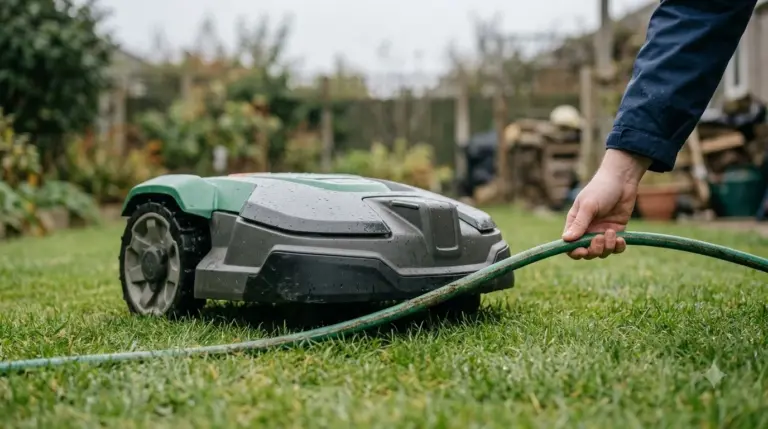
Mammotion’s guide is stricter. A hose rinse may be acceptable only if the mower has a high IP rating and the manufacturer approves it. eufy uses the same test and names IPX5 or IPX6 as the ratings to look for. Check the rating in your manual before you reach for the hose; IP ratings explained shows what IPX5 and IPX6 mean.
- Look for an IPX5 or IPX6 rating in the manual, and only rinse if the brand approves it.
- Use a gentle flow, never a direct high-pressure jet.
- Keep water away from cameras, sensors, charging contacts, buttons and charging ports, as eufy advises.
What to avoid when cleaning a robot mower
Never use a high-pressure washer on a robot mower or its charging station. Husqvarna says so directly, and eufy says never to use a pressure washer. Mammotion asks owners to avoid pressure washers unless the manufacturer states they are safe.
- Power on: never clean the mower while it is powered on, according to Mammotion.
- Solvents: Husqvarna says not to use solvents for cleaning.
- A wet mower on the dock: let it dry completely before charging, per Mammotion.
- Direct spray: avoid spraying cameras, sensors and charging ports, per eufy.
Our reading is that a high-pressure jet is a poor fit for any robot mower, even where a brand has not named a specific part. Forcing water into seams and connectors is the risk the warnings point to, so stick to a cloth and a soft brush unless your manual says otherwise.
What happens if you skip cleaning?
Knowing how to clean a robot mower matters because the parts you skip are the ones it relies on. Grass, mud and small stones trapped around the wheels can affect traction, according to eufy. Dirt or water spots on sensors and cameras can reduce navigation accuracy, and dirty charging contacts can cause charging errors. Those are the reasons the brand routines put wheels, sensors and contacts on the same short checklist.
Frequently asked questions
Can you wash a robot mower with a garden hose?
Only if your manual allows it. Mammotion and eufy say a gentle rinse may be acceptable for mowers with a high IP rating such as IPX5 or IPX6, and only with the manufacturer’s approval. Husqvarna allows running water only on models that support easy cleaning.
How often should you clean a robot mower?
Mammotion recommends cleaning every one to two weeks during the growing season. eufy suggests a weekly clean of clippings from the body, underside, wheels and charging contacts. Husqvarna gives no number and advises regular cleaning plus a professional clean after each season.
Is it safe to use a pressure washer on a robot mower?
No. Husqvarna says never to use a high-pressure washer on the mower or the charging station, and eufy says never to use a pressure washer. Mammotion says to avoid pressure washers unless the manufacturer says they are safe.
Does cleaning the charging contacts matter?
Yes. eufy says dirty contacts can lead to poor charging performance or charging errors. Wipe them with a soft dry or slightly damp cloth, and use fine-grade emery cloth on the charging plates only when Husqvarna’s steps say they need it.
If you are unsure how to clean a robot mower for your model, read the cleaning section of the manual first and then follow the routine above. When in doubt, keep water away from the sensors and charging contacts, and book the dealer’s seasonal service where the brand recommends it.
Sources
- Husqvarna support: how to clean your Automower (manufacturer): cleaning steps, charging station steps, warnings and hose limits.
- Mammotion: robot lawn mower maintenance (manufacturer blog): cleaning frequency, order, drying and pressure washer advice.
- eufy (Anker): robotic lawn mower maintenance (brand blog): weekly clean, IP rating and hose advice, and the charging error note.
 Up next9 min readGearBest Garden Hose Sprayer to Clean Robot Mower: What Brands AllowUpdated Nov 11, 2026
 7 min readGearHow to Change Husqvarna Automower Blades (Step by Step)Updated Nov 11, 2026
 8 min readGearHow to Change Mammotion LUBA Blades in 8 StepsUpdated Nov 11, 2026
 7 min readGearHow to Change Robot Mower Blades (Step by Step)Updated Nov 11, 2026
 8 min readGearRobot mower traction spikes for slopes: what actually helps gripUpdated Nov 11, 2026
 9 min readGearHow to Find a Break in Robot Mower WireUpdated Nov 11, 2026