
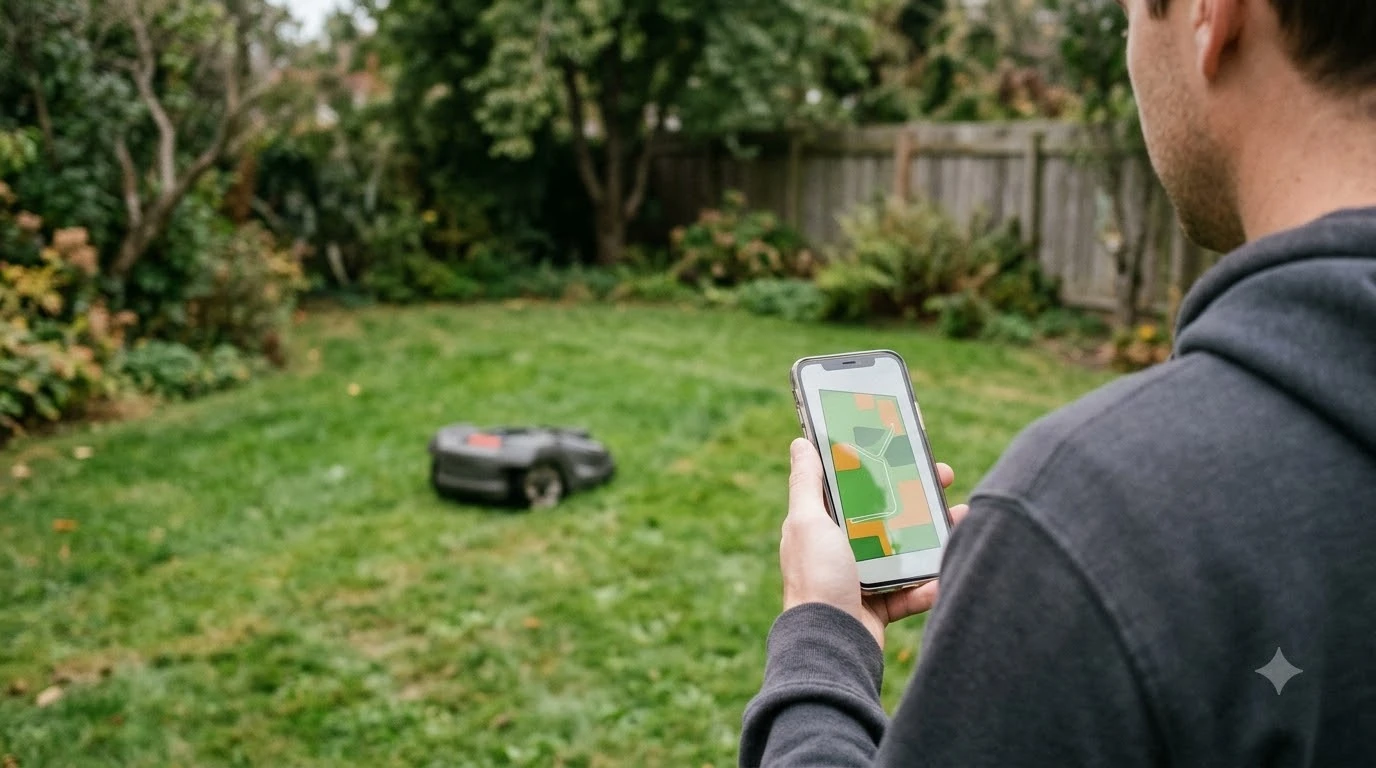

Best robot mower with camera for remote viewing: as of 2026-11-10, few robot lawn mowers offer a live camera feed you can watch on your phone. The cameras on mainstream models, such as the Husqvarna Automower, are built for obstacle detection and navigation, and the manufacturer says camera images stay on the mower. Live viewing is mostly found in add-on or hobbyist builds, and a 2026 security report showed what can go wrong when a mower’s camera is reachable remotely.
The short answer
- Live viewing is rare. The mainstream autonomous models we checked use their cameras for navigation, not for owner video.
- Read the spec sheet. Look for a stated live feed, image storage, and who can access the camera data.
- Privacy depends on the brand. Husqvarna says Automower camera data never leaves the mower, while other brands publish different policies.
- Secure the network. Put any connected mower on a guest or separate network and keep its software updated.
What robot mower cameras are built for
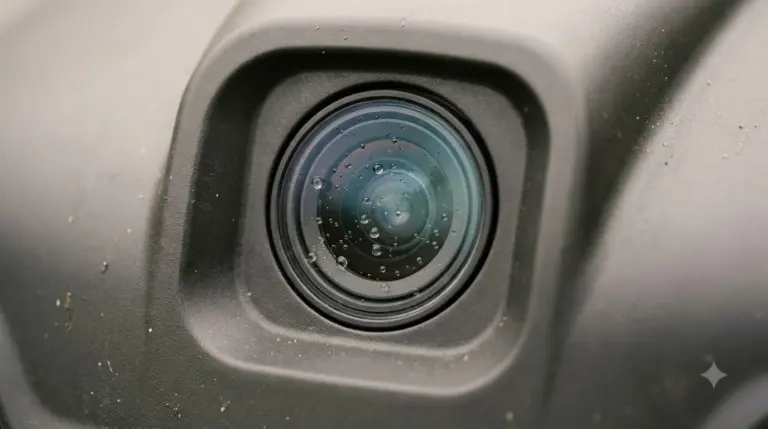
A robot mower camera is usually a navigation tool. On Husqvarna’s current AI vision models, the camera detects objects on the lawn in real time so the mower can change its path. It also supports back-up navigation: when the satellite signal weakens, the camera looks for grass so the mower can keep cutting for a limited distance.
Husqvarna also describes Boundary Assist, which uses the camera to find a physical edge such as a patio or flower bed and adjust where the mower turns. This feature is off by default and can be switched on in the Automower Connect app, and Husqvarna lists it only on the NERA models.
Why live viewing is rare on mainstream models
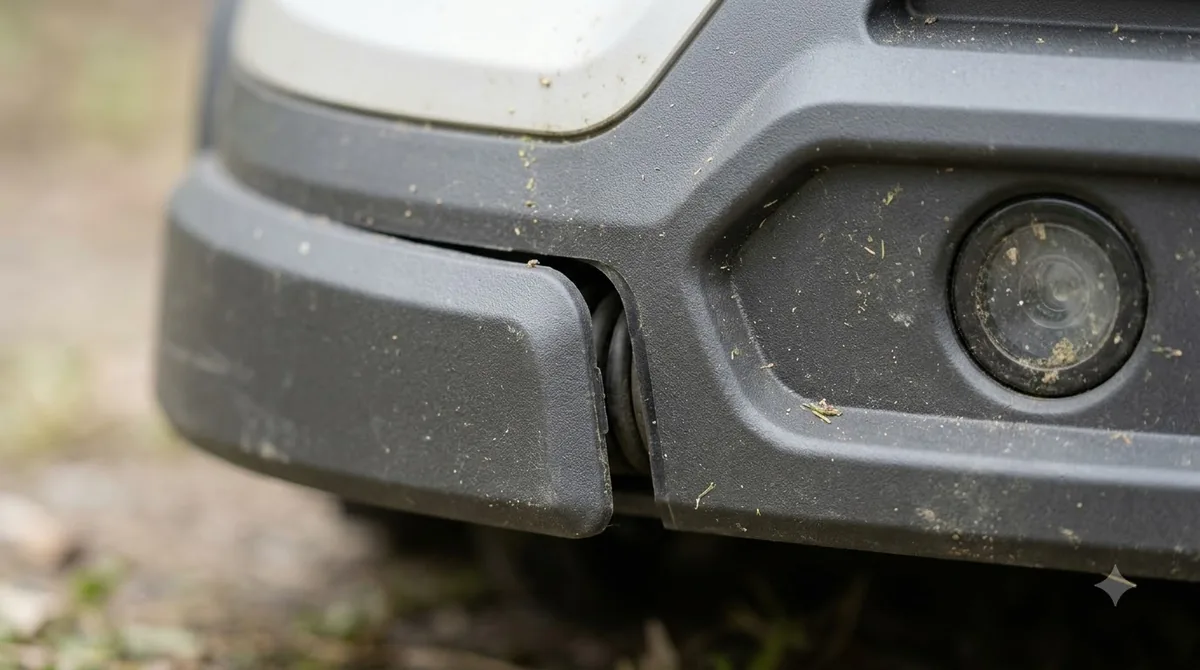
Husqvarna’s documentation describes the camera’s job narrowly. The page says the camera “operates only for object detection and navigation support,” and it states that “No images are stored, transmitted or shared.” It adds that images are processed in real time and immediately discarded, and that “Camera data never leaves the lawn mower.”
The same page does not mention live video, streaming, or viewing a camera feed. That silence is the key point for a shopper. A mower that needs a camera for navigation does not need to send video to an app, so a remote viewing feature is a separate product decision that you should confirm in writing.
Camera coverage also depends on the model and the light. Husqvarna lists daytime vision models, the Aspire R6V, 308V, and 312V, where AI vision features do not work at night, although scheduled mowing continues. The 405VE, 410VE, 430V, and 450V NERA models add an infrared camera for day and night operation.
When remote viewing exists and what went wrong
Remote viewing is more common in the hands of hobbyists and in add-on kits than in standard retail models. Most of the public evidence in 2026 is about risk, not a feature. In a report published on May 23, 2026, security researcher Andreas Makris described flaws in Yarbo robots, which include autonomous lawn mowers and snow blowers. He said about 6,000 robots were affected.
According to that report, the robots used a persistent remote tunnel and a hardcoded root password shared across the fleet. With root access, an attacker could potentially view the robot’s surroundings, such as a driveway, backyard, or garage, and retrieve saved Wi-Fi passwords. Fox News reported Yarbo’s response: the company said the core technical findings were accurate, retired the fleet-level root credentials, and was still working on per-device credentials.
The lesson for buyers is not that every camera mower is unsafe. It is that a camera you can reach remotely is also a path into your home network, so the vendor’s remote access design matters as much as the camera itself.
Best robot mower with camera for remote viewing: how to pick one
Use this checklist to compare any mower with a camera when you look for a best robot mower with camera for remote viewing. The answers should be in the spec sheet, the privacy policy, or the app settings before you pay.
| Question | Why it matters |
|---|---|
| Does the camera stream live video to the app? | A navigation camera does not need a feed. A feed means images leave the mower. |
| Are images stored or sent to a server? | Husqvarna says its camera data never leaves the mower. Other brands may keep data in the cloud. |
| Who can see the mower’s location? | Husqvarna says only users logged into an Automower Connect account can see where the mower is. |
| Can you share control with other people? | Every shared account widens who can view or control the mower. |
| Is there a real off switch for remote diagnostics? | The Yarbo report raised this as a key question for owners. |
| How are security fixes delivered? | Software updates close flaws, so ask how often the brand patches its app and robot. |
If the brand cannot answer these questions in writing, treat the camera as a navigation sensor and do not assume it gives you remote viewing.
How to connect a camera mower safely
Good security habits matter more than any single feature. The steps below follow the advice in the Yarbo coverage and Husqvarna’s account guidance.
- Use a guest or separate network. Connect the mower to a network that holds only smart devices, not your computers or phones.
- Review your router. Remove any device you do not recognize, and turn on guest-device isolation if your router supports it.
- Protect the account. If a phone is lost, log in to the account from another device and change the password, which re-authenticates every device.
- Keep the mower updated. Stay connected long enough to receive updates, then move it to an isolated network if the brand’s support is limited.
- Ask about remote access. Confirm whether the brand keeps a remote diagnostic tunnel open and whether each robot has its own credentials.
Who remote viewing suits (our reading)
Remote viewing matters most to owners who want to check the yard while away, or who want a visual record of the lawn. In our reading, a navigation camera alone does not meet that need, and a camera feed should be treated as a feature with its own privacy and security trade-offs. Owners who only want reliable mowing should focus on boundary setup, edge detection settings, and the brand’s support and update policy.
Weigh the feature against the risk. A live feed that is well designed, with local storage or a clear off switch, can be useful. A feed that depends on an unmanaged remote tunnel is a problem you do not want at home.
Frequently asked questions
Can a robot mower send live video to my phone?
Some models can, but the mainstream autonomous models checked here advertise cameras for navigation. Hobbyist builds and add-on kits are more likely to stream video. Confirm the feature in the spec sheet before you buy.
Does the Husqvarna Automower camera store images?
Husqvarna says no images are stored, transmitted or shared. It says images are processed in real time and immediately discarded, and that camera data never leaves the mower.
Is it safe to connect a mower camera to Wi-Fi?
It depends on the brand’s security. The Yarbo report showed how shared credentials and remote tunnels can expose a camera and saved Wi-Fi passwords. Use a guest or separate network and keep the robot updated.
Does the camera work at night?
It depends on the model. Husqvarna says its daytime vision models do not run AI vision features at night, while the NERA models with an infrared camera support day and night operation. Scheduled mowing continues in either case.
Sources
- How Automower AI vision technology works (Husqvarna): camera uses, storage statement, and model list.
- Is Automower secure? Understanding connectivity and privacy (Husqvarna): location access, account control, and lost-phone advice.
- Robot mower flaw could open home network (Fox News, May 23, 2026): Yarbo security report, risks, and company response.
 Up next8 min readBest Robot MowersBest Vision AI Camera Robot Lawn Mower 2026: What to CheckUpdated Nov 11, 2026
 8 min readBest Robot MowersWhich Vision AI Camera Robot Mower Is the Most Accurate?Updated Nov 14, 2026
 7 min readBest Robot MowersBest Robot Mower with Fastest Charging: What the Figures ShowUpdated Nov 10, 2026
 7 min readBest Robot MowersBest Robot Lawn Mower for Pets and Kids: What to Check on SafetyUpdated Nov 10, 2026
 6 min readBest Robot MowersBest Budget Robot Lawn Mower That Actually Works: What to CheckUpdated Nov 11, 2026
 9 min readBest Robot MowersBest Robot Lawn Mower for Homeowners With Limited Mobility: What to CheckUpdated Nov 10, 2026