
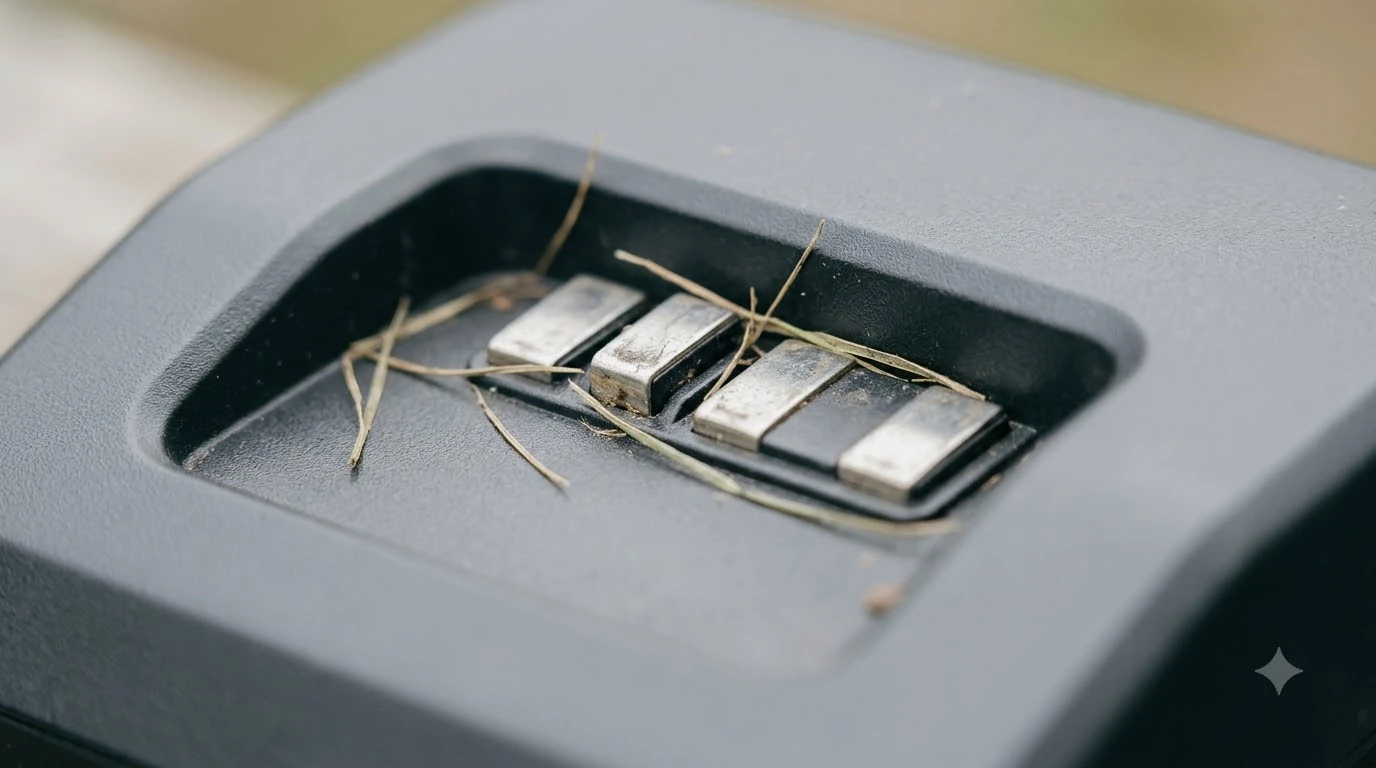

The best ground stakes for robot mower charging station depend on the surface under the dock, not on one universal product. On soil or grass, the stakes that come with the station are usually the right choice. On concrete or pavers, most manufacturers call for expansion bolts instead of stakes. A dock that shifts even slightly can make the mower miss its docking attempt, so the anchoring choice matters more than most owners expect. This guide sets out the picks by surface and what to check before you buy.
The short answer
- Soil or grass: use the ground stakes supplied with the charging station, and replace them only if they bend or corrode.
- Concrete or pavers: use expansion bolts rather than stakes, because stakes cannot be driven into hard surfaces.
- Soft or loose soil: longer or heavier stakes give more hold, as long as the base stays flat.
- Any surface: the base must sit flat and level, with no bend or tilt in the plate.
- Keep metal away: metal objects near the station and wires can interfere with the setup.
What a charging station anchor has to do
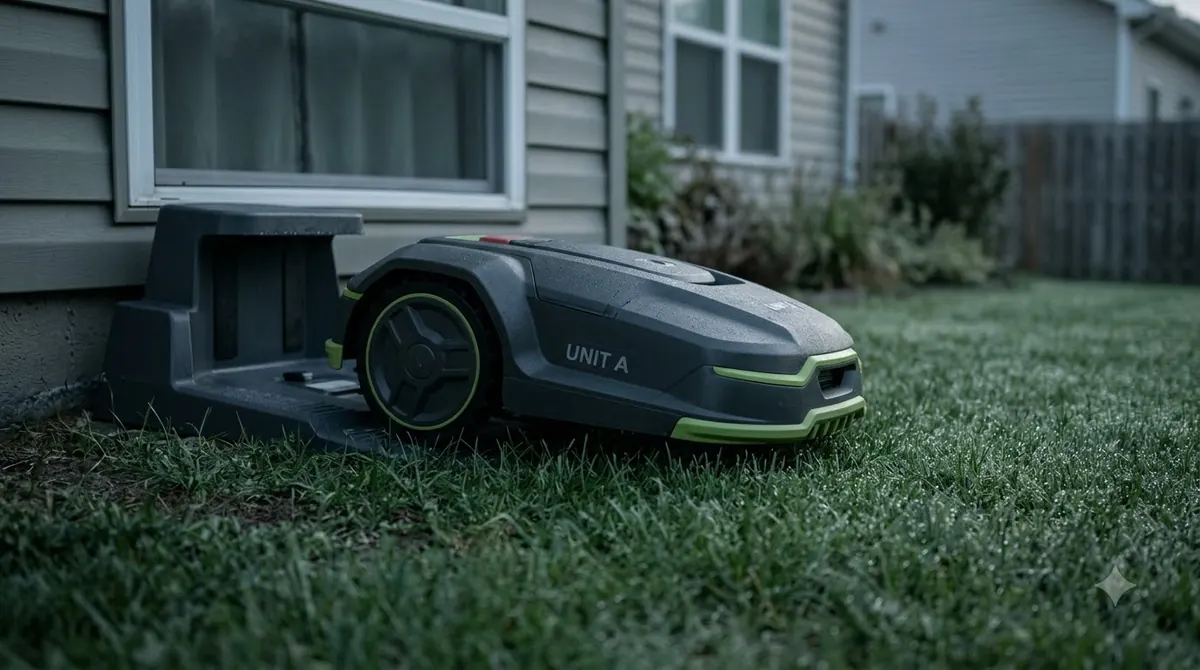
The job of a ground stake is simple: keep the charging station from moving. Mammotion’s installation guide tells owners to secure the station with the included ground stakes and to install on flat, solid ground. Its YUKA guidance adds that a base plate that is bent or tilted can stop the mower from docking correctly, and that a station which shifts slightly can cause the same problem. Stakes are not the only fixing method, and anchor screws as an alternative to stakes suit harder ground better. Anchoring and weather protection often go together, so protecting the dock with a cover is the next topic to review.
Anchoring is therefore part of docking reliability, not just a tidy finish. A station that rocks, lifts at one corner or sits on a slope will make the mower miss its contact points again and again. Our reading is that an anchor that holds the base still is worth more than any extra feature on the stake itself.
Best ground stakes for robot mower charging station, by surface
Choose the anchor by the surface, then check the station’s own instructions. The table below shows the usual match. On soft soil, a base plate that spreads the load can work with stakes to stop the dock from sinking.
| Surface under the dock | What to use | Why |
|---|---|---|
| Soil or lawn | Ground stakes supplied with the station | Designed for the station’s base and the typical soil depth |
| Soft or loose soil | Longer or heavier stakes, if the manual allows | More holding depth keeps the base still in wet or soft ground |
| Concrete | Expansion bolts (not included with many stations) | Stakes cannot be driven into hard surfaces |
| Pavers or patio | Expansion bolts, with the base checked for level | Fixed anchors hold the base without damaging the paver |
Mammotion’s guide is explicit that expansion bolts are needed on concrete, and that they are not included. Plan to buy them separately if the dock sits on a hard surface, and confirm the bolt size against the base holes in your station’s manual.
Stake features worth checking
Beyond the surface, a few features separate a dependable stake from a weak one. Look for steel that resists bending when driven into the soil, a hooked or ribbed shape that resists being pulled out, and a finish that resists rust. A stake that rusts through or bends under the base is one of the most common reasons a dock works loose over a season. Stakes hold position but do not fix tilt, which is where a leveling pad under a staked dock helps.
Match the number of stakes to what the manual calls for rather than what seems sensible. The Mammotion guide says to secure the station with the included stakes but does not specify a count, so the manual for your model is the authority. Adding extra stakes beyond the manual’s layout is not a fix if the base still rocks.
Placement that makes the stakes work
Stakes hold the base in place, but they cannot level a station that starts out tilted. Husqvarna’s placement guide says the charging station must sit on a level surface, and it warns owners to keep metal objects near the station and its wires clear, using reinforcement bars as the example. Our reading is that a level, well-drained spot is the first decision, and the stakes come second. Where the stakes go depends on the approach path, and Husqvarna Automower dock placement rules include clearance in front of the station.
Husqvarna’s guide also advises against fixing the station to the ground until all the wires are installed. That order matters for wire-based models, because moving the dock after anchoring is harder than adjusting it first. Check your manufacturer’s order of steps before you drive any stake.

Mistakes that loosen the dock
The most common error is anchoring a station that is not level, which puts a constant load on one corner. Another is over-tightening screws or stakes on a plastic base, which can crack the plate. A third is placing the dock where runoff or irrigation keeps the soil soft, so the stakes gradually lose their grip. A loose dock can exceed the tilt allowed by the maker, as the notes on Worx Landroid dock tilt limits explain. Loose docks usually come from poor anchoring, so mounting a mower dock to a wall is a useful alternative to ground stakes on hard or uneven surfaces.
After anchoring, run a docking test. Mammotion’s guide suggests placing the mower near the station and starting an automatic docking run. If docking fails, check the open space in front of the station, whether the ground is flat and stable, and whether the station is firmly fixed.
Checklist before you buy stakes
- Surface: identify whether the dock sits on soil, grass, concrete or pavers before buying anything.
- Station manual: check whether the station uses stakes, screws or both, and the hole layout.
- Included parts: use the supplied stakes first, and buy extras only when the manual or surface calls for them.
- Metal: keep rebar, metal edging and coiled cable away from the station.
- Price: prices vary by region and retailer, so compare current listings before ordering.
Related reads: On paved or rocky ground, a wall mount bracket instead of stakes may be the more practical option.
Frequently asked questions
Do I need ground stakes for a robot mower charging station?
Most stations are designed to be secured, and Mammotion’s guide tells owners to use the included ground stakes. Check your station’s manual to confirm whether stakes, screws or both are the right fixing.
Can I use ground stakes on concrete?
Usually not. Mammotion’s guide says to use expansion bolts on concrete, and that the bolts are not included, so buy them separately and check the size against the station’s base holes.
Why does my charging station keep moving?
A station on uneven ground, a bent base plate or soft soil around the stakes can all cause movement. Re-level the base, check the stakes or bolts, and run a docking test after making changes.
Should I put metal near the charging station?
Keep metal objects such as rebar and metal edging away from the station and its wires, as Husqvarna’s placement guide advises. Metal nearby can interfere with the setup.
Sources
- Mammotion: charging station installation guide (Mammotion): securing with ground stakes, expansion bolts on concrete, flat ground and the docking test.
- Husqvarna: automower charging station optimal placement and mower house guide (Husqvarna): level surface, securing order after wires and keeping metal objects away.
 Up next8 min readGearChoosing the Best Stainless Steel Anti-Theft Ground Anchor for Mower DocksUpdated Nov 19, 2026
 6 min readGearEufy E15 Charging Station Cover: What the Spec Sheet SaysUpdated Nov 14, 2026
 7 min readGearEcovacs GOAT Charging Station Cover: What to Check FirstUpdated Nov 20, 2026
 7 min readGearSegway Navimow Charging Station Cover: What to Check FirstUpdated Nov 20, 2026
 8 min readGearRobot Mower Charging Station Shade Sail: How to Set It UpUpdated Nov 14, 2026
 6 min readGearMammotion YUKA Charging Station Cover: What to Check FirstUpdated Nov 20, 2026