
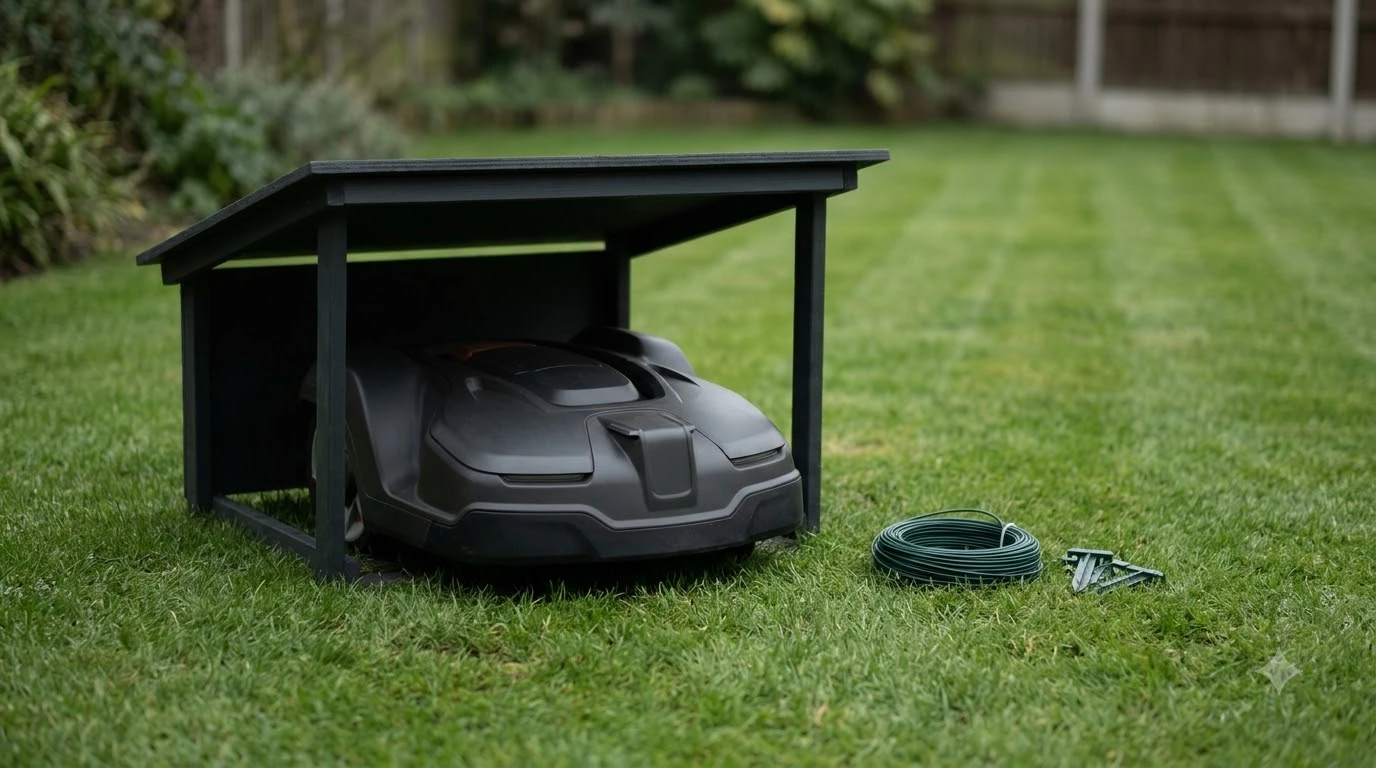

The best outdoor security camera to watch robot mower depends on the yard, not on a single brand. A camera can add a view the mower’s app cannot give, but it works best as a separate device with its own network rules. Look for a clear view of the lawn edges where the mower turns, Wi-Fi that reaches the far end of the yard, and a camera account that you can protect. This guide explains what to check, using guidance from the FTC and CISA, and what the mower’s own camera does and does not cover.
The short answer
- What it adds: a view of the yard from outside the mower, which the mower’s app does not give you.
- Where to aim it: at the lawn edges and the dock area, not at a neighbor’s window, so any outdoor security camera to watch robot mower stays on your own property.
- Connection: check Wi-Fi strength at the farthest point the mower reaches, not only near the house.
- Security: change default passwords, turn on two-factor authentication, and keep the camera on its own network.
- Privacy: limit what the lens sees and use the camera’s privacy settings.
What a yard camera can and cannot tell you about your mower
A yard camera gives you a fixed view of part of the lawn, so it can show whether the mower is running, parked, or stuck at an edge. It does not replace the mower’s own app, which reports status, schedule, and alerts from the mower itself. Some robot mowers also have their own cameras, but those are built for navigation rather than for monitoring the yard.
According to Husqvarna, its Automower AI vision camera processes images on the mower in real time and does not store, transmit, or share them. That makes the mower’s camera a navigation tool, not a substitute for a security camera. If you are weighing mowers that stream their own view, see robot mowers with a camera for remote viewing.
For most owners, the best outdoor security camera to watch robot mower is one that adds a view the app cannot give. Our reading is that a yard camera is most useful for three things: confirming the mower has returned to its dock, spotting a mower that has stopped in one spot, and seeing whether a person or animal is near the blades while the mower runs.
Where an outdoor security camera to watch robot mower should sit
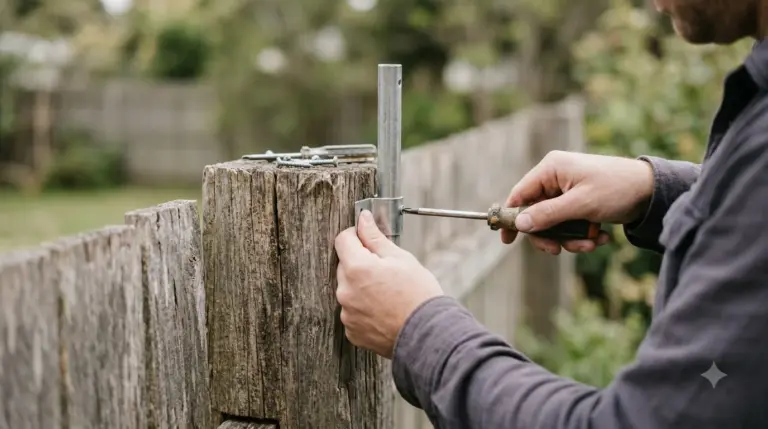
Place the camera where it can see the dock and the edge where the mower most often turns. A camera mounted high on a fence post or wall usually covers more lawn than one at ground level, but the mount should be stable so the view does not shift in wind. Avoid aiming the lens at neighboring windows or property, which can create privacy problems as well as neighbor disputes.
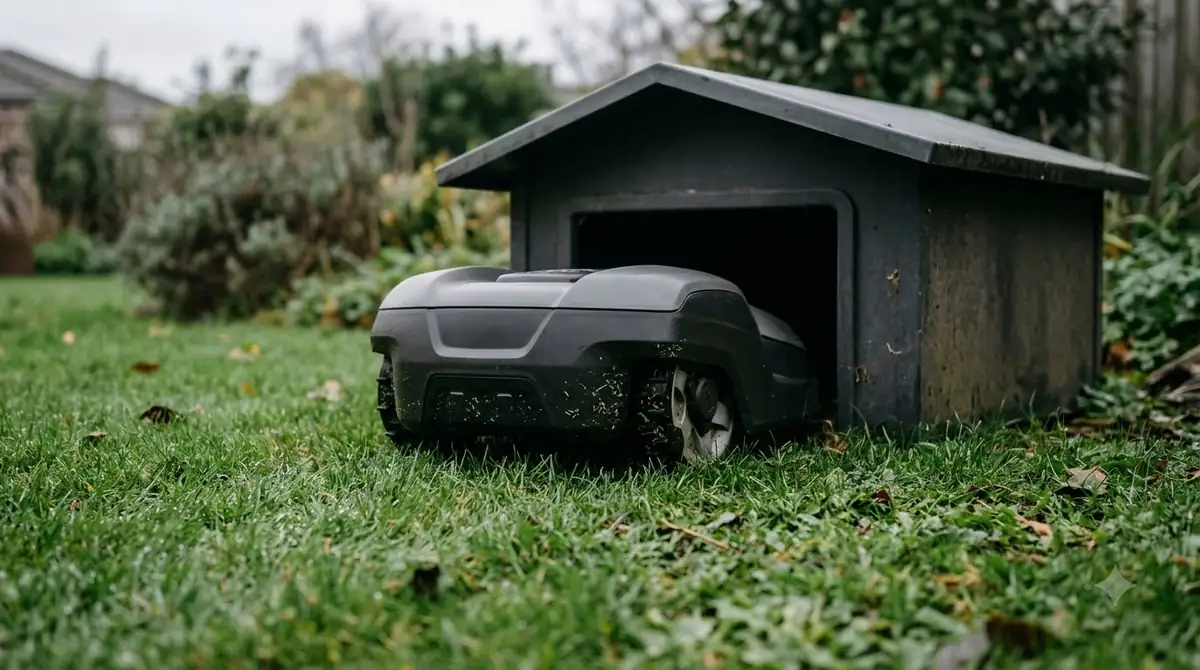
Wi-Fi reach and power for a camera at the far lawn edge
A camera that watches the far corner of a yard needs a network connection there, and that is where many setups fail. When you compare any outdoor security camera to watch robot mower, test the far corner of the lawn first.
Test the signal at the spot where you want the camera before you mount it. If the signal drops, a mesh node or a wired power and network run may be easier than moving the camera closer to the house, and our guide to the best outdoor mesh Wi-Fi for a backyard robot mower covers that side. Battery cameras avoid the power cable but need regular charging, which means a missed charge can leave a gap in your view.
The mower has its own connection needs, so do not assume one router serves both well. Our reading is to treat the camera and the mower as two devices that share the same yard network, and to check both at the far edge of the lawn rather than relying on one signal test.
Heads up
Coverage in one spot does not guarantee coverage across the whole lawn. Walk the yard with a phone and check the connection at each corner before you buy. If the back of the yard has no signal at all, see whether a robot mower can work with no Wi-Fi in the back yard and Wi-Fi extenders for a robot lawn mower app.
Cloud storage, privacy and remote viewing
Many outdoor cameras send video to a cloud account. The FTC advises looking for an option to set up two-factor authentication for that account, and enabling it if the camera stores video in the cloud. The agency also suggests choosing a camera that encrypts account information, livestreams, and archived video, and checking whether the camera offers a setting to disable remote viewing when you do not need it.
Privacy matters more for an outdoor security camera to watch robot mower than many buyers expect. The FTC notes that you should consider your privacy, especially if a camera shows a private part of your home. For a yard camera, that means checking what lies within the field of view beyond your fence. Keep the camera pointed at your own lawn, and review the sharing and alert settings so that only the people you choose can see the feed. If your goal is theft, a camera is only one layer; robot mower theft protection covers the others.
Securing an outdoor security camera and the mower on your network
Security starts with the default settings, and that applies to every outdoor security camera to watch robot mower in your yard. The FTC says not to use the camera’s default username and password, and to change them before first use. CISA gives the same advice for network devices and adds that default administrator passwords are insecure and should be changed. CISA also recommends disabling services you do not use.
Keep both devices updated. The FTC advises signing up for automatic updates from the manufacturer, and CISA recommends updating software regularly and checking the router manufacturer’s site for the latest firmware. CISA also advises watching for unknown device connections, which can reveal a device that has been added without your knowledge.
Separating devices helps too. The FTC suggests putting cameras on a separate network from computers and printers, which limits what an attacker can reach if one device is compromised. Your mower and camera do not need access to your laptop files, so a guest or separate network for connected yard devices is a sensible setup, as long as the mower can still reach its app and the base station.
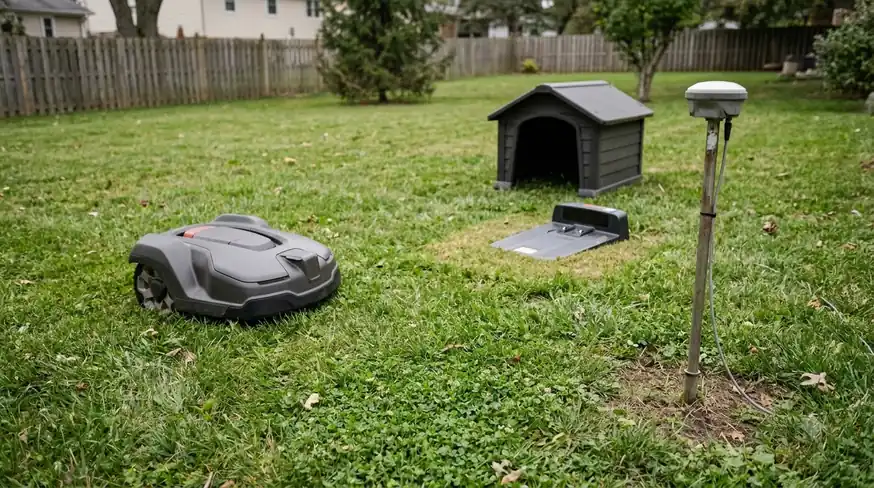
Best outdoor security camera to watch robot mower: what to check
Use this checklist to find the best outdoor security camera to watch robot mower routes in your own yard before you buy. Each item comes from the FTC or CISA guidance, or from the basic requirements of watching a moving machine.
- Field of view. Confirm the lens covers the dock and the edges where the mower turns. Check the mount location against the mower’s route.
- Wi-Fi at the mounting point. Test the signal where the camera will sit, not beside the router.
- Power. Choose wired power for a fixed camera that must always be on, and battery power only if you can keep it charged.
- Storage. Decide between cloud storage and local storage, and know what the monthly plan or local card costs before you buy.
- Account security. Look for two-factor authentication and a setting to change the default password.
- Encryption and firewall. Choose a camera that encrypts account information, livestreams and archived video, and confirm your router’s firewall is active, as the FTC advises.
- Updates. Confirm the manufacturer offers automatic updates for the camera and its app.
- Privacy controls. Check for a setting that lets you turn off remote viewing when you do not need it.
Frequently asked questions
Can a yard camera replace the mower’s app?
No. Even the best outdoor security camera to watch robot mower activity only adds a view of the yard. The mower’s app reports the mower’s own status, schedule, and alerts. A yard camera shows what is happening in its field of view, such as whether the mower is at the dock or stuck at an edge. The two complement each other rather than replace one another.
Does a robot mower camera store the images it captures?
Husqvarna states that its Automower AI vision camera processes images in real time on the mower and does not store, transmit, or share them. That applies to its navigation camera, not to a separate security camera you install in the yard, which has its own storage settings.
Should I put the camera on the same Wi-Fi as the mower?
The FTC suggests keeping cameras on a separate network from computers and printers. A guest or separate network for yard devices is a common approach, as long as the mower and camera both reach the internet and the mower can still reach its app and base station.
What is the first security step after setting up the camera?
Change the default username and password, then turn on two-factor authentication for the cloud account if it has that option. Next, enable automatic updates from the manufacturer, as the FTC recommends.
Sources
- How to Secure Your Home Security Cameras (FTC): separate network, default credentials, two-factor authentication, updates, encryption, firewall, and privacy.
- Home Network Security (CISA, archived 2021): changing default login details, router admin password, software updates, and monitoring for unknown devices.
- CISA Tip ST15-002 (CISA, archived 2021): default administrator passwords are insecure, and unneeded services should be disabled.
- How Automower AI vision technology works (Husqvarna): the mower’s camera processes images in real time and does not store them.
 Up next8 min readGearRobot Mower Camera Lens Cleaning Kit: Do You Need One?Updated Nov 11, 2026
 7 min readGearBest Outdoor Mesh Wi-Fi for a Backyard Robot Mower: What to CheckUpdated Nov 11, 2026
 10 min readGearRTK Base Station Power Cable Outdoor: What to Check FirstUpdated Nov 11, 2026
 7 min readGearBest Outdoor Surge Protector for Robot Mower: What to Check Before You BuyUpdated Nov 11, 2026
 7 min readGearBest Outdoor Cable Protector for Robot Mower: 5 Key ChecksUpdated Nov 11, 2026
 8 min readGearBest Outdoor Timer for Robot Mower Charger: Is One Needed?Updated Nov 11, 2026