
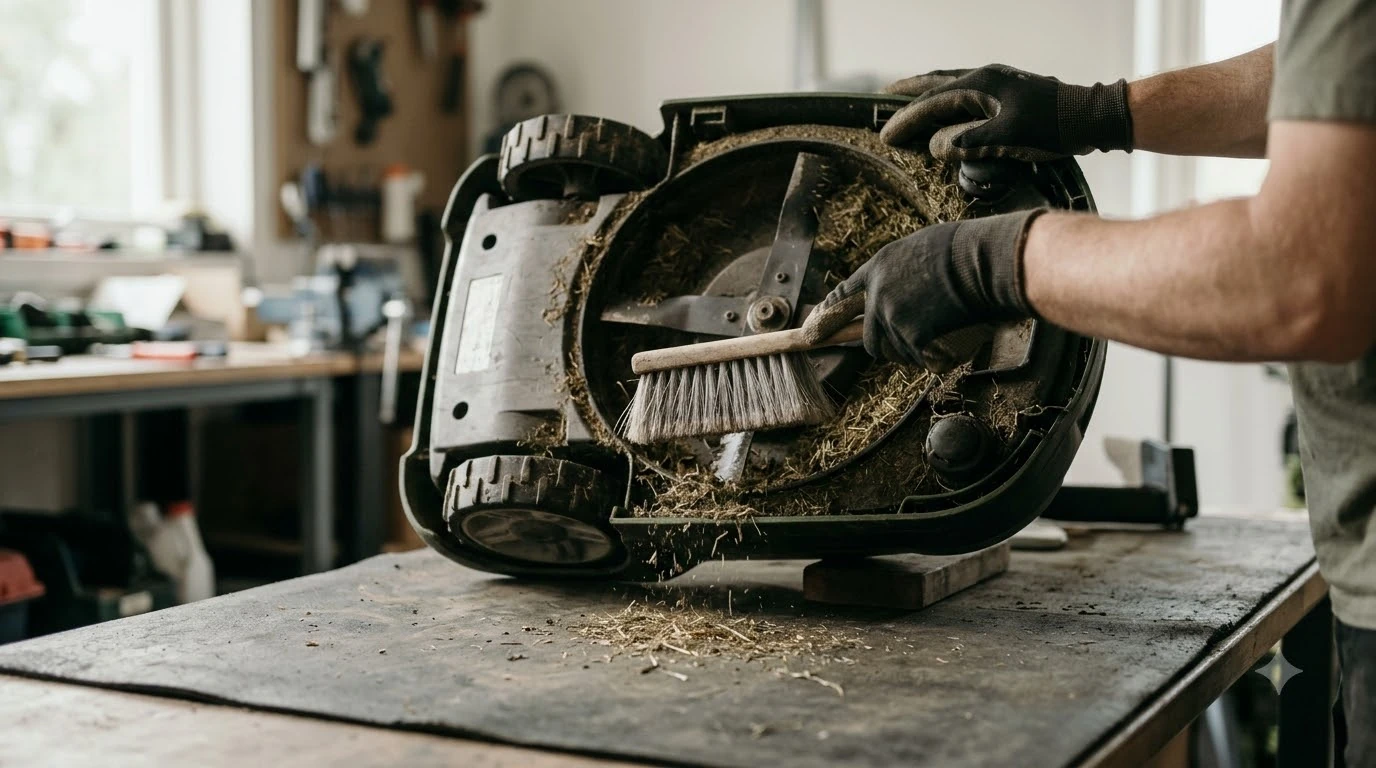

For most robot mowers, the best robot mower cleaning brush is a soft brush or plastic scraper for the underside, plus a small handheld brush for wheel treads. Mammotion and Anker, two brands that publish robot mower care guides, name these tools and warn against metal ones. This guide explains which brush to use where, what to avoid, and how often to brush.
The short answer
- Underside: a soft brush or plastic scraper, which both brand guides name for clippings and debris.
- Wheel treads: a small handheld brush, according to Anker.
- Sensors and lenses: a clean microfiber cloth, not a stiff brush.
- Charging contacts: a dry microfiber cloth, per Mammotion.
- Avoid: wire brushes and metal scrapers, which Anker says can damage protective coatings.
What is the best robot mower cleaning brush for the underside?
A soft brush or plastic scraper is the tool both brand guides name for the underside of a robot mower. Mammotion says to use one to remove grass clippings, dirt and debris from the blades and cutting deck. Anker gives the same advice for clearing anything stuck underneath the mower. Both guides point to soft or plastic heads, so that is the default for any best robot mower cleaning brush you buy. Mammotion’s maintenance guide sets out the full list of underside tasks.
Power matters as much as the brush. Mammotion says never to clean the mower while it is powered on, so switch it off and keep your hands clear of the blades before you start. Anker also suggests a dry cloth or soft brush for blade build-up, which is a lighter job than scraping packed clippings off the deck.
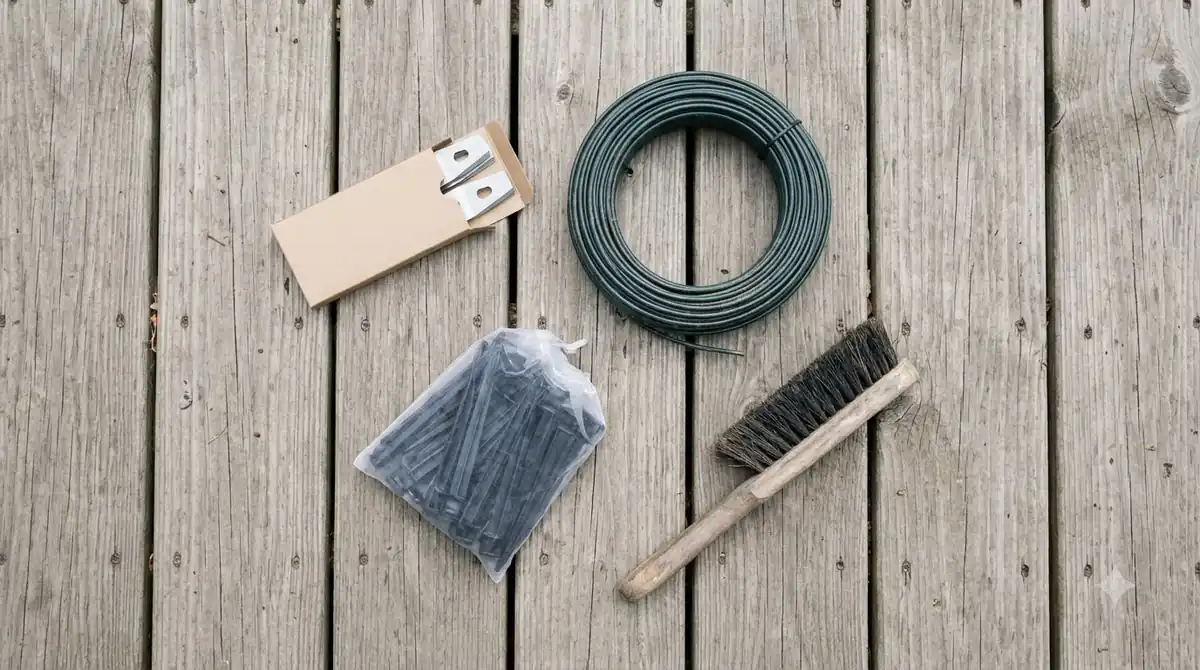
The table below sums up which tool each brand names for which job. It is a quick reference, not a full product list.
| Tool | What the guides use it for | Named by |
|---|---|---|
| Soft brush or plastic scraper | Grass clippings, dirt and debris on the underside, blades and cutting deck | Mammotion and Anker |
| Small handheld brush | Corners and wheel treads | Anker |
| Clean microfiber cloth | Camera lenses, sensors and outer housing | Mammotion and Anker |
| Dry microfiber cloth | Charging contacts on the mower and the dock | Mammotion and Anker |
| Damp cloth or soft brush | Regular cleaning of the body and blade build-up | Anker |
Not every brand agrees. Robomow’s guide recommends a coarse brush, a stick or compressed air for grass on the wheels, and a coarse brush or spatula for the mowing deck. Our reading is that a coarse brush is a harder choice for coatings than the soft or plastic heads Mammotion and Anker name, so start soft and move up only if your manual allows it. The Robomow cleaning guide gives the full list.
Which materials should you avoid?
Avoid wire brushes, metal scrapers and strong cleaning sprays. Anker says wire brushes and metal scrapers can damage protective coatings, and that strong sprays can do the same. Mammotion makes a broader point: avoid metal tools that could damage components. Our reading is that a plastic or soft head is the safer default for any tool that touches the mower’s outer shell.
Pressure washers are a separate warning. Anker says a pressure washer can cause more harm than good, and Mammotion asks owners to avoid one unless the manufacturer states it is safe. For that reason, a brush and cloth are the tools the guides point to, not a hose at full pressure. Ecovacs adds that cleaning sprays and detergents should be avoided, and that high-pressure water can force moisture into sealed components and damage electronics and sensors. Robomow says the underside cannot tolerate running water and advises against a garden hose.
Heads up
Anker’s guide contradicts itself on the charging contacts. For stubborn corrosion, it suggests fine sandpaper, steel wool or a manufacturer-approved contact cleaner, while it also warns against metal tools. Our reading: check your manual before using any abrasive on the contacts, and start with a dry microfiber cloth as Mammotion advises.
How do you brush the wheels and treads?
Brush mud, grass and other debris out of the drive wheels by hand. Mammotion says to brush away mud, grass and other debris from the drive wheels, and Anker adds that a small handheld brush works well for corners and wheel treads. The goal is simple: the wheels should spin freely once the tread is clear, which Anker names directly. Any best robot mower cleaning brush for this job needs a small head that fits the tread grooves. If a tread stays worn after cleaning, our guide to robot mower wheel replacement explains when to swap it.
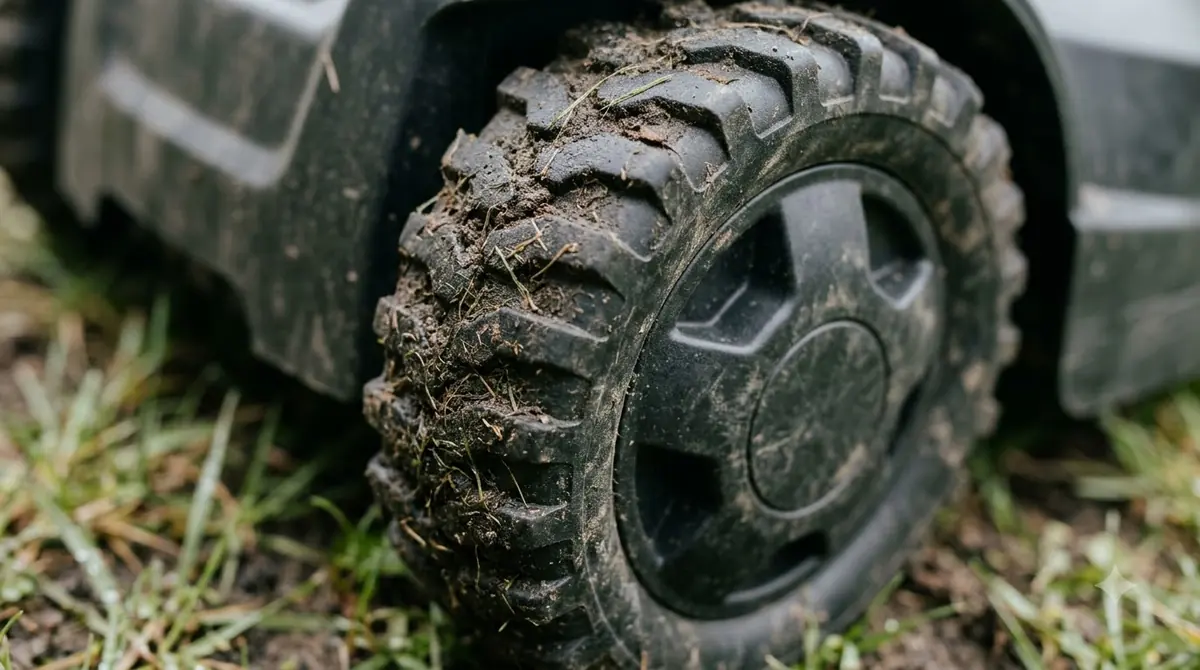
- Power off. Switch the mower off before you touch the wheels, as Mammotion advises.
- Position the mower. Set it so you can reach the drive wheels and the underside without strain.
- Brush the treads. Use the small handheld brush in the grooves and corners of each tread.
- Spin each wheel by hand. Check that it turns freely once the debris is gone, as Anker describes.
- Dry before docking. Let the mower dry completely before it goes back on the charging station, per Mammotion.
Our reading is that a quick wheel check after each mow is enough for most lawns, with a fuller brush-down after wet or heavy grass. Mammotion’s note on wet lawns supports the fuller pass in those conditions. Robomow and Ecovacs both name compressed air as a way to clear the wheels (see our pick of a compressed air duster for robot mower sensors), and Ecovacs also lists a small vacuum among its basic tools.
How often should you brush the mower?
The best robot mower cleaning brush only helps if you use it on a schedule. Anker suggests a quick clean once a week during regular use, while Mammotion suggests every one to two weeks in the growing season. Our robot mower maintenance checklist puts brushing alongside the other routine checks. Anker says a regular clean usually takes less than 10 minutes, so the routine fits into a weekly check without much effort.
Anker’s schedule is more detailed. It recommends cleaning the underside and wheels weekly during heavy mowing, and wiping sensors and charging contacts every couple of weeks. It also says to check the blades every one to two weeks for wear or grass build-up. Mammotion notes that more frequent cleaning may help if the lawn is often wet or the clippings are heavy.
- Weekly: brush the underside and wheel treads during heavy mowing.
- Every couple of weeks: wipe sensors, cameras and charging contacts.
- Every one to two weeks: check blades for wear or build-up.
- Before winter: a deep clean, which Anker recommends before storage (see robot mower winter storage).
Other brands set different intervals. Robomow says the schedule depends mainly on weather and how often the robot runs, with some decks needing weekly cleaning and others only every 14 days. Ecovacs suggests a weekly pass to unclog blades and wheels and gently wipe the sensors, plus a monthly deeper clean. Our reading is to start with the weekly pass and adjust to your lawn. The Ecovacs maintenance guide lists the full schedule.
What should you check before you buy the best robot mower cleaning brush?
None of the brand guides we read names a bristle stiffness, a handle length or a brush brand, so the choice of best robot mower cleaning brush depends on your mower’s underside and your lawn. Check your owner’s manual for any accessory the brand sells before you buy a third-party brush.
- A non-metal head, either soft bristles or a plastic scraper, because both brand guides warn against metal tools.
- A small handheld head for wheel treads and corners, as Anker describes.
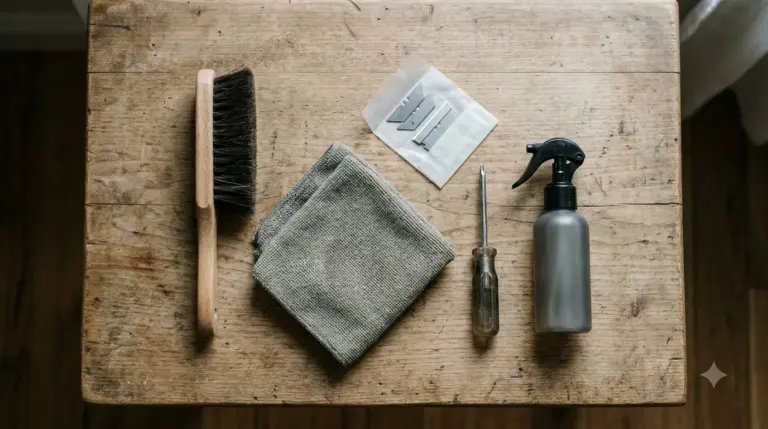
- A separate microfiber cloth for lenses and sensors, since neither brush is meant for those parts. Our robot mower maintenance kit guide covers what to keep on hand.
Our reading is that a soft-headed brush paired with a microfiber cloth covers most robot mowers, so that pairing is the practical answer for most owners. A stiff wire brush is the one tool the guides steer you away from most clearly.
Frequently asked questions
Can I use a wire brush on a robot mower?
No. The best robot mower cleaning brush is a non-metal one: Anker says wire brushes and metal scrapers can damage protective coatings, and Mammotion advises avoiding metal tools that could damage components. A soft brush or plastic scraper is the safer choice for the underside.
Do I need a microfiber cloth as well as the best robot mower cleaning brush?
Yes. Mammotion and Anker both say to wipe camera lenses, sensors and the outer housing with a clean microfiber cloth. Mammotion also advises a dry microfiber cloth for the charging contacts.
Can I rinse the brushed parts with water?
Only if your manual allows it. Mammotion says a gentle rinse may be acceptable only for mowers with a high IP rating and manufacturer approval. Anker says a pressure washer can cause more harm than good, so keep high-pressure water away from the mower.
How long does a brush clean take?
Anker says a regular clean usually takes less than 10 minutes. It also recommends a deeper clean before winter storage, which takes longer because it covers the whole mower.
Sources
- Mammotion robot lawn mower maintenance guide (manufacturer): brush types, cloths, power-off and drying advice.
- Anker cleaning robot lawn mower guide (manufacturer, formerly eufy): wire-brush warning, wheel tread brush and cleaning intervals.
- Robomow cleaning guide (manufacturer): coarse brush advice, underside water warning and deck cleaning intervals.
- Ecovacs maintenance guide (manufacturer): soft brush, dry cloth for sensors and contacts, and the weekly and monthly schedule.
 Up next9 min readGearBest Compressed Air Duster for Robot Mower Sensors: What to Use and What to AvoidUpdated Nov 11, 2026
 8 min readGearRobot Mower Wheel Brushes: What to Use and What to AvoidUpdated Nov 11, 2026
 8 min readGearRobot Mower Camera Lens Cleaning Kit: Do You Need One?Updated Nov 11, 2026
 7 min readGearBest Landscape Edging for Robot Mower Borders: What Works and What to AvoidUpdated Nov 11, 2026
 8 min readGearRobot Mower Wire Splice Kit: What It Includes and How to Use ItUpdated Nov 11, 2026
 8 min readGearRobot Mower Maintenance Kit: What to Include and How Often to Use ItUpdated Nov 11, 2026