
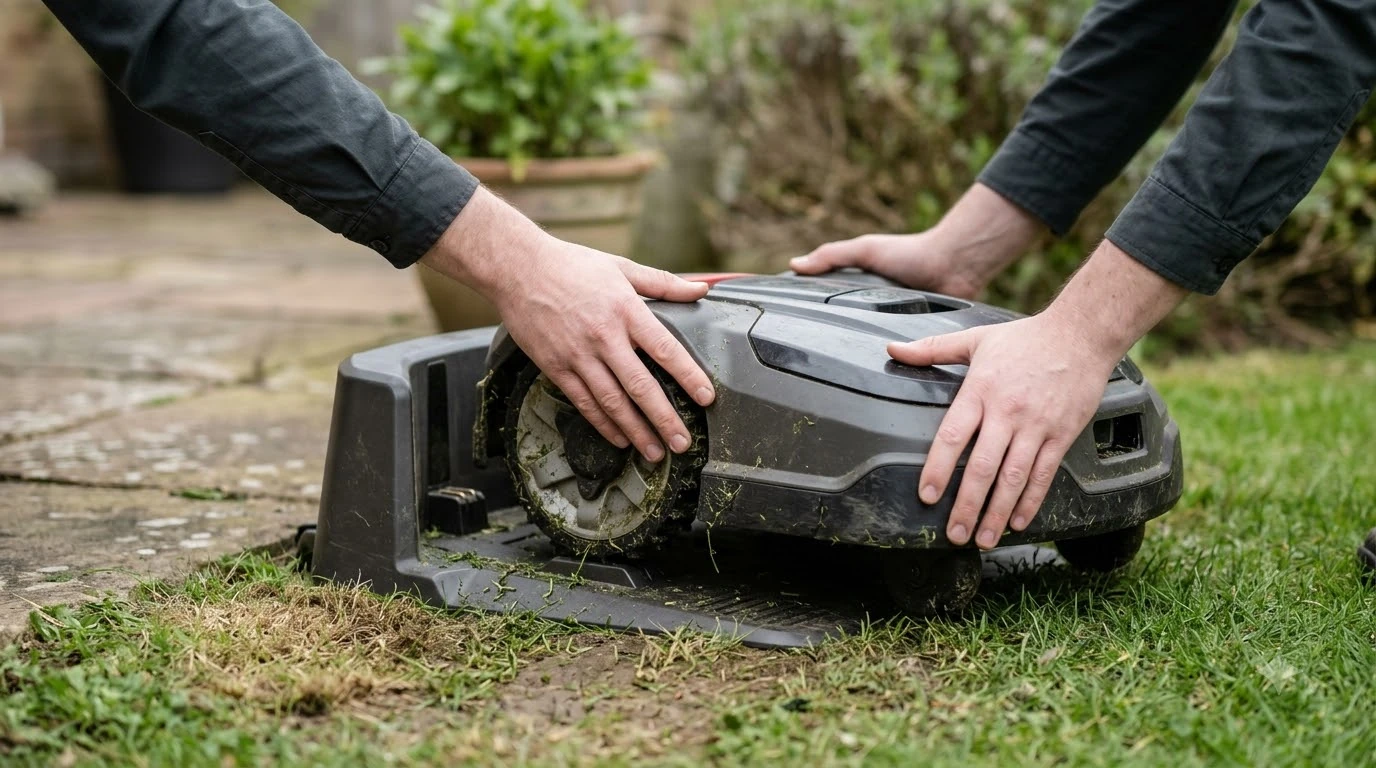

How to move a robot mower to a new house comes down to packing the whole kit and setting it up again on the new lawn. Pack the mower, charging station, and power supply together. The old boundary or map does not come with you, so the new yard needs a fresh layout, a repositioned charging station, and checked security settings. Exact steps vary by brand, so the model manual is the final word.
The short answer
- Take the kit: the mower, the charging station, and the power supply.
- Rebuild the boundary: a wire-based mower needs new boundary wire, and a wire-free mower needs a new map.
- Reposition the base: place the charging station on the new lawn, then use the app’s relocate option.
- Reset security: have the PIN ready, and update any geofence or alarm zone to the new address.
How to move a robot mower to a new house: what moves with you
Knowing how to move a robot mower to a new house starts with a complete list of parts. The physical parts move: the mower, the charging station, and the power supply. Husqvarna’s winter storage guide names these same three items as the parts to store indoors, which makes a useful packing checklist for a move as well. Boundary wire, a map, and any zone settings are tied to the old lawn. Our reading is that none of them carries over to a new address without changes.
Check the power supply first. It is easy to forget, and the mower cannot charge without it. Keep the mower’s manual and the app login with the box, because you will need both at the new house. If you are starting over, how to set up a robot lawn mower step by step lists the order to follow.
Moving the mower itself
Switch the mower off and clear grass clippings and debris before you pick it up. Husqvarna’s storage guide advises removing grass clippings and debris, cleaning the body, chassis and blade disc, and keeping the mower supported on every wheel on flat ground, and the same habits protect it on the way. Weight varies by model, so check the manual for lifting advice and ask a second person to help if yours is heavy.
Our reading is that a move is a good moment to check the blades. Pack them so nothing presses on the blade disc, and swap a worn blade before the first cut at the new house rather than after.
Place the charging station on the new lawn
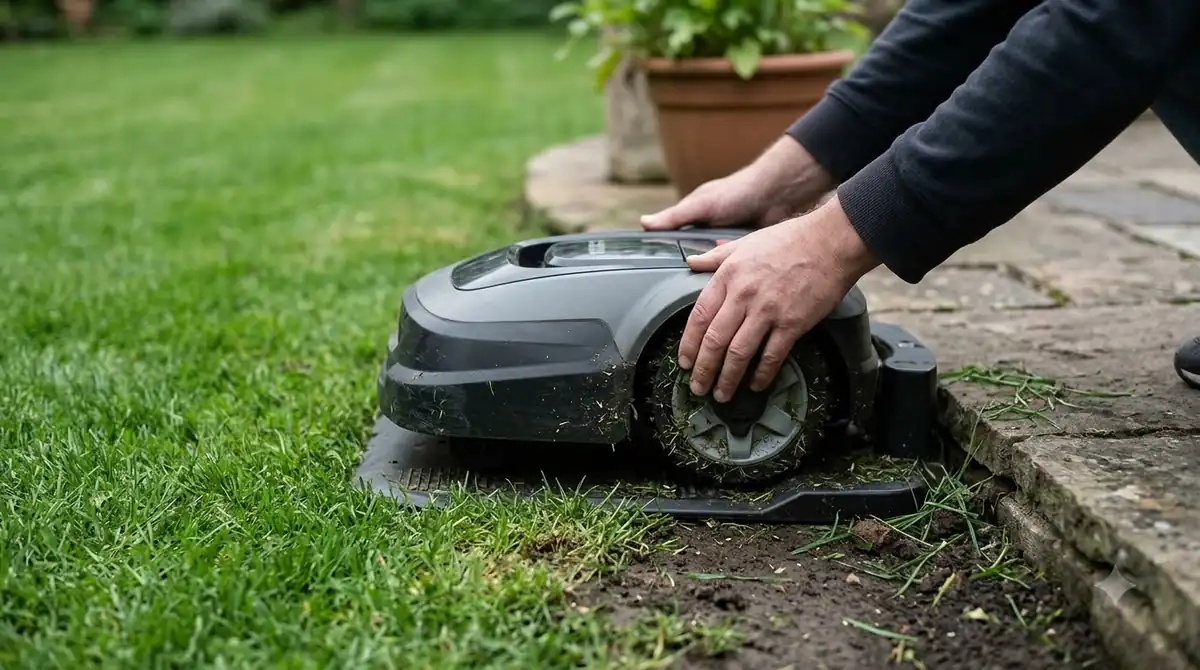
The charging station is the first piece to settle when you plan how to move a robot mower to a new house, and it needs clear space around it. Husqvarna’s US placement guide lists 3 m (10 ft) of clear space in front of the station, 150 cm (60 in) from the centre on each side, and 60 cm (2 ft) behind it. Those numbers are for Husqvarna models with a boundary wire, so compare them with your manual before you pick a spot. Our guide on where to put a robot mower charging station covers the general rules.
Eufy’s relocation steps, for its E15, E18, and E15 Gen 2 models, are short. You move the base station, place the mower on it, and select “Relocated base station” in the app. The mower then leaves the dock and returns after it finishes what the page calls the positioning process. The Eufy page does not give a distance requirement or say whether the map must be redone, so contact the brand if you need those details.
Rebuild the boundary wire or the map
Navigation works in one of two ways. The UF/IFAS extension publication on robot mowers says a navigation system, such as a boundary wire or GPS/RTK, defines the mowing area. Our reading is that wire-based models need the wire laid again around the new lawn, and wire-free models need a new map. The wire steps are in how to install a robot mower boundary wire.
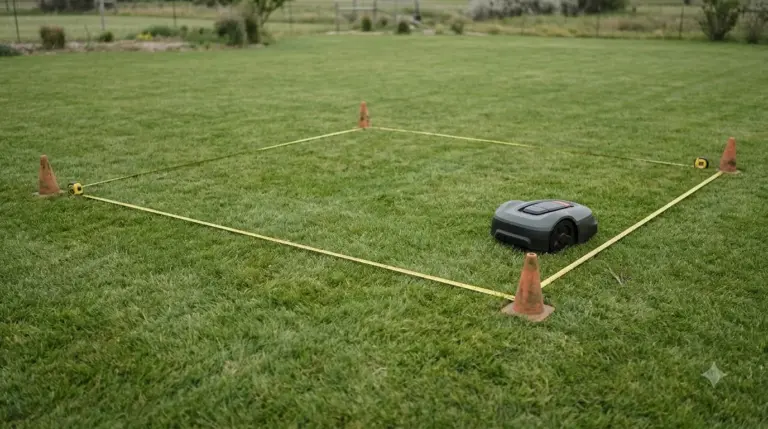
For wire installs, the old wire is tied to the old lawn, so plan on measuring the new lawn and buying or cutting wire to suit. For wire-free models, plan for time to walk and save the new map, because we did not find a maker page that gives a standard mapping time for a move.
Some layouts are harder than others. The UF/IFAS publication lists a struggle with complex landscapes that have many obstacles as one limit of autonomous mowers. It also describes two mowing patterns: a random trajectory, which works well in areas with obstacles but can overlap, and a systematic trajectory that uses straight lines or a grid. Walk the new lawn before you plan the route, so you know where the wire or map has to go. That fresh layout is the biggest change when you move a robot mower to a new house with a different lawn shape.
Reset the PIN, alarm, and app settings
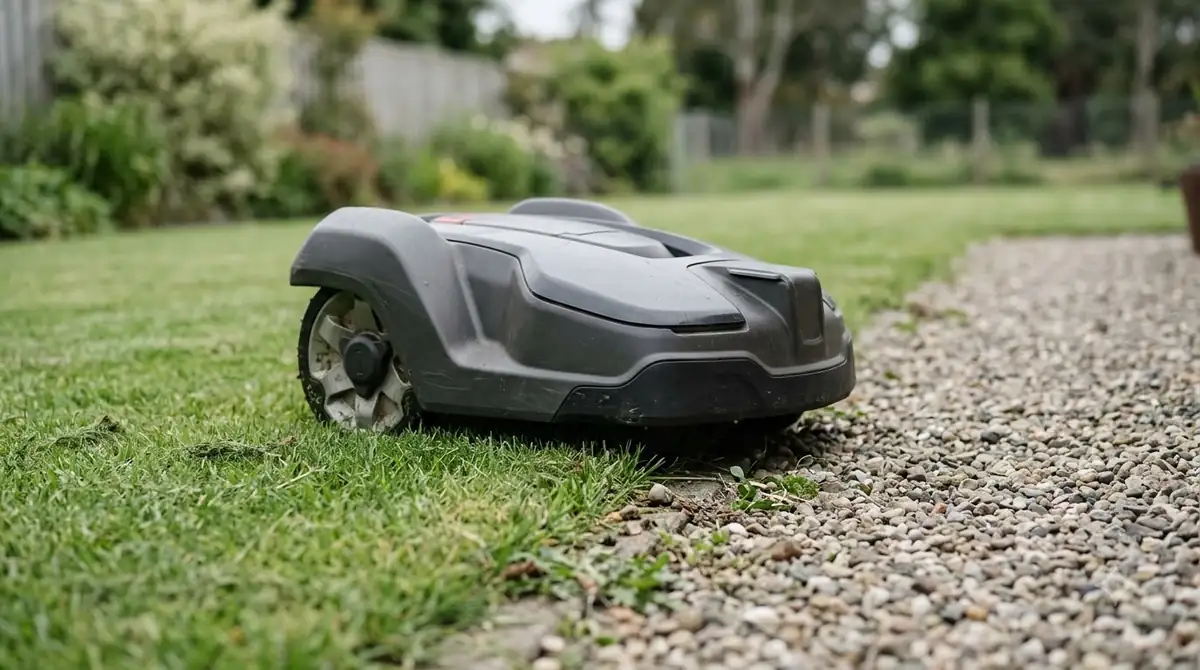
Husqvarna’s theft protection page says the PIN code has to be entered if the mower is stopped or lifted, otherwise an audio alarm goes off. An alarm sounds if the code is not entered within 30 seconds after pressing the stop button, and lifting the mower sets off the alarm at once. Keep the PIN with you before the move so you are not locked out, or set off the alarm, at the new house. Our overview of PIN codes and alarms that protect a robot mower explains the other options.
Anti-theft settings can depend on location. Our reading is that any geofence or alarm zone drawn around the old house will not match the new lawn, so check those settings in the app once the mower is positioned. Not every model has them, so confirm in your manual.
Winter storage if the move falls in cold weather
If the move falls in cold weather, how to move a robot mower to a new house also depends on storage. Husqvarna says to store the mower, charging station, and power supply indoors in a dry place above freezing, which is 0 °C (32 °F). Before storage it advises a full charge and switching the mower off. Most models need no charging while in storage, but some older models need a charge every three months, according to the guide. If the new house is not ready, how to winterize a robot mower covers the storage steps.
Mammotion sets different thresholds. Its guidance says the mower must move indoors below -10 °C (14 °F), and the charging station should come indoors when the outdoor temperature drops below -20 °C (-4 °F). Check the limits in your own manual, since brands differ. The full Husqvarna winter storage guide is worth reading before a cold-season move.
Check the blades and cutting height after the move
The new lawn may grow a different grass type, so the cutting height may change too. Illinois Extension lists tall fescue at 2½ to 3½ inches and bermudagrass at 1 to 2 inches, so the mower settings should match the lawn at the new house. Our reading is that a new cutting height is a good time to check the blade edges.
The UF/IFAS extension recommends replacing blades every 6 to 8 weeks during the growing season, and it notes that most robot mowers are designed for cool-season grass cut below 2.5 inches. A move is a practical moment to review the blade schedule.
Frequently asked questions
Can I take my robot mower to a second house?
Yes, the mower can go to a second lawn, but it needs a new base position and a new boundary or map there. Our reading is that the old setup does not carry over. Check your model manual for any relocation limits before you move it.
Do I have to lay the boundary wire again?
Only if your mower uses boundary wire. Wire-free models that rely on GPS or RTK need a new map instead. The UF/IFAS extension says a navigation system such as boundary wire or GPS/RTK defines the mowing area, so check which system your mower uses.
Do I need to store the mower if I move in winter?
Husqvarna advises storing the mower, charging station, and power supply indoors in a dry place above freezing, 0 °C (32 °F). Mammotion says to bring the mower indoors below -10 °C (14 °F). Check your model’s limits.
Will the mower ask for its PIN after the move?
Husqvarna says the PIN code has to be entered if the mower is stopped or lifted, otherwise an alarm goes off. Keep the code with you during the move, and confirm the app settings at the new house before you start the first cut.
Sources
- Husqvarna winter storage guide (Husqvarna): storage location, charging, and cleaning before storage.
- eufy support: relocating the base station (eufy): relocate steps for E15, E18, and E15 Gen 2.
- UF/IFAS EDIS ENH1402, autonomous mowers on Florida lawns (University of Florida): navigation, blade schedule, mowing height, and layout limits.
- Husqvarna charging station placement guide (Husqvarna): clear-space distances around the station.
- Husqvarna theft protection (Husqvarna): PIN required after stop or lift, 30 second alarm delay.
- Mammotion winter storage (Mammotion): indoor thresholds for mower and charging station.
- Mowing your lawn (University of Illinois Extension): mowing heights by grass type.
 Up next8 min readLearnAre Robot Mowers Worth It for Large Yards?Updated Nov 11, 2026
 8 min readLearnSegway Navimow Vision Fence Not Working: Causes and FixesUpdated Nov 11, 2026
 8 min readLearnHow Big of a Robot Mower Do I Need?Updated Nov 11, 2026
 9 min readLearnAnthbot M5 RTK Station Setup Problems: Causes and FixesUpdated Nov 11, 2026
 8 min readLearnMammotion Luba Stuck at Charging Station: Causes and FixesUpdated Nov 11, 2026
 9 min readLearnWorx Landroid No Wire Signal: Causes and FixesUpdated Nov 11, 2026