
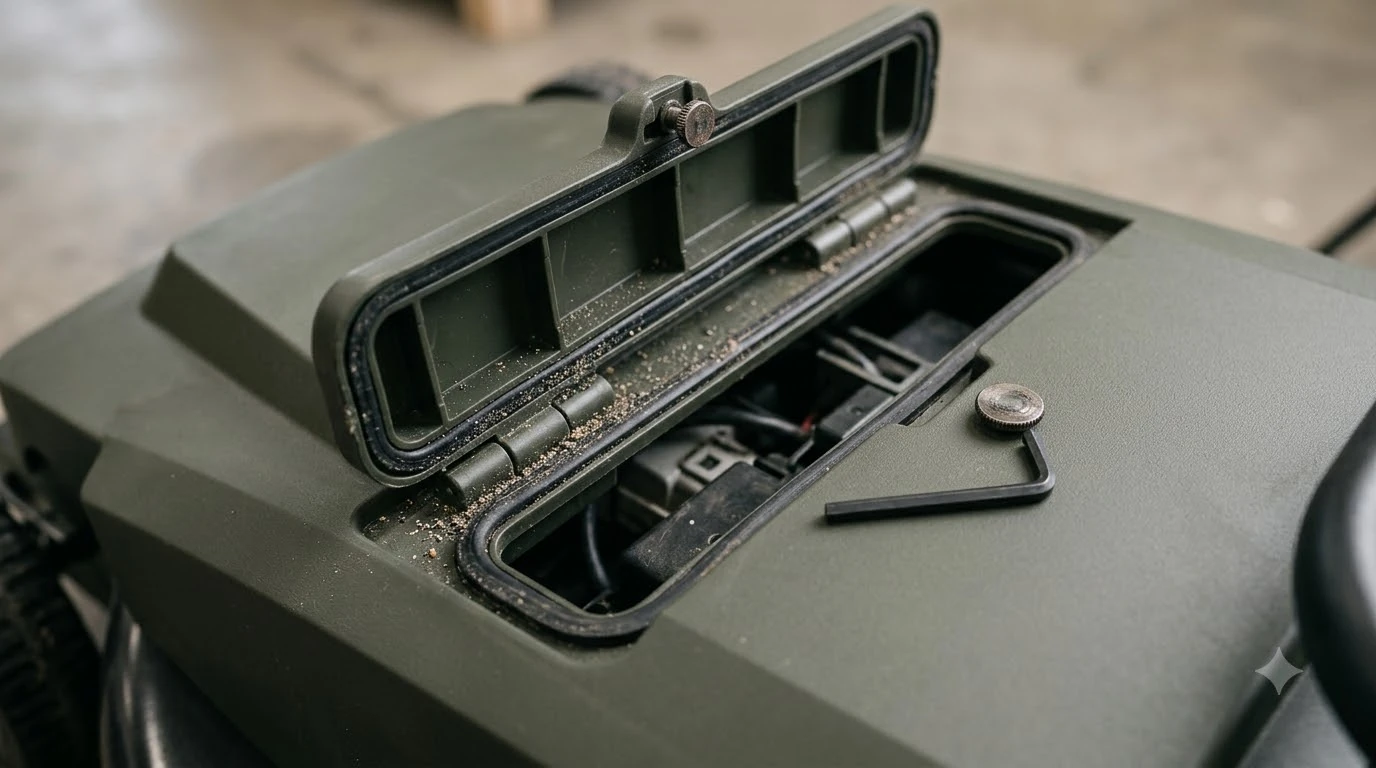

How to tell if a robot mower battery is swelling comes down to a few checks: a case that bulges, a lid or panel that lifts, or a pack that no longer sits flat in its compartment. Manufacturer guidance on worn batteries points to a different set of clues, including more trips back to the dock and runs that stop on an empty battery. As of November 2026, the battery support pages we read do not describe a swelling checklist, so the physical signs below are our reading rather than an official procedure.
Robot mower packs are lithium-ion, and a damaged cell can be dangerous. Learning how to tell if a robot mower battery is swelling early is the best way to avoid that risk. If you suspect a problem, stop charging first and read the rest of this page once the mower is safely off the charger. This article is general information, not a safety inspection.
The short answer
- Look at the case: bulging, a lifting lid or panel, or a pack that does not seat evenly is a physical warning sign.
- Check performance: more frequent dock returns or runs that stop on an empty battery are manufacturer end-of-life signs.
- Stop charging: if the case looks swollen, keep the mower off the charging station.
- Contact the maker: an authorized dealer or the manufacturer’s support team is the right next step.
Signs of a failing battery
The clearest signs come from manufacturers rather than from physical inspection. Husqvarna says an ageing battery shows up when the Automower returns to its charging station more often than usual. A second warning is when the mower stops on the lawn with an empty battery and no error message, which means the battery can no longer sustain a full mowing cycle.
Ecovacs gives a similar rule of thumb. A mower that recharges more often, or takes longer to charge, is showing end-of-life signs, and the company advises you to stop using a battery that can no longer hold a charge.
- More dock returns: the mower goes back to charge in the middle of a mowing session it used to finish, which our page on a robot mower battery draining fast looks at in more detail.
- Empty stop with no error: the mower halts on the lawn and gives no error code.
- Longer charge times: the battery takes noticeably longer to reach full charge.
How to tell if a robot mower battery is swelling: physical signs
Physical swelling is a separate question from performance. When you ask how to tell if a robot mower battery is swelling, check the pack before you check the runtime. Our reading is that a swollen pack usually shows up as a case that looks puffed or rounded, a lid or back panel that lifts away from the body, or a battery that will not sit flat in its compartment when you slot it in.
- Bulging case: the outer shell looks rounded or stretched compared with the rest of the housing.
- Lifting panel: a cover that sits proud of the body or no longer closes flush.
- Uneven fit: the pack pushes against the compartment walls or rocks when inserted.
- Heat when idle: the pack feels warm while the mower is parked and not charging.
None of these signs proves a fault on its own. Knowing how to tell if a robot mower battery is swelling means watching the case over time, not just once. A worn battery can also drop in capacity without any visible change, so the case check is one part of the picture, not the whole test.
Check the charging station first
Before you blame the battery, look at the charging station. Husqvarna advises owners to inspect the station regularly for loose connections and damaged cables, to keep it in a shaded or cool location, and to clean the charging contacts on both the mower and the station. Our note on charging contact corrosion shows what dirty contacts look like.
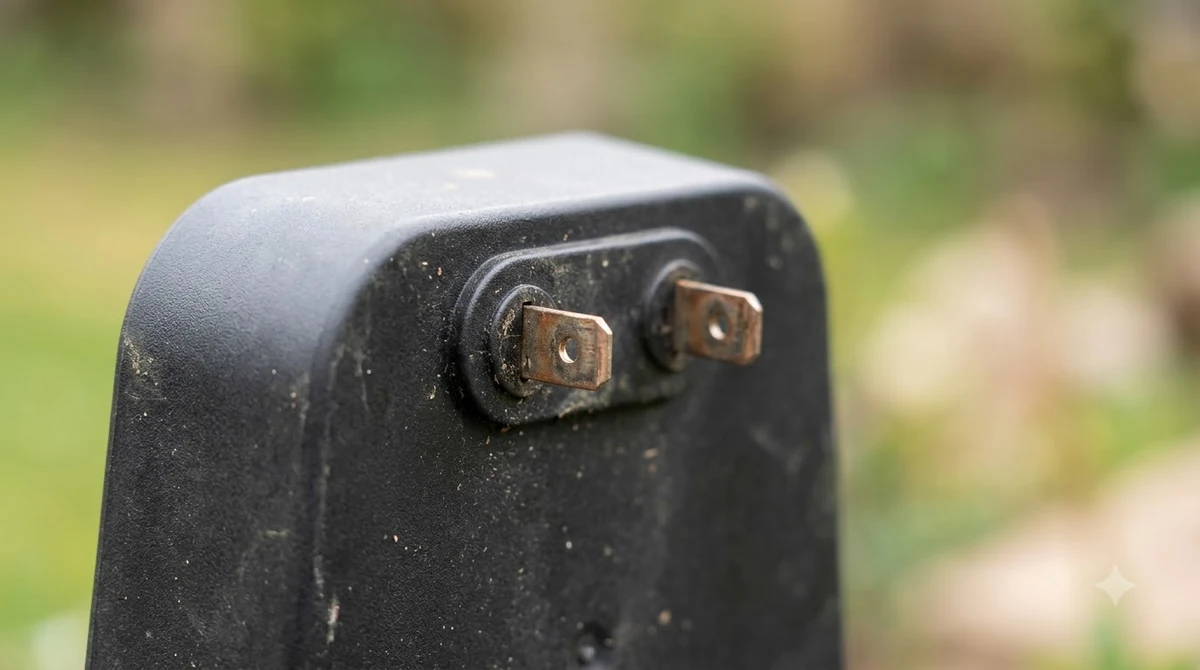
- Unplug the station. Disconnect it from power before you touch the contacts.
- Look at the cable and plug. Check for cuts, crushing, or loose connections at the plug.
- Clean the contacts. Wipe the charging contacts on the mower and the station so they make a firm connection.
- Retest the charge. If the mower still returns often after this, the battery is the more likely cause.
Why batteries wear out
Lithium-ion mower packs have a limited life. Robomow puts the average life of a Li-ion pack at about 4 years and rates it for 500 to 800 cycles, and our overview of robot mower battery life compares brands. Husqvarna says its batteries typically last between 2 and 5 years. Robomow also notes that an undersized mower runs almost continuously and needs many charges, which shortens battery life.
Temperature matters as well. Robomow gives an operating range of 10 to 35 C (50 to 95 F) for Li-ion packs. Eufy says excessive heat can overheat lithium-ion batteries and shorten their lifespan, and that extreme cold makes them lose power faster.
| Condition | Source figure | What it means for you |
|---|---|---|
| Li-ion average life | About 4 years (Robomow) | Plan for replacement in the middle of a typical ownership period |
| Typical life range | 2 to 5 years (Husqvarna) | Usage and climate move the result within this range |
| Cycle rating | 500 to 800 cycles (Robomow) | Daily mowing uses cycles faster than a small lawn |
| Operating range | 10 to 35 C, 50 to 95 F (Robomow) | Keep the charging station shaded and avoid heat-soaked storage |
A large lawn mowed every day wears the battery faster than a small lawn mowed twice a week, according to Husqvarna’s battery guidance. Our reading is that a mower sized to the lawn gives the pack room to rest between cycles.
Charging habits that speed up wear
Charging habits matter too. Ecovacs says that repeatedly charging to 100 percent and fully draining the pack both shorten battery life. Eufy describes a charge window of about 20 to 80 percent as the range where lithium-ion performs best.
Our reading is that you do not need to babysit the charger, but avoiding constant full drains and keeping the station out of direct sun is a low-effort way to slow wear.
What to do if you suspect swelling
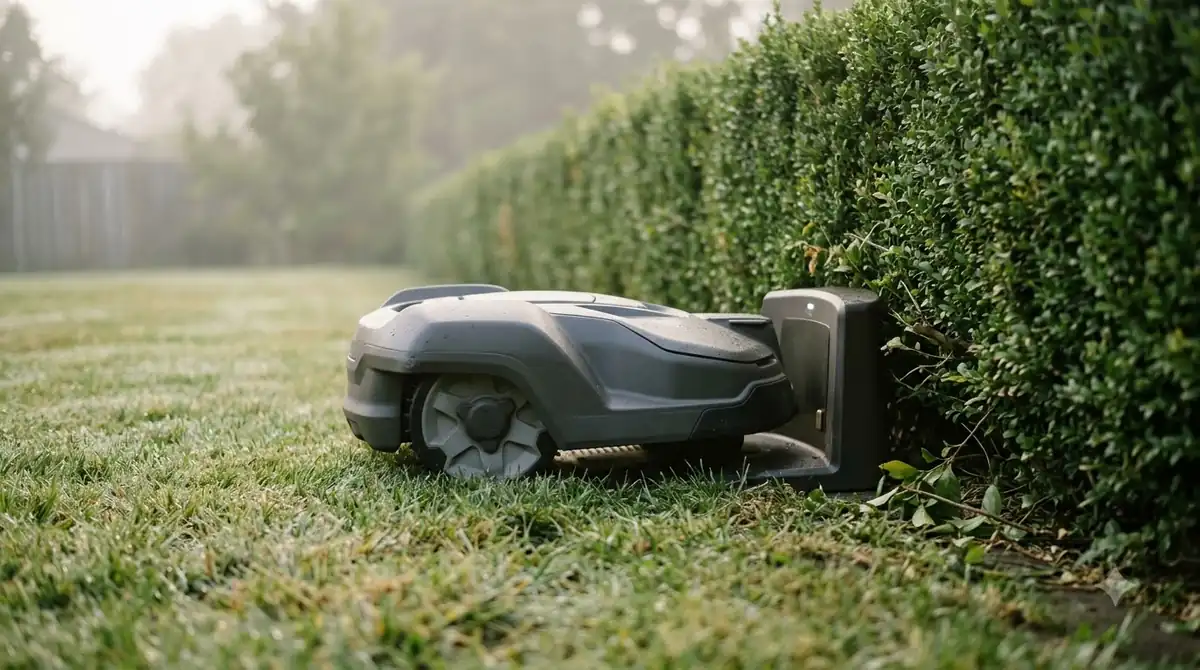
If you are unsure how to tell if a robot mower battery is swelling, treat the doubt as a reason to stop charging. If the case looks swollen, keep the mower off the station. Move the mower to a dry, cool place away from anything flammable while you decide on next steps. This is our reading of general lithium-ion caution, not a manufacturer procedure. For the full handling and disposal steps, see what to do if a robot mower battery is swollen.
- Stop charging. Unplug the station and do not put the mower back on it.
- Keep it cool and dry. Store the mower on a hard surface, away from heat and out of direct sun.
- Do not open or repair the pack. Opening a lithium-ion pack is a safety risk, and the sources we read do not describe a home repair for swelling.
- Contact the maker. Ask the manufacturer or an authorized dealer how to handle the pack.
Heads up
If a battery is hot, smoking, or leaking, treat it as an emergency. Move people and pets away from the mower and follow your local fire department’s guidance. Do not try to handle a damaged pack with bare hands.
When to contact the dealer
An authorized dealer is the best first call for a worn or swollen pack. Husqvarna says a dealer can replace the battery quickly and easily, although it does not publish a price on that page. Robomow gives a one-year manufacturer warranty on its battery, so check whether your pack is still covered before you pay for a replacement. Our guide to robot mower battery replacement cost explains what to expect.
If you suspect swelling, tell the dealer exactly what you saw, since that is the detail that decides how urgent the call is. Keep the purchase date and serial number handy when you call. Those details make the warranty check faster for the dealer and for you.
Frequently asked questions
Can I replace a robot mower battery myself?
Robomow describes the battery as an expendable part that users can usually replace, but a swollen pack is different. The sources we read do not confirm a swelling-specific rule, so check your model’s manual and ask an authorized dealer before you open anything.
How long do robot mower batteries last?
Robomow gives an average life of about 4 years for Li-ion packs, and Husqvarna says its batteries typically last between 2 and 5 years. Heavy daily use and heat both shorten that range.
Does cold weather damage a robot mower battery?
Robomow lists an operating range of 10 to 35 C (50 to 95 F) for Li-ion packs. Eufy says extreme cold makes lithium-ion batteries lose power faster, which can show up as shorter runs rather than visible damage.
What does a worn robot mower battery look like?
Start with behavior, because manufacturers point there: the mower returns to the dock more often, or it stops on the lawn with an empty battery and no error. A physical sign such as a bulging case is a separate warning that should prompt you to stop charging.
Sources
- Husqvarna Automower battery error messages and lifespan tips (Husqvarna): aging signs, 2 to 5 year lifespan, charging station care, dealer replacement.
- How long does the battery of a robotic lawnmower last (Robomow): Li-ion lifespan, cycle rating, operating range, warranty.
- How long do lawn mower batteries last (Eufy): heat and cold effects, 20 to 80 percent charge window.
- How long do robot lawn mowers last (Ecovacs): end-of-life signs and charging habits.
 Up next8 min readLearnHow to Tell If a Robot Mower Battery Is FailingUpdated Nov 12, 2026
 6 min readLearnWhat to do if a robot mower battery is swollenUpdated Nov 12, 2026
 8 min readLearnWhat Happens If a Robot Mower Runs Over a Hose?Updated Nov 11, 2026
 9 min readLearnCan You Ship a Robot Mower Battery?Updated Nov 12, 2026
 8 min readLearnHow Long Does the Husqvarna Automower 430X Battery Last?Updated Nov 12, 2026
 8 min readLearnHow to Dispose of an Old Robot Mower and Its BatteryUpdated Nov 12, 2026