
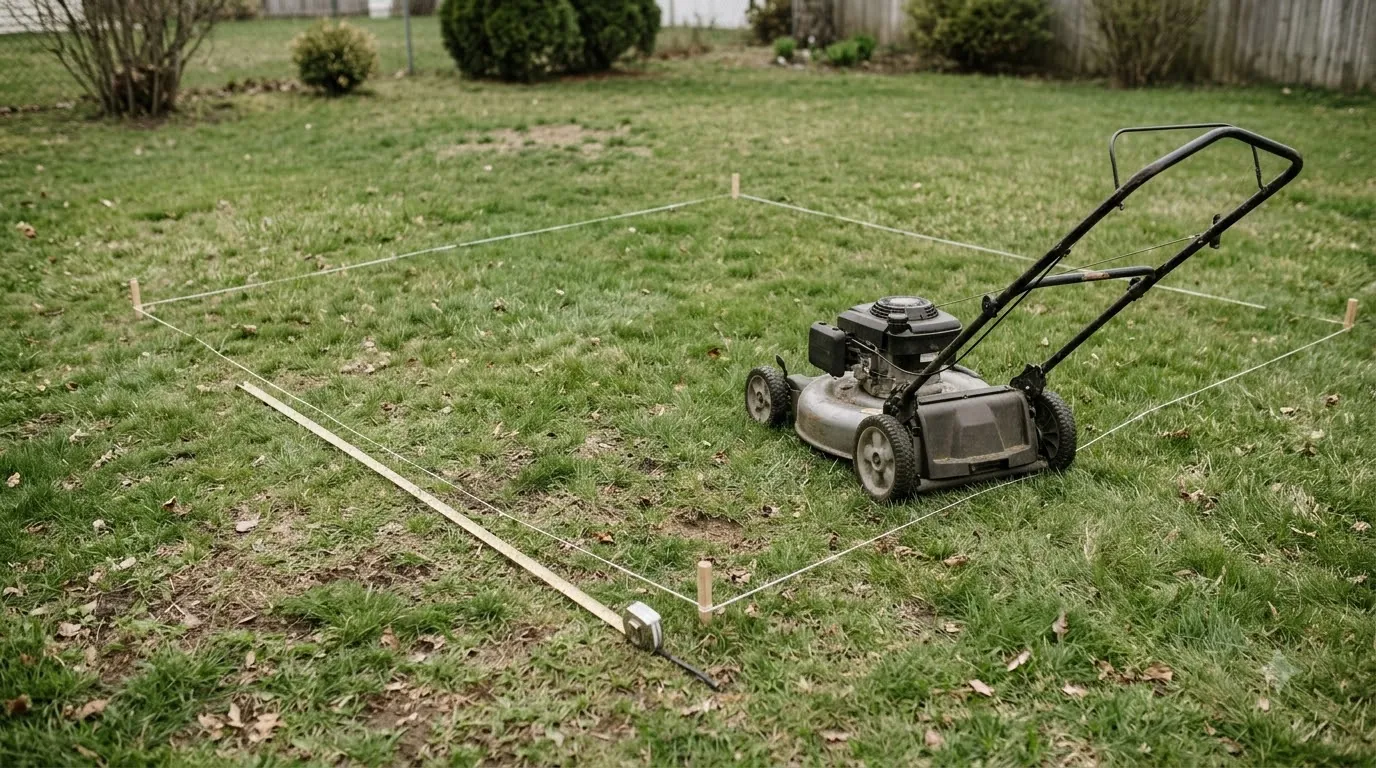

Why does my robot mower skip shaded areas of the lawn? Dense tree canopies, tall walls, and deep shadows disrupt the satellite signals and optical cameras that guide wire-free mowers, while surface tree roots and sparse grass in shaded spots trigger physical obstacle avoidance. Once you match the behavior to your mower’s navigation sensors, a few targeted adjustments can restore full yard coverage.
The short answer
- Satellite signal loss under canopy: Thick leaves and branches block or reflect the GPS and Real-Time Kinematic (RTK) radio signals wire-free mowers rely on to confirm their position.
- Low-contrast camera confusion: Vision-guided mowers struggle to separate grass from dirt, mulch, or harsh shadow edges when light drops beneath trees or along north-facing walls.
- Multipath signal bounce: Satellite signals bouncing off nearby fences, sheds, or house walls send delayed position data that causes the mower to pause, drift, or reroute away from the shade.
- Surface roots and sparse turf: Exposed tree roots trigger bumper and tilt sensors, while thin shade grass or bare soil can fool optical grass detectors into treating the patch as out-of-bounds.
- Accidental stay-out zones: Map edits around tree trunks or garden beds often leave overly wide exclusion buffers that block the mower from entering surrounding shade.
How navigation sensors react to shade and tree cover
Different robotic lawn mowers rely on distinct positioning hardware, and each sensor type fails in a predictable way when it enters heavy shade.
Most residential robot mowers fall into four navigation categories: RTK-GPS satellite models, camera-based AI vision models, hybrid RTK-plus-vision units, and traditional boundary-wire machines. According to Husqvarna Automower support documentation, wire-free satellite installations require a clear view of the sky for both the mower and its reference station, and dense tree crowns wider than 4 meters (13 feet) frequently weaken satellite locks enough to make the machine pause or turn back.
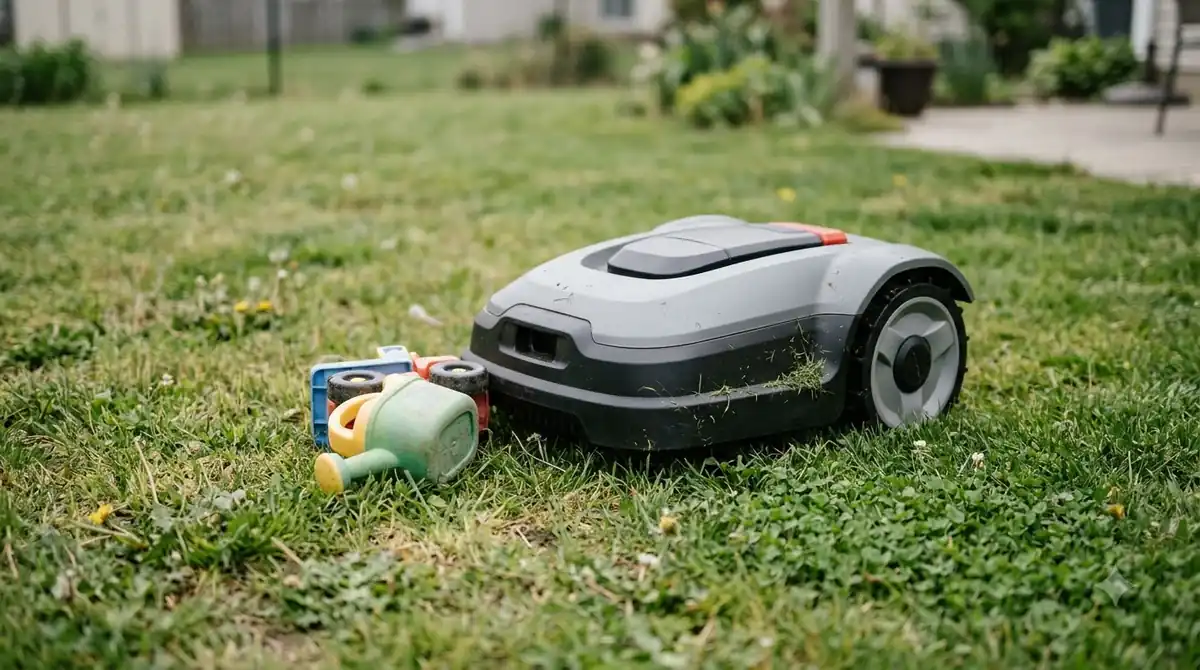
When a satellite-only mower moves beneath overlapping branches, leaves absorb and scatter high-frequency GNSS signals. Even if the mower still sees a few satellites, signals bouncing off house siding, wooden fences, or thick trunks arrive a fraction of a second late. This multipath interference confuses the mower’s position calculation, prompting safety firmware to halt cutting or steer back toward open sky rather than risk crossing a virtual boundary.
Camera-only and vision-assisted mowers face an optical problem instead of a radio one. Optical sensors depend on color and texture contrast to tell green turf apart from mulch beds, patios, or bare dirt. Deep shade flattens color contrast, and dappled sunlight moving across the grass can look like physical obstacles to an optical camera, causing unnecessary detours.
| Navigation system | Why it skips shaded areas | Typical on-lawn behavior |
|---|---|---|
| RTK-GPS satellite only | Leaves block sky view; walls and trunks create multipath signal bounce | Stops in place, displays weak-signal alerts, or turns back at the drip line |
| Camera / AI vision only | Low light reduces color contrast between thin turf, soil, and shadow lines | Treats dark shadow edges or bare dirt as lawn borders and steers away |
| Hybrid RTK + vision | Simultaneous signal drop and heavy dusk or wet lens overwhelm fallback sensors | Slows down, leaves uneven strips, or skips tight corridors under trees |
| Boundary wire + random bounce | Physical obstacles like surface roots, moss, or narrow wire islands block entry | Bumps roots, reverses early, or misses pockets behind wide tree loops |
Physical yard factors hidden in the shade
Even when navigation signals stay strong, shaded grass grows differently and hides ground hazards that force a robot mower to turn around.
Turf growing under mature trees or beside tall structures receives less sunlight and often competes with shallow tree roots for moisture. As a result, shaded sections tend to have thinner grass cover, damp moss, or patches of exposed soil. Optical grass-recognition sensors—which look for healthy green blades before engaging the cutting deck or crossing an area—can misread sparse shade turf as a flowerbed or dirt path and avoid it completely.
Exposed roots and uneven settling around tree bases also trigger mechanical safety switches. When a front caster wheel climbs an elevated root, the mower’s chassis tilts or its bump sensor registers an impact, instructing the drive motors to reverse and pick a new heading. Over a full mowing cycle, repeated reversals at the same root line leave an untouched halo of long grass around the tree.
Heads up
If your mower handled a shaded corner fine in spring but started skipping it in summer or right after a rainstorm, check the tree canopy above it. Full summer leaf growth and wet foliage block significantly more satellite signal than bare or dry branches.
Step-by-step fixes to restore full shade coverage
You can resolve most shade-skipping problems by improving sky visibility for your base station, adjusting mowing schedules, and refining your virtual map.
- Relocate the RTK reference station to open sky. Mount the reference antenna where it has an unobstructed view of the sky, away from overhanging eaves, tall fences, and tree canopies. The mower and reference station need to lock onto the same satellites simultaneously, so moving the antenna higher on a wall or pole often stabilizes accuracy in shaded corners.
- Schedule shaded zones for midday sun. If your mower uses optical cameras, avoid running shaded zones at dawn, dusk, or on heavily overcast days. Midday overhead sunlight pushes maximum ambient light beneath tree canopies, giving vision sensors enough contrast to distinguish turf from soil.
- Clean camera lenses and ultrasonic sensors. Wipe camera glass and sensor windows with a soft, damp cloth after wet or dusty runs. As noted in Husqvarna’s AI vision troubleshooting guide, even a thin film of pollen, water droplets, or grass paste degrades low-light object detection and causes premature pauses in shaded areas.
- Trim low-hanging branches and define root zones. Prune branches hanging below your mower’s chassis height so canopy foliage does not brush against top-mounted GPS antennas or vision cameras. For exposed surface roots, either top-dress low spots with soil to smooth the transition or draw tight, accurate no-go islands around the trunk instead of blocking off the entire shaded perimeter.
- Check map buffers and hybrid wire options. Open your mower’s app and verify that stay-out zones around trees or sheds do not overlap with adjacent boundaries, which can pinch off access corridors. If your model supports hybrid boundary-wire fallback for dead zones, laying a localized wire loop around a heavily wooded corner lets the mower switch to wire-guided navigation until it exits the canopy.
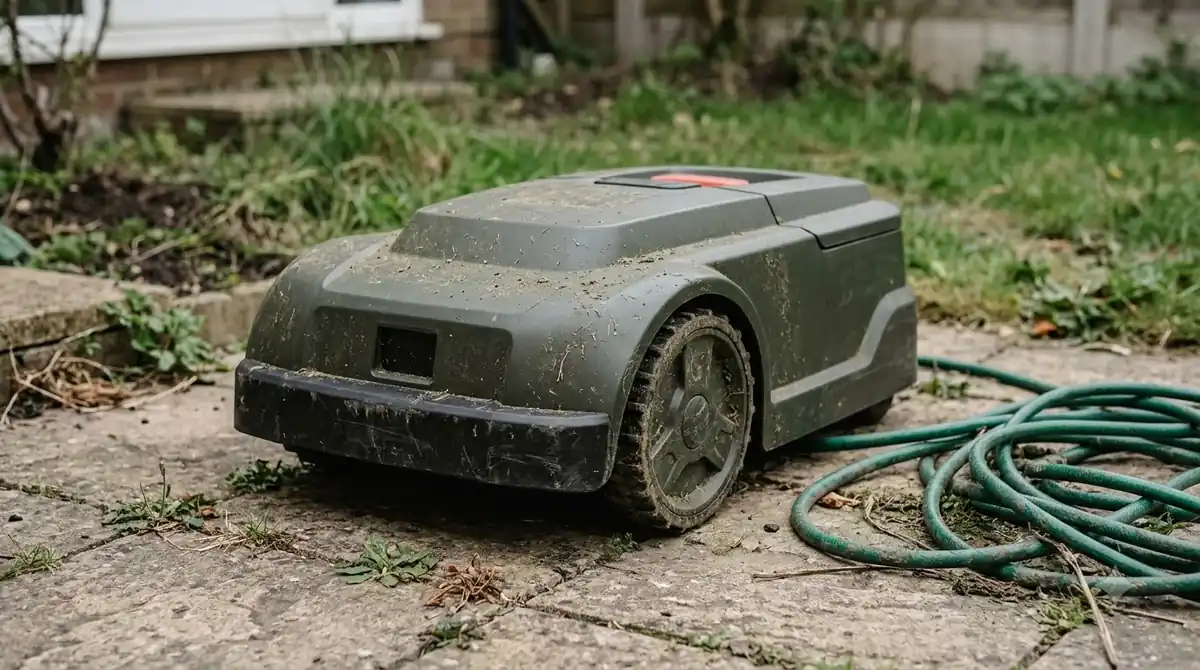
When a yard is too shaded for standard wire-free navigation
Some properties have continuous tree cover or narrow side yards where satellite and vision sensors cannot maintain reliable tracking without hardware changes.
If a shaded section sits beneath a dense, unbroken forest canopy or runs through a narrow alley between two multi-story walls, an RTK-only mower may spend more time waiting for a satellite fix than cutting grass. In these layouts, splitting the shaded section into a separate mowing zone in your app helps prevent signal delays from stalling the rest of your lawn.
For yards where dense shade covers a large share of the turf, mowers equipped with 3D LiDAR or physical perimeter wires handle low-light and zero-sky conditions far more reliably than pure satellite or RGB camera systems. LiDAR sensors map terrain with active laser pulses rather than ambient sunlight or orbiting satellites, while perimeter wires provide a constant low-voltage guide signal regardless of tree cover.
Frequently asked questions
Can a robot mower work under dense trees without GPS?
Yes, provided the mower does not rely solely on satellite positioning. Boundary-wire mowers, LiDAR-equipped models, and hybrid units that combine visual simultaneous localization and mapping (VSLAM) with wheel odometry can continue mowing under dense canopy where GPS signals drop out.
Why does my robot mower only skip the shaded area after it rains?
Wet leaves absorb and scatter satellite radio signals much more strongly than dry foliage, pushing marginal canopy areas below the mower’s accuracy threshold. Rain droplets on optical camera lenses can also blur low-light visibility until the lens dries.
Will outdoor landscape lighting help a camera robot mower work in heavy shade?
Standard path lights rarely provide enough even illumination for RGB vision mowers, and bright spotlights can create harsh glare and dark shadows that further confuse boundary detection. Scheduling shaded zones during peak daylight hours is much more effective.
How wide of a corridor does a robot mower need to enter a shaded side yard?
Most wire-free and boundary-wire mowers require at least 1 meter (about 3.3 feet) of clear passage width to enter and exit a narrow side yard without getting trapped. If walls or fences flank that corridor, signal reflection can require an even wider clearance or a dedicated wire guide.
Sources
- Satellite and internet issues in EPOS wire free installations (Husqvarna Support): used for sky-view requirements, 4-meter tree crown interference thresholds, and stay-out zone or support-by-wire solutions.
- Troubleshoot camera errors on Automower robotic lawn mowers (Husqvarna Support): used for how low-light visibility, moisture, and lens debris trigger camera pauses and obstacle avoidance behavior.
- 7 Garden Design Tips for Robot Mower Success (The Robot Mower): used for passage width guidelines around 1 meter and physical clearance around tree trunks and surface roots.
 Up next6 min readLearnWhy Does My Robot Mower Leave Tire Marks on the Dock Area?Updated Nov 13, 2026
 8 min readLearnWhy Does My Robot Mower Leave Unmowed Circles Around Trees?Updated Nov 19, 2026
 9 min readLearnWhy Does My Robot Mower Spin Its Wheels When Turning?Updated Nov 19, 2026
 9 min readLearnWhy Does My Robot Mower Stop When Crossing Patio Pavers?Updated Nov 19, 2026
 10 min readLearnWhy does my robot mower turn around before reaching the edge?Updated Nov 19, 2026
 8 min readLearnWhy Does My Robot Mower Battery Lose Charge While Docked?Updated Nov 19, 2026