
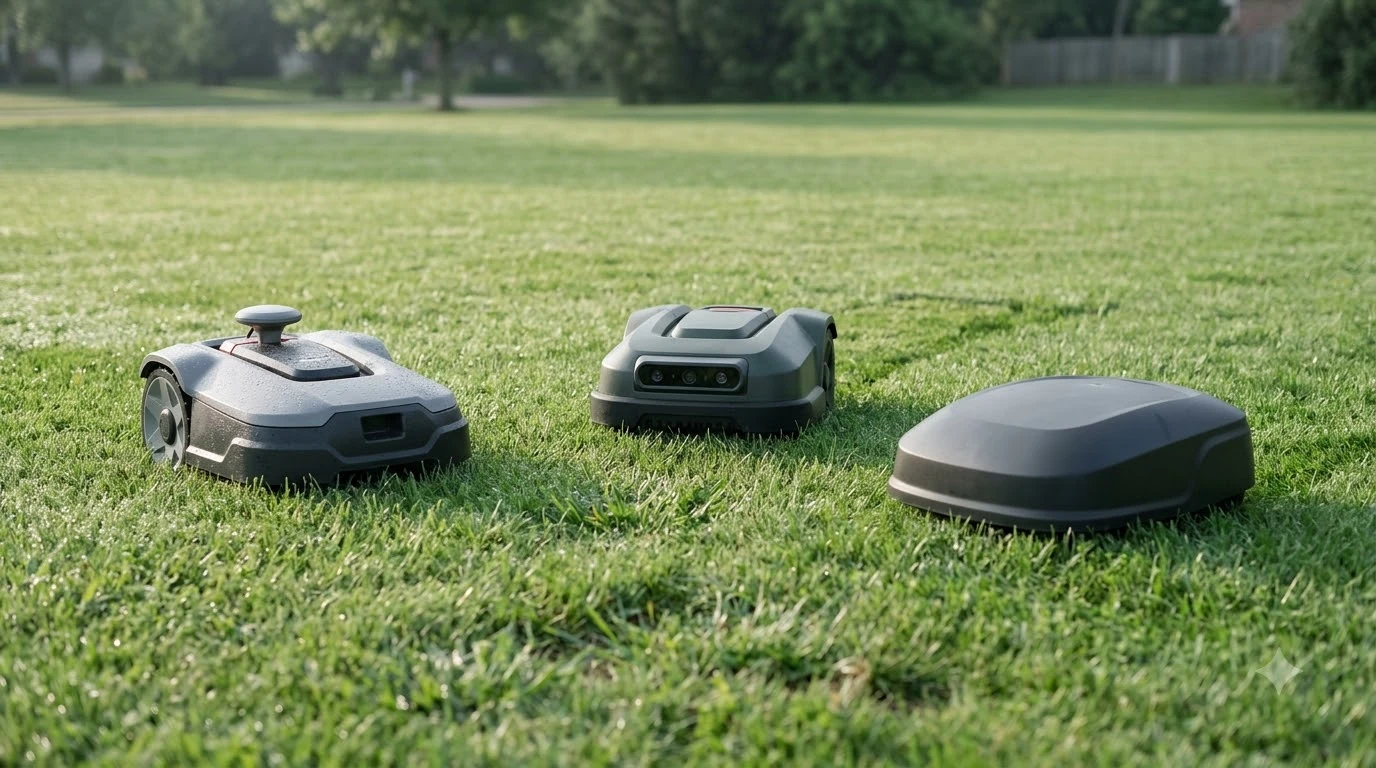

The Navimow i215 LiDAR review verdict: a wire-free robot mower rated for lawns up to 0.37 acre and slopes up to 45%. The Segway Navimow i215 LiDAR navigates with LiDAR and vision, so it needs no boundary wire or RTK antenna. It fits medium yards with trees and shade, though one hands-on review found it can slip at fence edges.
The short answer
- Coverage and slope: up to 0.37 acre and 45% slopes, per the spec table.
- Navigation: LiDAR plus vision, with no perimeter wire and no RTK antenna.
- Battery: about 160 minutes of runtime and about 130 minutes to recharge.
- Anti-theft: GPS tracking, PIN lock, alarm and built-in 4G, with the 4G service free for the first year.
- Skip it if your lawn has many low curbs, loose gravel or is a large open rectangle.
Navimow i215 LiDAR review: specs at a glance
The i215 is a medium-lawn mower. Its listed maximum mowing area is 0.37 acre, or about 1,497 square meters, and its slope rating is 45%. These are the figures a buyer should check first against the size and shape of the yard.
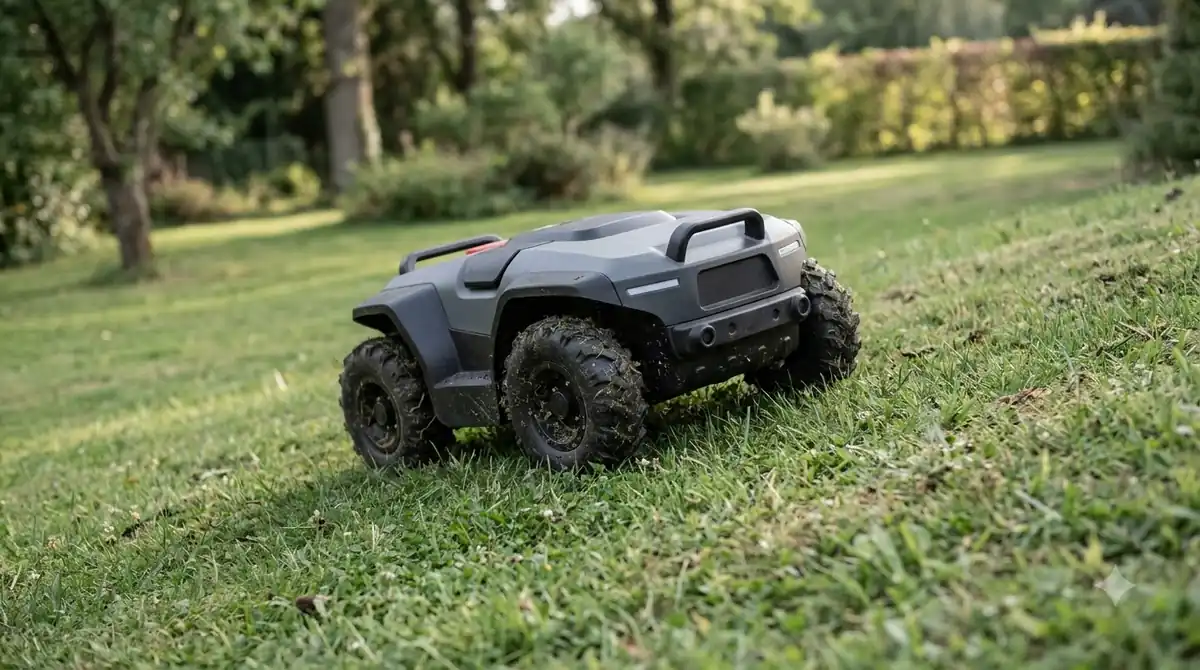
The cutting deck is narrow, at 8.66 inches (22 cm) wide, and the cutting height is set in the app between 2 and 4 inches. Our reading is that the narrow deck means more passes on a large lawn, which fits the spec summary’s advice to choose an AWD model for big open areas. Our Segway Navimow model guide shows where AWD models sit in the line.
| Spec | Navimow i215 LiDAR (spec table) |
|---|---|
| Maximum mowing area | 0.37 acre (1,497 m2) |
| Maximum slope | 45% |
| Cutting height | 2 to 4 inches (5.1 to 10.2 cm), set in the app |
| Cutting width | 8.66 inches (22 cm) |
| Weight | 32.4 lb (14.7 kg) |
| Weather rating | IP66 |
| Warranty | 3 years |
How the i215 finds its way without a wire
The i215 uses a LiDAR module plus a camera, so it does not need a buried perimeter wire or a base station with an RTK antenna. The spec table describes the system as EFLS dual-fusion, which combines LiDAR and vision data to map the lawn. Our explainer on how LiDAR robot mowers navigate covers the basics.
During auto mapping, the PCWorld reviewer saw the mower keep 11.8 to 19.7 inches inside the edge before it refined the boundary. The reviewer chose auto mapping because the test area was one continuous lawn, and said the other mapping tools were not all needed for it. See our guide to no-go zones on a robot mower for what those tools do.
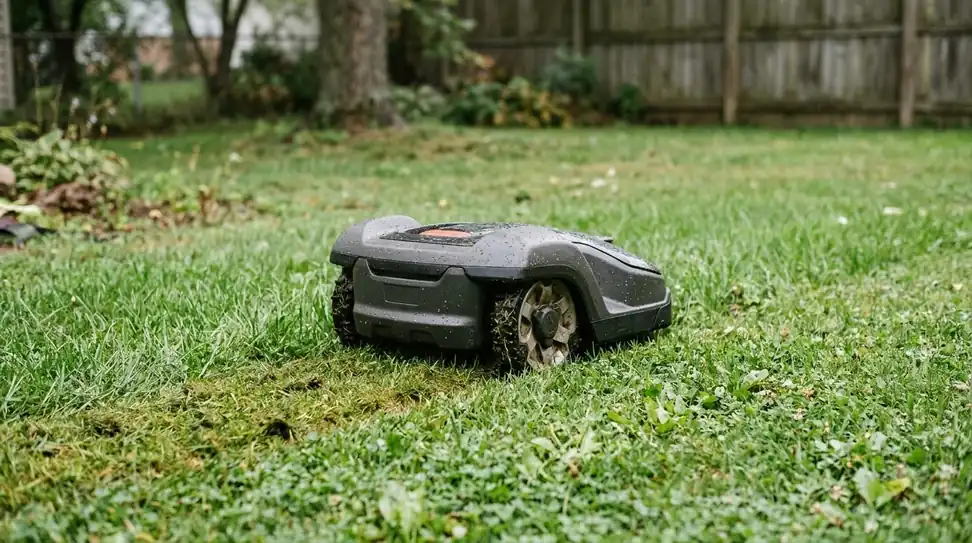
One limit matters here: the reviewer confirmed with Navimow that the i215 has no dedicated cliff sensor. The mower follows its mapped boundary, so the edge of a drop-off or a raised bed needs to be mapped with some margin.
Cutting quality and the fence-edge problem
In the PCWorld hands-on review behind this Navimow i215 LiDAR review, the cut was clean and even once the mower was set up properly. The reviewer lowered the height to 3.2 inches, below the 4-inch maximum, and reported no problem with the cut itself.
The weak spot was a narrow strip between a raised grass edge and a fence. The mower slipped off the grass a couple of times and needed rescuing. The same review covered a 7,645 square foot test lawn with slopes, trees, shade, mulch borders and a play structure, and the mower avoided its no-go areas and worked around obstacles.
Our reading is that any fence line with a raised edge is a place to check first. Map that strip with a wider margin, add a no-go zone if the strip is too narrow to mow safely, and trim it by hand if needed. The review’s test lawn was about 0.18 acre, half the size of the listed maximum, so a bigger yard may show more edge cases. Readers with a fenced yard can also see how a robot mower works in a fenced backyard.
Setup, mapping and dock placement
Setup is more involved than plug-and-play. According to the PCWorld review, the app requires more than 50% battery before mapping can start, and two firmware updates added about 20 minutes to the process.
- Charge first. The app will not start mapping until the battery is above 50%.
- Place the dock on level ground. The reviewer’s dock needed about 6.6 feet of open space in front and 1.6 feet on each side.
- Run auto mapping. The reviewer chose it because the test area was one continuous lawn.
- Fix problem spots. The app also offers manual mapping and no-go zones for edges and tight spots, so a problem area does not mean redoing the full map.
Battery, weight and anti-theft features
For a Navimow i215 LiDAR review, the battery numbers are simple. The i215 carries a 7.65 Ah battery rated for about 160 minutes of runtime, with about 130 minutes to recharge. According to the spec table, the battery is not owner-swappable, so plan for the mower’s service life rather than a field replacement.
Anti-theft features include GPS tracking, a PIN code lock, an alarm and a built-in 4G module. The 4G service is included for the first year. After that, the PCWorld reviewer reported a renewal fee of $32.90 per year, so check the current Navimow Connect+ price before you buy. Our guide to robot mower theft protection explains what these features do.
Strengths and weaknesses
This Navimow i215 LiDAR review leans on the spec summary on Smart Home Compared, which lists the main strengths and weak points. Both sides matter for a buyer deciding between a wire-free model and a wired or RTK one.
- Strengths: no wire or RTK antenna needed, quiet operation, multi-zone mapping and no-go zones, 45% slope rating, app-set cutting height, IP66 rating, and support for Alexa, Google Home and Home Assistant, according to that page.
- Weaknesses: low curbs, gravel and mulch can stop it, the drive is rear-wheel only, it swings wide around obstacles, and the deck is narrow.
- Connectivity limits: 2.4 GHz Wi-Fi only, with no Apple Home, SmartThings or Matter support.
- Software: the spec page notes that some owners report a forced software update introduced errors or hurt battery performance.

Who the i215 suits and who should skip it
The i215 suits a medium lawn with trees or shade and an owner who does not want to install a wire or an antenna. The spec summary describes it as a good fit for that case.
Our reading is that it is a weaker match for a lawn with many low edges, loose gravel or a large open area. In those cases the spec summary recommends an all-wheel-drive mower with a wider deck, and a simple rectangular lawn may not justify the price a reviewer reported.
Before you buy, use this navimow i215 lidar review as a checklist. Check three numbers against your yard: the lawn area in acres, the steepest slope, and the number of low edges or gravel strips. Then confirm the current price and the 4G renewal fee on the official site, since both change over time.
Frequently asked questions
Does the Navimow i215 LiDAR need a boundary wire?
No. The i215 navigates with LiDAR and vision, and the spec table lists no perimeter wire and no RTK antenna. Mapping is done in the app, where you can add no-go zones and fix problem spots without installing any hardware around the lawn.
How big a lawn does the i215 LiDAR cover?
The spec table lists a maximum mowing area of 0.37 acre, about 1,497 square meters. Check that figure against your own lawn size and shape, and remember that a large open lawn may need more passes than a smaller yard.
Does the Navimow i215 need a subscription?
The mower works without one, but the built-in 4G anti-theft and remote monitoring service is free only for the first year. The PCWorld reviewer reported a renewal fee of $32.90 per year, so confirm the current price on the official Navimow site before you buy.
Is the i215 good on slopes?
The spec table lists slopes up to 45%. That figure is a rating, not an independent test result. A hands-on review found the mower handled slopes on its test lawn, but it also noted a narrow edge strip where the mower needed rescuing.
Sources
- Segway Navimow i215 LiDAR (Smart Home Compared): spec table for coverage, slope, cutting height, battery, warranty, anti-theft, and the listed pros and cons.
- Navimow i215 review (PCWorld): hands-on findings on mapping, the fence-edge strip, dock space, firmware updates and the 4G renewal fee.
 Up next8 min readReviews & CompareMammotion LUBA 3 AWD 1500H vs Segway Navimow i215 LiDAR: Specs ComparedUpdated Nov 12, 2026
 8 min readReviews & CompareSegway Navimow i110N Review: Pros, Cons and Specs to CheckUpdated Nov 11, 2026
 6 min readReviews & CompareSegway Navimow H2 Pros and Cons: Wire-Free Navigation ExplainedUpdated Nov 16, 2026
 11 min readReviews & CompareEcovacs GOAT O1000 LiDAR PRO vs Navimow i110N: Specs ComparedUpdated Nov 16, 2026
 9 min readReviews & CompareEcovacs GOAT A2000 LiDAR PRO Review: Specs, Mapping and LimitsUpdated Nov 16, 2026
 8 min readReviews & CompareECOVACS GOAT A3000 LiDAR PRO Review: Specs, Limits and What to CheckUpdated Nov 16, 2026