
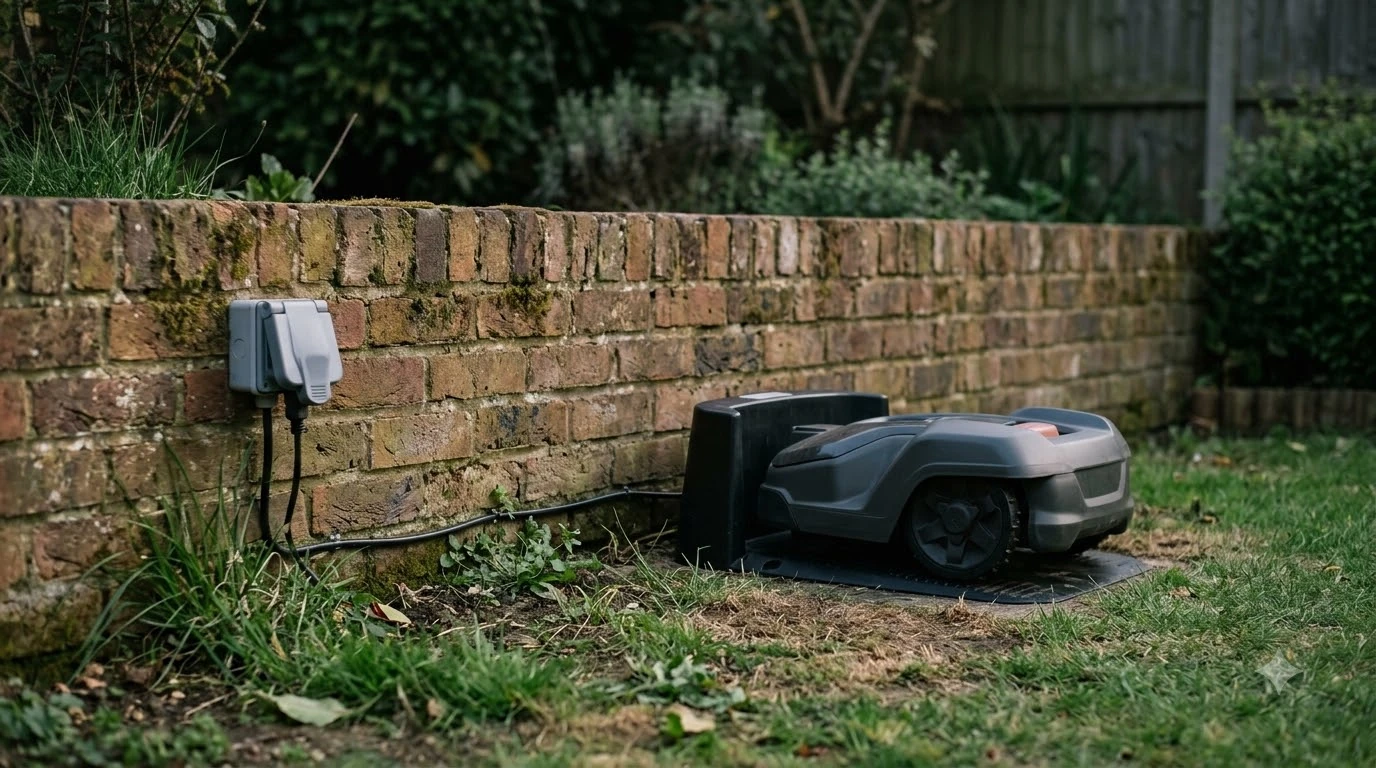

What is a no-go zone on a robot mower? It is an area you mark in the mower’s app so the mower skips it while it cuts. Brands use different names for the same idea: Mammotion calls it a no-go zone, and Husqvarna calls it a stay-out zone. Both companies describe it as a map area the mower is kept out of, and both publish rules for where that area can sit. As of November 2026, those rules are the ones to check before you draw one.
The short answer
- What it is: a mapped area that the mower will not enter while it mows.
- Typical targets: pools, flowerbeds, trees, roots, ditches and stones, according to Mammotion and Husqvarna.
- Must stay clear: the charging station and the guide wire, on Husqvarna’s boundary-wire models.
- Size limit: Husqvarna’s wire-free zones must be at least 30 x 30 cm (1 x 1 ft). Mammotion’s page does not state a minimum.
What is a no-go zone on a robot mower?
A no-go zone tells the mower’s map which part of the lawn to skip, so the mower goes around that part instead of through it. The zone lives in the app’s map, not on the grass. Husqvarna’s support page defines a stay-out zone as “a map area that keeps the mower out of parts of the lawn,” and gives newly sown grass or spring flowers as an example of an area to protect.
Mammotion describes its version the same way: it is an area where the robot will not mow. The page says no-go zones are created for “pools, flowerbeds, trees, roots, ditches, and any other obstructions present in the lawn.” The practical point is that a zone is a rule in the map. It only works when the mower knows where it is on the lawn, which is why the setup method depends on the model’s navigation system.
Names brands use
The menu label matters less than the function, so treat these names as the same feature. On Husqvarna’s boundary-wire AIM models you tap the Map, then the plus sign, then “Add stay-out zone.” On Husqvarna’s wire-free EPOS models the path is Add, then Stay-out zone. On Mammotion you go to the Map page, tap Create, then No-go zone.
Our reading is that the name alone does not answer what is a no-go zone on a robot mower in practice, because the rules differ by system. Read the manual for the model you are considering, because the placement limits, size limits and scheduling options differ between the systems.
How zones are drawn
Boundary-wire mowers draw a zone by moving waypoints on the map, while wire-free mowers, which rely on virtual boundary mapping, draw it by steering the mower around the area. The table shows what is a no-go zone on a robot mower in each system, using the rules the three sources publish. Where a source gives no figure, the cell says so.
| Rule | Husqvarna AIM (boundary wire) | Husqvarna EPOS (wire-free) | Mammotion |
|---|---|---|---|
| How you draw it | Move waypoints on the map | Steer with appDrive, then press Done | Guide the robot to the edge, press play, drive the perimeter back to the start, save |
| Minimum size | Not stated | 30 x 30 cm (1 x 1 ft) | Not stated |
| Editing | Move waypoints, rename, activate with a slider | Points move up to 5 m (16 ft 4 in) per change in each direction | Not stated |
| Scheduling | Can be activated or deactivated, not scheduled | Not stated | Not stated |
On EPOS mowers, appDrive must be active before you can steer the mower around the area. Husqvarna’s page says to enable Remote Control on the mower first, and it closes the shape when you press Done. For a step-by-step walkthrough, see our guide on setting up no-go zones.
Where a zone cannot go
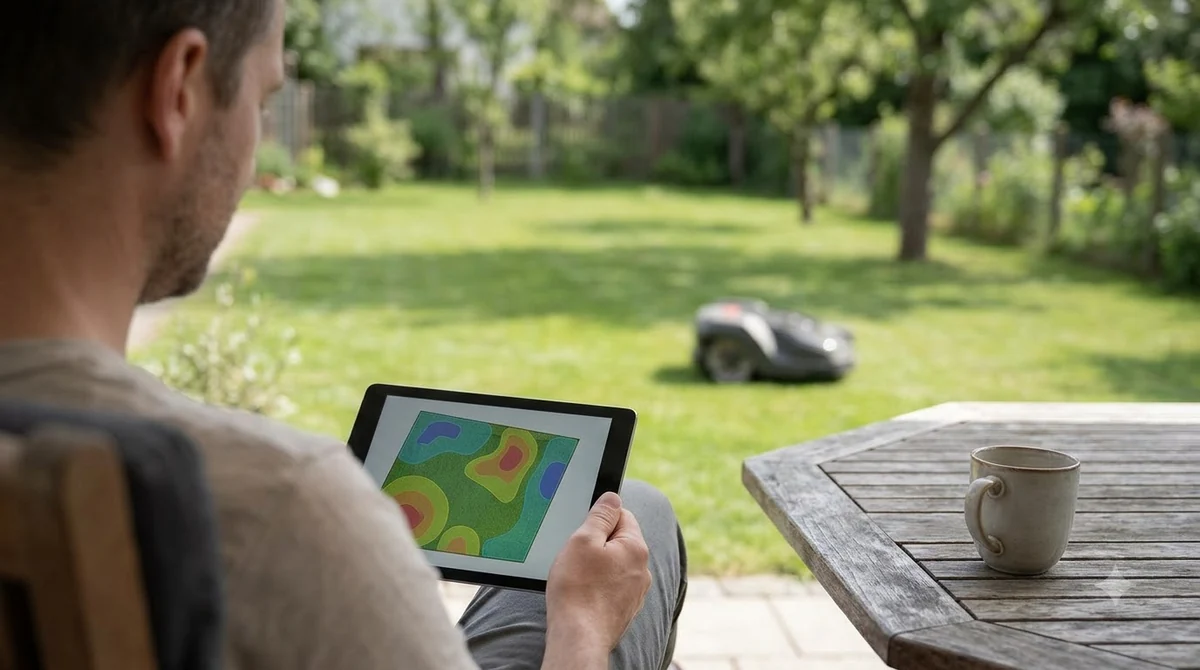
A no-go zone on a robot mower must not cover the charging station or the guide wire, and it must leave the mower a route to reach its work. These are the placement rules that matter most, because a zone in the wrong place can stop the mower from charging at all.
- Charging station: Husqvarna’s AIM page says “Don’t cover the charging station, or the mower can’t operate.”
- Guide wire: the same page says a zone over any part of the guide wire stops the mower from returning to charge.
- Passages: do not block a gap the mower must use. Husqvarna’s EPOS page says to avoid narrow passages the mower cannot reach, and not to let a zone cut off part of a work area.
- Transport paths: a zone across a transport path stops the mower from reaching its destination, and the mower does not pass through stay-out zones.
Docking space is a separate rule. Husqvarna’s EPOS docking section advises at least 6 m (20 ft) of free space in front of the charging station. The stay-out zone page itself gives no clearance figure, so keep the dock approach open even if the zone sits elsewhere. Our guide on where to put a robot mower charging station covers the layout.
A zone is not a safety fence
A no-go zone on a robot mower keeps the mower out of an area, but it is not a physical barrier, and Husqvarna does not rely on it for pools or streets. For those areas the company advises fencing with boundary wire and a barrier of at least 15 cm (6 in) high. So what is a no-go zone on a robot mower if it is not a fence? It is a rule in the map, nothing more. Our guide to garden fences around a no-go area covers the physical barrier side.
Heads up
Husqvarna’s exact wording is: “Don’t rely on a zone to keep the mower out of a swimming pool or the street.” Mammotion lists pools among typical no-go targets, but the Mammotion page gives no barrier advice, so do not read its list as a safety rule.
What to exclude: obstacles and slopes
Zones are most often used for obstacles that the mower could hit or get tangled near, and for slopes that the model cannot climb. Husqvarna’s EPOS page recommends stay-out zones around trees, roots and stones, and says zones can exclude slopes that are too steep for the model.
The slope rule has one check you must make first: look up the maximum slope in your model’s specification, because Husqvarna’s page does not give a figure. Our reading is that a zone should cover the full base of a stone or the root flare of a tree, since the page gives no clearance distance for either.
What to check before you rely on a zone
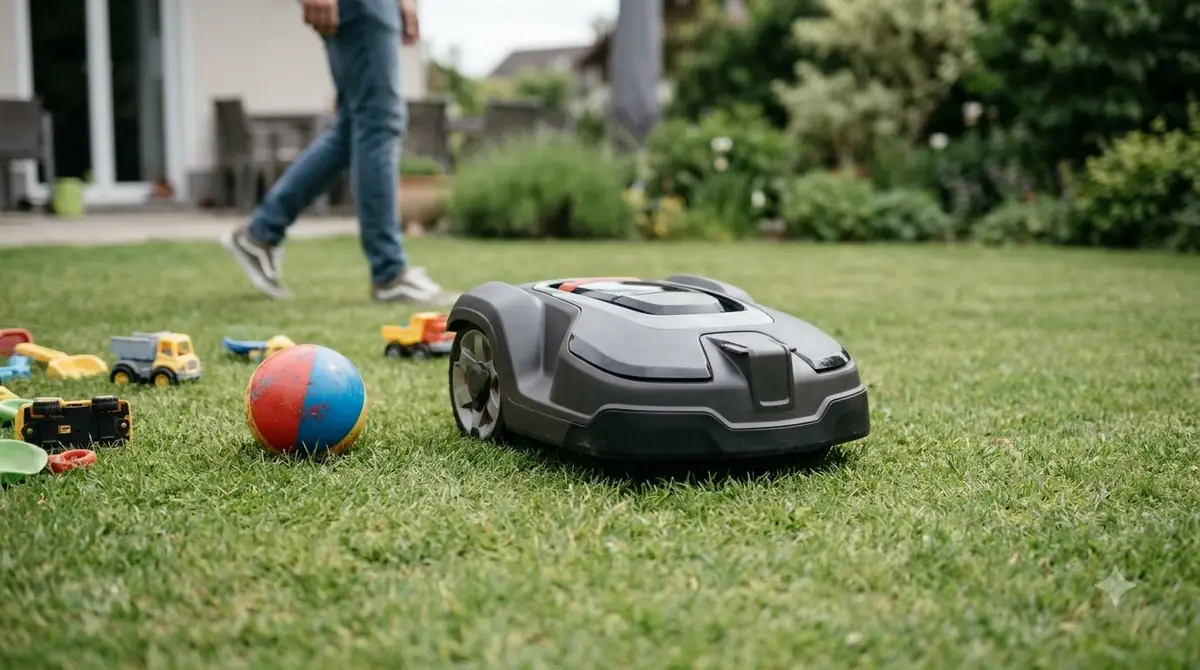
Knowing what is a no-go zone on a robot mower is only half the job, because a zone that looks right on the map can still cause problems on the lawn. These are the checks we would make before trusting one, based on the rules above rather than on hands-on use.
- Confirm the model supports zones. Husqvarna’s zones are tied to AIM on boundary-wire models and EPOS on wire-free models, so check the manual for the exact system.
- Keep the dock and guide wire clear. No part of a zone should touch either one.
- Leave a route. Avoid zones that split the lawn so that one side cannot be reached.
- Watch the first runs. Husqvarna’s EPOS page does not explain in detail how the mower behaves when it meets a zone during normal mowing, so observe where it turns.
Frequently asked questions
Is a no-go zone the same as a boundary wire?
No. A boundary wire is the physical cable that defines the whole mowing area on wired models. A no-go zone is a smaller area inside that map. Husqvarna’s AIM zones need the boundary wire to be present, so the two work together on those models.
Can a no-go zone be scheduled?
On Husqvarna’s AIM models, zones can be activated or deactivated but not scheduled. The pages we read for the other systems do not state a scheduling rule, so check the manual for the model you are considering.
How small can a no-go zone be?
Husqvarna’s wire-free EPOS zones must be at least 30 x 30 cm (1 x 1 ft). Mammotion’s support page does not state a minimum size, so check the app or manual for the model you have.
Do all robot mowers have no-go zones?
Our sources do not confirm that. The features described here belong to Husqvarna’s AIM and EPOS systems and to Mammotion’s app. Check the feature list for the exact model before you buy, because zone support depends on the navigation system.
Sources
- Creating stay-out zones with AIM technology (Husqvarna): definition, placement rules, scheduling, barrier height for pools and streets.
- Set up and manage stay-out zones and transport paths with EPOS wire-free technology (Husqvarna): wire-free drawing method, 30 x 30 cm minimum, slope and obstacle guidance, transport paths, 5 m point edits, docking clearance.
- How to create a no-go zone (Mammotion): definition, typical targets, creation steps.
 Up next8 min readLearnHow to Set Up No-Go Zones on a Robot MowerUpdated Nov 11, 2026
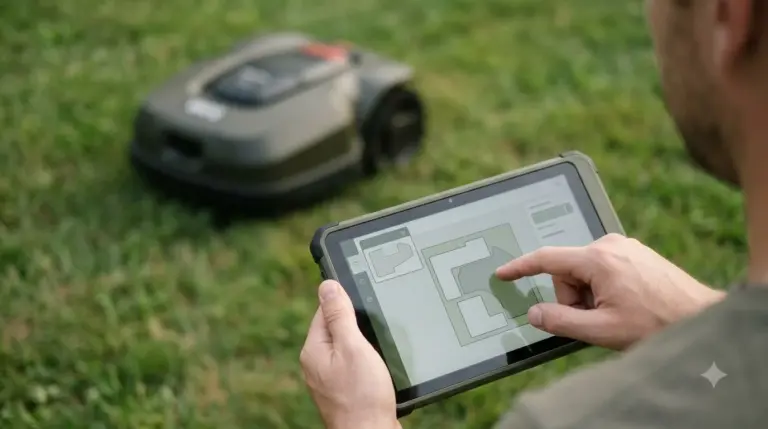 7 min readLearnLymow Mapping: Zones, No-Go Areas and ChannelsUpdated Nov 13, 2026
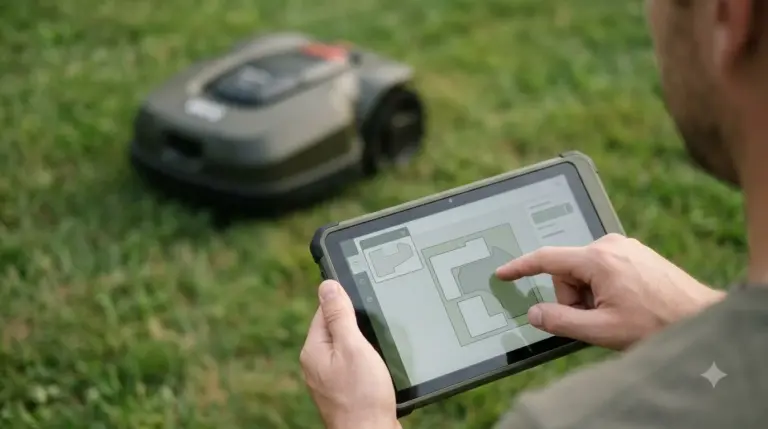 7 min readLearnMammotion Mapping: Manual, Auto, and No-Go Zone SetupUpdated Nov 13, 2026
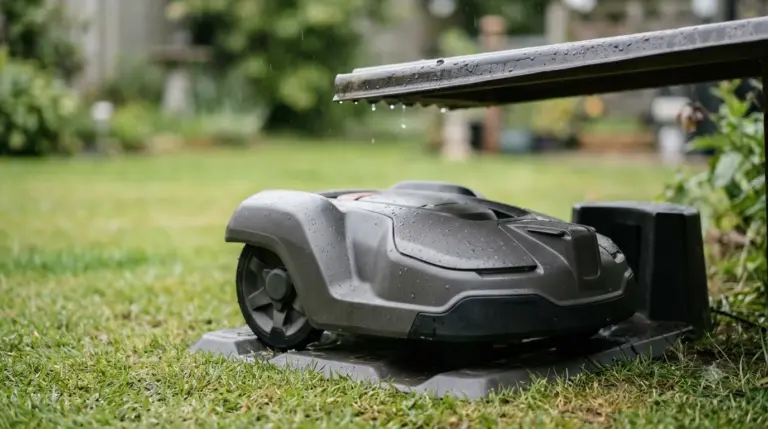 9 min readLearnHow Do Robot Mowers Know Where to Go?Updated Nov 11, 2026
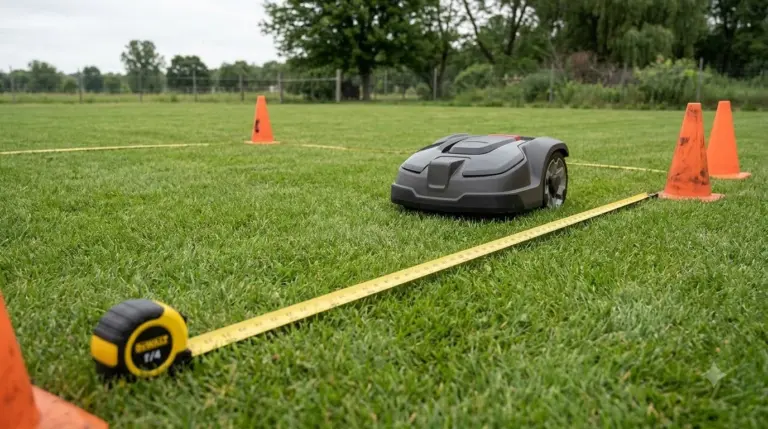 9 min readLearnHow to Set Up Channels Between Lawn Zones on a Robot MowerUpdated Nov 11, 2026
 6 min readLearnWhat Is Zone Mowing on a Robot Mower?Updated Nov 13, 2026