
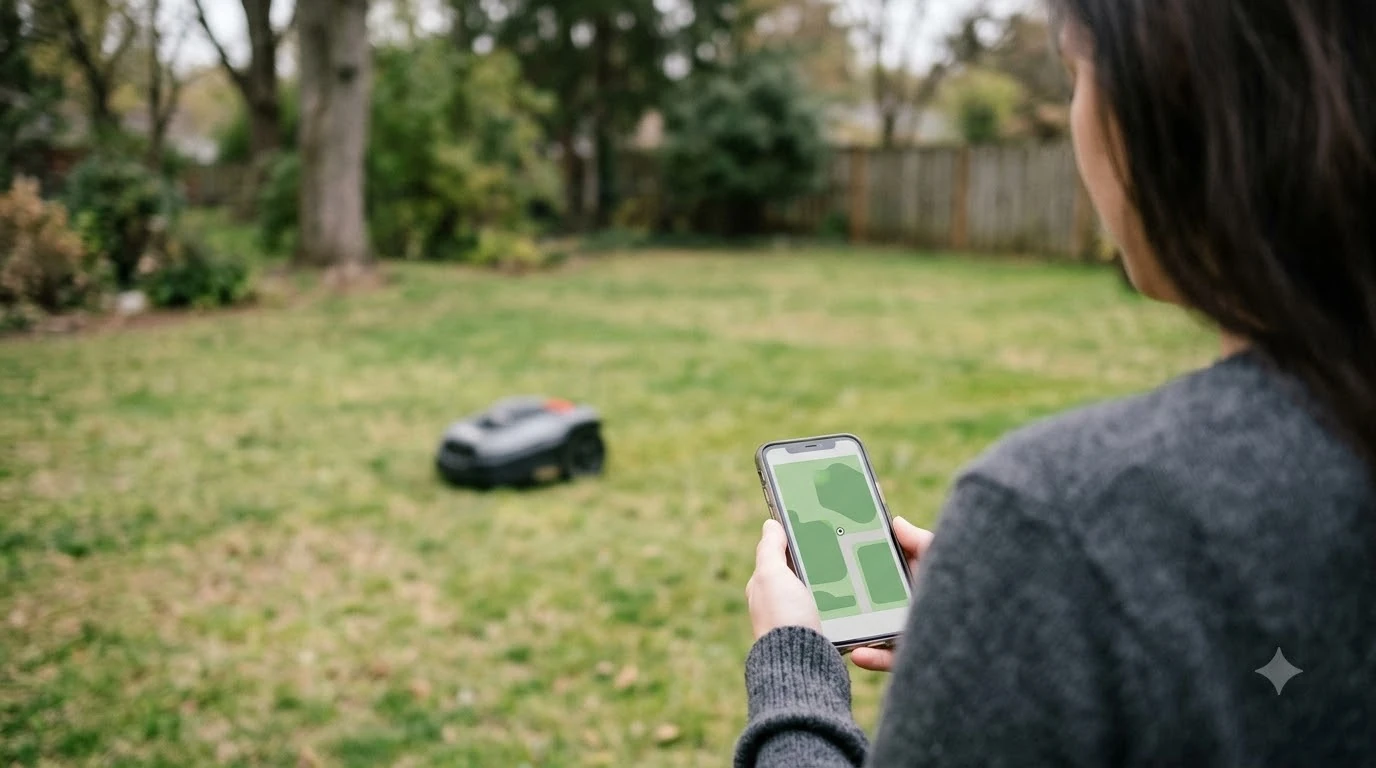

What is virtual boundary mapping? It is how a robot mower learns its work area without a buried wire. The mower usually relies on satellite positioning, and the boundary is stored in the companion app as a map that the mower then stays inside. Because the method depends on a clear view of the sky, the yard’s layout decides whether it is a practical choice.
The short answer
- Virtual boundary: an outer limit stored in the app instead of a physical wire. Husqvarna says its wire-free mowers always stay inside the defined boundary.
- Mapping: the app holds the lawn outline, any zones, and any stay-out areas.
- Positioning: satellite signals, usually RTK, tell the mower where it is on the map.
- Main limit: heavy tree canopy can interrupt the satellite signal, and the mower can stop.
What is virtual boundary mapping?
Virtual boundary mapping replaces a perimeter wire with a digital outline. Husqvarna describes its wire-free installation as “a satellite-based technology that enables the robotic mower to work within virtual boundaries instead of physical wires.” Which?, the UK consumer testing organization, describes boundaryless mowers in similar terms: they “use satellites or other technologies to map the area, create virtual boundaries.”
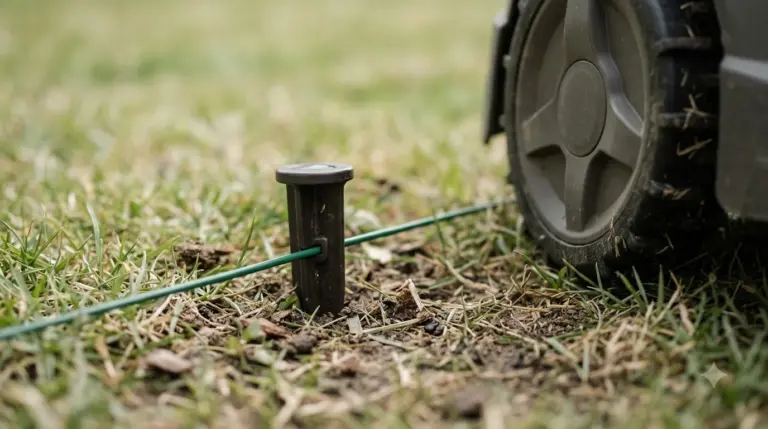
Two words get mixed up here. “Mapping” means recording the lawn in software. “Boundary” means the limit the mower is not allowed to cross. A wire-based mower gets its boundary from the wire on the ground, as explained in what a boundary wire on a robot mower is. A mapped mower gets it from the stored map, so the limit lives in the app rather than in the soil.
Our reading is that a map is only as good as the positioning behind it. A boundary can be drawn precisely, but the mower still has to know where it is inside that drawing at every moment, and that is where satellite accuracy and sky view come in.
What the app stores
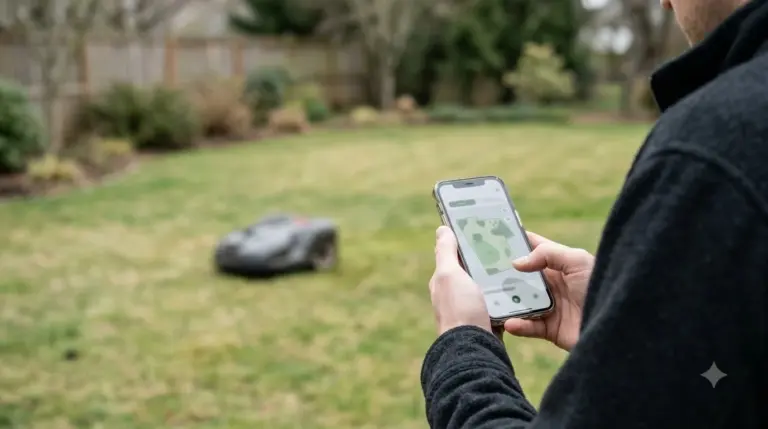
Answering what is virtual boundary mapping in practice starts with the app, because the map is where the limit lives. Husqvarna says the boundaries are shown in the app’s map section, so the limit you set appears as a drawing of your yard. Sunseeker’s glossary says automatic mapping and virtual boundaries make later changes easier. We read that as a reference to editing the map later, for example after a flower bed grows, though the page does not give a step-by-step example.
Three kinds of items usually appear on the map:
- Outer boundary: the limit of the whole working area.
- Zones: separate working areas that can have their own settings. Sunseeker says its S4 “supports up to 100 zones.”
- Stay-out areas: places inside the lawn that the mower should skip. Husqvarna says wire-free installation lets owners “create temporary stay-out zones.”
Virtual pathways are not mowing zones
Virtual pathways are a separate idea, and they are often confused with zones. Sunseeker defines them as the route the mower uses to travel between working areas: “Virtual pathways tell the mower how to travel between working areas without treating the corridor as a mowing zone.”
Anker’s UK blog describes the same link. A wire-free map can include a “virtual path between connected lawn areas,” and some mowers move between connected zones automatically “if there is a safe path between them.” Anker also names a locked gate as a barrier that may stop travel between lawns, and tells owners to check each model’s minimum passage width. The page we read does not give a width figure, and our guide to the minimum passage width for a robot mower covers that question.
Boundary, stay-out zone, zone, or pathway: what each one does
These four terms appear together in app menus, so it helps to keep them apart. The table uses the definitions from the sources above, and the last column is our reading of how each term behaves.
| Term | What it does | Does the mower cut grass there? |
|---|---|---|
| Virtual boundary | Outer limit the mower must stay inside | Yes, everywhere inside it |
| Stay-out zone | Area inside the lawn that the mower skips | No |
| Zone | Separate working area with its own settings | Yes |
| Virtual pathway | Route between two working areas | No, it is travel, not a mowing zone |
Which robot mowers use virtual boundaries
Not every model in a brand’s range uses the same boundary method. Husqvarna’s US lineup lists physical wire and virtual wire as separate options by model. Its 435X AWD is listed with physical wire, and its 560 EPOS is listed with virtual wire, so the boundary type is a per-model choice rather than a fixed feature of the brand. For models without a boundary wire, see the best robot mower without a boundary wire.
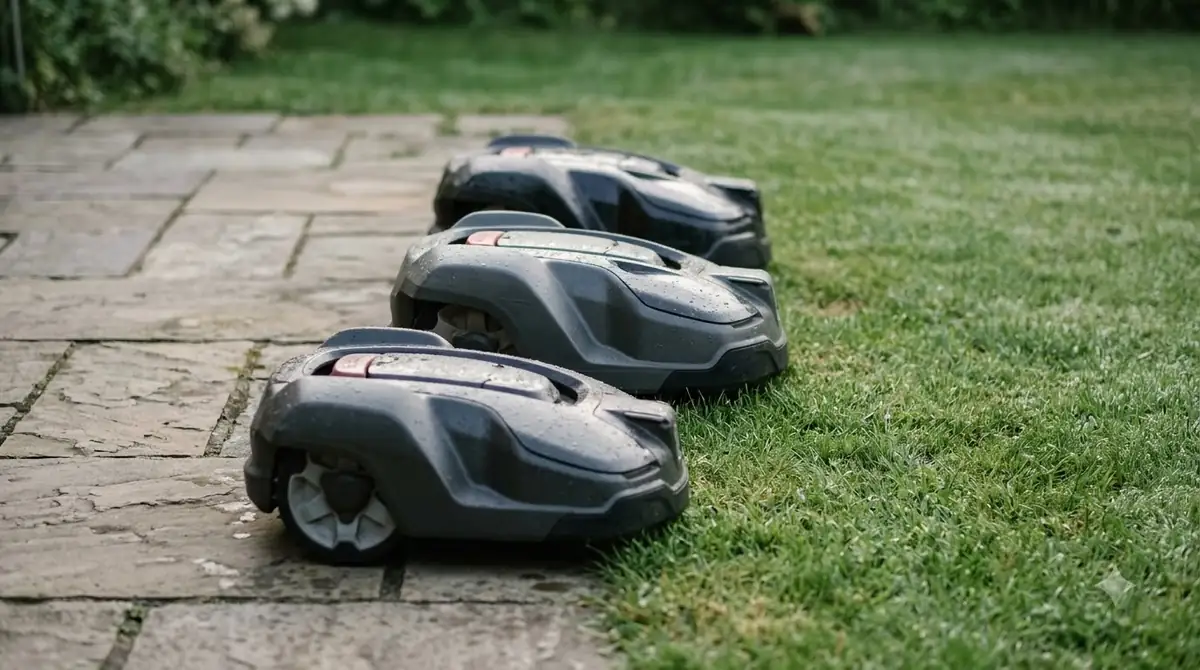
Our reading is that the spec sheet, not the brand name, answers whether a particular mower can work without a wire. Check the boundary type for the exact model before comparing prices or features.
Where the method can fail
Virtual boundary mapping depends on a clear view of satellites. Which? says RTK navigation (see how RTK robot mowers work) can reach “centimetre-level accuracy” and can still lose its satellite signal under “heavy tree canopies,” in which case the mower can stop.
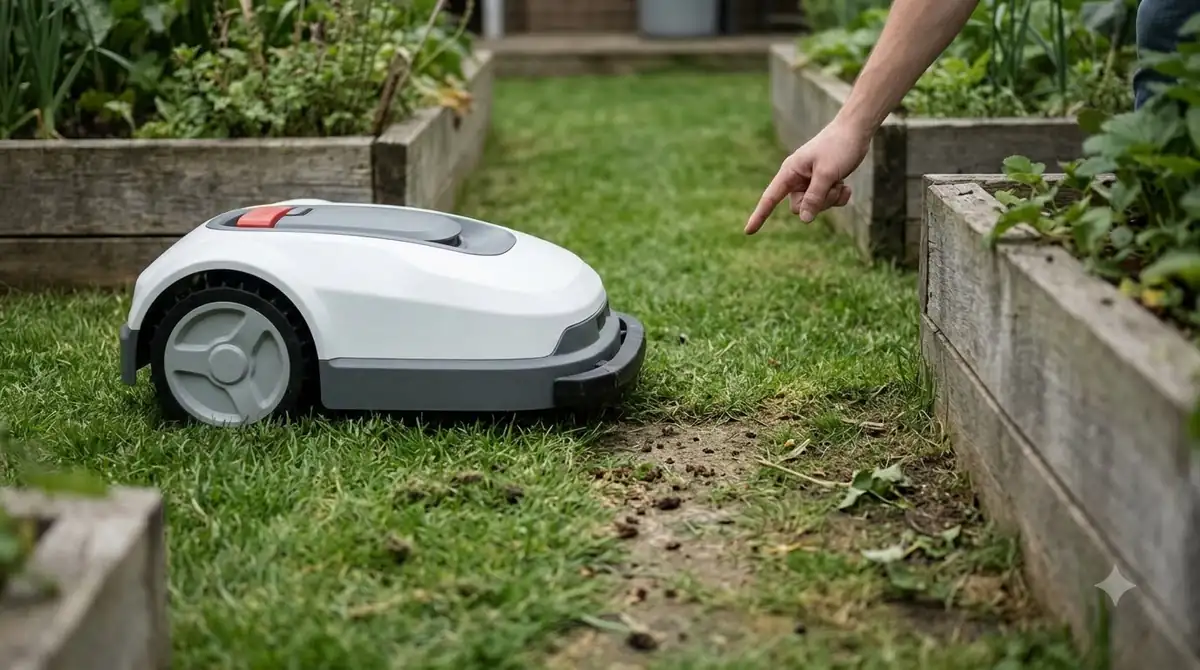
Passages between lawn areas are the other weak point. Sunseeker advises that a virtual corridor avoid stairs, sharp curbs, loose gravel, and narrow pinch points. It does not publish a pathway width. Anker gives the same advice in different words: check the minimum passage width for the model before relying on a link between two lawns.
Our reading is that a gap that looks wide enough on a plan can still be a problem in practice, because grass edges, hose reels and garden beds narrow the usable space. Measure the narrowest point of any link by hand before you buy. So what is virtual boundary mapping best suited to? Our reading is a yard with a clear sky view and wide passages between lawn areas.
Virtual boundary versus buried wire
Each method trades installation effort against different risks. Husqvarna says wire-free installation removes the risk of wire breaks. Which? says wire-free models are usually more expensive than models with a boundary wire, although the article does not publish a price comparison.
| Question | Virtual boundary (satellite) | Physical boundary wire |
|---|---|---|
| Where the boundary lives | In the app’s map | In a wire laid around the lawn |
| Wire break risk | None, since there is no wire (Husqvarna) | Possible, because wire can be damaged |
| Main weak point | Satellite signal under heavy tree canopy (Which?) | Wire damage and installation work (our reading) |
| Usual cost | Usually higher (Which?) | Usually lower (Which?) |
What to check before you rely on it
Once you know what is virtual boundary mapping, these checks help you decide whether the method suits your yard.
- Check tree cover. Note how many trees overhang the lawn, since Which? names heavy canopy as the main satellite risk.
- Measure the narrowest gap. Links between lawn areas need to fit the machine plus clearance, and the sources we read do not publish one standard width.
- Confirm the boundary type on the spec sheet. The same brand can offer wire-based and wire-free models.
- Check whether the app lets you add stay-out areas. Husqvarna lists temporary stay-out zones as a wire-free feature.
Frequently asked questions
What is virtual boundary mapping, and does it need any wire?
Virtual boundary mapping itself needs no wire for wire-free models. Husqvarna’s wire-free installation has no physical wire. Some models in the same brand still use a physical wire, so check the exact model before you buy.
Can the mower go outside a virtual boundary?
Husqvarna says the mower “always stays inside the defined boundary, regardless of weather and mowing area conditions.” That is the manufacturer’s claim, and it does not describe how the boundary is checked in every case.
How long does virtual boundary setup take?
Husqvarna does not give a duration. It says the time needed to install a robotic lawn mower “depends on factors like the size and complexity of your lawn.”
Are virtual boundary mowers more expensive?
Which? says wire-free models are usually more expensive than models with a boundary wire. The article does not list a comparable price, and this page does not give fixed prices.
Sources
- How to install a robotic lawn mower (Husqvarna): wire-free definition, virtual boundary, app map, stay-out zones, install time.
- Robotic lawn mowers (Husqvarna US): physical and virtual wire options by model.
- Robot lawn mower multi-zone glossary (Sunseeker): virtual pathways, zone capacity, corridor guidance.
- Multi-zone robot lawn mower (Anker UK): virtual paths between connected areas, safe path, passage width.
- What is a robot lawn mower? (Which?, UK): boundaryless mowers, RTK accuracy, tree canopy signal loss, relative cost.
 Up next7 min readLearnWhat Is a Boundary Wire on a Robot Mower? How It WorksUpdated Nov 11, 2026
 9 min readLearnHow to Install a Robot Mower Boundary WireUpdated Nov 11, 2026
 8 min readLearnWhat Is VSLAM Navigation on a Robot Mower?Updated Nov 11, 2026
 9 min readLearnWhy Do Robot Mowers Mow Every Day?Updated Nov 11, 2026
 8 min readLearnWhat Happens If a Robot Mower Runs Over a Hose?Updated Nov 11, 2026
 9 min readLearnCan You Control a Robot Mower From Your Phone?Updated Nov 11, 2026