
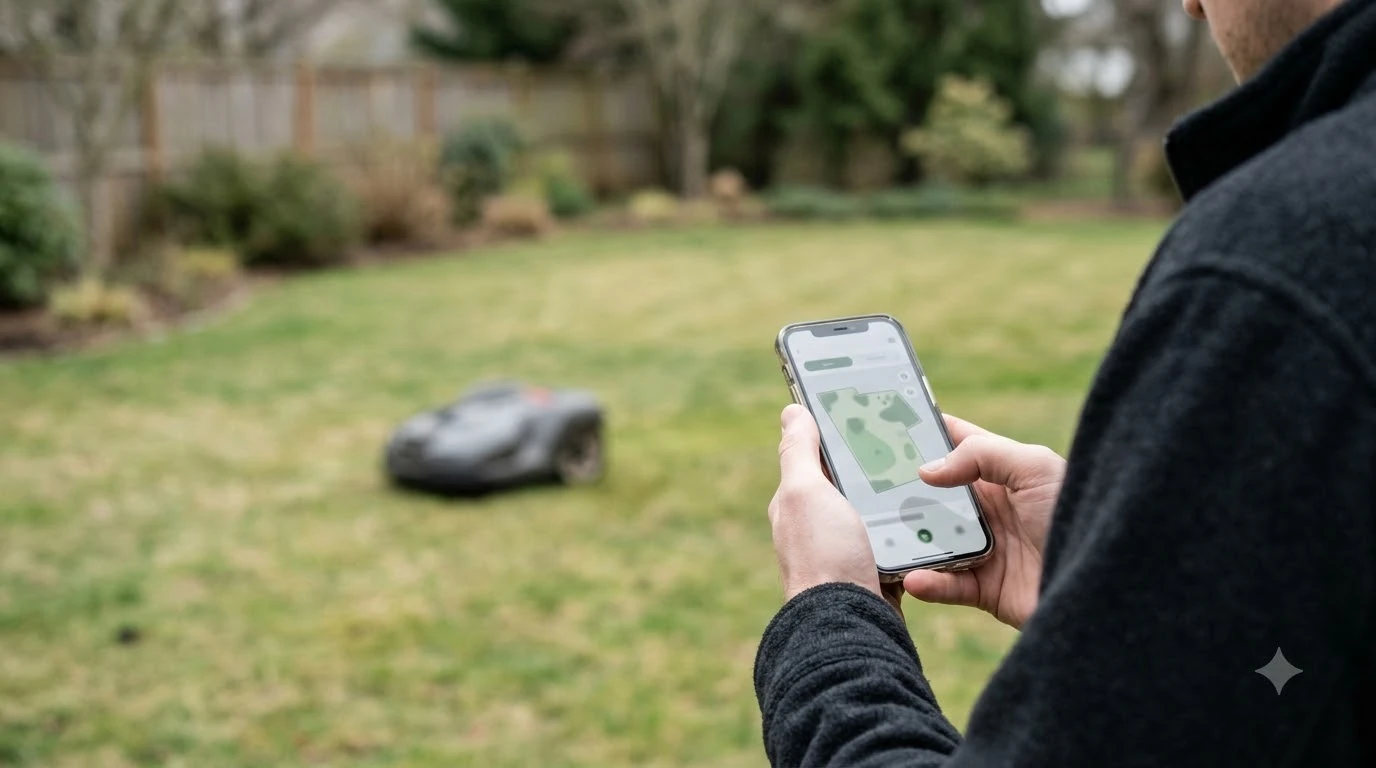

Can you control a robot mower from your phone? Yes, many app-equipped models can, but the range depends on the connection. Bluetooth works when you are close to the mower, Wi-Fi works when your home network reaches the lawn, and some models add a mobile data link for control away from home. Husqvarna, Mammotion and Sunseeker publish how each link behaves, so this guide sets out what each one does and where it stops.
The short answer
- Nearby: Bluetooth is used to pair the phone with the mower during setup and for close-range control.
- At home: Wi-Fi gives remote app control, but only where the signal reaches the lawn. Husqvarna lists 2.4 GHz only.
- Away from home: only models with a mobile connection can keep that link, and coverage varies by location.
- If the link drops: some mowers stop, others keep cutting on their schedule with no app access.
- Check first: the exact model’s connectivity list and a signal test at the spot where the charging station will sit.
Three ways a phone reaches the mower
Most robot mowers that offer an app use one of three links, and many use more than one. Which ones your model has is set by the hardware, not by the app version, so check the model page before you assume remote control is available.
| Link | Works when | Main limit |
|---|---|---|
| Bluetooth | Your phone is close to the mower | Short range; used for pairing, setup and nearby control |
| Wi-Fi | The mower can reach your home router | Signal often weakest at the far corners of the lawn; 2.4 GHz only on Husqvarna |
| Mobile data (4G or cellular) | The model has a mobile module and the local network covers the lawn | Only some models; coverage varies; some brands charge after a free period |
Our reading is that the simplest way to decide is to ask two questions: does the model have Wi-Fi, mobile, or both, and does the signal reach the exact spot where the charging station sits. The answers to those two questions matter more than the app’s feature list.
Bluetooth: setup and nearby control
Bluetooth is the link you use first. According to Husqvarna’s setup guidance for its Automower range, the connection process begins by pairing the mower with your mobile device over Bluetooth.
So can you control a robot mower from your phone over Bluetooth alone? Only nearby. Bluetooth is short range. It is useful when you are standing in the yard, working on the map or checking the mower’s status by the charging station. It does not give you control from the office or from a car parked on the street, so treat it as a close-range link and not as a remote one. Mammotion states the same division in its guide: Wi-Fi and Bluetooth remain usable without its optional 4G service, but 4G is the link that adds remote features.
Wi-Fi: control from home, if the signal reaches the lawn
Can you control a robot mower from your phone at home? Usually yes, over Wi-Fi, the link most owners rely on for remote control. Husqvarna’s support article says Wi-Fi-only models connect to its cloud using only Wi-Fi, and that the network must be 2.4 GHz with a visible network name. The company states that 5 GHz networks are not supported, and that some routers need 2.4 GHz turned on separately.
A strong signal at the house does not guarantee a strong signal at the lawn. Sunseeker’s glossary notes that a charging dock can sit next to a strong home router while the far corner of the lawn barely receives Wi-Fi, and that exterior walls and landscaping weaken the signal. Its suggested test is to walk the yard with a phone and note where the connection drops. Sunseeker also notes that the mower’s antenna sits much lower than a handheld device, so a phone reading does not tell you everything.
If the lawn edge is the weak spot, our guide on whether you need a Wi-Fi extender for a robot mower covers the first fix, and outdoor mesh Wi-Fi for a backyard robot mower is the next step up.
Mobile data: control away from home on some models
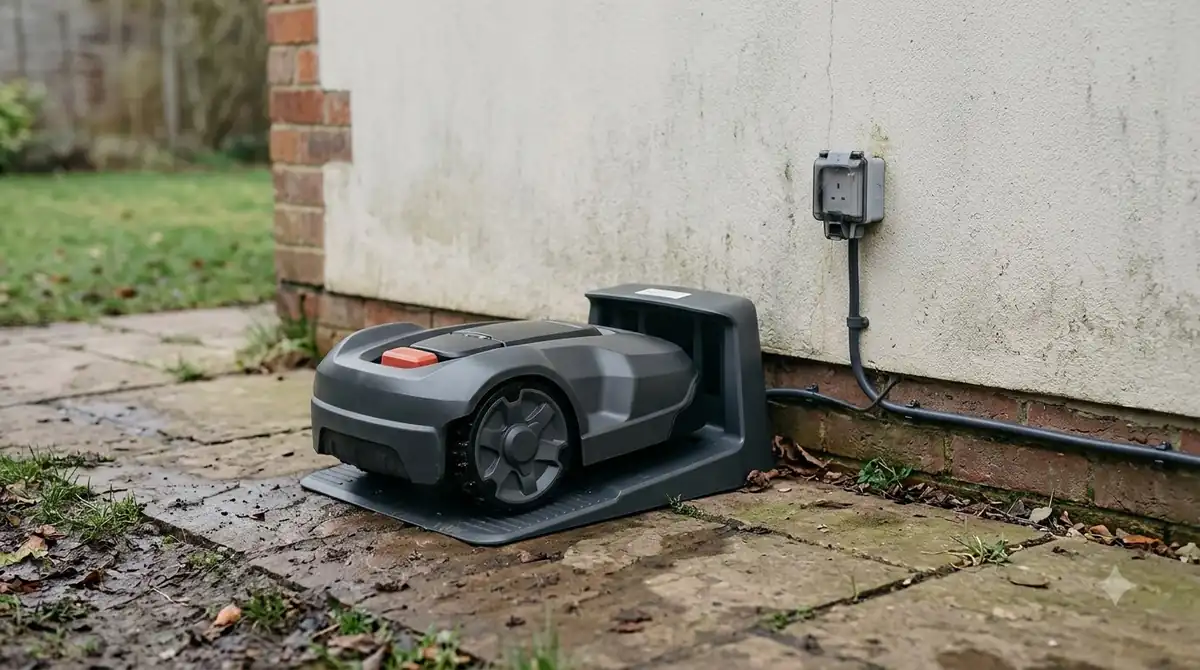
Can you control a robot mower from your phone while you are away from the house? Only on some models: a mobile connection is the link that makes it possible. Husqvarna’s support page lists three groups: Wi-Fi-only models, Wi-Fi plus mobile models such as the 430X and 450X families, and mobile-only models such as the 435X AWD. A model that is not on those lists is not covered by that page, so check its own documentation.
Coverage is the main question. Husqvarna says its cellular connectivity works in most locations, with excellent coverage in cities and populated areas, but that remote rural areas can be limited. The company also says its mowers use a specialised cellular network that is separate from your phone’s network, so a strong phone signal does not guarantee the mower will connect. Its recommended test is to confirm connectivity at the installation location, and a phone with no signal there is a warning sign.
Mammotion uses a different arrangement. Its 4G service is an optional upgrade, not a requirement. According to its service guide, the included period is up to three years on newer models and around one year on earlier generations, and continued 4G access after that needs a paid subscription. Users cannot insert their own SIM or choose a carrier, and the service activates automatically after the device is bound. Mammotion lists coverage for about 40 European countries, the USA, Canada, Australia and New Zealand, and says coverage is unavailable in regions that are not listed, due to local laws and regulatory restrictions. Subscription terms can change, so read the current page before you buy.
Heads up
Owning a model with a mobile module does not mean the subscription is free forever. Before you rely on remote control away from home, confirm the included period, the renewal price and the coverage at your address.
Can you control a robot mower from your phone when Wi-Fi drops?
A lost connection does not affect every mower the same way, and the difference matters more than the app’s list of features. Husqvarna describes the behaviour in four cases.
| Setup | Connection lost | Result |
|---|---|---|
| Wi-Fi-only, Husqvarna Cloud (EPOS) | Wi-Fi drops | Mowing stops, the mower searches for signal and shows an error, and app access is lost |
| Wi-Fi plus mobile, Husqvarna Cloud (EPOS) | Wi-Fi drops | The mower switches to the mobile network and keeps working |
| Wi-Fi-only, reference station or boundary wire | Wi-Fi drops | Mowing continues on schedule, with no remote access through the app |
| Wi-Fi plus mobile, reference station or boundary wire | Wi-Fi drops | Mowing continues, and the app switches to mobile for remote access |
Two more details come from the same support material. Wi-Fi-only models need Wi-Fi to install updates, and the charging station needs a strong enough signal for that, so see how to update robot mower firmware before you start an install. Sunseeker adds that a mower that stores its maps and schedules on the machine should continue its local schedule if internet access is only temporarily unavailable, although app status, map edits and alerts can be affected. Our reading is that a short outage rarely stops the mower, but a long one can stop the remote control you were counting on.
What the app can do
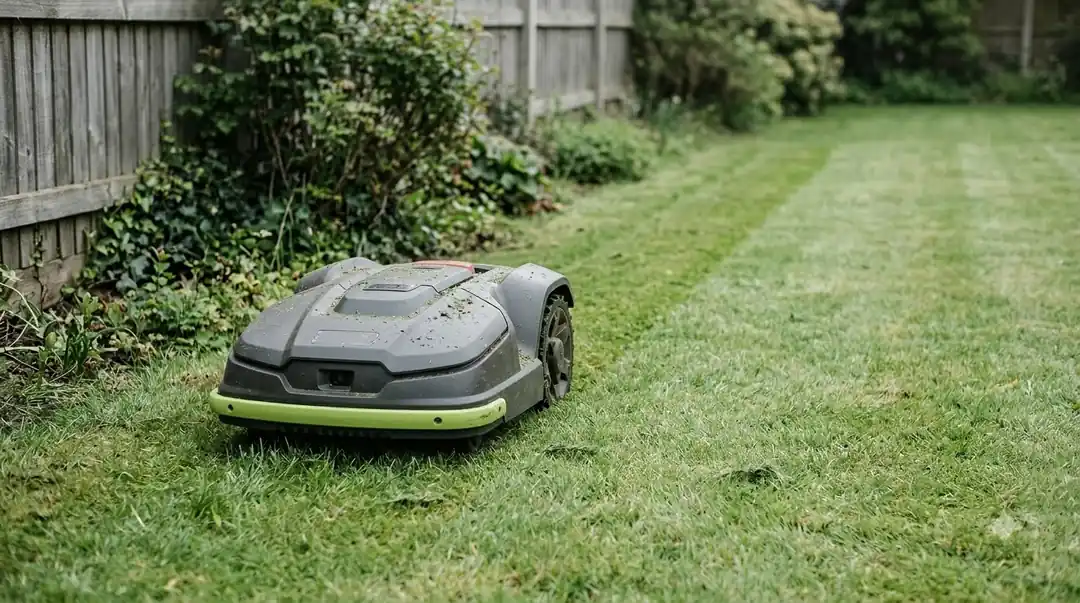
Once the link is up, the app is the control panel. Sunseeker describes a Wi-Fi mower as depending on the app for setup, schedules, map edits, alerts and software updates. That list shows why a dropped connection matters even when the mower keeps cutting. If the app is a deciding factor, compare robot lawn mowers with app control and read how owners rate which robot mower brand has the best app.
Mammotion lists what its 4G service adds: starting, pausing or adjusting mowing tasks from the app, checking progress, battery level and the current working area in real time, viewing live video from the mower, and tracking its location. Those are the features to look for when remote control away from home is the reason you are buying.
What to check before you buy
Test the question yourself: can you control a robot mower from your phone at the charging station and at the far corner of the lawn? The following checks follow from the support material above. They are our reading of what matters, not a ranking of brands.
- Confirm the connectivity type. Find the model’s page and check whether it is Wi-Fi-only, Wi-Fi plus mobile, mobile-only, or Bluetooth-only.
- Test the signal at the charging station. The dock is where updates install and where the mower spends the most time, so check the phone signal and, for Wi-Fi models, the app signal there.
- Walk the lawn with the phone. Note where the Wi-Fi or app connection drops, especially the far corners and areas behind buildings.
- Read the subscription terms. For mobile features, confirm the free period, what happens afterwards and whether the service covers your country.
- Decide what you want on an outage. Husqvarna says a Wi-Fi-only EPOS mower stops when the signal is lost, while a reference station or boundary wire setup keeps mowing on schedule without app access.
Frequently asked questions
Can you control a robot mower from your phone without Wi-Fi?
Only for nearby tasks. Husqvarna’s setup starts with Bluetooth pairing, and close-range control over Bluetooth is our reading of how the link works. Remote control from elsewhere needs Wi-Fi or, on models that support it, a mobile data connection.
Will the mower stop if the Wi-Fi goes down?
It depends on the setup. Husqvarna says a Wi-Fi-only EPOS mower stops mowing when the signal is lost, while a reference station or boundary wire mower keeps mowing on schedule but without app access.
Is a mobile connection better than Wi-Fi for remote control?
Neither is better in every case. A mobile link keeps the mower reachable away from home, but it depends on local coverage and, on some brands, a subscription after a free period. Wi-Fi only works where your router reaches the lawn.
Do I need a SIM card for mobile control on a robot mower?
Not for Mammotion’s 4G service. The company says it activates automatically after device binding, that users cannot use their own SIM, and that they cannot choose a carrier. Other brands may work differently, so check the model’s documentation.
Sources
- Husqvarna support: connecting an Automower to Wi-Fi (Husqvarna): model connectivity lists, Bluetooth pairing, 2.4 GHz requirement, behaviour when Wi-Fi is lost.
- Husqvarna support: does Automower cellular connectivity work everywhere (Husqvarna): coverage limits and on-site testing advice.
- Mammotion 4G service guide (Mammotion): optional 4G, remote features, free period, SIM and coverage.
- Sunseeker glossary: Wi-Fi robot lawn mower (Sunseeker): app dependence, local schedules, dock and lawn signal.
 Up next8 min readLearnWhat Happens If a Robot Mower Runs Over a Hose?Updated Nov 11, 2026
 7 min readLearnHow to Set a Robot Mower Schedule (and Why It Might Not Run)Updated Nov 11, 2026
 8 min readLearnWhat Is Cutting Width on a Robot Mower?Updated Nov 11, 2026
 9 min readLearnWhy Do Robot Mowers Mow Every Day?Updated Nov 11, 2026
 8 min readLearnHow Fast Does a Robot Mower Cut? Speed Figures ExplainedUpdated Nov 11, 2026
 8 min readLearnWhat Is VSLAM Navigation on a Robot Mower?Updated Nov 11, 2026