
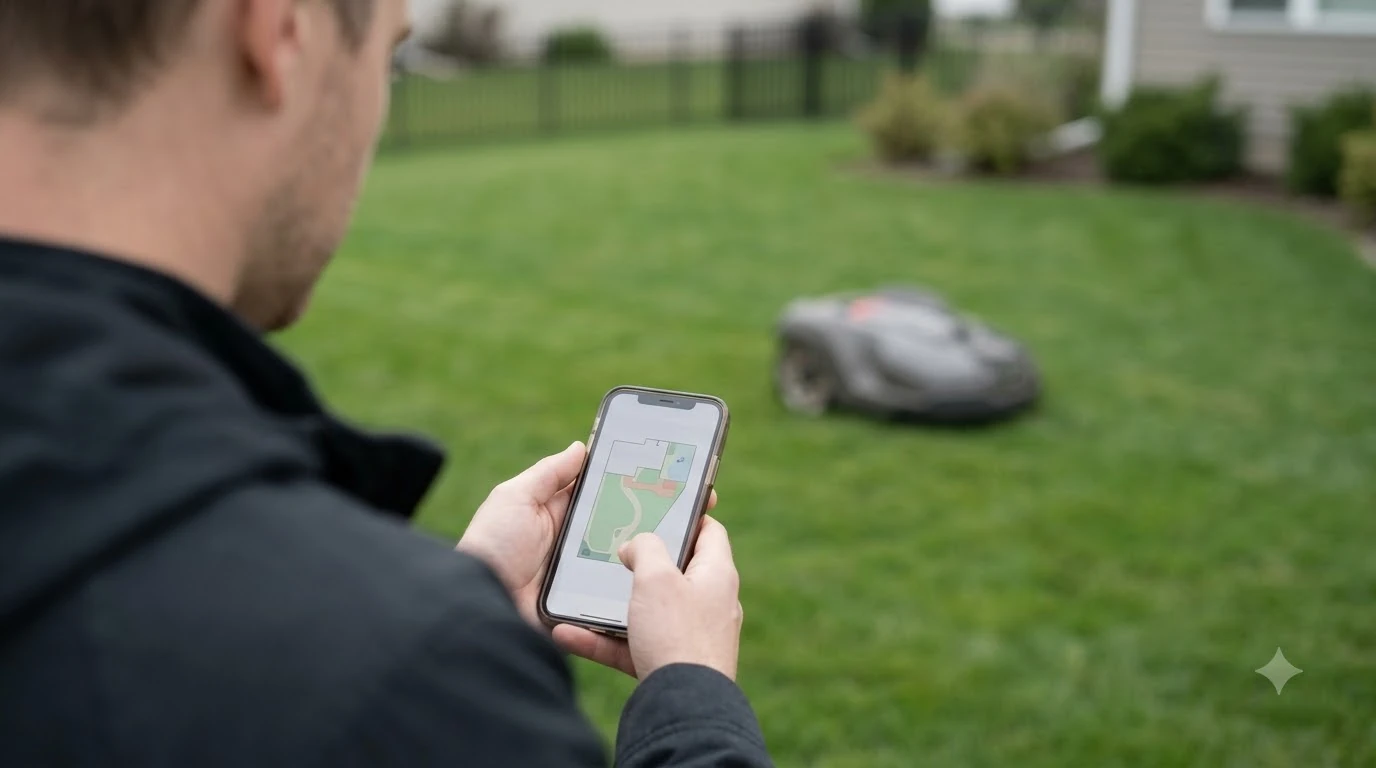

The best robot lawn mower with app control is the one whose app fits how you mow: schedules, zones, a live map, and a connection that reaches your lawn. This guide explains what each app feature needs in order to work, as of November 2026.
The short answer
- App features: schedules per work area, stay-out zones, virtual boundaries and a live GPS map are the core controls on Husqvarna’s Automower Connect.
- Connection: Bluetooth covers setup and nearby control, while Wi-Fi or a mobile connection is needed for remote control from anywhere.
- Wi-Fi limit: Husqvarna’s Wi-Fi-only EPOS setup stops mowing when Wi-Fi drops across the work area.
- Band: Husqvarna lists 2.4 GHz only, so a 5 GHz-only network will not connect.
- Before you buy: confirm the connection type of the best robot lawn mower with app control for your yard, plus the data plan and the smart home support you need.
Best robot lawn mower with app control: what the app does
The best robot lawn mower with app control lets you change its schedule, boundaries and map from a phone, and it can alert you when something goes wrong. Husqvarna’s Automower Connect lets you create several adjustable work areas, each with its own cutting schedule and settings, so a front lawn and a back yard can be mowed on different days. Temporary stay-out zones keep the mower away from seasonal flowers or a play area without changing the permanent boundary. Our guide to setting up no-go zones on a robot mower covers the same idea across brands.
On Husqvarna’s wire-free mowers, boundaries are defined and created in the app, so the perimeter can change without laying new wire. Husqvarna also shows a GPS map of the mower’s movements in real time and sends an alert when the mower leaves the defined area. Worx Landroid takes a different route: its Vision models need no mapping, and on the Vision Cloud models the map builds automatically in minutes.
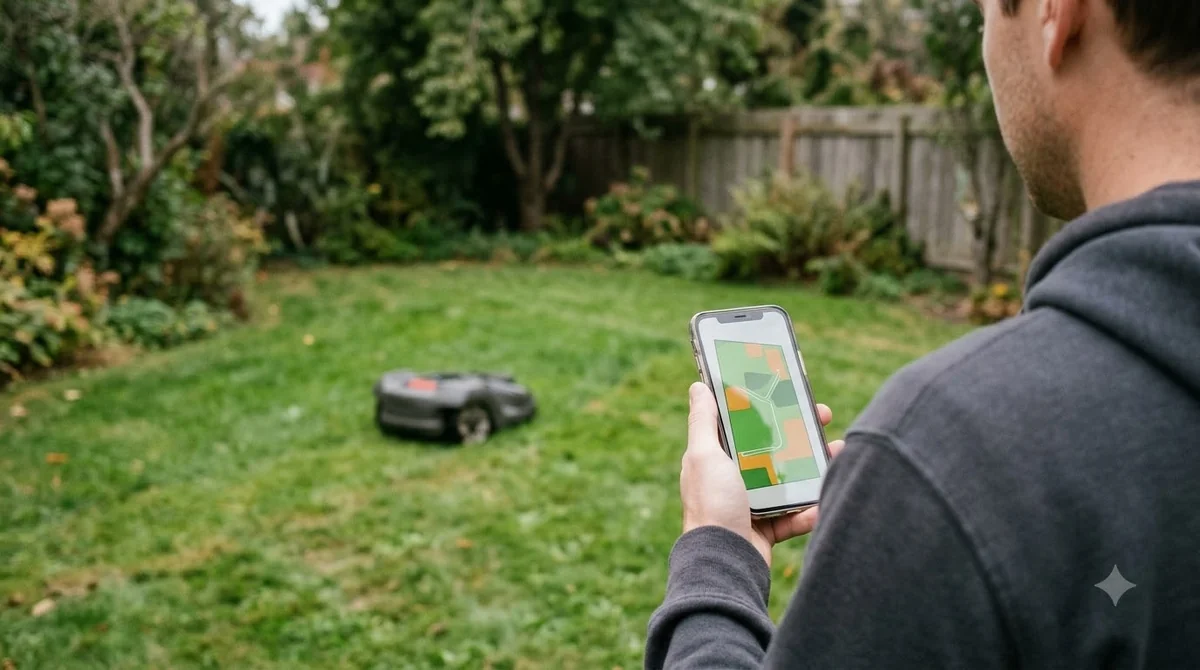
- Schedules: separate timing for each zone or work area.
- Zones: stay-out areas for flowers, pools or play space.
- Live map: shows where the mower is during a cut.
- Alerts: notice when the mower leaves the area.
How the mower connects to the app
Connection type decides how far the app works from the lawn, and it is the first thing to check when you compare the best robot lawn mower with app control for your yard. Husqvarna lists Bluetooth on all Automower models with a range up to 30 metres, which is enough for setup and nearby control. Remote control from indoors or from work needs Wi-Fi or a mobile network, and only some models include either one. Husqvarna says Automower Connect is available on select models: standard on its X-line and professional models, and optional on the 300 and 400 series.
Wi-Fi-only models depend on your home network. Husqvarna’s support article says that Wi-Fi-only EPOS setups need continuous Wi-Fi coverage across the entire work area to receive satellite correction data for navigation, and that these mowers cannot run without it. Wi-Fi-only models also need a strong signal at the charging station, because updates cannot be installed without a connection there. The Wi-Fi band is 2.4 GHz only, with no 5 GHz support, and the network name must be visible rather than hidden. If your signal is weak, see which robot mower works best with poor Wi-Fi.
Some app-controlled models add a mobile connection. Husqvarna’s Wi-Fi plus mobile models can switch to the mobile network when Wi-Fi is unavailable, and its cellular support page says coverage works in most locations but not everywhere, with more limits in remote rural areas. Husqvarna advises testing with the mower at the install location, because a full phone signal does not prove that the mower’s modem will connect. For a wider comparison, see the best robot mower with cellular connectivity guide.
Cellular is not free forever on every brand, so the app’s remote features may carry an ongoing cost. Mammotion describes its 4G service as an optional upgrade, and its mowers still connect through Wi-Fi or Bluetooth without it. Without an active subscription, the mower keeps running but loses 4G-only features such as remote access and live video. Mammotion’s guide says the free data period is one or three years depending on the product, and that continued access after that needs a paid subscription. Worx’s Landroid page says its 4G models need standard mobile coverage in the area and that Wi-Fi models need the charging station on the home network.
For a mower on Wi-Fi, our reading is that the charging station location matters as much as the router. Sunseeker notes that the dock can sit next to a strong router while the far corner of the lawn barely receives Wi-Fi, because exterior walls, foil insulation, metal siding and landscaping attenuate the signal. It also says a 2.4 GHz network often reaches farther than 5 GHz, although interference can be higher. If the lawn is far from the router, a mesh Wi-Fi system for a backyard robot mower is one fix to compare.
What happens when the connection drops
When the link fails, the behavior of the best robot lawn mower with app control depends on how it navigates. A Wi-Fi-only Husqvarna mower with EPOS navigation stops mowing, searches for a signal, shows an error if the connection is not recovered, and loses remote app access. A Husqvarna mower that uses a reference station or boundary wire keeps mowing on schedule but cannot be reached by the app. Sunseeker’s glossary makes a similar point: a Wi-Fi mower depends on the app for setup, schedules, map edits, alerts and updates, and it advises checking whether the core schedule continues locally if the internet drops.
| Setup | Connection lost | Result |
|---|---|---|
| Wi-Fi-only EPOS (Husqvarna) | Mower stops mowing | Shows an error and loses remote app access until Wi-Fi returns |
| Reference station or boundary wire (Husqvarna, Wi-Fi-only) | Mower keeps mowing on schedule | No remote app access |
| Wi-Fi plus mobile (Husqvarna) | Mower can switch to the mobile network | Remote access continues if coverage is present |
| Wi-Fi mower with a local schedule (Sunseeker glossary) | Mower should continue its local schedule | Remote features such as map edits, alerts and remote commands may stop |
Each setup behaves differently, so check which row matches the model you are considering before you assume the app will work during an outage. Our reading: a mower that stops when Wi-Fi drops needs a reliable router position more than a longer feature list.
Platforms, setup and smart home links
The Husqvarna app runs on iOS and Android. Its page also says the app is needed to install a wire-free mower, so the app is part of setup, not just a remote. Because apps hold schedules and maps, it is fair to ask what the maker stores, and our page on whether robot mowers collect data looks at that question.
- Platforms: iOS and Android for the Husqvarna app.
- Voice control: Husqvarna’s Automower Connect page lists Google Assistant and Amazon Alexa, and says Siri is not supported.
- PIN recovery: the Husqvarna FAQ says Android users must call customer service to recover a PIN.
Check the platform and assistant you already use before you pick the best robot lawn mower with app control, because the list of supported integrations differs by brand. Husqvarna’s FAQ describes a mobile data contract included for ten years, with 25 MB per month when the mower is in use, so the terms may matter as much as the feature list.
What to check before you buy a robot lawn mower with app control
Compare connection and terms first, then the feature set of each app-controlled mower. Our reading is that these steps give a clearer answer than comparing lists of features.
- Confirm the connection type. Wi-Fi-only, Wi-Fi plus mobile, and cellular models behave differently when the link drops.
- Check the router reach. A Wi-Fi mower needs the signal at the lawn, not only at the house. Test the signal at the charging station and at the far corner of the lawn, and note that Husqvarna lists 2.4 GHz only.
- Read the data plan. Every model that uses 4G or cellular has its own terms. Ask whether the mobile data is included, for how long, and what happens after the free period.
- Match mapping to your yard. Our reading: models that need no mapping, such as Worx’s Vision line, suit a simple lawn, while boundary-based systems may suit a yard with many obstacles.
- Confirm the regional terms. Worx’s Landroid page is the EU site, and it says US terms may differ.
Prices and subscription terms change, so check the current terms on the manufacturer’s site before you commit. The features described here are as of November 2026, and any app-controlled mower should be checked against the terms in force on the day you buy.
Frequently asked questions
Does a robot mower need an internet connection to work?
It depends on the model. Husqvarna’s Wi-Fi-only EPOS mowers cannot run without continuous Wi-Fi across the work area, while Husqvarna says mowers using a reference station or boundary wire do not need Wi-Fi for mowing or navigation. Remote control and updates still need a connection.
Is cellular better than Wi-Fi for a robot mower?
Cellular reaches a mower that is away from your home network, but it depends on local coverage. Mammotion’s cellular service is optional and a paid subscription follows its free period, so compare the total terms before deciding.
Can I use a 5 GHz Wi-Fi network with a robot mower?
Husqvarna’s support article lists the Wi-Fi band as 2.4 GHz only and says 5 GHz networks are not supported. Check the band your router broadcasts, and make sure the network name is visible to the mower.
Can I control a robot mower with Siri?
Husqvarna’s Automower Connect page says its mowers work with Google Assistant and Amazon Alexa but not with Siri. Check the assistant you use before you buy.
Sources
- Automower Connect (Husqvarna): app features, zones, platforms, Bluetooth range.
- How to connect your Automower to Wi-Fi (Husqvarna support): Wi-Fi-only dependency, 2.4 GHz band, fallback behaviour.
- Does Automower cellular connectivity work everywhere (Husqvarna support): coverage limits and install test.
- Automower FAQ (Husqvarna): model availability, data plan, Siri and PIN recovery.
- Landroid (Worx): mapping methods, Wi-Fi and 4G requirements, EU page note.
- Mammotion 4G service guide (Mammotion): optional 4G, free period, subscription after.
- Wi-Fi robot lawn mower glossary (Sunseeker): app dependencies and signal reach.
 Up next9 min readBest Robot MowersBest Robot Lawn Mower for Dog Owners: What to Check FirstUpdated Nov 11, 2026
 8 min readBest Robot MowersBest Robot Lawn Mower for Suburban Homes: What to Check FirstUpdated Nov 11, 2026
 9 min readBest Robot MowersBest Robot Lawn Mower for Vacation Homes: What to CheckUpdated Nov 11, 2026
 10 min readBest Robot MowersBest Robot Lawn Mower for Elderly Parents: What to Check Before You BuyUpdated Nov 11, 2026
 9 min readBest Robot MowersBest Robot Lawn Mower for Seniors and Retirees: What to CheckUpdated Nov 11, 2026
 8 min readBest Robot MowersBest Robot Mower with Mulching Blades: What to Check Before You BuyUpdated Nov 11, 2026