
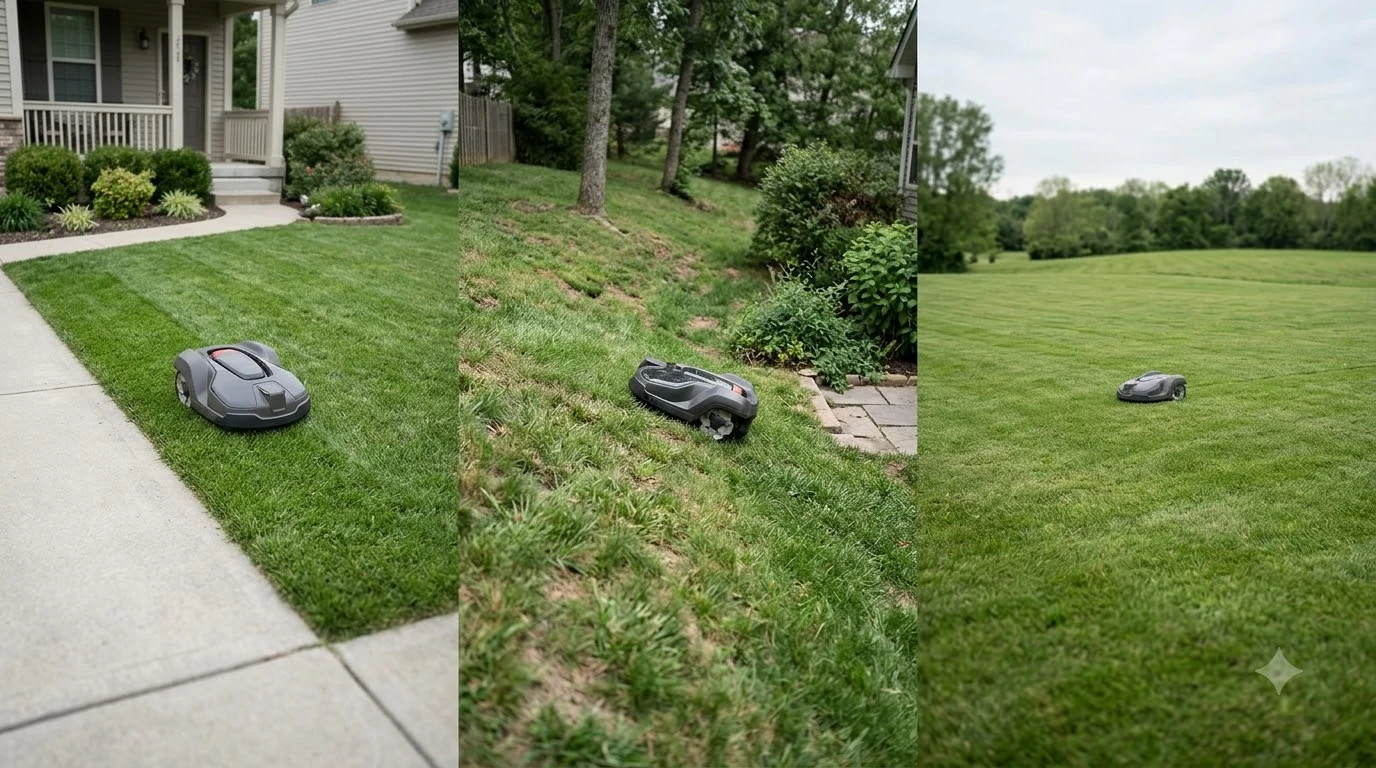

What is zone mowing on a robot mower? It means the mower cuts one defined section of the lawn at a time, then moves to the next section in a set order. Each section is a zone with its own boundary or map area, so you can treat a front lawn, a back lawn and a side strip as separate jobs instead of one big open field. Most people use zones when the yard is split by beds, paths or a gap that the mower should not cross during every run.
The short answer
- Zone: one mapped or wire-bounded section of grass that the mower can cut on its own.
- Zone mowing: the mower works zone by zone, usually in a fixed order or a schedule you set in the app.
- Linked zones: two zones joined by a corridor or virtual path, so the mower can travel between them.
- Separate lawns: areas with no safe route between them may need you to carry the mower by hand.
- Before you buy: check the zone count, the passage width between zones and the total area limit.
What is zone mowing on a robot mower in practice
A zone is a section of the lawn that the mower treats as a distinct working area. The mower knows where that section starts and ends because of a boundary wire loop or a digital map built in the app. Some owners think of a zone as a separate yard, but on most machines it is simply a part of the same map with its own edges. Linking sections is a setup task of its own, covered in zone-to-zone channel setup.
Zones matter because yards are rarely one flat, uniform rectangle. A lawn may wrap around a house, sit on two levels, or include a garden bed that should stay grass-free. Splitting that space into zones lets the mower cut each part on its own rules, such as a different cutting height or a different schedule.
How zone mowing works in practice
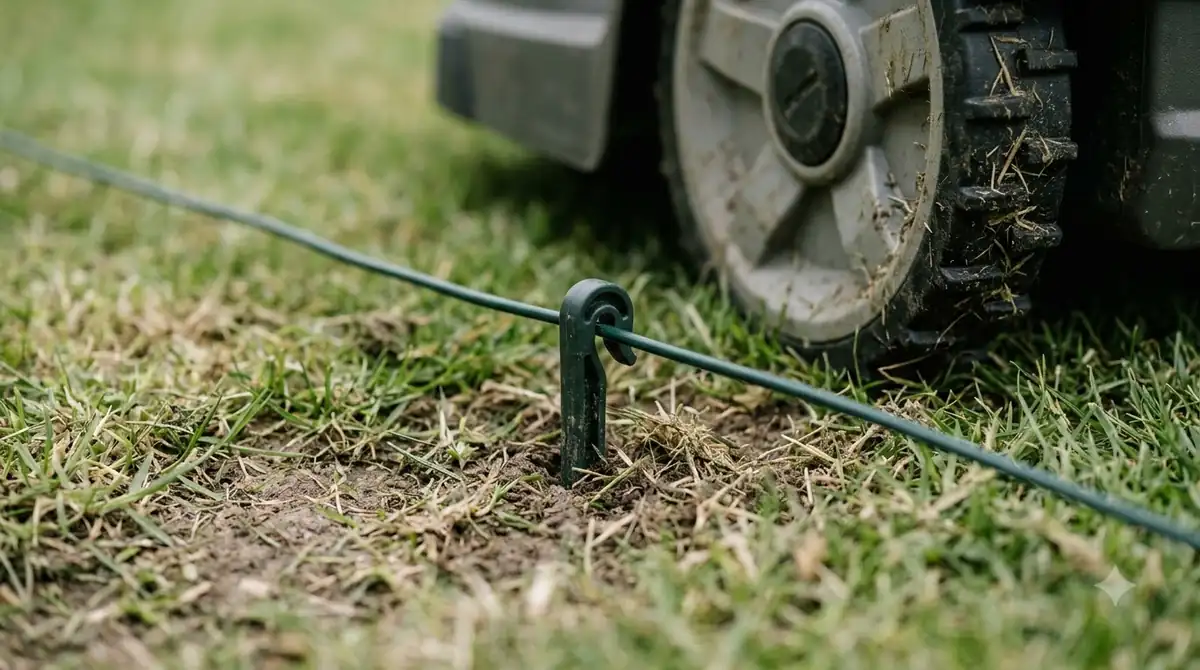
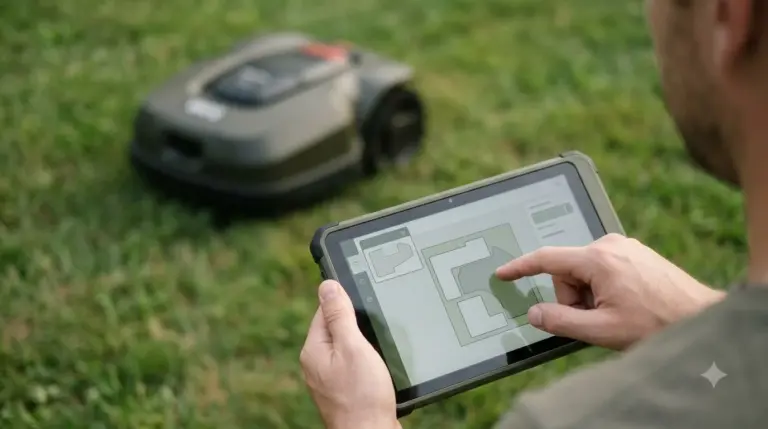
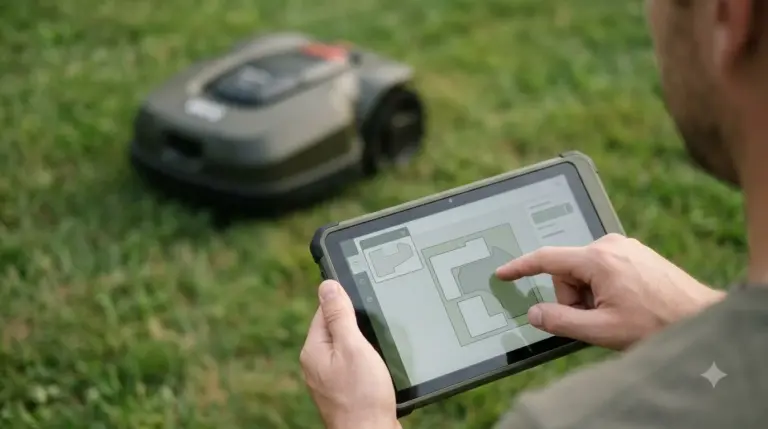
In practice, zone mowing follows a short sequence. You define each area, set the order in which the mower should visit them, and decide whether it should move on automatically. Wire-based models usually need the boundary wire to enclose all of the sections, and guide wires or zone settings help the mower find the path between them. Wire-free models build the map with the mower’s sensors and let you draw the zones in the app. The zones are drawn in the app, as app-based lawn mapping shows.
The key question is what happens between zones. Anker’s UK guide says a mower can move between connected zones automatically only if there is a safe route between them, such as a flat grass strip, a smooth path or a mapped corridor wide enough to pass. If the route is blocked, the mower will stop at the edge of the first zone and wait.

Zones versus pathways and corridors
Zone mowing is easy to confuse with a pathway, so it helps to separate the two. A zone is an area the mower cuts. A pathway or corridor is a route it drives through to reach another zone without cutting the grass that it crosses. Sunseeker’s glossary describes pathways as routes that guide travel between working areas and are not treated as mowing zones. That difference changes how you should map the yard, because a path drawn as a zone will be mowed, and a zone drawn as a path will be skipped. Narrow links between zones are explained in how corridors link mowing areas. The map-based equivalent is described in passages between map zones, which gives more context than this short overview can.
Heads up
Narrow gates, sudden changes in surface, and blocked connectors can interrupt the routine between zones. Sunseeker lists these as common reasons a mower stops mid-route, so check the path before you rely on automatic travel.
When zone mowing helps and when it does not
Zone mowing is useful when the yard has two or three clear parts and the mower can reach each one without help. It also helps when you want different areas cut at different times, or when a bed or pond should stay out of the working map. It is less useful when a single lawn is already simple, because one zone with no obstacles gives the same result with less setup. When your yard changes, remapping zones after landscaping changes explains what to update.
What to check before you buy a zone mower
Zone support is not the same across models, so compare the details rather than the word “multi-zone” on the box. Look at how many zones the app supports, the narrowest passage the mower can pass, and the total area limit across all zones. Vendors do not always publish passage width, so measure the narrowest gap in your yard and compare it to the mower’s stated minimum. Feature checks are easier with a robot mower buying guide basics overview next to the spec sheet.
It is also worth confirming how the mower handles a separate lawn. Some models store separate maps, but you still have to carry the mower to the second area if there is no route between them. Our reading is that this is the single most common surprise for buyers with a split yard.
Frequently asked questions
What is zone mowing on a robot mower?
It is a way of cutting the lawn in separate sections, called zones, one after another. Each zone has its own boundary or map area, and the mower moves between them in an order you set.
Is a zone the same as a pathway?
No. A zone is an area the mower cuts. A pathway or corridor is a route it drives through to reach another zone, and Sunseeker’s glossary treats pathways as travel routes rather than mowing zones.
Can a robot mower move between zones on its own?
Usually, but only when there is a safe route between them. Anker’s guide says the mower can move between connected zones automatically if the path is safe, and otherwise you may need to carry it.
How wide does the passage between zones need to be?
It depends on the model and the wire layout. Husqvarna’s passage guidance for boundary-wire installations recommends at least 2 m (6 ft 6 in) between boundary wires without a guide wire, and at least 60 cm (24 in) with one. Check the manual for your own model.
Sources
- Anker (eufy) UK blog on multi-zone robot lawn mowers (manufacturer): explains safe routes between zones, virtual paths and manual carrying between lawns.
- Sunseeker glossary: robot lawn mower multi-zone (manufacturer): defines pathways as travel routes that are not mowing zones, and lists narrow gates and blocked connectors as interruptions.
- Husqvarna support: how to create a passage in a boundary-wire installation (manufacturer): gives the recommended passage spacing for wire-based layouts.
 Up next7 min readLearnWhy Does My Robot Mower Start Mowing at the Wrong Time?Updated Nov 13, 2026
 7 min readLearnWhat Is Spot Mowing on a Robot Mower and How Does It Work?Updated Nov 13, 2026
 7 min readLearnLymow Mapping: Zones, No-Go Areas and ChannelsUpdated Nov 13, 2026
 7 min readLearnMammotion Mapping: Manual, Auto, and No-Go Zone SetupUpdated Nov 13, 2026
 8 min readLearnLymow App: Setup, Zones and Common Connection FixesUpdated Nov 13, 2026
 6 min readLearnHow to Stop a Robot Mower from Mowing Flower BedsUpdated Nov 13, 2026