
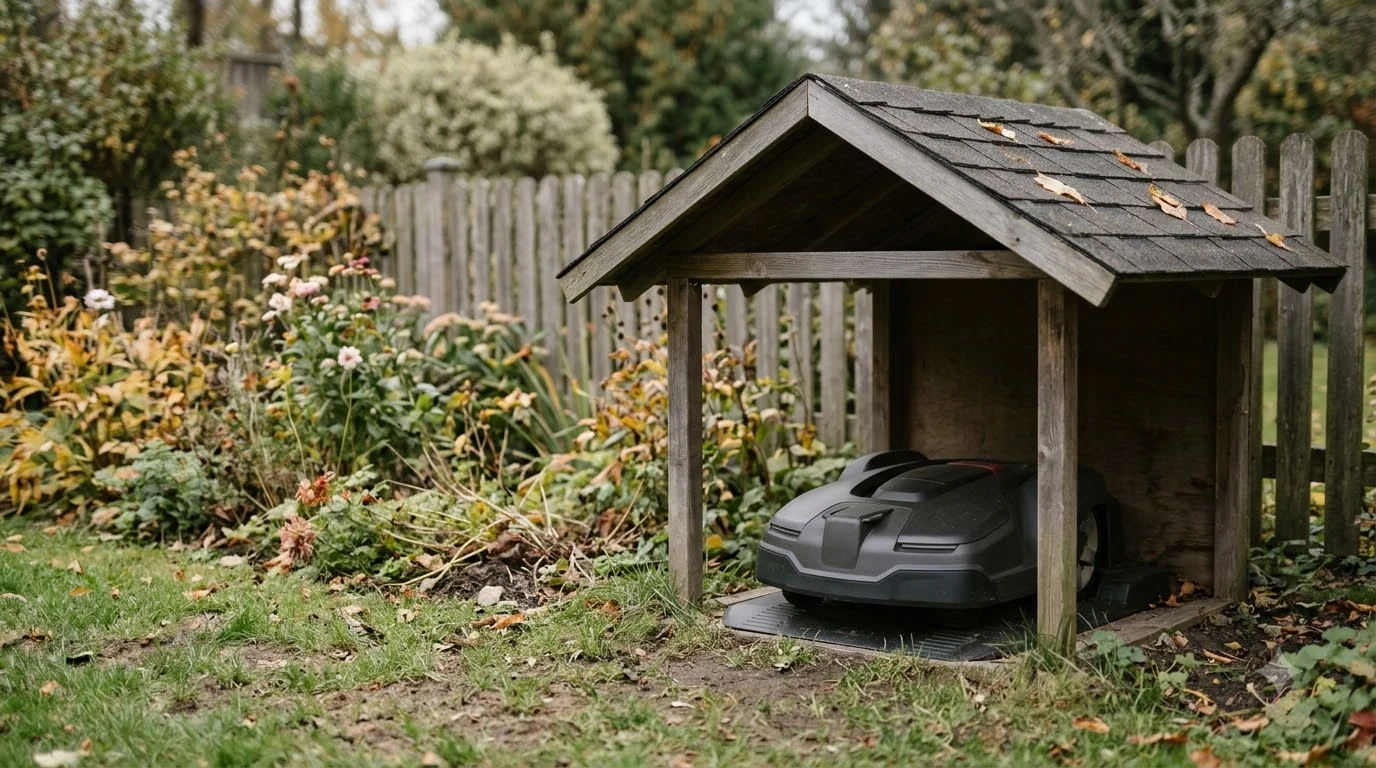

A robot mower charging station cover shields the dock from rain and sun, but it must not block the mower’s docking path or the navigation signal. Choose a cover made for your station model, avoid solid metal roofs if your mower uses GPS or RTK, and test a docking run after installing it. A cover is an optional upgrade for most yards, not a requirement.
The short answer
- Fit the model. Covers are sized for specific station layouts, so a universal fit is a weaker bet.
- Keep the approach clear. The mower needs a straight, unobstructed path to the charging contacts.
- Avoid solid metal roofs with GPS or RTK. Metal can interfere with satellite signals.
- Plan for airflow. A sealed box in sun can trap heat and moisture around the charging hardware.
- Retest docking. Run several returns after installation to confirm the mower still connects every time.
What a charging station cover protects
The charging station sits outdoors, so it takes rain, sun, and leaves. Over time, exposed charging contacts can collect dirt and moisture, and that can interrupt charging. A cover keeps the contacts drier and cleaner, which is the main practical benefit. It also shields the station’s surface from UV exposure, which helps the plastic last longer. Model-specific guidance is more useful than generic advice, such as the notes on Navimow dock covers and sizing.
A cover does not protect the mower itself unless it is a full garage, which is a larger and different product. Keep the two apart in your head: a charging station cover protects the dock, and a garage protects the mower and dock together.
Check the model fit first
Station covers are designed around specific layouts. Gardena, for example, sells its garage for particular SILENO models and describes it as simply mounted over the charging station. The product page we read covered the SILENO minimo, city, and life series in its title, but the full fit list was cut off in what we could read. That is typical: a listing title is not the same as a confirmed fit, so compare the model number on your station’s label with the fit list before buying. For Mammotion owners, Luba dock cover options differ in height and roof design from other brands. The GOAT range adds a base antenna, so GOAT dock cover sizing has its own article. Smaller bases follow different rules than the large RTK systems, as the notes on E15 dock cover fit show.
A cover made for another brand’s station can sit at the wrong height or angle, which may shift the docking approach. Measure the station’s footprint and height, then compare them to the cover’s internal dimensions.
Heads up
A cover that is not made for your station can still be a problem even if it fits physically. The main risk is changing the path the mower takes to the charging contacts.
Solid roofs and GPS or RTK signals
If your mower uses GPS or RTK, the roof material matters. Sunseeker’s guide, which is a manufacturer’s publication, advises against solid or thick metal roofing because it can interfere with GPS and RTK signals. Its recommended materials are wood, treated plywood, and plastic or polycarbonate. The same guide says a garage does not block the navigation signal for the mower in general, so the concern is the material and thickness of the roof, not the cover as a category.
Wire-based mowers that do not use satellite positioning are less affected by roof material, but the cover can still change the approach path. Check your mower’s navigation type before you choose a metal or solid roof.
Docking path and charging contacts
A cover should leave the docking approach clear. Exposed charging contacts can cause failed docking attempts or interrupted charging, according to the same Sunseeker guide. A cover that sits too close to the approach, or that adds a sharp turn to the path, can make docking harder.
- Keep the approach straight and clear of any part of the cover.
- Do not block the contacts or their immediate area.
- Route the charging cable through the rear duct or gap so it does not pinch under the cover.
After you install the cover, run several returns to the dock and watch whether the mower connects on the first try each time.
Airflow, heat, and moisture
A closed cover in strong sun can get hot inside, and moisture can build up in a sealed space. Good ventilation helps. The Sunseeker guide suggests vents near the top of the walls, covered with mesh or louvers, and notes that ventilation matters most in sunny climates. It does not give temperature thresholds, so treat the advice as a general principle rather than a measured figure. Where heat is the main worry rather than rain, shade sail alternatives for heat let air move around the dock.
Robot mower charging station cover types
Covers come in a few styles. A simple shade or hood sheds rain and blocks sun while leaving the sides open for airflow, which suits mild climates. A fully enclosed cover with a hinged roof gives more protection and easier access to the mower’s control panel, but it needs more ventilation. A semi-transparent top lets you see the charging status without lifting the cover, which is handy for daily checks. A cover is one of a handful of accessories worth buying for a robot mower that owners commonly add.
Choose by climate. In a sunny region, prioritize UV resistance and vents. In a rainy or snowy region, prioritize a steeper roof that sheds water and snow. In a windy yard, check that the cover can be anchored firmly to the ground.
| Cover style | Best for | Watch out for |
|---|---|---|
| Simple shade or hood | Mild climates, quick install | Less rain protection |
| Enclosed with hinged roof | Sun and rain, easy access | Needs vents to avoid heat buildup |
| Semi-transparent top | Checking charging status at a glance | Less shade for the dock |
The table is a general guide for comparing styles. Confirm the features of a specific cover on its product page.
Installation checklist
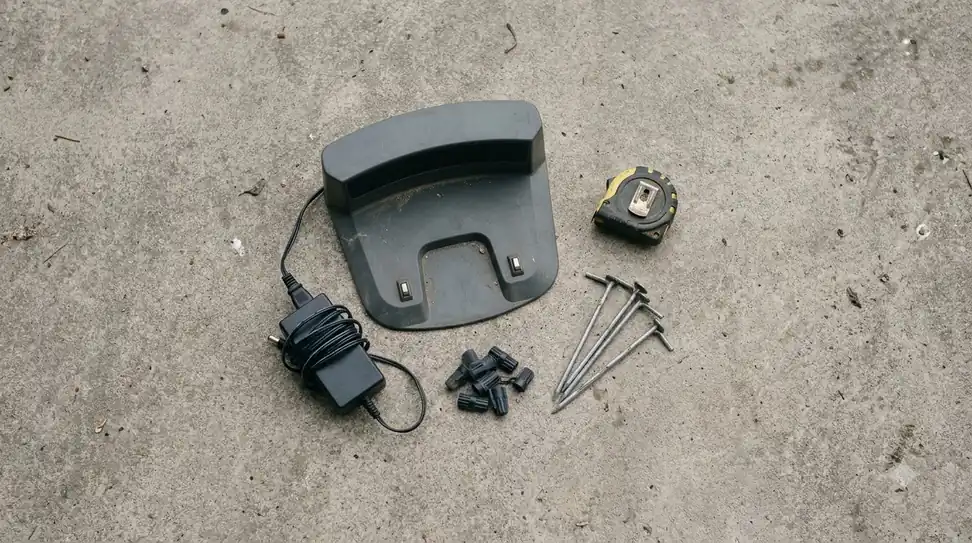
A cover is usually fixed with a few screws, and the manufacturer’s kit includes the fasteners. Before you drill, confirm the station is level and the ground is stable. Route the cable first, then mount the cover, then check that the mower can still reach the dock from its usual starting spot. On soft ground, ground stakes for installation help the cover stay put through wind and mowing vibrations.
Cleaning and maintenance
Wipe the charging contacts and the area under the cover once a season, since dust and leaves can collect in a shaded space. Check that vents are not blocked by debris, and inspect the cover for cracks after a hard winter. Cleaning is routine, but spare contacts for worn docks are worth having if the plates begin to pit.
Frequently asked questions
Does a charging station cover block the mower from charging?
It should not, if it is made for your station and leaves the docking approach and contacts clear. Test several returns after installing it to confirm.
Can a metal roof stop my RTK mower from working?
Solid or thick metal roofing can interfere with GPS and RTK signals, according to Sunseeker’s guide. Choose wood, plywood, plastic, or polycarbonate instead if your mower uses satellite positioning.
Do I need a cover if my mower is only in a sheltered yard?
Probably not. A cover is an optional upgrade, and a sheltered spot already limits rain and sun exposure.
Should the cover be ventilated?
Yes, especially in sunny climates. Vents near the top of the walls help release heat and moisture.
Sources
- Gardena garage for SILENO city and life (manufacturer): describes a garage mounted over the charging station, protection from rain and sun, and a hinged, foldable roof.
- Sunseeker guide on robot mower garages (manufacturer, promotional): covers roof materials for GPS and RTK, docking path, contact exposure, and ventilation.
 Up next7 min readGearEcovacs GOAT Charging Station Cover: What to Check FirstUpdated Nov 20, 2026
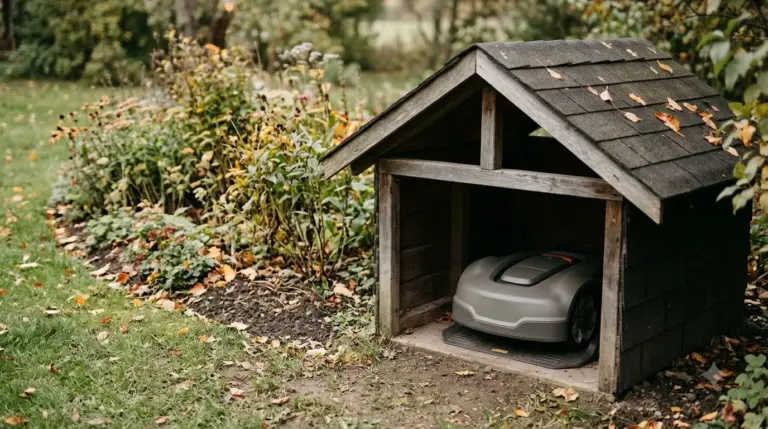 6 min readGearEufy E15 Charging Station Cover: What the Spec Sheet SaysUpdated Nov 14, 2026
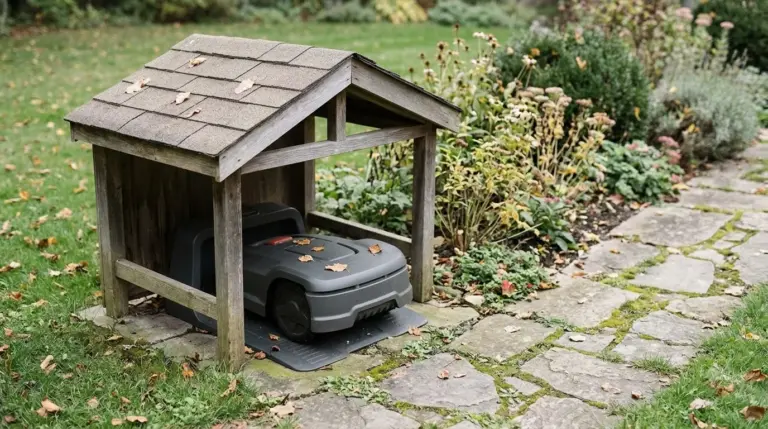 7 min readGearSegway Navimow Charging Station Cover: What to Check FirstUpdated Nov 20, 2026
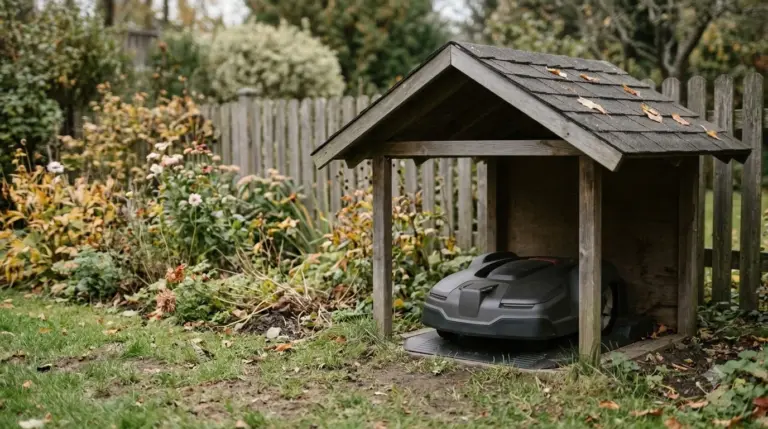 6 min readGearMammotion YUKA Charging Station Cover: What to Check FirstUpdated Nov 20, 2026
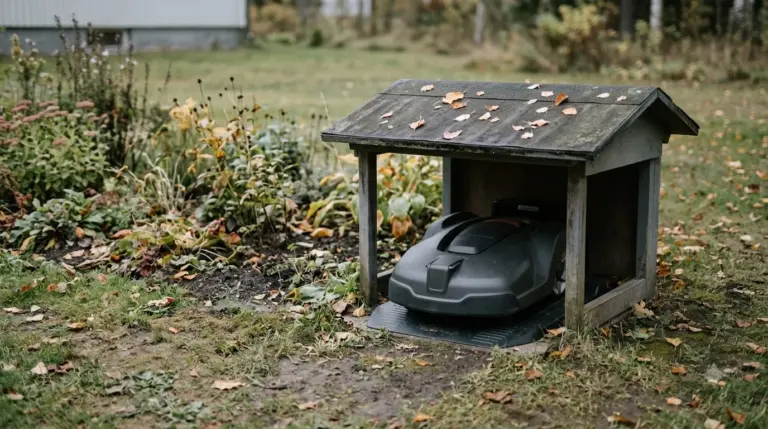 7 min readGearMammotion Luba Charging Station Cover: What to Check FirstUpdated Nov 20, 2026
 8 min readGearRobot Mower Cover for Charging Station: What the Manuals SayUpdated Nov 19, 2026