
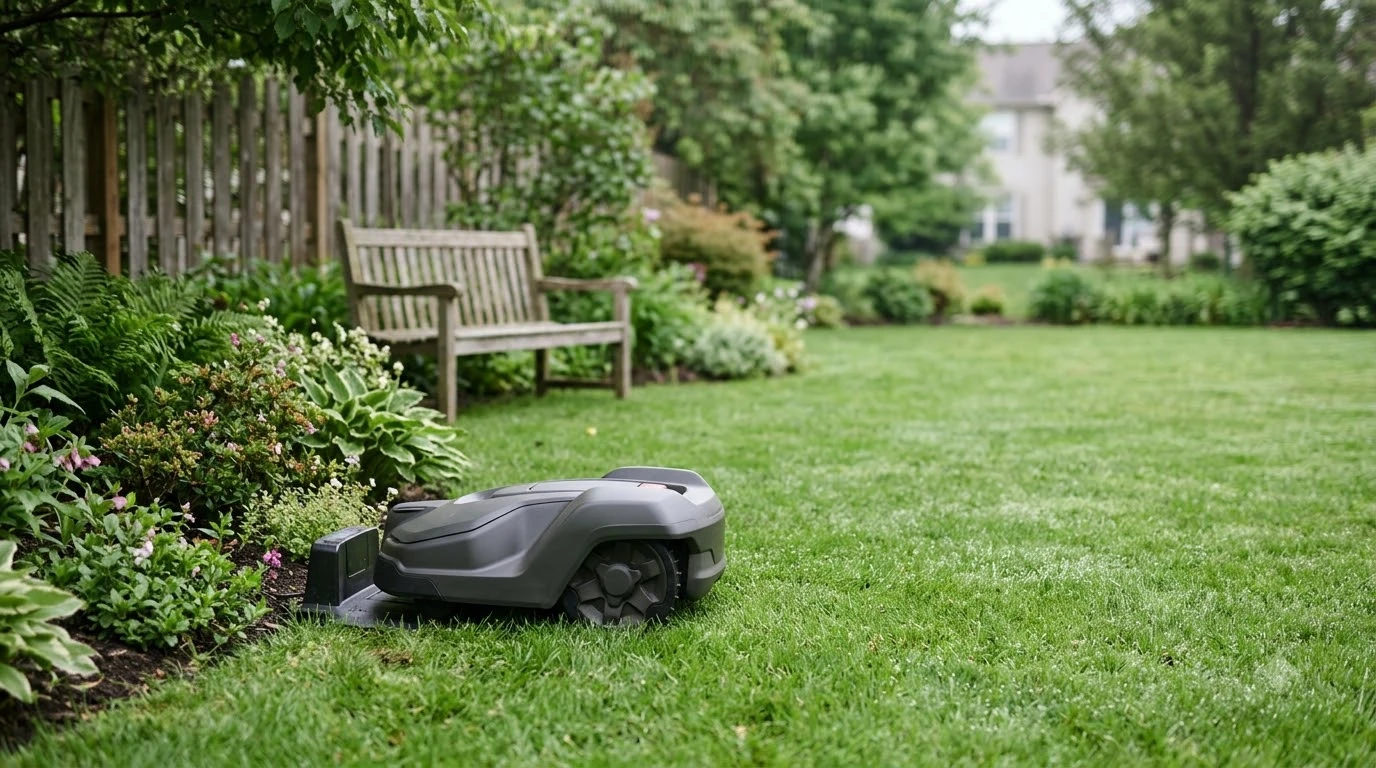

A Worx Landroid charging station has to sit on a flat, hard surface, close to a power outlet, and away from extreme temperatures to work reliably. Worx’s support guidance sets clear placement rules: a level base, a clear straight path in front of it, a power cable that reaches an outlet within 10 m, and temperature limits for the base. This guide covers the charging station’s job, the placement rules that most often cause docking problems, when a replacement is the right fix, and how to protect the station from weather. Figures are as of Nov 2026 and come from Worx support pages.
The short answer
- Surface: place the base on a flat, hard, level surface. Worx’s guidance says to keep the base tilt under 5 degrees.
- Clear path: keep about 2 m of straight path in front of the base and about 1.5 m behind it.
- Power: the charging cable is 10 m, so the outlet must be within that reach.
- Temperature: Worx says to move the base if it is exposed above 55 C or below 3 C.
- Protection: Worx sells a cover (WA0194) that mounts above the station to shield it from rain, snow, and strong sun.
What the Worx Landroid charging station does
The charging station, or charging base, is where the mower recharges between mowing runs and where it waits when the lawn is wet or the battery is low. On Worx Landroid Vision models, the mower finds the base with its camera, which reads a QR code on the base, rather than relying on a wireless signal. That is why the base’s position, angle, and surface matter so much: a camera-based dock works only when the mower can see the code clearly and drive straight in. Weather protection is a common add-on, and choosing a cover for the dock is covered in the general cover guide.
The station also carries the power connection. Worx’s installation plan points to a charging cable of 10 m, and says the base should be within that reach of an AC outlet. A base that is too far from the outlet forces an extension, and an extension that is not rated for outdoor use adds risk.
Placement rules that cause docking problems
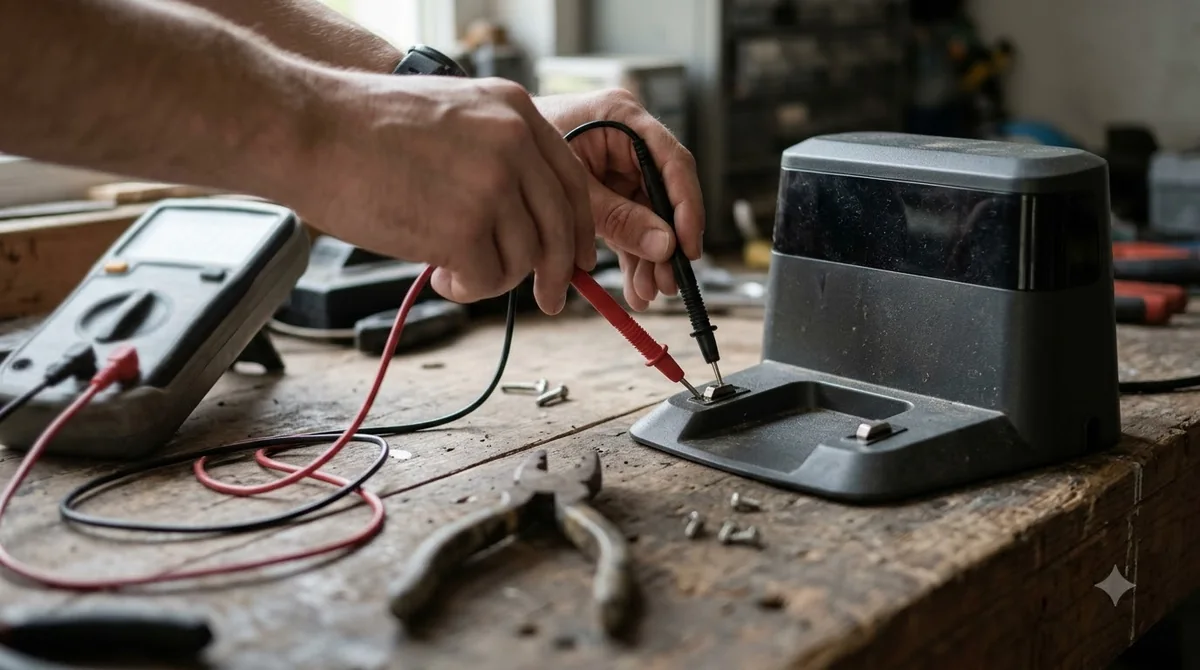
Most docking complaints with a Worx Landroid charging station trace back to placement rather than to the mower itself. Worx’s guidance on the charging base covers the main rules, and they are the first thing to check after a docking failure. When placement is off, the symptoms often look like Landroid docking failure causes, which are explained separately. A flat, rigid base plate for a stable dock helps the mower line up with the contacts every time.
- Flat and level: Worx says a tilt of more than 5 degrees can cause docking problems, so the base should sit flat and level.
- Hard surface: place it on concrete, pavers, or a firm base, not on soft soil or loose mulch that shifts over time.
- Straight approach: keep about 2 m of straight path in front of the base and about 1.5 m behind it, so the mower can line up.
- Clear camera view: on Vision models, keep the QR code clean and unobstructed. Dirt, grass, and leaves over the code can stop the mower from finding the base.
When the mower cannot find the base, Worx’s troubleshooting guide points first to the camera reading the QR code and to whether the mower is trying to use Wi-Fi or Bluetooth to find the base, which it does not. Check the QR code and the approach path before you assume the base is faulty.
Temperature and tilt limits
Worx’s charging-issue guidance says to move the base if it is exposed to temperatures above 55 C or below 3 C. In practice that matters most in full sun on a south-facing wall in summer, or in a corner that stays frozen in winter. A base in those spots can run into charging and docking errors even when the placement is otherwise right. If the ground slopes more than the limit allows, a leveling pad for a tilted dock can bring it back within range. Repeated docking can make a station creep, so anchor screws that keep the station fixed are worth considering.
Our reading is that the simplest fix is to choose a shaded but well-drained spot away from reflective walls, and to avoid the lowest corners of the yard where cold air and water collect. Re-check the tilt after heavy rain or soil movement, because a base that was level at install can shift over a season.
When a replacement is the right fix
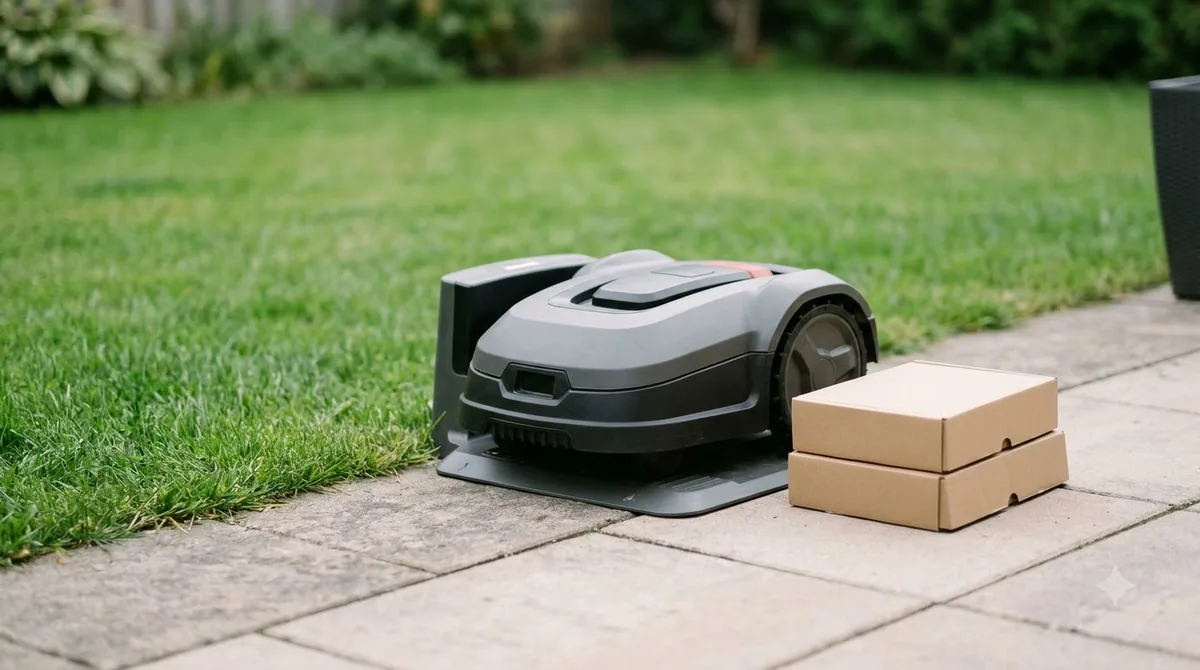
Before you buy a new Worx Landroid charging station, rule out the cheaper fixes. Check the power outlet, clean the QR code and the charging contacts, confirm the base is level, and make sure the approach path is clear. Worx’s support guidance treats a camera error and a docking error as separate problems, and the camera error often comes from a loose cable, an open camera cover, or outdated firmware rather than from the base itself. Replacing the station is only one purchase, and Landroid accessories worth buying lists other parts people consider.
A replacement makes sense when the base is physically damaged, when the contacts are burnt or corroded beyond cleaning, or when the station has been moved and the mower still cannot dock after a reinstall. Compare the cost of a new base with the cost of a new mower, and decide only after the basic checks have failed.
Protecting the station from weather
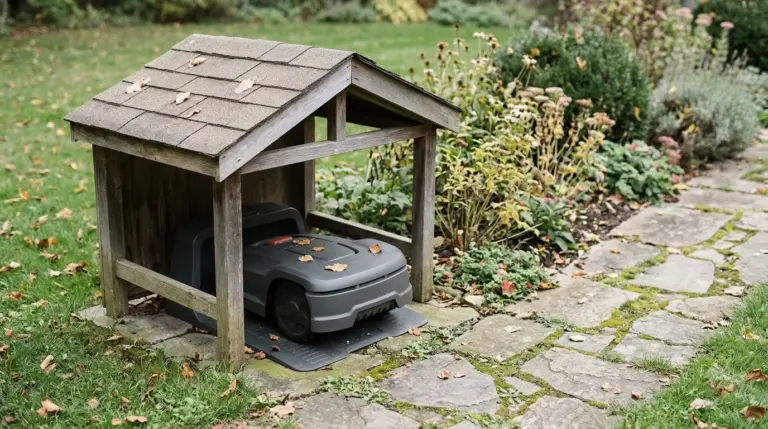
Worx sells a garage for Landroid models, listed as the WA0194. According to Worx’s product page, it mounts above the charging station or screws into the ground, comes with 14 screws and 14 pegs, and protects the station from rain, snow, and excessive sun. Worx lists the compatible mower codes on that page, so check your model against the list before buying. In full sun, a shade sail for a sunny dock lowers heat around the charging electronics.
A cover is optional, but it helps where the station sits in full sun or takes heavy rain. Keep the cover from blocking the QR code, and do not seal the base so tightly that moisture gets trapped underneath.
What to check before you buy or move the station
- Measure the outlet distance. Make sure the outlet is within the 10 m charging cable’s reach, and that any extension is rated for outdoor use.
- Test the surface. Use a spirit level on the base. If it tilts more than 5 degrees, adjust the ground before you anchor it.
- Clear the approach. Keep about 2 m of straight path in front of the base and about 1.5 m behind.
- Check the temperature exposure. Avoid spots that get above 55 C or below 3 C.
- Match the model. Confirm your mower’s model and the garage’s compatible codes before ordering any cover.
Related reads: Worn plates may be the only fault, so spare contacts before replacing the station can be a cheaper first fix.
Frequently asked questions
How far can the Worx charging station be from the outlet?
Worx’s installation guidance uses a charging cable of 10 m, so the outlet should be within that reach. An extension should be rated for outdoor use and kept as short as practical.
What tilt is too much for the Worx charging base?
Worx’s charging-issue guidance says a tilt of more than 5 degrees can cause docking problems. Set the base flat and level on a hard surface.
Why will my Worx Landroid Vision not find the charging station?
Start with the QR code on the base. Worx’s troubleshooting guide says the mower finds the base with its camera, not with Wi-Fi or Bluetooth, so a dirty or blocked code and a short approach path are common causes.
Is a cover for the Worx charging station worth it?
It can be, especially in full sun or heavy rain. Worx’s WA0194 garage is designed to mount above the station, but confirm it fits your model and keep the QR code visible.
Sources
- Worx Landroid Vision installation, charging base (Worx support wiki): placement, 2 m and 1.5 m clear path, 10 m charging cable, outlet distance.
- Worx Landroid Vision E7, charging issues, temperature and docking errors (Worx support wiki): 55 C and 3 C limits, tilt over 5 degrees.
- Worx Landroid Vision, cannot find the charging base (Worx support wiki): QR code and camera-based docking.
- Worx Landroid garage WA0194 (Worx): mounting, 14 screws and 14 pegs, weather protection, compatible codes.
 Up next7 min readGearHusqvarna Automower Charging Station: Placement, Clearance and WiringUpdated Nov 13, 2026
 7 min readGearWorx Landroid Replacement Blades: Pack, Timing, and FitUpdated Nov 20, 2026
 8 min readGearWorx Landroid Accessories Worth Buying: 4 Essential PicksUpdated Nov 20, 2026
 8 min readGearWorx Landroid Spare Parts: What Exists and How to Match ItUpdated Nov 19, 2026
 8 min readGearBest Garage for Worx Landroid: Match Your Model FirstUpdated Nov 14, 2026
 9 min readGearWorx Landroid Replacement Battery: Fit, Swap and 1-Year WarrantyUpdated Nov 19, 2026