
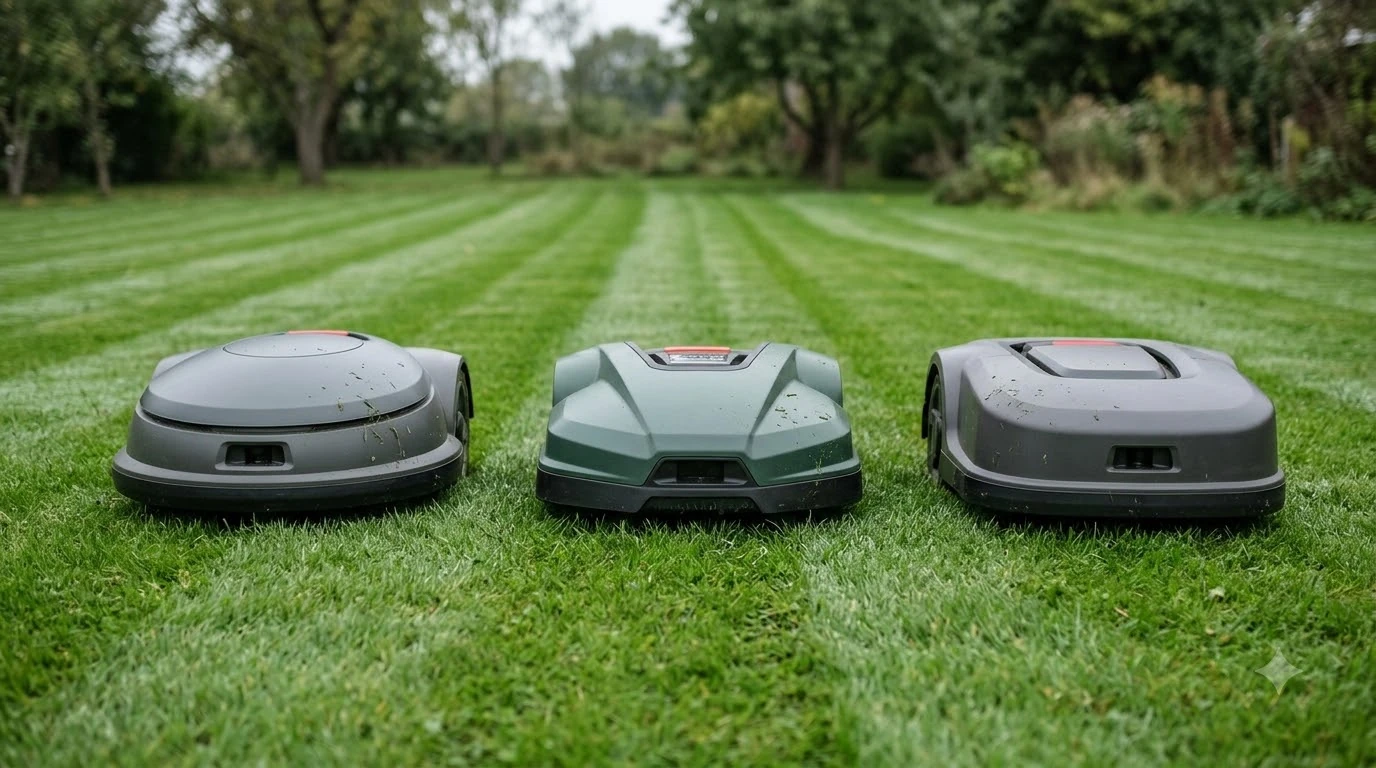

Why does my robot mower beep three times on the dock? In most cases, a three-beep chime at the charging station signals either a normal startup or pairing confirmation, or a docking and power handshake issue—such as oxidized charging contacts, a tilted baseplate, or a battery temperature lockout—rather than a broken motor. Because robotic mower makers do not share one universal audio code, the exact meaning depends on whether your unit is preparing to depart, confirming a setup command, or failing to hold a charge. Checking the companion app’s fault log alongside the station’s status light will pinpoint the exact trigger in seconds.
The short answer
- Normal departure or command cues: Some wire-free and smart mowers emit three short beeps right before launching a scheduled cut or after confirming a pairing or button sequence on the dock.
- Dirty or misaligned charging contacts: Grass sap, moisture, and oxidation on the metal strips can interrupt the low-voltage charging handshake, causing the mower to chime and re-attempt connection.
- Uneven baseplate or blocked entry: Even a slight dip or tilt under the charging base can push the mower’s charging plates out of alignment with the station pins.
- Battery temperature limits: Lithium-ion packs refuse to charge when ambient heat or cold falls outside safe thresholds, prompting an audio alert until the pack cools down or warms up.
- Boundary or power supply interruptions: A loose transformer plug, tripped GFCI outlet, or damaged loop wire can make a docked mower chime when station power drops out.
Why beep codes vary across robot mower brands
Every manufacturer writes its own audio alert table, so three beeps on one brand’s charging dock can mean a routine start warning while another brand uses the same chime for a sensor or docking fault.
Unlike smoke detectors, robotic lawn mowers have no industry-wide standard for chime patterns. According to RoboUP’s alarm system guide, for example, one beep confirms a button press, two beeps confirm a task start, and three beeps warn that the mower’s sensors detected an animal in its path, whereas longer six-beep sequences signal lift, tilt, or boundary faults. Other wireless models use three short beeps on the dock as an audible safety warning right before the blades spin up for a scheduled mowing run, alerting nearby people and pets that the machine is about to back off the base.
Traditional boundary-wire mowers often tie on-dock chimes to electrical state changes rather than complex multi-tone error codes. On Husqvarna Automower models, a single confirmation beep sounds when the mower makes physical contact with the charging plates, while intermittent alarm beeps alongside a flickering screen point to a power or display fault. Meanwhile, some models emit three short tones during PIN entry, Bluetooth pairing, or manual zone selection while sitting in the station.
| What you observe on the dock | Most likely cause | First check to run |
|---|---|---|
| Three beeps right before the mower backs out on schedule | Routine departure safety warning before blade startup | Check app sound settings or “No Work Period” schedule if the chime wakes your household |
| Three beeps followed by repeated docking and undocking | Dirty, wet, or oxidized charging contacts on mower or base | Unplug power, wipe plates dry, and clean oxidation with a fine abrasive pad |
| Three beeps with a flashing red or yellow station LED | Broken boundary/guide wire or damaged baseplate antenna | Inspect wire connectors at the rear of the station and test loop continuity |
| Three beeps on a hot afternoon or frosty morning | Battery pack temperature outside safe charging limits | Move the dock to shade or wait for ambient temperatures to normalize |
| Three beeps during setup, PIN entry, or remote pairing | Normal confirmation that the dock command was registered | Read the screen or app prompt to confirm the active mode |
Charging contact and alignment problems at the station
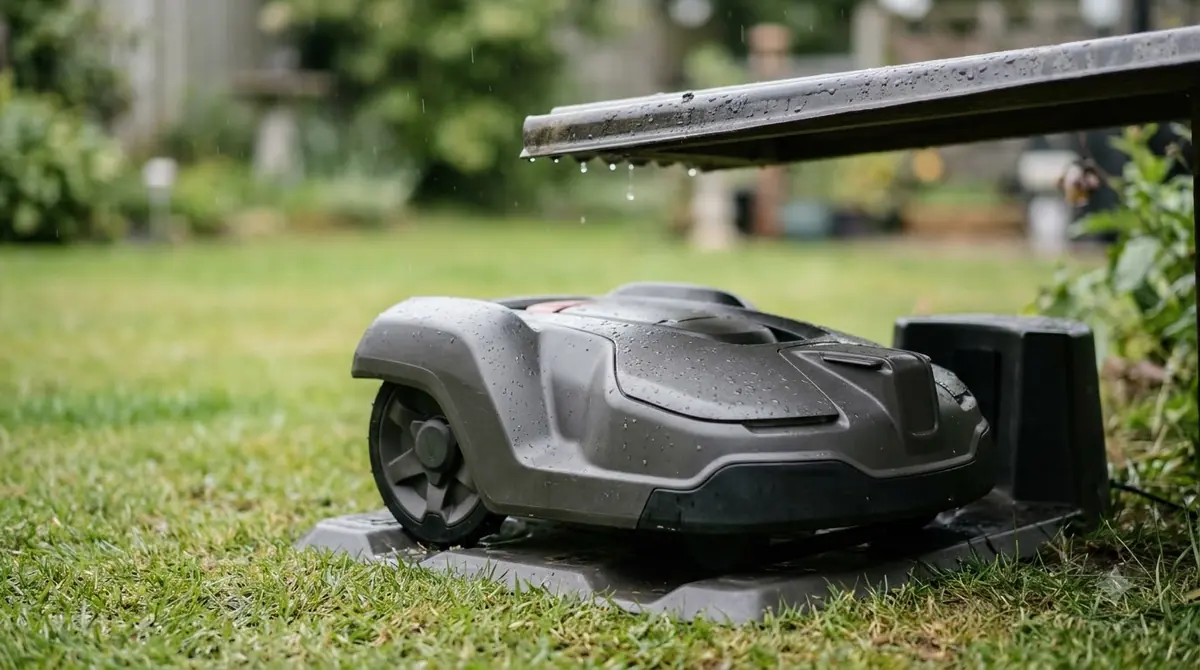
When a robot mower beeps repeatedly while parked on the dock, poor electrical contact between the mower’s charging strips and the base station’s plates is the most frequent hardware culprit.
A robotic mower has to complete a steady low-voltage circuit the moment its nose or tail slides into the station. Over weeks of cutting damp grass, organic residue and thin layers of oxidation build up on those metal contact points. When resistance gets too high, the mower registers contact, chimes, fails to draw charging current, and then backs up a few inches to try docking again. Both Husqvarna and Worx list oxidized or dirty contact plates as a primary reason a mower docks and immediately leaves or throws a station error.
Ground settling underneath the baseplate causes the exact same symptom. Heavy rain or soft topsoil can create a slight dip under one wheel track, twisting the plastic base just enough that only one charging strip touches its mating pin. According to Worx’s Landroid Vision troubleshooting documentation, a charging station tilted beyond five degrees can trigger docking and charging errors until the ground underneath is leveled. Clearing twigs, acorns, and matted clippings from the docking tray and leveling the base with sand or soil restores solid contact without replacing any parts.
Heads up
Always unplug the charging station’s low-voltage power supply from the wall outlet before scrubbing metal charging contacts with an abrasive pad or contact cleaner, and make sure the plates are completely dry before restoring power.
Battery temperature lockouts and power supply glitches
Even when the charging plates align cleanly, a docked robot mower will chime and pause charging if its battery management system detects unsafe temperatures or unstable wall power.
Lithium-ion battery packs inside robotic mowers include thermal sensors that block charging when cells get too hot or too cold. If your dock sits in direct afternoon sun against a south-facing wall, internal pack temperatures can climb past the charging threshold right after a mid-day mowing cycle. Worx’s E7 charging error guide notes that ambient temperatures above 55 degrees Celsius or below 3 degrees Celsius halt charging until the battery returns to its normal operating window. In those moments, the mower may chime on the dock while sitting idle, then begin charging automatically once evening shade cools the chassis.
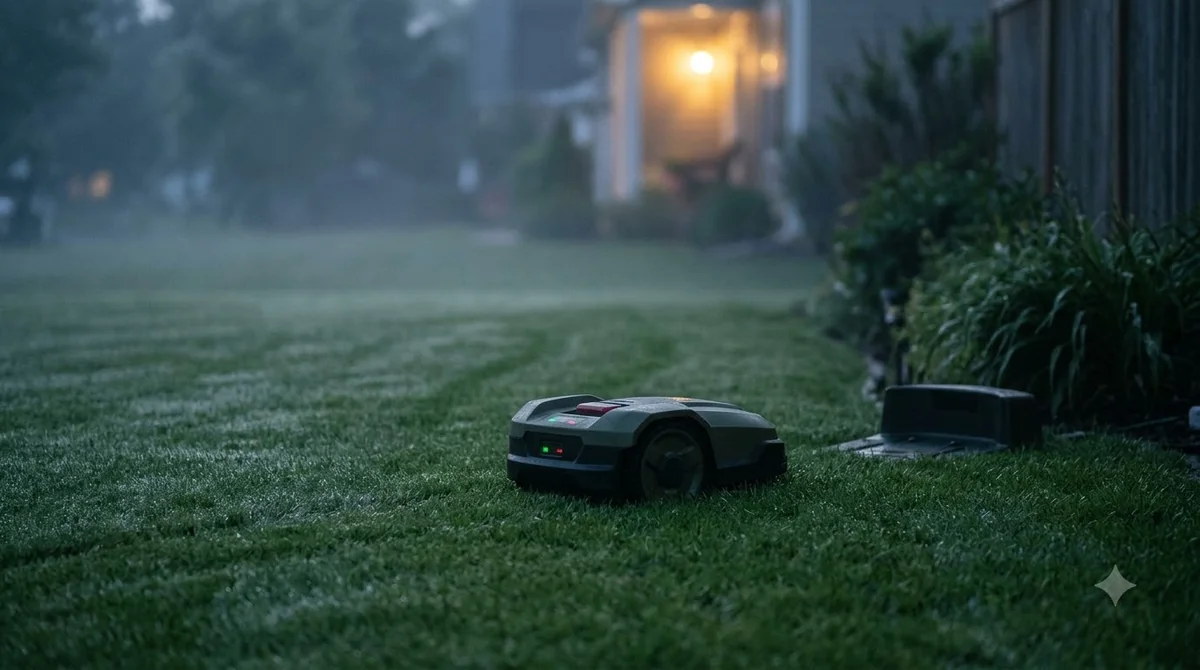
Wall-side power interruptions also trigger on-dock chimes. Outdoor GFCI outlets can trip after a thunderstorm, and low-voltage extension cables running from a garage to the yard can loosen where they plug into the back of the base. When power drops out while the mower is parked, many units emit an alert tone to warn that they are sitting on an unpowered station and slowly draining their battery instead of charging. Checking the status LED on the charging tower tells you immediately whether wall power is reaching the base.
How to diagnose and fix a three-beep alert step by step
Working through a quick physical and app-based checklist will isolate whether the three beeps are a harmless status chime or an error that needs attention.
- Check the app log and station LED first. Open your mower’s companion app before touching the machine to see if a fault code or status banner is active, and note whether the charging station light is solid green, blinking, yellow, or red.
- Watch the mower’s next move for two minutes. If the mower backs off the dock and starts mowing normally right after the three beeps, the chime is a built-in departure alert rather than a malfunction.
- Unplug the station and clean the contacts. Disconnect the power supply at the outlet, wipe away moisture and grass buildup on both the mower and station plates, and lightly buff any dull oxidation with a fine abrasive pad.
- Level the baseplate and clear the approach path. Press down on all corners of the charging base to check for rocking, fill any low spots with soil or sand so the station sits flat, and clear at least two meters of straight, unobstructed runway in front of the dock.
- Inspect the power cord and boundary connections. Verify that the low-voltage cable clicks firmly into the station port and that any boundary or guide wire terminals on the back of the dock are tight and free of green corrosion.
- Restart the mower if a false alert persists. Undock the mower, switch the main power off for a few minutes, turn it back on, and manually seat it onto the charging plates to verify that the charging icon appears in the app.
Frequently asked questions
Can I turn off the three beeps my robot mower makes on the dock?
It depends on the brand and whether the chime is a safety warning or a notification sound. Many wireless mowers lock their pre-mow departure beeps in firmware for pet and child safety, though you can shift schedules using “No Work Period” or quiet-hours settings in the app so the mower does not launch early in the morning.
Why does my robot mower beep three times and then back out of the charger?
When a mower docks, chimes, and immediately reverses out, it usually failed to establish a steady charging current. Dirty or oxidized metal contacts, a tilted baseplate, or an unpowered station cause the mower to assume it missed the pins and retry its docking approach.
Does a three-beep chime mean my robot mower battery is dead?
Not necessarily. A three-beep alert more commonly points to a temporary charging interruption, a temperature lockout, or a normal startup cue, whereas an end-of-life battery typically triggers an empty-battery error message or noticeably shorter mowing runs between charges.
When should I contact customer support or a dealer about dock beeping?
Reach out to the manufacturer or an authorized service dealer if the station light flashes red after you have cleaned the contacts, verified outlet power, and checked all wire connections. Persistent red lights or repeated chimes with no charging current often indicate a failed baseplate antenna or printed circuit board inside the station.
Sources
- A Guide to Robot Mower Beeps and Signals (RoboUP): referenced for exact beep-count definitions, including one-beep, two-beep, three-beep, and six-beep alert patterns.
- Charging station blocked – Automower error message (Husqvarna): referenced for charging plate oxidation cleaning, baseplate leveling, and two-meter clearance guidance.
- Automower won’t charge or shows empty battery error (Husqvarna): referenced for docking contact checks, battery temperature limits, and red station indicator light diagnostics.
- E7 Charging Issues – Temperature and Docking Errors (WORX Wiki): referenced for ambient charging temperature thresholds and the five-degree charging station tilt limit.
 Up next8 min readLearnWhy Does My Robot Mower Beep and Stop Mid-Cut? Common CausesUpdated Nov 14, 2026
 7 min readLearnWhy Does My Robot Mower Start Mowing at the Wrong Time?Updated Nov 13, 2026
 6 min readLearnWhy Does My Robot Mower Leave Tire Marks on the Dock Area?Updated Nov 13, 2026
 6 min readLearnWhy Does My Robot Mower Keep Going Back to the Dock?Updated Nov 14, 2026
 7 min readLearnWhy Does My Robot Mower Lose WiFi When the Garage Closes?Updated Nov 19, 2026
 8 min readLearnWhy Does My Robot Mower Battery Lose Charge While Docked?Updated Nov 19, 2026