
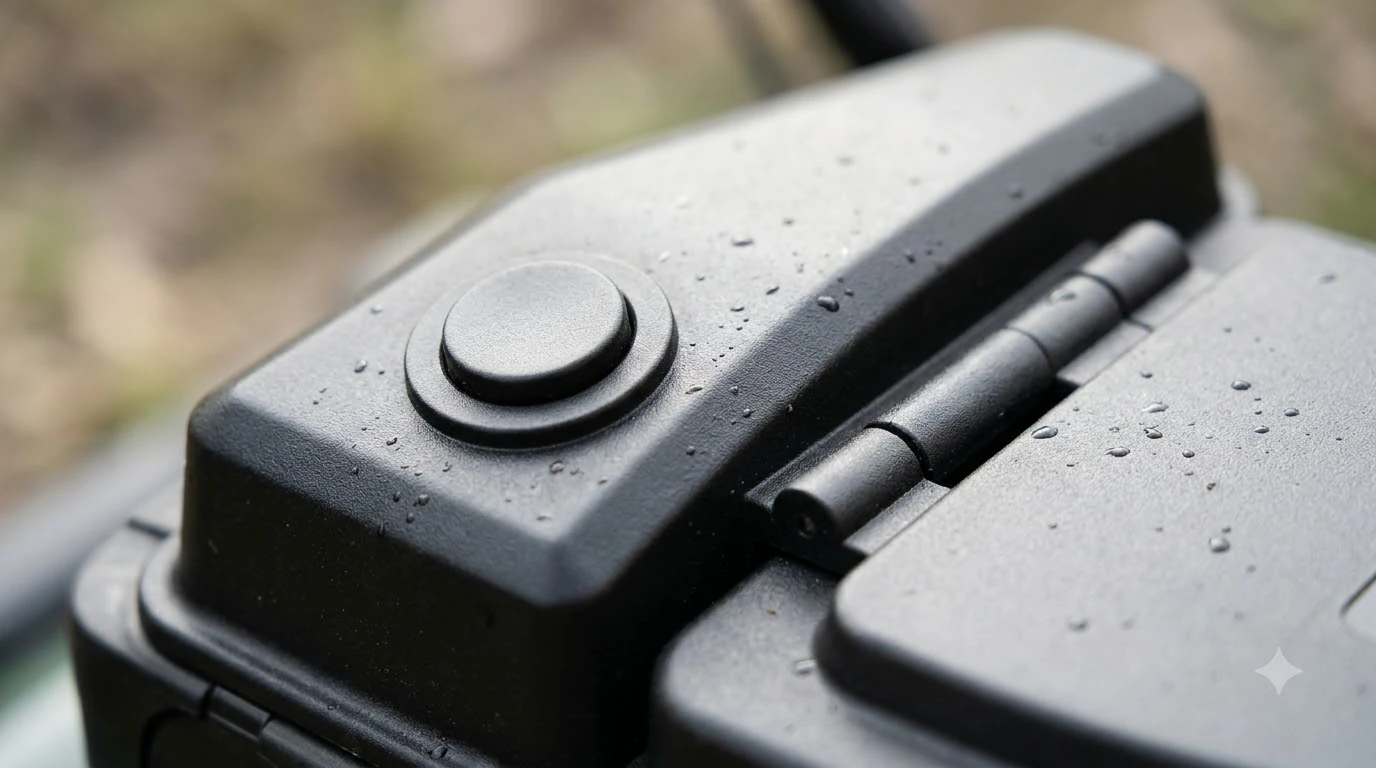

Why does my robot mower beep and stop mid-cut? Almost always for a reason it can name: someone pressed STOP or sent a pause, a smart routine or ECO mode parked it, it lost its satellite or internet link, or a wheel or the ground stopped it. The beep is a prompt to check, and the app’s alert or fault log usually shows which cause applies. Manufacturer guidance from Husqvarna and eufy starts with the same checks described below.
The short answer
- Read the app first: the alert or fault log names the cause for most models, and it is faster than guessing from the sound.
- STOP or pause: a manual stop or a pause command holds the mower until someone restarts it.
- Ground and obstacles: low hoses, wire pegs, ruts, roots, and wrapped string can lift or snag a wheel mid-cut.
- Signal: a wire-free mower that loses satellites or internet may wait until the signal returns.
- Battery and dock path: a flat battery after winter, or a blocked way back to the charger, can end a cut early.
Why does my robot mower beep and stop mid-cut? The usual reasons
Most stops fall into two groups. Either the mower was told to stop, or it decided to stop because a sensor or a check failed. Sorting out which group you are in tells you whether the fix is a button press or a walk around the yard. Beeping is one of several warning behaviors, and a robot lawn mower problems guide groups the main ones by cause. Each beep pattern usually maps to a code, and decoding error codes by model shows how manufacturers label similar faults.
Husqvarna’s support article on mowers that keep stopping lists nine separate causes, from a STOP press to a deep battery discharge. The eufy guide on stuck mowers focuses on the ground and the obstacles that cause a stop on the lawn. Between them, they cover most of what owners see, although neither maps a specific beep pattern to a specific fault.
Stops caused by a command or a setting
Some stops are deliberate. They are easy to miss because the mower looks healthy.
- STOP button: Husqvarna says a mower stopped with its STOP button cannot be restarted through the app, so you restart it on site after the stop is cleared.
- Pause from the app or a smart home service: if several people share the account, someone else may have paused it, or an automation may have triggered the pause.
- Smart routines: wildlife, rain, or frost settings can park the mower on purpose. It resumes when the condition ends, so check the routine list before assuming a fault.
- ECO mode: the mower can sit parked with its loop signal off, and manual starts may be blocked until the mode ends.
Heads up
If a mower stops and the app shows “Paused” or “Stopped,” the fix is in the settings or the STOP button, not on the lawn. Check those first, because cleaning the ground will not change anything.
Stops caused by the ground and obstacles
When the stop is physical, it usually happens at the same spot each time. eufy’s guide lists the common causes, and the fixes are mostly about clearing or leveling the area. Slopes and kerbs can trap a mower and trigger a stop, so getting stuck on lawn edges is a common ground-related cause. A bump can look like a pickup to the sensors, and lift sensor warnings are one reason a mower halts without any visible obstacle. Camera and laser sensors can pause a run when they are dirty, and LiDAR sensor errors explain how one brand handles that fault.
- Hidden low obstacles: sprinkler heads, hose fittings, and wire pegs can hide in the grass. Move the movable ones and mark fixed hazards as No-Go Zones if your model supports them.
- Tall or dense grass: extra resistance can stall the drive. Mow tall grass with a regular mower first, and clear wet leaves.
- Soft soil or ruts: irrigation or rain can leave soft spots that trap a wheel. Let the area dry, then repair and level it.
- Wrapped string or grass around a wheel: power the mower down, wait for the blades and wheels to stop, then remove the material and check for damage.
- Roots, pavers, or uneven edging: a single raised edge can lift one wheel while the other loses grip. Fill shallow holes, smooth the step, or exclude the area.
- Slopes and drops: retaining walls, drainage channels, and steep banks need leveling or a No-Go Zone. Check that the slope is within the range your model supports.
After you clear the spot, restart the mower and watch the first few minutes. If it stops again at the same point, the map is the next suspect, and our reading is that the boundary or the zone there needs a fix rather than another restart.
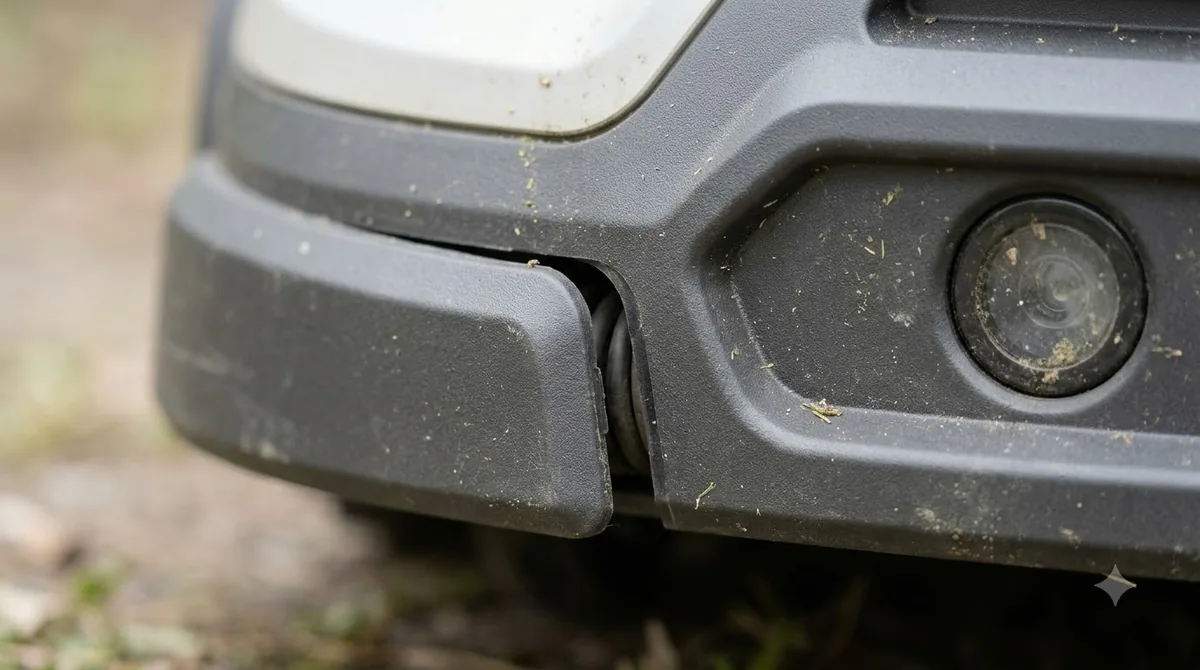
Signal and connection stops
Wire-free models rely on satellites or a connection to a reference station, and a drop in either can stop a cut. Husqvarna’s guidance on the message “Searching for satellites” is that no action is needed, because the mower resumes on its own once the signal returns. A confused heading sensor can cause stops after a turn, so compass calibration for steady headings is worth trying when signals look fine. Satellite correction can drop out mid-session, and RTK station setup trouble shows how a poorly placed antenna triggers repeated stops.
A different message, “No correction data available,” points to the connection. Husqvarna asks owners to confirm that internet coverage reaches the whole work area, and for installs that use a local reference station, to check that the station has power and a stable Wi-Fi signal. If the stop comes back at the same spot every time, our reading is that the area is blocked from the signal, such as under a tree or beside a tall wall, rather than a fault in the mower.
Battery and the way back to the dock
A mower that stops partway through a cut may simply be low. This is most common after winter. Husqvarna says a mower that has been left to deep discharge should be brought indoors to room temperature and charged fully before any start attempt, which can take several hours. Starting it before the battery is full is not recommended. A weak pack can end a run early and trigger a return, so checking whether the battery is failing helps separate power faults from software ones.
The way back to the charger matters too. A blocked or uneven return path can leave the mower stopped short of the dock. Clear the approach and level it, then send the mower back to the dock to check whether the stop goes away.
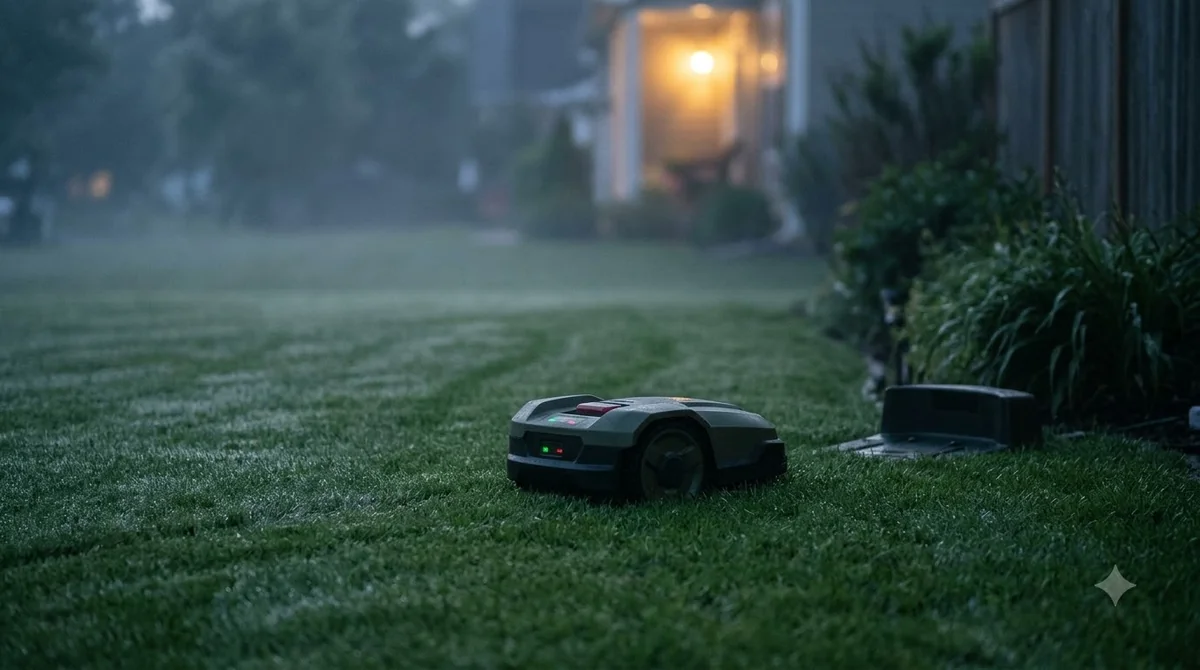
What to do the next time it beeps
- Read the alert. Open the app and find the message or fault log entry. The wording points you to the right group of causes.
- Check for STOP or a pause. If either is active, clear it at the mower or in the app, then restart.
- Walk the stop spot. Remove obstacles, wrapped string, and anything near the wheels, and look for ruts or raised edges.
- Level or exclude the area. If the spot is a permanent hazard, add a No-Go Zone rather than letting the mower keep hitting it.
- Restart on site and watch. Stay nearby for the first few minutes so you can see whether it stops again.
- Escalate if it repeats. If the same error returns after a clean restart, note the error code and contact the dealer or the manufacturer with the model number.
Both manufacturers warn against resetting the mower over and over. Repeated resets can hide the cause without fixing it, so find the cause first.
Frequently asked questions
Does a beep always mean there is a fault?
No. A beep can accompany a deliberate STOP, a pause, or a parked routine, and none of those are faults. The app’s alert or fault log is the most reliable guide, since the sources do not tie specific beep patterns to specific causes.
Will the mower restart on its own after it stops?
Sometimes. A satellite search and a smart routine that ends usually resume automatically. A STOP press or a pause sent from the app needs a manual restart on site or through the app.
Should I reset the mower to clear the stop?
Not as a first step. Husqvarna advises against repeatedly resetting the mower, and eufy’s guidance is similar. Find the cause, clear it, and then restart.
When should I contact the manufacturer or dealer?
Contact them if the mower keeps stopping at the same point after you have cleared the ground, if the battery will not hold a charge after a full charge, or if the same error returns after a clean restart. Have the model number and the error code ready.
Sources
- Husqvarna support: Automower won’t start or keeps stopping (manufacturer): the list of stop causes, the STOP and pause behavior, and the winter battery advice.
- eufy: robot lawn mower stuck causes and fixes (manufacturer): the obstacle, grass, wheel, slope, and narrow-passage causes and their fixes.
 Up next9 min readLearnWhy Does My Robot Mower Beep Three Times on the Dock?Updated Nov 19, 2026
 6 min readLearnWhy Does My Robot Mower Stop in the Middle of the Lawn?Updated Nov 14, 2026
 9 min readLearnWhy Does My Robot Mower Stop When Crossing Patio Pavers?Updated Nov 19, 2026
 6 min readLearnWhy Does My Robot Mower Spin in Circles? Causes and FixesUpdated Nov 14, 2026
 6 min readLearnWhy Does My Robot Mower Keep Going Back to the Dock?Updated Nov 14, 2026
 7 min readLearnWhy Does My Robot Mower Miss Patches in Corners?Updated Nov 14, 2026