
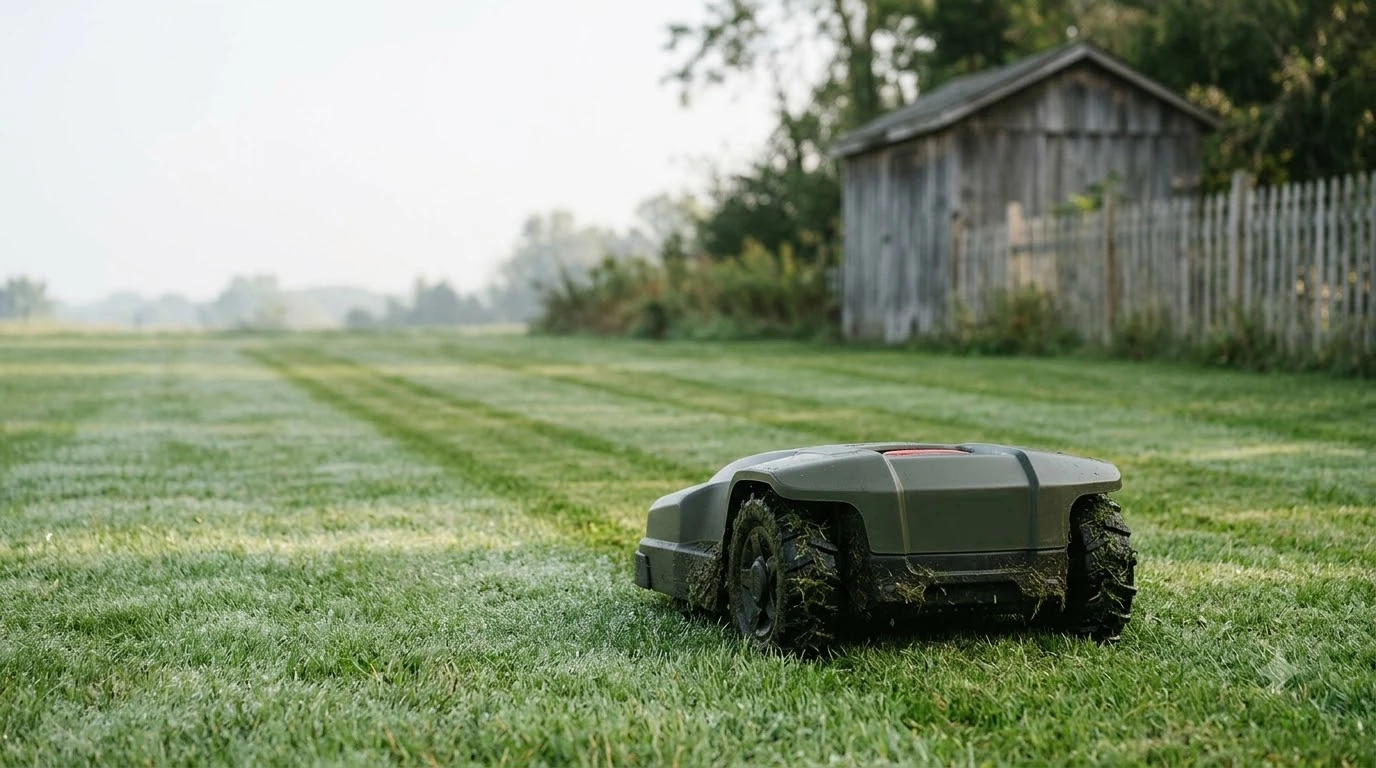

Most robot lawn mower problems come from a short list of causes: the boundary wire, dirty charging contacts, dull blades, and software that is out of date. Euronics, a European appliance retailer that services robot mowers, lists these as the usual faults, and Husqvarna’s troubleshooting guide points to the same areas. Start with the wire and the charging dock before you assume the mower is broken.
The short answer
- Mower stops or won’t leave the dock: check the boundary wire for breaks and loose connectors.
- “No signal” or weak signal: test the signal from the docking station before the mowing season.
- Won’t charge properly: clean both sets of charging contacts with a dry cloth.
- Uneven or torn grass: replace the blades; the usual interval Euronics gives is every 1 to 3 months.
- App won’t connect or behaves oddly: install pending software updates, then restart the mower and the phone.
Boundary wire faults cause most stops
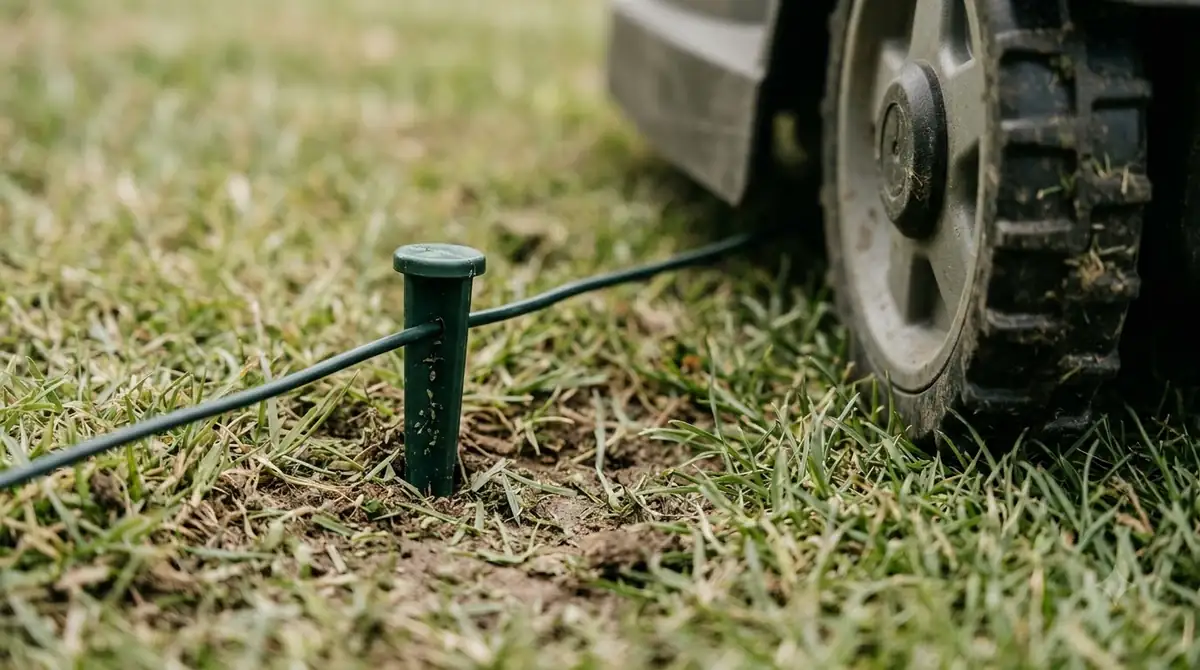
The boundary wire tells the mower where the lawn ends. When it is broken, corroded, or disconnected, the mower loses its signal and stops in the middle of a cycle, refuses to leave the dock, or shows a “no signal” message. Euronics describes a simple wire break as an easy fix with a weatherproof connector kit, which is useful news because the repair itself is usually cheap. Most stops start with a code or a beep pattern, so it helps to learn what robot mower error codes mean before you touch any hardware.
Walk the full perimeter after a storm, after aerating, or after a lawn contractor has worked near the edge. Look for wire that has been cut by an edger or pulled out of the ground by a mower, and for connectors that have worked loose. A weak signal is treated the same way as a lost one: the fix is in the wire and its connections, not in the mower’s motor or blades.
Charging problems are often dirty contacts
When a mower returns to the dock but does not charge, the first suspect is grass, mud, or moisture on the metal contacts. Euronics advises cleaning both sets of contacts, the ones on the mower and the ones on the dock, with a dry cloth. The dock should also sit on level ground, and the path to it should be free of clippings and debris. Contacts, power supply and approach path decide whether a mower docks, and Landroid stuck at the base fixes walk through those checks in order.
Husqvarna’s guide raises a related point: a battery that runs down faster than it used to may be losing capacity, not failing at the charger. Its guide recommends a battery test described in the operator’s manual, and then a dealer visit if performance is still poor. For a mower that will not charge at all, check the power supply and the charging station before you call for service.
Blades, wheels, and grass buildup
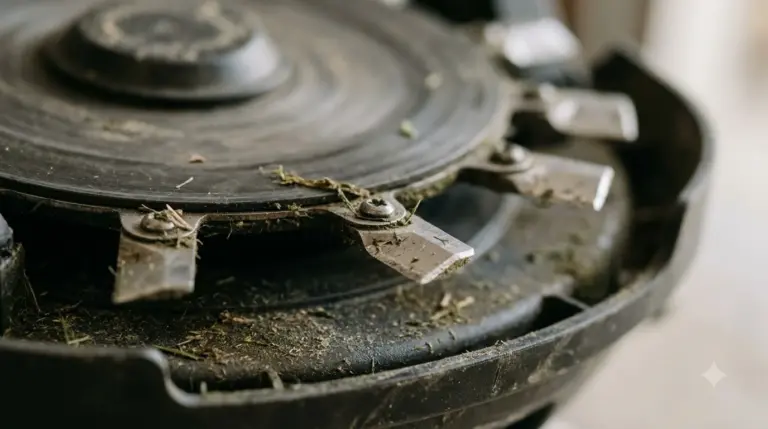
Torn or uneven cuts usually mean dull blades. Euronics suggests replacing them every one to three months, depending on lawn size and how often the mower runs. Never sharpen robot mower blades at home. Power the mower off or disconnect it before you touch the blades, and replace them with the correct part for your model. A jammed disc or tangled grass can trip the cutting motor, which is why blade motor error causes belong on any basic checklist. Grass packed into the tread reduces grip quickly, and wheels slipping on wet lawns often explain a mower that stalls on its usual route.
Husqvarna’s guide warns about vibration. Unusual shaking often means a damaged or missing blade, and the guide says there should be no more than three blades on each disc. Grass that builds up around the blade shafts can slow the disc or shorten runtime. Clean the disc and the wheels, and confirm the disc turns freely before you run any further tests.
Heads up
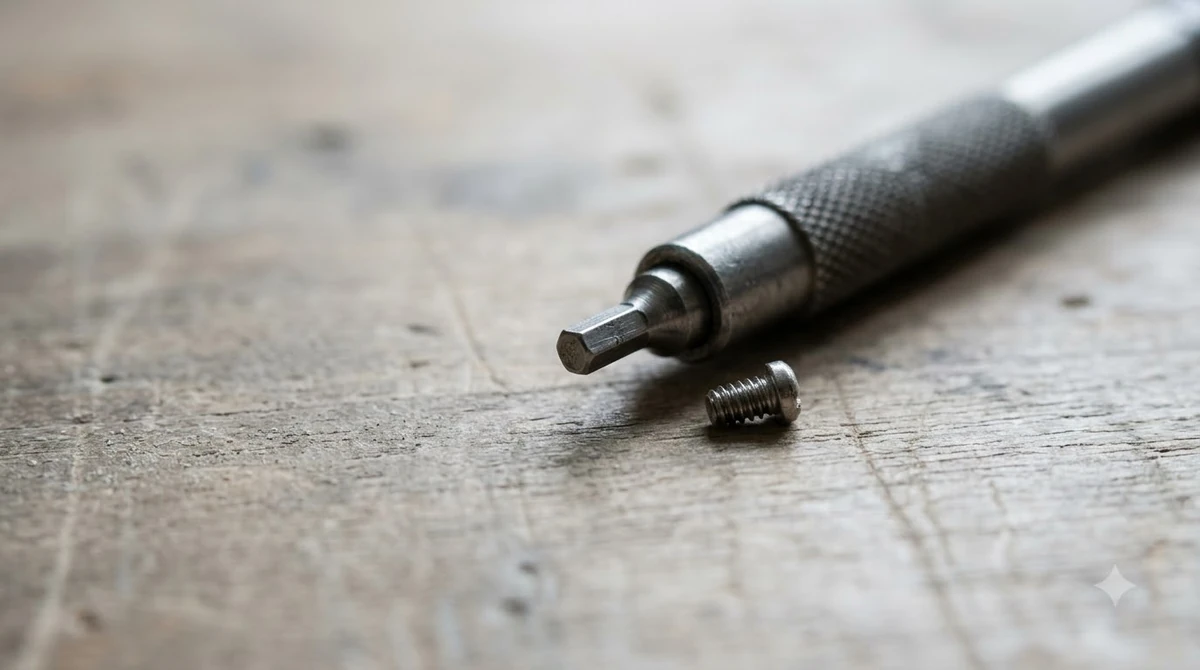
Blades are sharp even when the mower is off. Remove the battery or unplug the power supply first, and wear gloves when you inspect the underside.
Robot lawn mower problems with software and apps
Many faults that look mechanical are software issues. Euronics says to check for pending updates first, then restart the mower and the phone. Mowers that run at the wrong time usually need the clock or schedule reset in the app, and the manual covers the exact steps for each model.
If the app will not connect, check that the mower and phone are on the network the app expects, then try the reset steps in the manual. Do not guess at settings you do not understand, because changing the working area or height can make the mower behave in ways that look like a fault.
Cutting height and mowing time
A mower that struggles through tall grass may simply be set too low for the current growth. Husqvarna recommends raising the cutting height first, then lowering it gradually to the height you want, so the mower does not work too hard on one pass. Shorter mowing time between charges can have several causes, including buildup in the blade disc, dirty wheels, and an aging battery, so work through those checks in order.
What to check before you call for service
Work through the simple checks first, and keep notes on what you tried. Service staff will ask about the error message, when the problem started, and whether a recent storm, lawn project, or software update came before it.
- Boundary wire: walk the full perimeter and check every connector.
- Charging dock: clean the contacts and confirm the dock sits on level ground with a clear approach.
- Blades and wheels: inspect the blades and clear the wheels and disc.
- Software: install pending updates, then restart the mower and the phone.
- Battery: run the battery test in the manual and compare runtime with the original.
Some faults need a technician, including a mower that will not power on, a faulty stop button or cover switch, and any internal error that a restart does not clear. Euronics recommends bringing the mower in for diagnosis in those cases rather than opening it at home.
Related reads: If the mower halts partway through a session, beeping and stopping mid-cut causes cover the command, ground and signal triggers. Circling usually points to grip, sensors or the boundary rather than a failed motor, and spinning in circles causes are listed in one place.
Frequently asked questions
Why does my robot lawn mower keep stopping?
The most common cause is the boundary wire. A break, a loose connector, or a weak signal can stop the mower mid-cycle. Walk the perimeter and check each connection, then test the signal from the docking station.
What does a “no signal” error mean on a robot mower?
It means the mower cannot detect the boundary wire signal. Check the wire for breaks and the connectors for corrosion or looseness. If the wire is intact, check the docking station and the power supply.
How often should I replace robot mower blades?
Euronics suggests every one to three months, depending on lawn size and how often the mower runs. Replace blades sooner if the cut looks torn or the mower vibrates.
Can I fix a robot mower that will not charge myself?
Start by cleaning the charging contacts on both the mower and the dock, and make sure the dock is on level ground. If the mower still does not charge, check the power supply and contact the manufacturer or a servicing dealer.
Sources
- The Ultimate Husqvarna Automower Troubleshooting Guide (Husqvarna): vibration, blade count, battery test, cutting height, dealer advice.
- Robot Lawnmower Troubleshooting and Maintenance Guide (Euronics): boundary wire, charging contacts, blade interval, software updates.
 Up next8 min readLearneufy E15 Mapping Problem: Causes and FixesUpdated Nov 11, 2026
 9 min readLearnAnthbot M5 RTK Station Setup Problems: Causes and FixesUpdated Nov 11, 2026
 7 min readLearnHusqvarna Automower App Problems and FixesUpdated Nov 13, 2026
 6 min readLearnRobot Mower Making Loud Noise? Causes and FixesUpdated Nov 13, 2026
 6 min readLearnWhy Does My Robot Mower Spin in Circles? Causes and FixesUpdated Nov 14, 2026
 7 min readLearnRobot Mower Error No Loop Signal Meaning: Causes and FixesUpdated Nov 14, 2026