
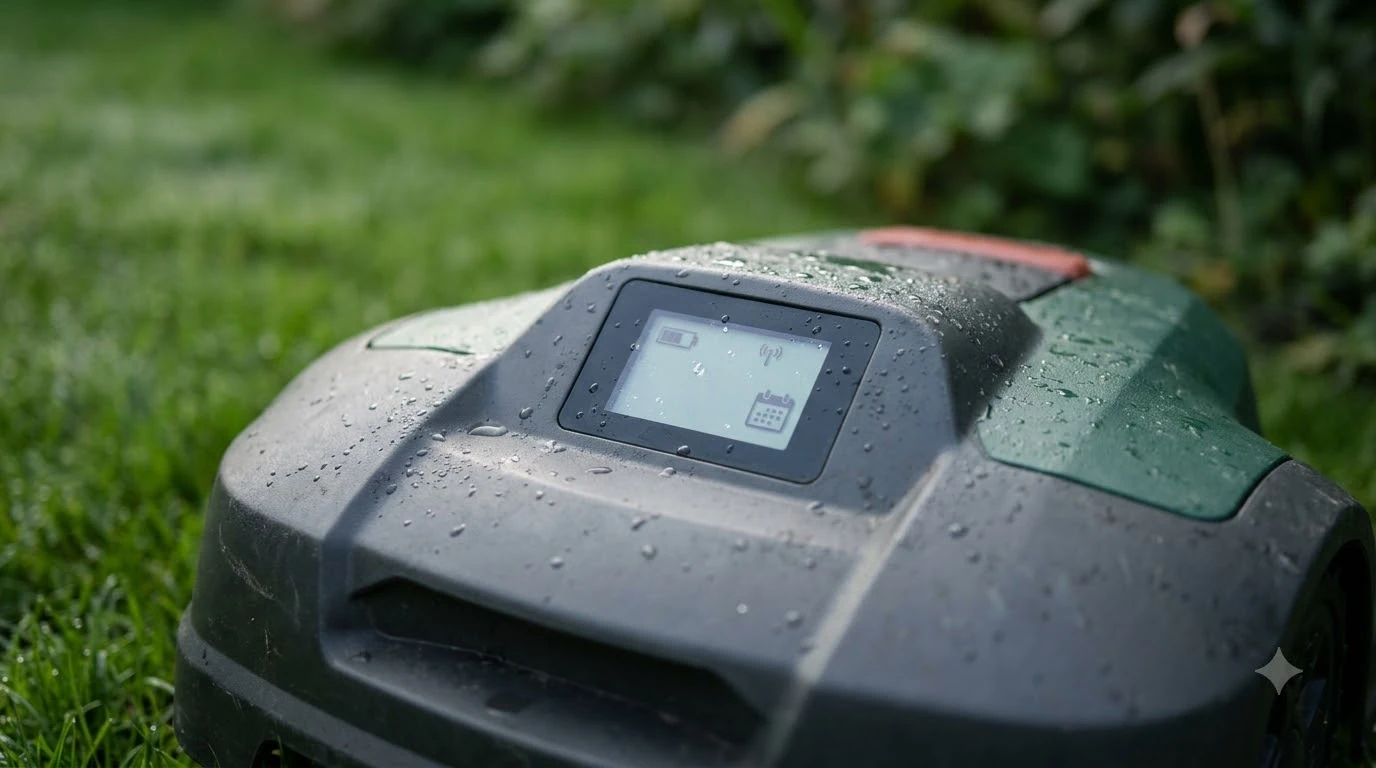

What do robot mower error codes mean? Most codes point to one of a few situations: the mower was lifted, tilted or turned over; it is blocked or hit an obstacle; it lost its boundary or cannot find its charging station; or a motor, battery, charger or camera needs a check. The exact meaning depends on the brand, so the code on the display or the message in the app is the final reference.
The short answer
- Read both places. Sunseeker mowers show the code on the display and the matching message in the app.
- Sort the code into a family. Movement, blade and wheel, charging and battery, or camera and system.
- Remove the cause first. Power off, move the mower to a clear, flat area, power on, then clear the error.
- Call support when the same code returns after those steps.
Codes are not standard across brands
Each manufacturer sets its own code numbers, so the same number can mean different things on different machines. That is why the answer to what do robot mower error codes mean depends on the brand. We did not find one code list that applies to every brand. The codes in this guide come from two manufacturer support pages we read directly: a Sunseeker support article and a Husqvarna support page. Use the tables below as a map of common meanings, not as a full manual for your model.
What do robot mower error codes mean, and where to read them
Sunseeker’s article says the mower’s display shows the code, such as E1, while the app shows the matching text, such as “Out of boundary.” Husqvarna’s guidance is to check the app or the mower’s display for the detailed error, remove the cause, and then clear the error before restarting.
Husqvarna also separates errors by how they are cleared. If the app shows “Reset Error,” you can clear it from the app and restart the mower. If it shows “manual action required,” the error cannot be cleared remotely for safety reasons, and you clear it on the mower itself. On the display, that means waking the screen, pressing STOP and entering your PIN.
Movement and position codes
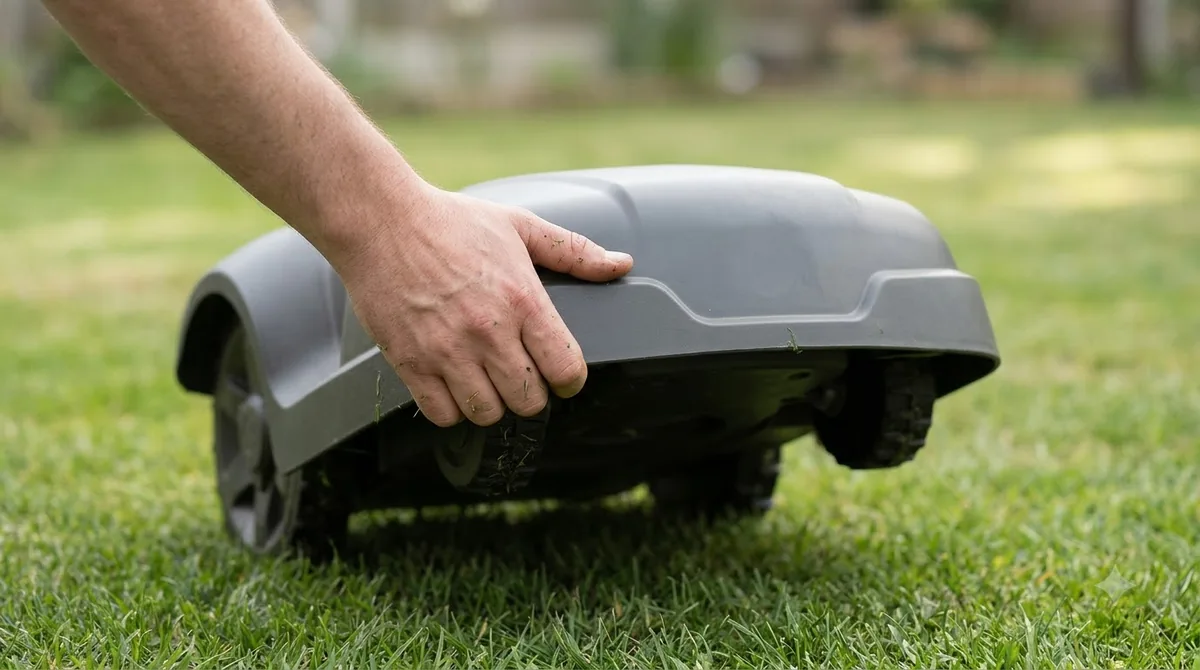
When owners ask what do robot mower error codes mean, the movement codes are usually the answer, because they trigger whenever the mower is lifted, flipped, or moved outside its work area. Sunseeker lists the following meanings and first steps.
| Code | App message | Meaning | Suggested first step |
|---|---|---|---|
| E1 | Out of boundary | Outside the working area, or the boundary cannot be detected | Guide the mower back inside and check the camera is not blocked |
| E4 | Collision | The mower hit an obstacle | Power off, move it to an obstacle-free area, power on |
| E5 | Lift | The mower was lifted | Power off, move to a clear area, power on |
| E6 | Upside down | The mower was turned over | Place it on a flat surface and press START, then OK |
| E7 | Tilt | The slope is too steep, or the mower was lifted | Check the slope, place it on a flat surface, then press START, then OK |
| E9 | Trapped | The mower is stuck | Power off, move it to an obstacle-free area, power on |
Our reading: E7 is the code to check against the lawn itself. Sunseeker gives two possible causes, so if the mower sits on flat ground and the tilt error keeps returning, check whether it was lifted during its last move or docked on an uneven spot. How the tilt sensor on a robot mower works explains why a small tip can trigger the code. If the lift code appears with nothing touching the mower, read about a lifted error that keeps appearing.
Blade and drive codes
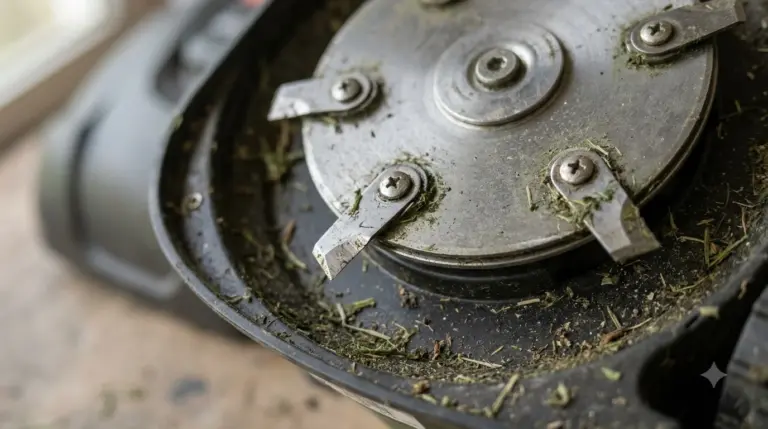
Blade and wheel codes mean the mower cannot turn its cutter or drive properly. On Sunseeker models, E2 is a wheel motor fault and E3 is a blade that cannot rotate. For E3, the article’s steps are to power off, flip the mower, and remove anything blocking the blade before setting it upright again.
- Power off. Turn the mower off before touching the cutter.
- Flip the mower and clear the blade. Remove grass, string or debris that blocks rotation.
- Set it upright and try shorter grass or adjust the cutting height.
- If the code stays, Sunseeker says the cutter disk may have failed, so the part needs a closer look.
For E2, the article suggests the same power-off and clearing steps. If the fault persists, the front wheel motor may have failed, so the wheel and motor need inspection before the mower runs again.
Charging and battery codes
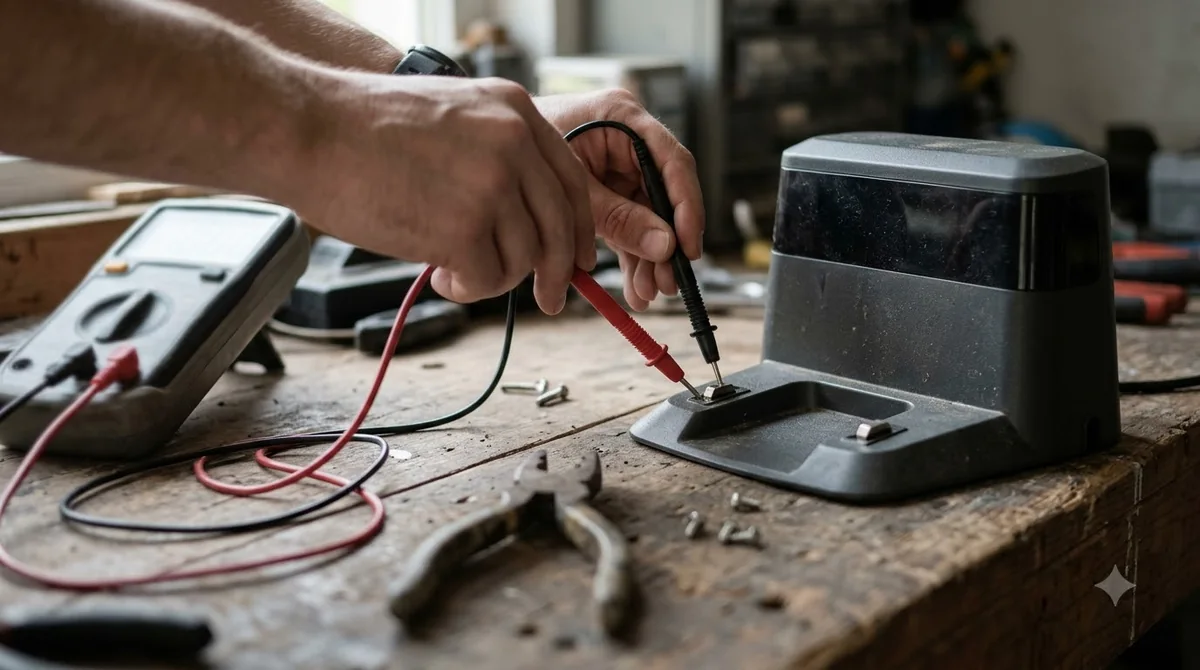
Charging codes usually point to the station, the contacts, or the battery. If you wonder what do robot mower error codes mean when the mower will not charge, Sunseeker’s list covers the codes below.
| Code | Meaning | Suggested first step |
|---|---|---|
| E8 | Docking error: the mower had trouble reaching the charging station | Check the slope and any lifting, clear obstacles around the station, and check its power supply |
| E12 | Battery error | Restart, then check the battery cable connection to the mainboard; replace a damaged charger or battery |
| E13 | Charging error: the mower is not charging properly | Clean the charging contacts with alcohol, confirm the station has power, and set it on level ground |
| E17 | Cannot find the charging station | Level the station, make sure the grass around it is not bare or sparse, and place the mower on the station to confirm it charges (green light flashing) |
| BP | Battery temperature out of range | Let a hot battery cool, or wait until it is above 5 °C if it is cold, then press START, then OK |
Our reading: charging codes often come back after a power or contact problem, so check the power supply and contacts before assuming a part has failed. The article says to replace the battery if BP persists. For a mower that will not charge at all, see the robot mower not charging fix guide, and if it fails to dock rather than charge, read why a robot mower is not returning to base.
Camera and system codes
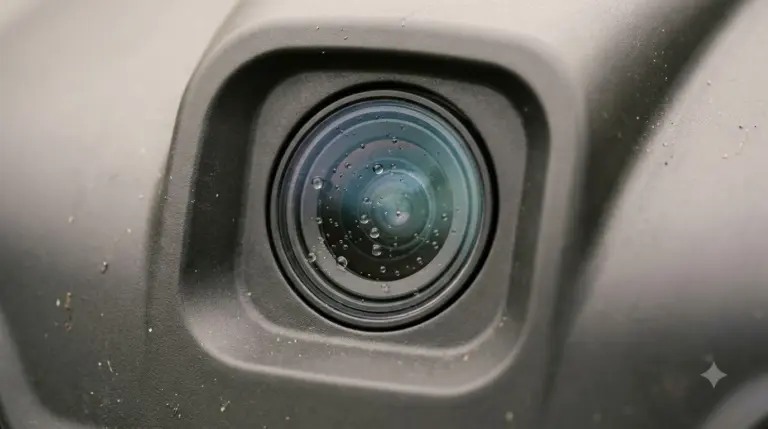
Camera and general system codes are the least specific. Sunseeker’s E22 means the camera is blocked or there is not enough light, and its fix is to clear the obstruction, wipe the lens, and avoid running the mower at night. The code EE is a general system or camera fault. The first step is a restart, then checking that the camera is clear and the mower is not running after dark. The article does not match EE to an app message, so read the app text too.
A first-fix order that matches the manufacturer steps
Both support pages put the cause first and the clearing second. Once you know what do robot mower error codes mean for your model, this is the order we suggest for most codes.
- Read the code and the app message. Write both down before you change anything.
- Power off. This is the first step for most movement and blade codes.
- Remove the cause. Clear the obstacle, set the mower upright, unblock the camera or blade, or move it off the slope.
- Power on and clear the error. On Sunseeker models, press START, then OK. On Husqvarna models, use “Reset Error” in the app if it is offered.
- Restart and watch. If the code returns, check the battery, contacts and station before moving to parts. Our steps for how to reset a robot mower cover a full restart.
- Contact the brand or a dealer if the code persists or the app says manual action is required.
What to check before you call support
Support teams will ask for the same details when you ask what do robot mower error codes mean on your own unit, so gather them first. Our suggestion is to note the model, firmware version, the code on the display, the app message, and what the mower was doing at the time, such as mowing, docking or charging. Also note whether the mower was lifted, moved or rained on, and take photos of the blade, wheels and charging contacts if they look damaged.
Heads up
The Sunseeker article lists fixes that may not match every model, and the Husqvarna page covers only some Automower models. Check your own manual before you open the mower or replace a part.
Frequently asked questions
Is a robot mower error code always serious?
No. Several movement codes, such as Lift or Collision on Sunseeker models, clear once the mower is moved to a clear area and restarted. Codes that repeat after that, and battery, charging or motor codes, need a closer check.
Why does the same code come back after a restart?
Usually the cause is still there. Sunseeker’s steps say to remove the cause before clearing the error, so a lift, tilt, obstacle or blocked camera will trigger the code again. This is our reading of the article’s order.
Can I clear an error from the app?
Sometimes. Husqvarna’s page says errors shown as “Reset Error” can be cleared from the app and the mower restarted. Errors marked “manual action required” are cleared on the mower, not remotely.
Do I need the manual for my exact model?
Yes. What robot mower error codes mean differs between brands, and the two support pages we read cover only their own products. The manual or app text for your model is the final reference.
Sources
- What does the error code on display and error message on APP mean? (Sunseeker support): code list with app messages, meanings and suggested fixes.
- How to restart or reset your Automower robotic lawn mower (Husqvarna support): how errors are shown, clearing with Reset Error or PIN, and manual action required.
 Up next7 min readLearnRobot Mower Blade Motor Error: What It Means and What to Check FirstUpdated Nov 12, 2026
 9 min readLearnRobot Mower Lifted Error Keeps Appearing: Causes and FixesUpdated Nov 11, 2026
 7 min readLearnRobot Mower Error No Loop Signal Meaning: Causes and FixesUpdated Nov 14, 2026
 7 min readLearnDreame Robot Mower LiDAR Error: What It Means and How to Fix ItUpdated Nov 11, 2026
 8 min readLearnSegway Navimow Positioning Lost? What It Means and 6 Simple Fixes to TryUpdated Nov 10, 2026
 7 min readLearnRobot Mower App Not Connecting? Check These Causes FirstUpdated Nov 12, 2026