
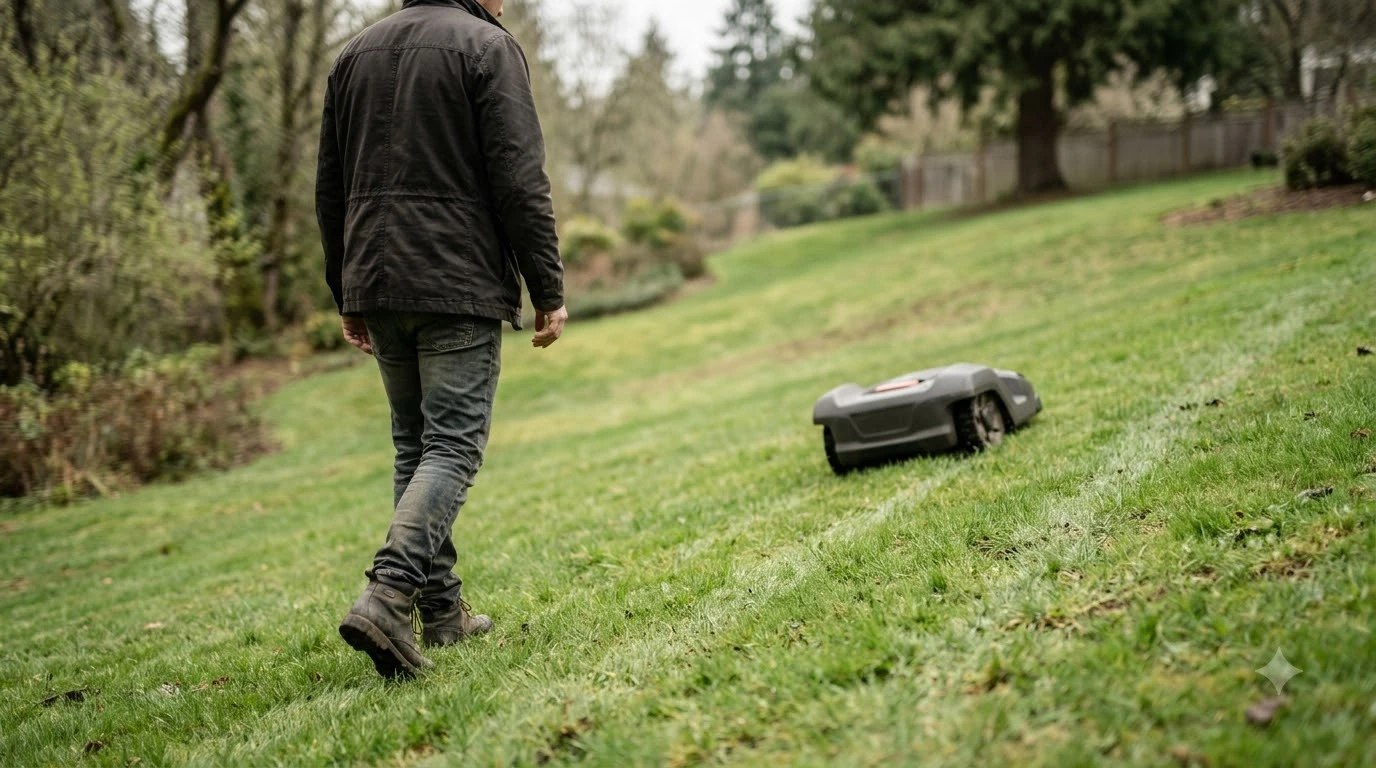

What is a tilt sensor on a robot mower? It is an angle sensor that measures how far the mower body leans away from level, and it stops the mower when that lean passes a limit set by the manufacturer. The sensor works like an inclinometer, so it reads the body’s angle against gravity. It is a safety feature, and it is separate from the slope rating printed on a spec sheet.
The short answer
- What it is: an angle sensor inside the mower body, sometimes described as a tilt indicator or inclinometer.
- What it does: it detects when the body is lifted or leaned beyond a permitted angle, then the mower stops and shows an alarm.
- What it is not: a slope rating. The rating says how steep a hill the mower is built to climb, while the tilt trip is a stop signal.
- What to do: remove the cause, enter the PIN, and restart. Check the model manual for the exact angle limit.
What is a tilt sensor on a robot mower, and what does it measure?
A tilt sensor reports the angle of the body relative to gravity, which is why it is also called an inclinometer. Wikipedia describes an inclinometer as an instrument for measuring angles of slope, elevation, or depression, and notes that it can report the result in degrees, in percentage points, or in topos. The Wikipedia inclinometer article gives this general definition, and our reading is that the same idea applies inside a mower.
What is a tilt sensor on a robot mower in practice? It works as a safety input, and the owner usually sees only its result: a stop and an alarm when the body moves past the permitted angle. The pages read for this guide do not describe the sensor’s readings as something the owner can check on the lawn, so the alarm is the signal to act on.
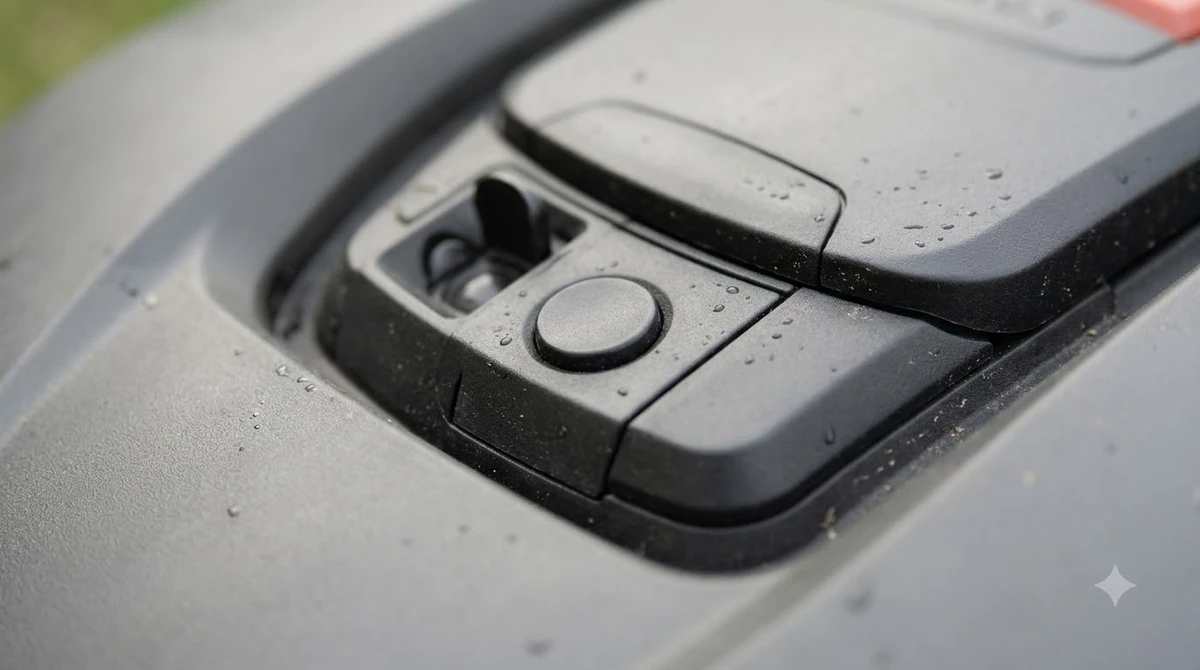
Tilt sensor versus slope rating
A slope rating is a claim about climbing ability, while a tilt trip is a safety stop. Robot mower slope rating explained covers how percent and degrees compare. The two are related, but they answer different questions. The slope rating tells you the steepest grade the mower is designed to work on, and the tilt sensor tells the machine when its body has leaned too far to keep running safely.
- Slope rating: a spec for how steep the mower can climb, usually printed as a percent or as an angle. Our reading is that it is the figure to compare when you shop.
- Tilt or lift trip: a stop caused by the body reaching an angle the maker has set as unsafe. The Husqvarna pages list several causes beyond the slope itself, covered in the next section.
- Inclination error: Husqvarna’s “upside down” page describes an error that appears when the inclination sensor registers a value too high for safe operation. It lists a slope that is too steep for the product’s specification as one of the causes.
In practice, a mower that trips on a hill is telling you that the lawn, the boundary, or the body position is outside what it is set up to handle. Husqvarna’s advice on that page is to exclude the steep slope from the mowing area by adjusting the work area or adding a stay-out zone, or by moving the boundary wire on wired systems. Our guide to setting up no-go zones on a robot mower covers the app side.
What happens when the sensor trips
When the sensor trips, the mower stops and displays a message, and the error has to be cleared before the mower goes back to work. Husqvarna’s lift-sensor page says the message appears when the sensor “detects that the mower has been picked up or tilted beyond the permitted angle,” and that the mower has stopped and is showing the message.
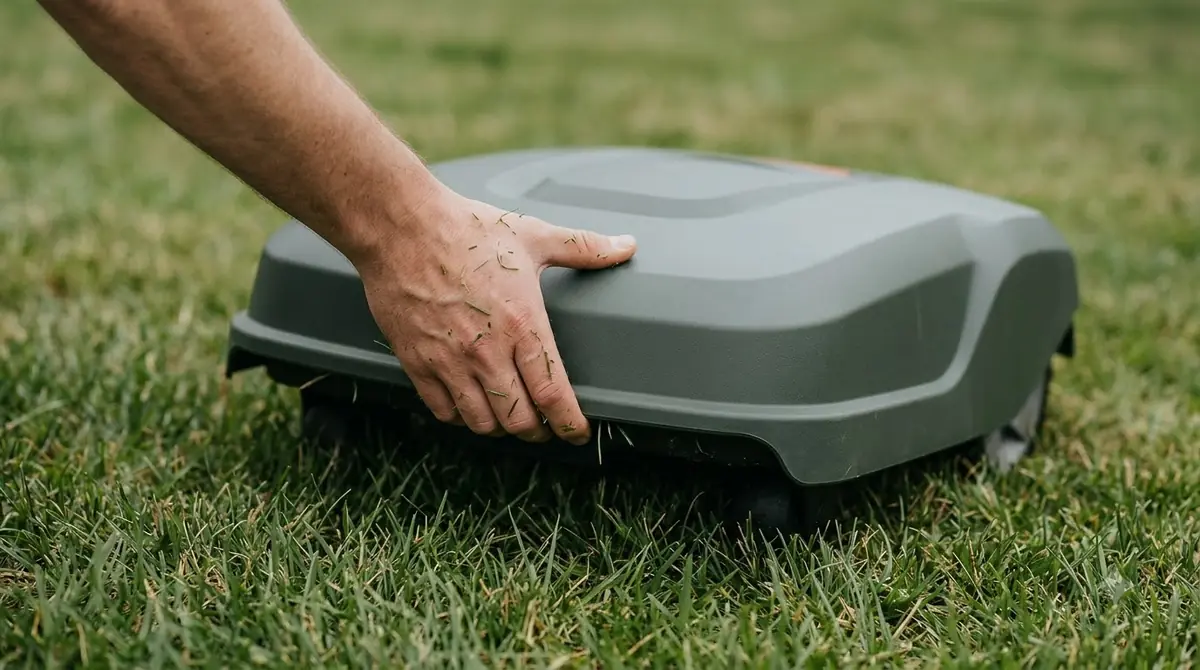
The pages read for this guide do not say what the blades do for every tilt or lift error. Husqvarna’s upside-down page does not mention the blades, so this article does not state a blade behavior for that error. Check the operator’s manual for your model if blade behavior matters for your safety plan.
Common triggers on a working lawn
Husqvarna lists several everyday causes for a lift or tilt trip. Most of them come down to the body moving more than the sensor expects, or something pressing on it.
- Slopes near the boundary wire: if the mower slides over a hill, the tilting motion can trigger the sensor, and a wire set too close to a slope can make this more likely.
- Raised roots and stones: driving over them can make the mower tilt sharply.
- High grass or a low cutting height: Husqvarna lists both as causes, and our reading is that the extra drag can tilt or lift the body.
- Hard surfaces: Husqvarna says abnormal vibration on gravel, stone, or paved surfaces can trigger the lift sensor.
- Debris and loose parts: grass or mud caught between the body and the chassis can press on the sensor, and so can a loose body panel.
Our reading is that the first two checks for a repeat trip are the slope near the wire and any debris under the deck, because those are the causes you can fix without a technician. A mower that keeps stopping is covered in the lifted error that keeps appearing, and slopes are covered in whether robot mowers tip over on hills.
How to clear a tilt or lift error
Clear the cause first, then clear the alarm on the mower. Husqvarna’s reset guidance says the cause of the error must be removed before a restart, for example by removing an obstacle or placing the mower upright.
- Move the mower by hand. Take it to a flat, clear surface, and note where it stopped so you can check that spot later.
- Remove the cause. Remove obstacles, place the mower upright, clear debris from the deck and chassis, and check that the body is fully seated on all corners.
- Enter your PIN. Husqvarna says some errors cannot be cleared remotely, and tilted or collided with an obstacle is one of its examples. Enter the PIN on the mower to stop the alarm.
- Restart the mower. If the app shows “Reset Error,” tap it and restart the mower from the app, following the model’s steps.
- Watch the next run. If the message returns, the cause is still present, so look again at the slope, the wire, and the cutting height.
What the manuals do not publish
What is a tilt sensor on a robot mower if its trip angle is not published? It is still a safety stop, but the limit is not stated. The Husqvarna pages read for this guide give no tilt angle or percentage threshold for the trip. The lift page refers only to “the permitted angle,” and the upside-down page refers to the product’s specification without giving a figure. This is a gap for buyers who want a clean number, because the trip point is the figure that decides whether a slope is safe for a given machine.
For a wider look at the other sensors on a mower, see how robot lawn mowers work with wire and sensors. Our reading is that the best place to find the number is the operator’s manual for the exact model, under its safety or sensor section. If the manual gives only a slope rating, treat it as the climbing limit, and expect the tilt trip to act on the body angle when the mower is lifted, bumped, or pushed into a tilt.
Frequently asked questions
What is a tilt sensor on a robot mower?
It is a sensor that reads the body angle against gravity and stops the mower when the angle passes the permitted limit, which sets off an alarm that must be cleared. It is separate from the slope rating on the spec sheet, which describes how steep a hill the mower is built to climb.
Why did my robot mower stop with a tilt or lift message?
The sensor detected a lift or a tilt beyond the permitted angle, so the mower stopped. Common causes include slopes near the boundary wire, roots or stones, high grass, debris under the deck, and vibration on hard surfaces.
Can I clear a tilt error from the app?
Sometimes. Husqvarna says some errors cannot be cleared remotely, and it describes a PIN entry on the mower for those cases. If the app shows “Reset Error,” you can tap it and restart from the app after the cause is removed.
What tilt angle triggers the sensor?
The Husqvarna pages read for this guide do not publish a degree or percent threshold. Check the operator’s manual for your exact model, because the limit is set by the manufacturer and differs between products.
Sources
- Inclinometer (Wikipedia): definition of an inclinometer or tilt sensor, measurement of angle against gravity, and degrees, percent, and topo units.
- Lifted/Alarm! Mower lifted (Husqvarna): what the lift sensor detects, possible causes, and clearing steps.
- Upside down (Husqvarna): the inclination error, steep-slope causes, and stay-out zone advice.
- How to restart and reset Automower and handle error messages (Husqvarna): PIN entry, remote clearing, and the Reset Error step.
 Up next8 min readLearnDo Robot Mowers Have Blade Stop Sensors? What Lift and Tilt Sensors DoUpdated Nov 11, 2026
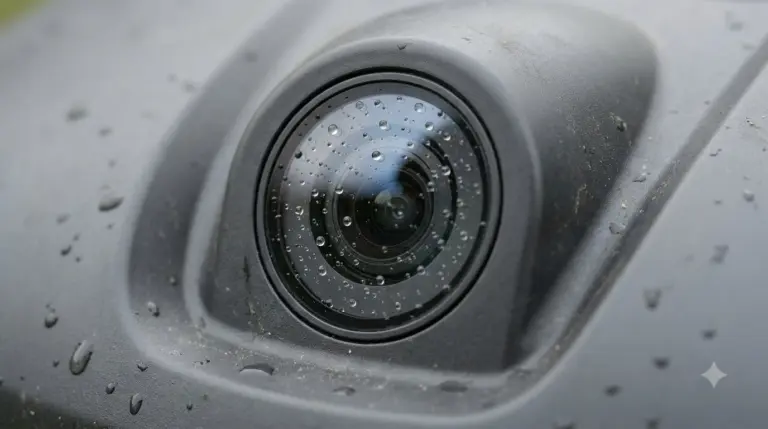 8 min readLearnHow to Clean Robot Mower Sensors Safely, Step by StepUpdated Nov 12, 2026
 7 min readLearnAre Robot Lawn Mowers Safe? What Sensors Do and Don’t CoverUpdated Nov 13, 2026
 10 min readLearnHow to Troubleshoot a Robot Mower Hall Effect Wheel SensorUpdated Nov 19, 2026
 9 min readLearnHow Long Does It Take to Set Up a Robot Mower?Updated Nov 11, 2026
 7 min readLearnRobot Mower Wheels Slipping on Grass: Causes and FixesUpdated Nov 11, 2026