
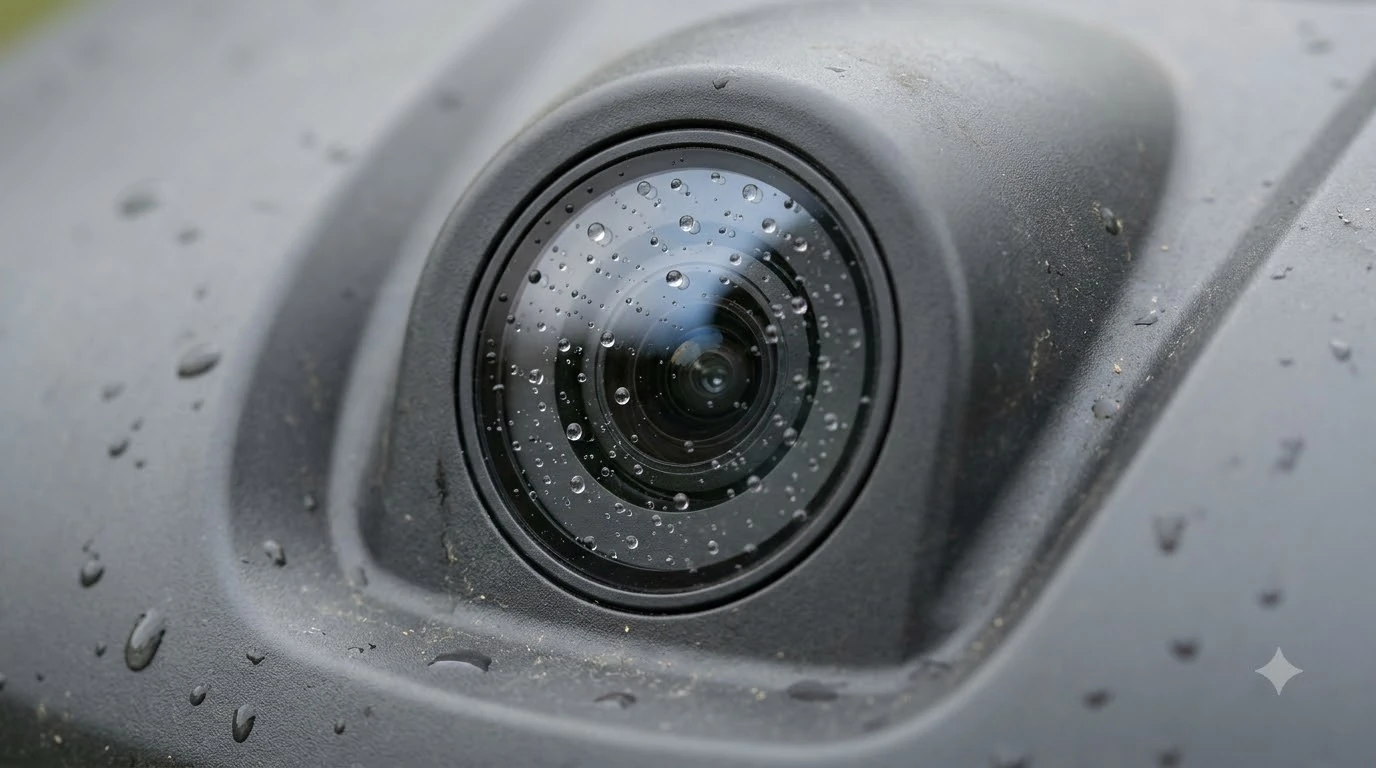

How to clean robot mower sensors: switch the mower off, rinse loose debris from the camera or LiDAR area with clean water, then wipe the lens with a soft cloth. Brands agree on the basic steps, but they differ on water, so check your model’s IP rating before you use a hose.
The short answer
- Power off the mower before any cleaning, and again before you turn it upside down.
- Rinse loose particles from the camera with clean water, without pressure.
- Wipe the lens gently with a soft or microfiber cloth.
- Avoid abrasives, solvents, harsh chemicals and pressure washers.
Why clean robot mower sensors at all
Sensors help a robot mower see obstacles and keep its path, and dirt on them can get in the way. Knowing how to clean robot mower sensors early in the season saves trouble later. Mammotion notes that pollen and dust on the camera can reduce obstacle recognition, which matters most in spring and summer when grass grows fast and pollen is heavy.
Because the sensors drive navigation, a clean lens is part of safe operation rather than a cosmetic step. If you only want a quick answer to how to clean robot mower sensors, the short list above covers it, and the sections below explain each step. A short, fixed routine that you repeat in the same order each time makes it less likely that the sensor check gets skipped in a busy season.
Husqvarna gives a clear warning sign. On models with AI vision, the app can show “No object detection available,” which indicates the lens may be obstructed or dirty. A cleaning check is the first thing to try when that message appears.
Turn the mower off before you start
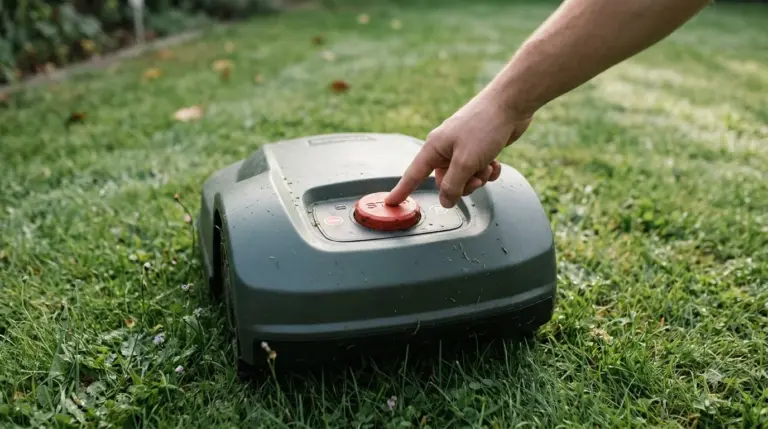
Turn the mower off before you touch any sensor. Mammotion says the robot must be completely powered off before cleaning begins, and it also says to turn the robot off before turning it upside down. Husqvarna lists the same rule as step one of its cleaning routine for the mower body.
Husqvarna’s routine also begins with protective gloves before you handle the mower, which is a sensible habit when you work around blades. That is the safe start to any sensor cleaning job: power off, gloves on, then turn the mower over.
How to clean robot mower sensors step by step
Camera-equipped mowers need a light touch when you clean robot mower sensors. Husqvarna’s cleaning guide for AI vision models starts by locating the camera on the front of the mower. The steps that follow are short and simple. Our robot mower camera lens cleaning kit guide looks at which supplies are worth having.
- Find the camera. It sits on the front of the mower.
- Rinse loose debris. Gently rinse away loose particles with clean water.
- Wipe the lens. Wipe the lens carefully with a soft cloth.
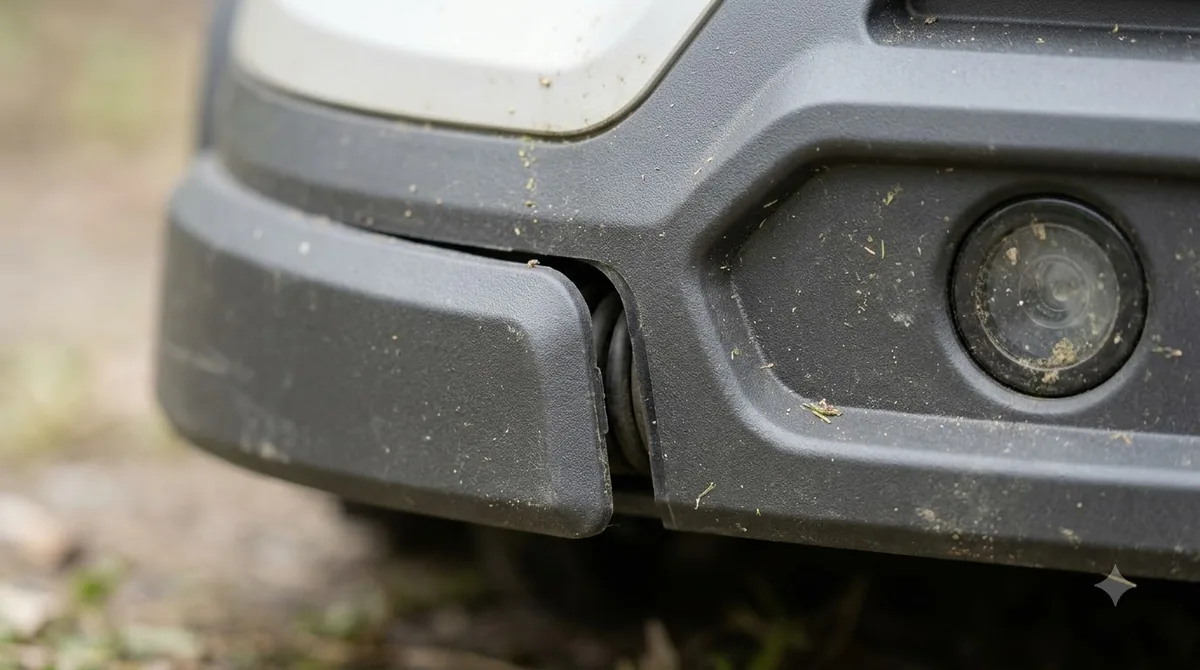
- Look for damage. Our reading is that a cracked or scratched lens should be checked by the manufacturer rather than cleaned harder.
Mammotion gives the same advice for the LiDAR module: wipe the vision camera lens and the LiDAR module with a microfiber cloth to remove stains. It also warns against putting pressure on the LiDAR module when you lift or handle the robot, especially when it is upside down.
What to use and what to avoid
For most sensors, clean water and a soft cloth are enough. Microfiber works well because it lifts fine dust without scratching the lens, and our note on a microfiber cloth for a robot mower camera lens explains what to look for. Husqvarna’s camera guide says the lens can be scratched or damaged by abrasive materials, solvents and harsh chemicals, so keep those products away from the sensor area.
- Use: clean water and a soft or microfiber cloth.
- Avoid: abrasive pads, solvents and harsh chemicals on any lens.
- Do not use: a pressure washer. Husqvarna says never to use a high-pressure washer on the mower or the charging station.
- Check the IP rating: Mammotion says water resistance depends on the IP rating. A garden hose on low pressure may be acceptable for high-rated models, while lower-rated models need a brush and a damp cloth. Our guide to what IPX4, IPX5 and IPX6 mean explains the ratings.
The water rule is where brands differ most, so it is the first thing to check when you learn how to clean robot mower sensors on a new model. Husqvarna says some of its models can be washed with running water such as a garden hose, but never with a high-pressure washer.
Read your manual before you rinse a mower with a hose, and treat the sensor area as the most delicate part of the machine.
Clean the body, wheels and underside too
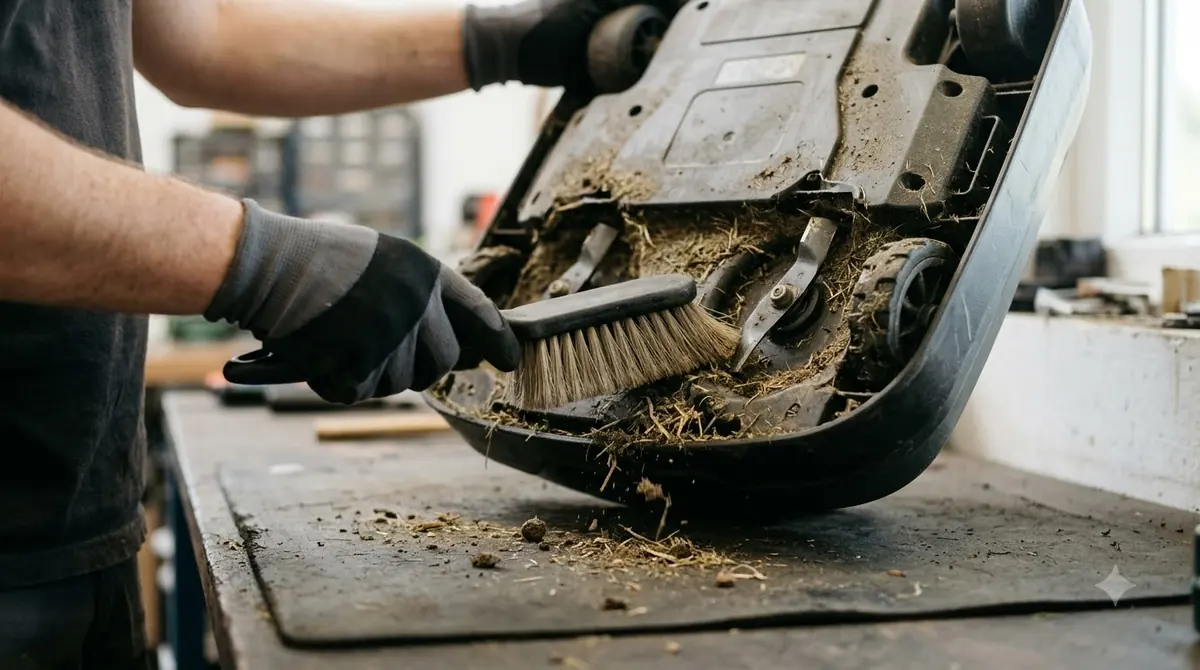
Sensors are easier to keep clean when the rest of the mower is clean too, and our full walkthrough on how to clean a robot mower safely covers the body in more detail. Husqvarna’s full routine starts with the mower upside down and removes large clumps of clippings by hand, taking care around the skid plate and blades.
- Remove clumps. Pull chunks of clippings off by hand, avoiding the skid plate and blades.
- Brush the underside. Brush clippings from the skid plate, wheels and body.
- Check the charging plates. Inspect them, and clean with fine emery cloth only if needed. See cleaning corroded charging contacts if they look dull.
- Flip it back. Turn the mower upright to clear any loose clippings.
- Wipe the body. Use a damp cloth with a little mild soap if needed.
The charging station has its own routine, since debris around the dock can interfere with docking. Husqvarna says to disconnect the power supply unit first, clear away grass, leaves and twigs that could block docking, and wipe the surface with a damp cloth. Running water is allowed on the charging station only for certain models, so check your manual before you rinse it.
Husqvarna’s routine covers the chassis and body in one pass. Our reading is that a short brush after wet or heavy mowing is easier to keep up than one large clean at the end of the season.
How often to clean robot mower sensors
No brand gives one fixed number for sensor cleaning. Mammotion suggests cleaning about once a week or every other week during the growing season, and it says the camera may need brushing each week when grass is very wet or when pollen and dust build up.
Husqvarna has no fixed schedule for the camera and tells owners to inspect it after mowing in wet or dusty conditions. For the whole mower, Husqvarna recommends regular cleaning for optimal performance and a long operational life, plus a thorough professional cleaning at the dealer after each season.
Clean robot mower sensors more often when the lawn is wet, dusty or heavy with pollen, and less often in a dry season with little growth. Mammotion’s weekly brushing advice in those conditions is a useful starting point. In practice, check the sensors after every wet mowing run and every dusty week. That gives you a schedule based on conditions, which matters more than a calendar date for most yards.
When the sensor warning stays after cleaning
If the warning remains after you clean the lens, the sensor may be damaged or the problem may not be dirt at all. Check the lens for cracks or scratches first, then look up the exact error in your model’s manual or support page before you try anything else.
Our reading is that pausing to check the lens is a better use of a few minutes than mowing on with a warning active, especially in a yard with children or pets. Once the lens is clean, run a short test pass and see whether the warning returns. Doing the job in this order, from power-off to the final check, keeps the routine the same every time.
Frequently asked questions
Can I hose off the sensors?
Only if the manufacturer allows it. Mammotion says water resistance depends on the IP rating, so check your model first. For lower-rated models it recommends a brush and a damp cloth instead of a hose.
How often should robot mower sensors be cleaned?
There is no single number. Mammotion suggests about once a week or every other week in the growing season, and Husqvarna says to inspect the camera after wet or dusty mowing.
What should I use to wipe the camera lens?
A soft cloth or microfiber cloth with clean water is the usual choice. Husqvarna warns against abrasives, solvents and harsh chemicals because they can scratch or damage the lens surface.
Can a dirty sensor stop the mower?
It can trigger a warning, so learning how to clean robot mower sensors comes before suspecting a fault. Husqvarna says the app shows “No object detection available” when the lens may be obstructed or dirty, so cleaning is the first step to try.
Sources
- How to clean your Husqvarna Automower (Husqvarna support): power-off step, cleaning order, no high-pressure washer, dealer cleaning after each season.
- How to clean the camera on Automower with AI vision technology (Husqvarna support): camera location, rinsing and wiping steps, materials and warnings.
- Robot lawn mower maintenance (Mammotion): power-off rule, LiDAR and camera lens cloth, IP rating and cleaning frequency.
 Up next7 min readLearnHow to Clean Under a Robot Mower Deck: 6 Easy StepsUpdated Nov 14, 2026
 6 min readLearnHow to Clean Grass Sap Off Robot Mower Titanium Blades EffectivelyUpdated Nov 19, 2026
 7 min readLearnHow to Sharpen or Replace Robot Mower Blades SafelyUpdated Nov 14, 2026
 8 min readLearnWhat Is a Tilt Sensor on a Robot Mower?Updated Nov 11, 2026
 7 min readLearnAre Robot Lawn Mowers Safe? What Sensors Do and Don’t CoverUpdated Nov 13, 2026
 8 min readLearnDo Robot Mowers Have Blade Stop Sensors? What Lift and Tilt Sensors DoUpdated Nov 11, 2026