
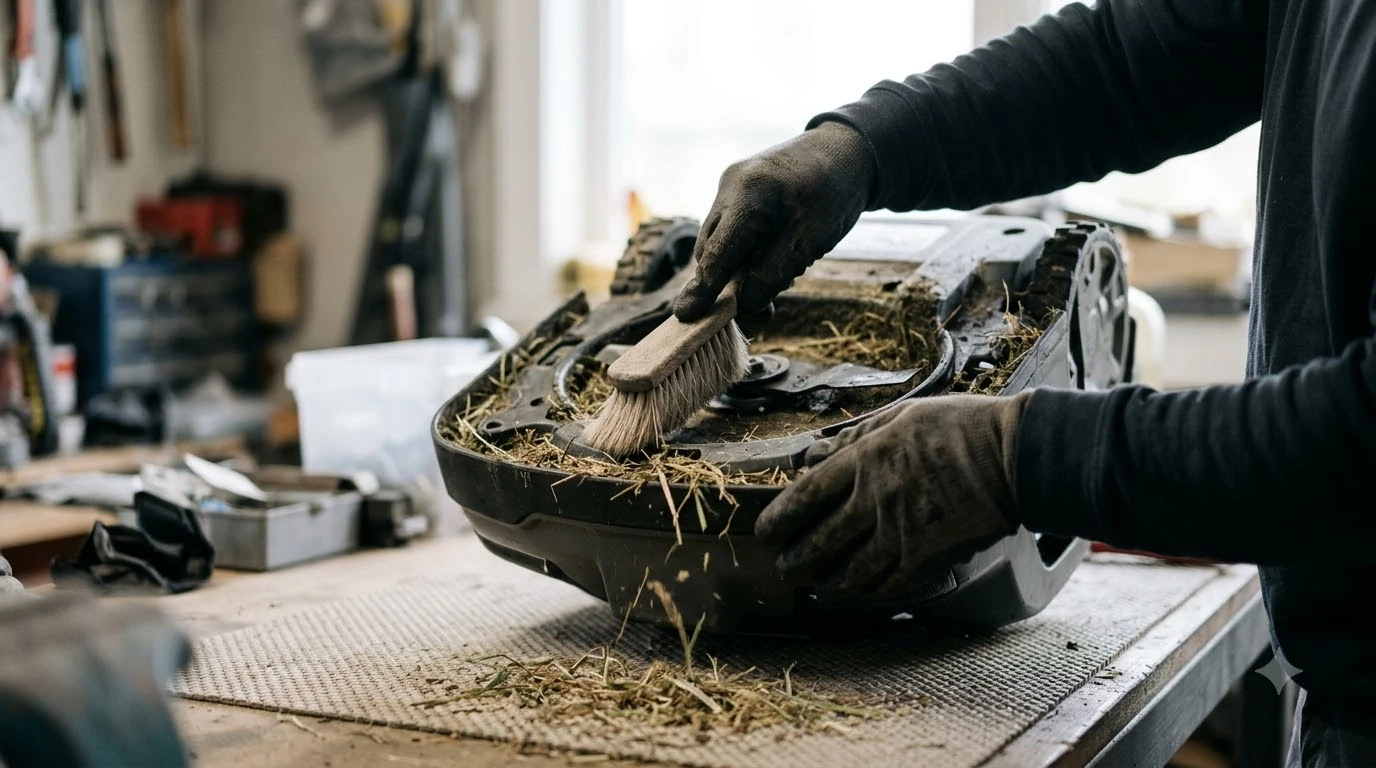

Best microfiber cloth for robot mower camera lens: a soft, fine microfiber cloth used dry for dust and with clean water or a lens fluid for smears. Mower makers name a soft or microfiber cloth but do not name a brand, and we found no independent lab test that ranks cloths. This guide explains what to look for, how to wipe, and what to avoid, as of November 2026.
The short answer
- Material: the best microfiber cloth for robot mower camera lens use is soft microfiber with very fine fibres.
- Order: rinse loose debris with clean water, then wipe with the cloth.
- Fluid: only if your mower manual allows it.
- Care: wash the cloth below 40°C with no fabric softener.
- Avoid: abrasives, solvents, harsh chemicals, and pressure washers.
What robot mower makers say to use
Husqvarna’s support page for its Automower AI vision camera asks owners to clean the lens with clean water and a soft cloth. It warns against abrasive materials, solvents, and harsh chemicals, which it says can damage or scratch the lens. Mammotion’s maintenance guide is more specific: it tells owners to wipe the vision camera lens and the LiDAR module with a microfiber cloth to remove stains.
Both makers point to the same idea, and the same care applies to vision AI camera robot mowers from other brands: the best microfiber cloth for robot mower camera lens cleaning is a soft one that will not scratch the glass. The exact steps differ by model, so your own manual may add details that the general guides leave out.
Best microfiber cloth for robot mower camera lens: what to look for
Start with the material. The best microfiber cloth for robot mower camera lens work is made from fine microfiber, which Mammotion names, and VisibleDust describes its Magic Cleaner cloth as made from ultra fine 0.1 denier microfibers. A stated fibre size is the most useful detail to check on a label, because it tells you how fine the surface is.
- Microfiber: the fabric type Mammotion names for lens and LiDAR cleaning.
- Stated fibre size: look for a denier figure such as the 0.1 denier VisibleDust lists.
- Soft, non-abrasive surface: Husqvarna warns against abrasive materials on the lens.
- Size: our reading is that a cloth about the size of your hand is easy to fold to a clean side while you work.
Our reading is that paper towels, tissues, and shirt hems are rougher than microfiber and can leave lint on the glass, so keep them off the camera. Brand claims about lens coatings are not independently tested, so treat them as the maker’s own statement.
Dust first, then wipe
Remove loose grit before the best microfiber cloth for robot mower camera lens touches the glass, using a soft robot mower cleaning brush on the body and clean water on the lens. Husqvarna says clean water gently rinses away loose particles and debris, and its guide recommends a soft cloth afterwards. ZEISS’s eyeglass cleaning guide also has you gently wipe surface dust off with a microfibre cloth, then keep using circular motions until the lens is clean.
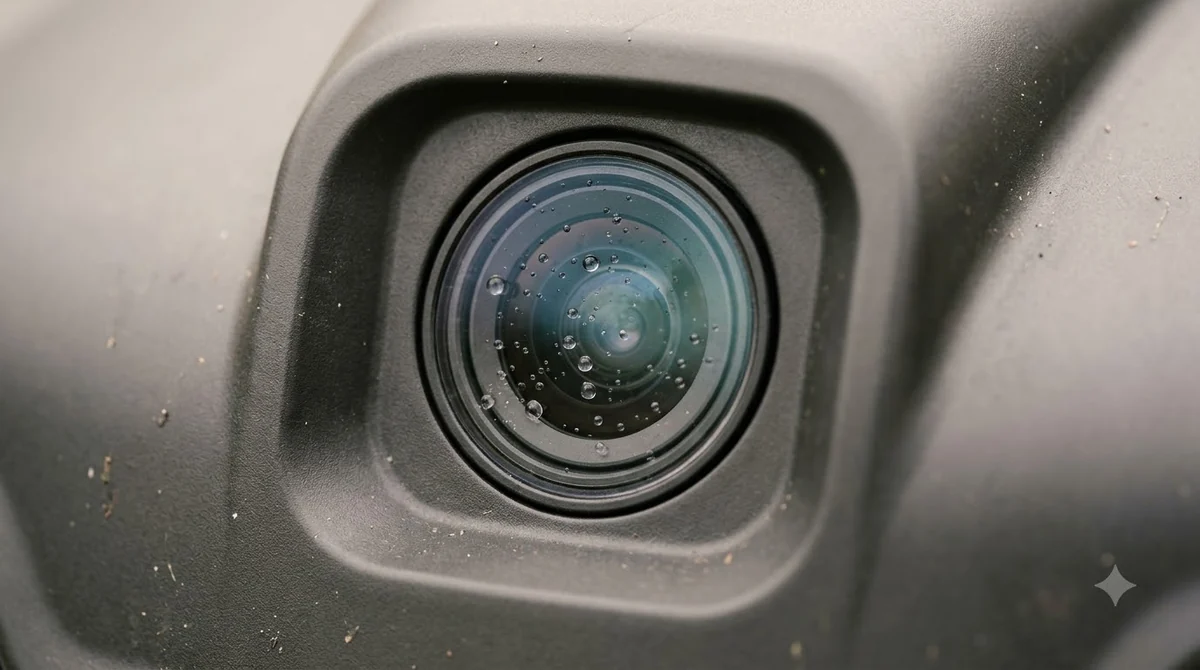
- Power off. Mammotion says the robot should be completely powered off before cleaning.
- Rinse. Use clean water to lift loose debris off the lens.
- Dry wipe. Use the microfiber cloth in gentle circles to remove what is left.
- Check. Look at the lens against a light for smears before you finish.
Lens fluid: spray the cloth or the lens
The sources disagree on where to spray. VisibleDust pairs its cloth with Lens Clean spray and says to wipe gently and then polish until dry. ZEISS’s eyeglass guide says to spray the lens rather than the cloth. Our reading is that a small amount of fluid on the cloth is the safer choice for a camera housing, and only if your manual allows fluid at all.
If your manual says nothing about fluid, the best microfiber cloth for robot mower camera lens use is a dry cloth with clean water for smears. Mammotion lists alcohol, gasoline, and acetone among solvents to avoid on its housing, so do not use them on the mower.
Keep the cloth clean
A dirty cloth can smear the lens you are trying to clean, so keep the best microfiber cloth for robot mower camera lens cleaning in a clean bag. ZEISS says not to wash microfibre cloths in water warmer than 40°C, and not to add fabric softener, because the cloth then leaves streaks the next time you clean. Its guide does not give a washing schedule.
- Wash the cloth below 40°C, without fabric softener.
- Our reading: wash it when it looks grey or after it has picked up oil.
- Our reading: keep one cloth for the mower so it does not carry grass oil from other tools.
How often to wipe the lens
Mammotion advises cleaning once a week or every other week during the growing season, using the best microfiber cloth for robot mower camera lens work. Its guide also says that when pollen and dust build up on the camera sensors, you may need to brush them away weekly. The page does not give a winter schedule, so check your manual before the mower goes into storage, and add the lens wipe to your robot mower maintenance checklist.
What to avoid
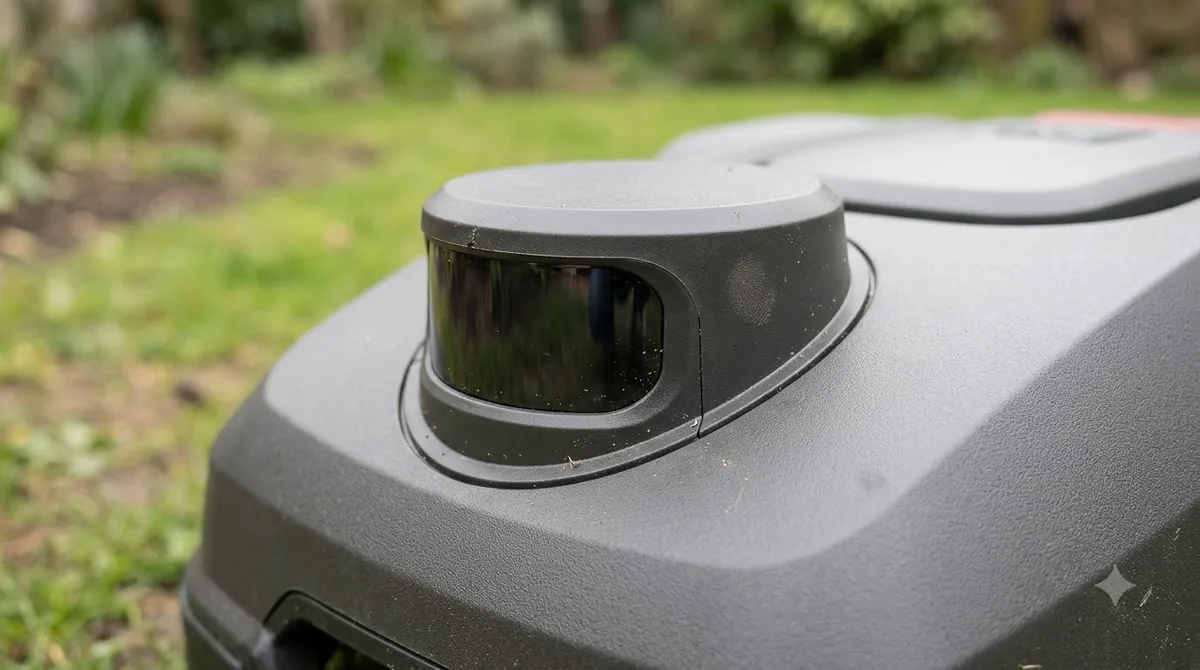
Husqvarna warns against abrasive materials, solvents, harsh chemicals, and pressure washers because they can damage or scratch the lens, and a good cloth needs none of them. Mammotion adds that the LiDAR module needs care, so do not press on it when you work on the underside of the mower. For the rest of the body, see how to clean a robot mower safely.
- Abrasive materials, including rough towels and gritty cloths.
- Solvents such as alcohol, gasoline, and acetone.
- Harsh chemicals and glass cleaners not named in your manual.
- Pressure washers aimed at the mower.
- Pressure on the LiDAR module during cleaning.
Frequently asked questions
Can I use a paper towel instead of a microfiber cloth?
Husqvarna asks for a soft cloth and warns against abrasive materials. Our reading is that paper towels are rougher than microfiber and can leave lint, so a dedicated cloth, the best microfiber cloth for robot mower camera lens use, is the safer choice.
Do I need to power off the mower before cleaning the lens?
Yes. Mammotion says the robot should be completely powered off before cleaning, so switch it off at the controls and wait before you wipe the camera or the LiDAR module.
Is a lens cleaning kit required for a robot mower camera?
No. The best microfiber cloth for robot mower camera lens is often enough, since the makers we read name a soft or microfiber cloth and clean water. A kit only helps if your manual allows the fluid it contains, and our guide to the robot mower camera lens cleaning kit covers when one is worth it.
Can I use alcohol on the camera lens?
Avoid it unless your manual says otherwise, and use the best microfiber cloth for robot mower camera lens with clean water instead. Mammotion lists alcohol among solvents to avoid on its housing, and Husqvarna warns against solvents and harsh chemicals on the camera lens.
Sources
- Husqvarna support: how to clean the camera on Automower AI vision (manufacturer): cloth, rinse, and avoid-list for the camera lens.
- Mammotion: robot lawn mower maintenance (manufacturer): microfiber cloth for camera and LiDAR, power-off step, cleaning frequency.
- VisibleDust: Magic Cleaner (manufacturer): fibre size and use with lens fluid.
- ZEISS Vision Care: lens and screen cleaning (manufacturer, eyeglass guidance): surface dust wipe, circular motions, wash temperature, no fabric softener.
 Up next8 min readGearRobot Mower Camera Lens Cleaning Kit: Do You Need One?Updated Nov 19, 2026
 8 min readGearBest Robot Mower Garage and House Covers: What to Look ForUpdated Nov 17, 2026
 9 min readGearBest Soil Leveling Rake for Robot Mower Lawn: What to Look ForUpdated Nov 11, 2026
 9 min readGearBest Outdoor Security Camera to Watch a Robot Mower: What to CheckUpdated Nov 12, 2026
 8 min readGearBest anti-static lens wipes for lidar robot mowers: buyer’s guideUpdated Nov 19, 2026
 7 min readGearRobot Mower Guide Wire Installation Tool: What You NeedUpdated Nov 20, 2026