
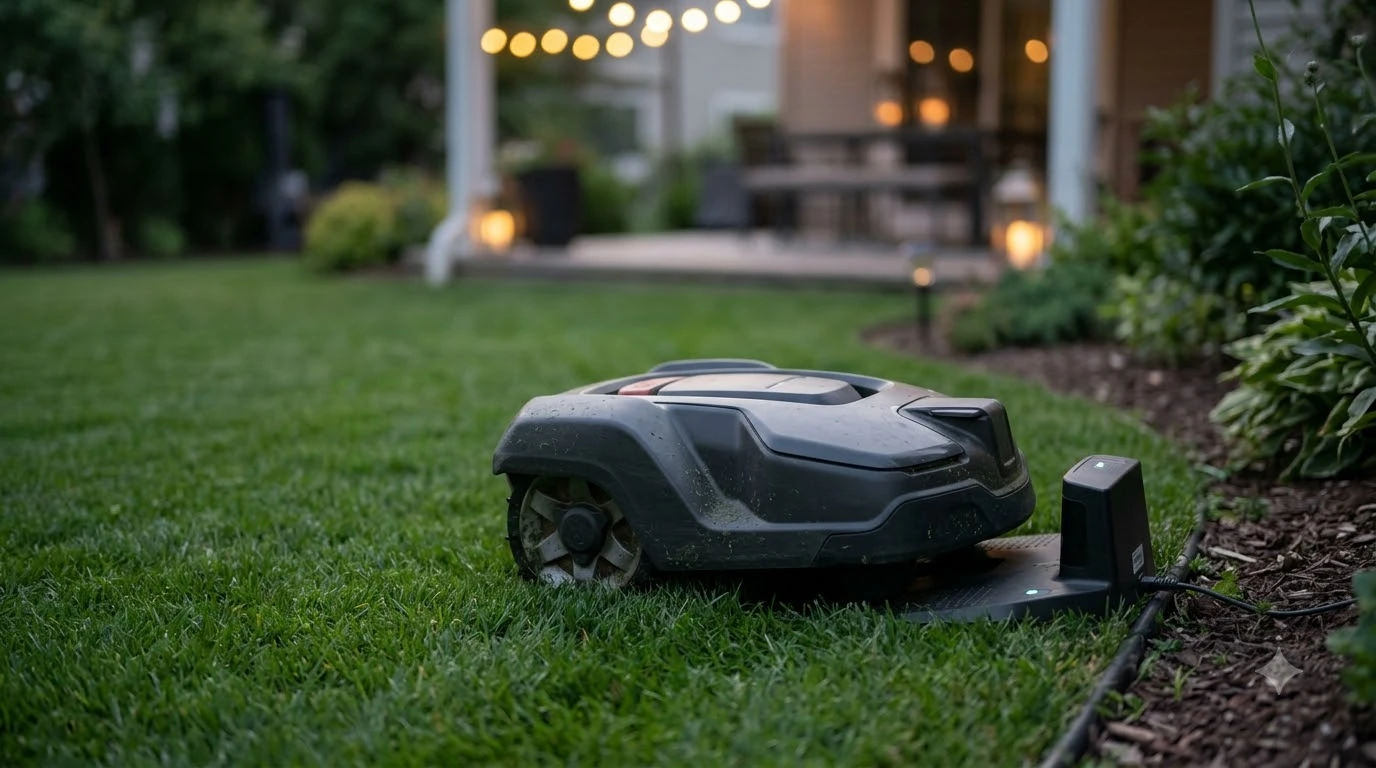

A robot mower not returning to base usually has one of three causes: it has finished its programmed cutting cycle, its battery has not yet dropped to the level that triggers a return, or it cannot find or reach the charging station. Navimow says its H2 returns at 15% battery while mowing and 20% during auto mapping, and a robot mower support FAQ from CoreService gives about 30% as the recharge threshold. Work through power, contacts, level, wire and metal before you assume the mower is faulty.
The short answer
- Normal behavior: the mower stays out when its schedule window ends, or when it is still above its return battery level.
- Common faults: no power at the station, dirty or misaligned charging contacts, a flat battery, or a wire path blocked by metal or poor geometry.
- Charging time: one support FAQ says allow up to 100 minutes for a full charge before judging the dock.
- When to call the dealer: if the station has power, the contacts are clean, and the mower still fails after the checks below.
What makes a robot mower head back to the dock
A robot mower not returning to base is often just following its settings, because most robot mowers return to the charging station for one of two reasons: the battery has dropped to a set level, or the programmed mowing window has ended. The exact trigger differs by brand, so the numbers below come from manufacturer and support sources rather than a general rule.
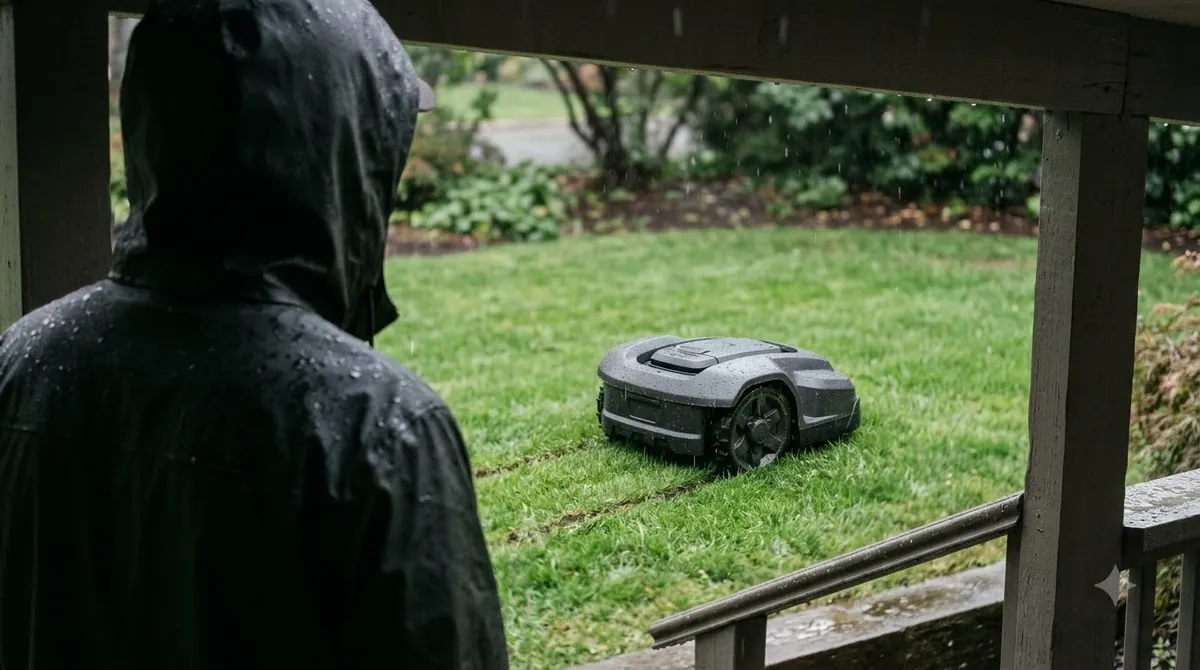
Navimow’s support page for the H2 says the mower returns when the battery “drops below 15%” while mowing, and “drops below 20%” during auto mapping. The same page lists triggers that can send the mower back at a higher charge level:
- Rain or wet conditions
- Heavy fog
- High temperatures
- The mowing schedule period has ended
- Other safety or protection triggers
A CoreService robot mower FAQ gives the same kind of picture from a different brand. It lists three causes for a mower that stays out or stops short of the station: it has completed its programmed cutting cycle, its battery level is too low, or it is outside its programmed working time. It also states that the mower returns to recharge when the battery “drops below approximately 30%.”
Heads up
Thresholds vary by model and firmware, so check the manual for your mower. The 15%, 20% and 30% figures are examples from specific manufacturer and support pages, not a universal setting.
How the mower finds the station
A return is not a single action. Husqvarna’s support guidance says the mower first tries to detect the charging station signal directly. If that fails, it follows the boundary wire or the guide wire to reach the station. A failed return can therefore come from either the signal stage or the wire stage. Our explainer on how robot mower docking works goes deeper.
Husqvarna’s docking test shows how the two stages are checked in practice. The mower is placed about 3 m (10 ft) from the boundary wire, facing it. The test passes only if the mower follows the wire all the way and docks on the first attempt. Husqvarna’s troubleshooting steps for a failed test are a useful checklist, and we cover them below.
Why a robot mower not returning to base stops short
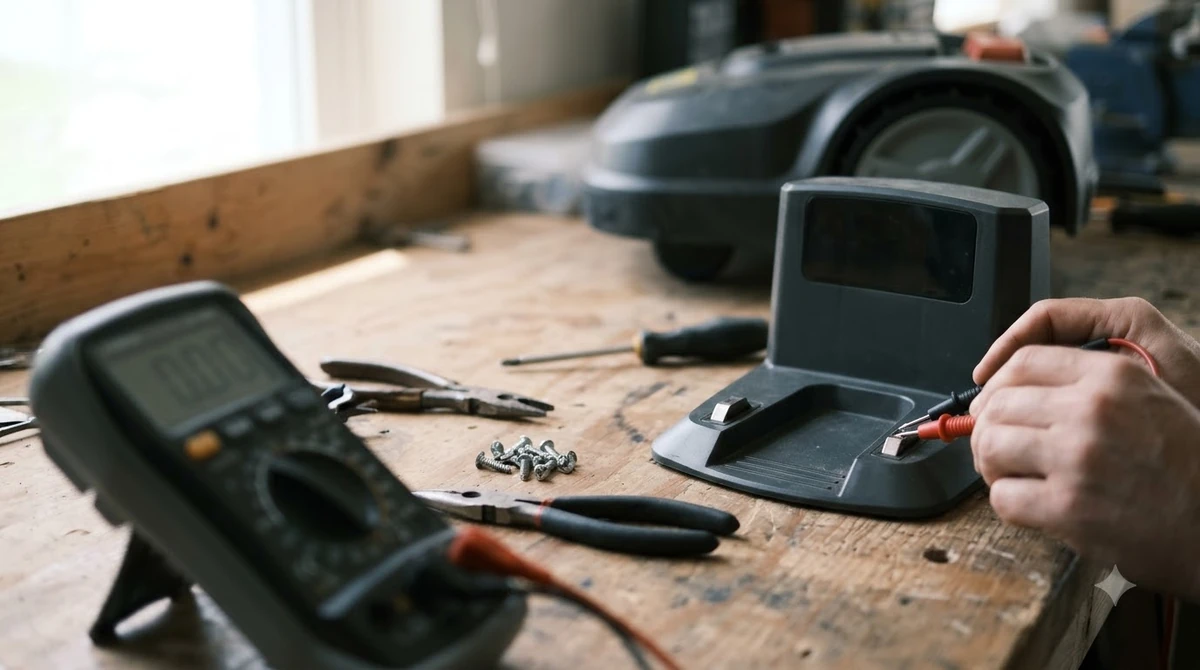
The causes in support FAQs repeat across brands, so a robot mower not returning to base can be checked the same way on most models. Worx’s troubleshooting for the Landroid Classic lists four: a power supply fault, a docking or contact problem, a flat battery, and a base LED that is off or flickering. Worx’s guidance for the Vision E7 adds that “poor contact leads to repeated docking,” usually from dirty or misaligned poles. For one brand’s version of this problem, see Worx Landroid not docking.
Contacts are a frequent culprit. Eufy’s support page names debris in the charging port or on the base pole, oxidation, and a bent charging pole as common problems, and advises switching the mower off before cleaning. Husqvarna’s error page for “charging station blocked” says the message appears when the mower cannot dock properly after several attempts, often because of poor contact or an object in the path. It does not give a number of attempts. If the mower docks but does not charge, see robot mower not charging fix.
- Flat battery: the mower may not have enough charge to find the station at all.
- No power: a station without power cannot charge, even if the mower docks.
- Dirty or bent contacts: poor contact causes repeated attempts and the blocked-station message.
- Wire or path problems: the mower may fail to follow the wire into the station.
Charging is also slow. The CoreService FAQ advises allowing up to 100 minutes for a full charge before troubleshooting, so a mower that is still charging is not necessarily stuck.
How to fix a return that keeps failing
When a robot mower not returning to base keeps failing, start with checks that take minutes and cover the most common faults. Work in this order, because each step rules out a cause before you move to the next.
- Confirm power and the station LED. Check that the station has power and that its LED is on and steady. Worx lists an off or flickering base LED as a sign of a power or contact fault.
- Clean and align the contacts. Switch the mower off, then clean the charging port on the mower and the base pole. Look for oxidation or a bent pole. Eufy and Worx both list contacts among the common causes, so this is a sensible early check.
- Check the station is level. Worx’s WR165 guidance says to use a level to confirm the station sits on level ground, and to rework any uneven spot that could let it move.
- Clear the space in front. Robomow describes about 3 m of open space in front of the station, and approach from any direction. Mammotion advises flat, level ground near the lawn edge, and no walls, fences or large objects blocking the approach.
- Check the wire connections and corridor. Husqvarna’s steps start with the wire connections at the station, then the corridor width the mower uses to follow the wire. If you suspect a cut wire, here is how to find a break in robot mower wire.
- Look for metal near the station or wire. Husqvarna lists rebar, metal edging and coils of low-voltage cable as interference. Remove or move anything metal near the station or the wire path.
- Re-test and wait. Run the mower again after the fixes, and allow up to 100 minutes of charging before you judge the result.
- Reposition or call the dealer. Husqvarna suggests repositioning the station or contacting a dealer if the test still fails.
What to check before you rely on automatic return
Our reading is that station placement and the wire path matter more than the model name for reliable return. The manufacturer pages we read start from the same two inputs: a station that is powered and level, and a clear approach.
- Check the station’s position on day one. Mammotion and Husqvarna both point to a level, central position near the lawn.
- Test the return before you walk away. Use Husqvarna’s first-attempt rule as a standard: the mower should follow the wire and dock on the first try.
- Keep the approach clear. Metal, walls, fences and slopes near the path are the most common physical obstacles in the sources above.
Frequently asked questions
Why is my robot mower not returning to base?
A robot mower not returning to base usually has a simple cause. Support FAQs list three common causes: the mower finished its programmed cutting cycle, its battery was too low, or it was outside its programmed working time. Power, contacts and the wire path are the next things to check.
Will a robot mower return to its base when it rains?
Some do. Navimow’s H2 page lists rain or wet conditions, heavy fog and high temperatures as triggers that send the mower back even when the battery is above its usual return level. Check your model’s manual for its list.
How long should a robot mower take to charge?
One robot mower support FAQ advises allowing up to 100 minutes for a full charge before troubleshooting. A mower that is still charging inside that window is not necessarily faulty.
When should I contact the dealer about a return fault?
Contact the dealer if the station has power, the contacts are clean and aligned, the station is level, the approach is clear, and the wire and metal checks are done, but the mower still fails to dock. Husqvarna’s troubleshooting follows a similar order. This guide uses manufacturer and support sources only, with no independent test data.
Sources
- Navimow H2: why it returns to the charging station (Segway Navimow support): 15% and 20% battery triggers, and non-battery return triggers.
- Robot mower remaining in or returning to the charging station (CoreService support FAQ): causes, about 30% recharge threshold, up to 100 minutes charge time.
- How to test Automower docking after wire installation (Husqvarna support): signal first then wire, 3 m test, first-attempt pass rule, troubleshooting steps.
- Charging station blocked error message (Husqvarna support): meaning of the blocked message, contacts and path.
- Landroid Classic: the mower does not charge (Worx support): power supply, contact, flat battery and LED causes.
- Robot lawn mower not charging properly (Eufy support): contact debris, oxidation and bent pole.
 Up next8 min readLearnSegway Navimow Vision Fence Not Working: Causes and FixesUpdated Nov 11, 2026
 7 min readLearnRobot Mower App Not Connecting? Check These Causes FirstUpdated Nov 12, 2026
 6 min readLearnWorx Landroid Not Docking? Fix the Usual CausesUpdated Nov 10, 2026
 6 min readLearnNavimow App Not Connecting: Fixes That WorkUpdated Nov 13, 2026
 6 min readLearnWorx Landroid App Not Connecting: Fixes That WorkUpdated Nov 13, 2026
 6 min readLearnMammotion App Not Connecting: Luba Fixes That WorkUpdated Nov 13, 2026