
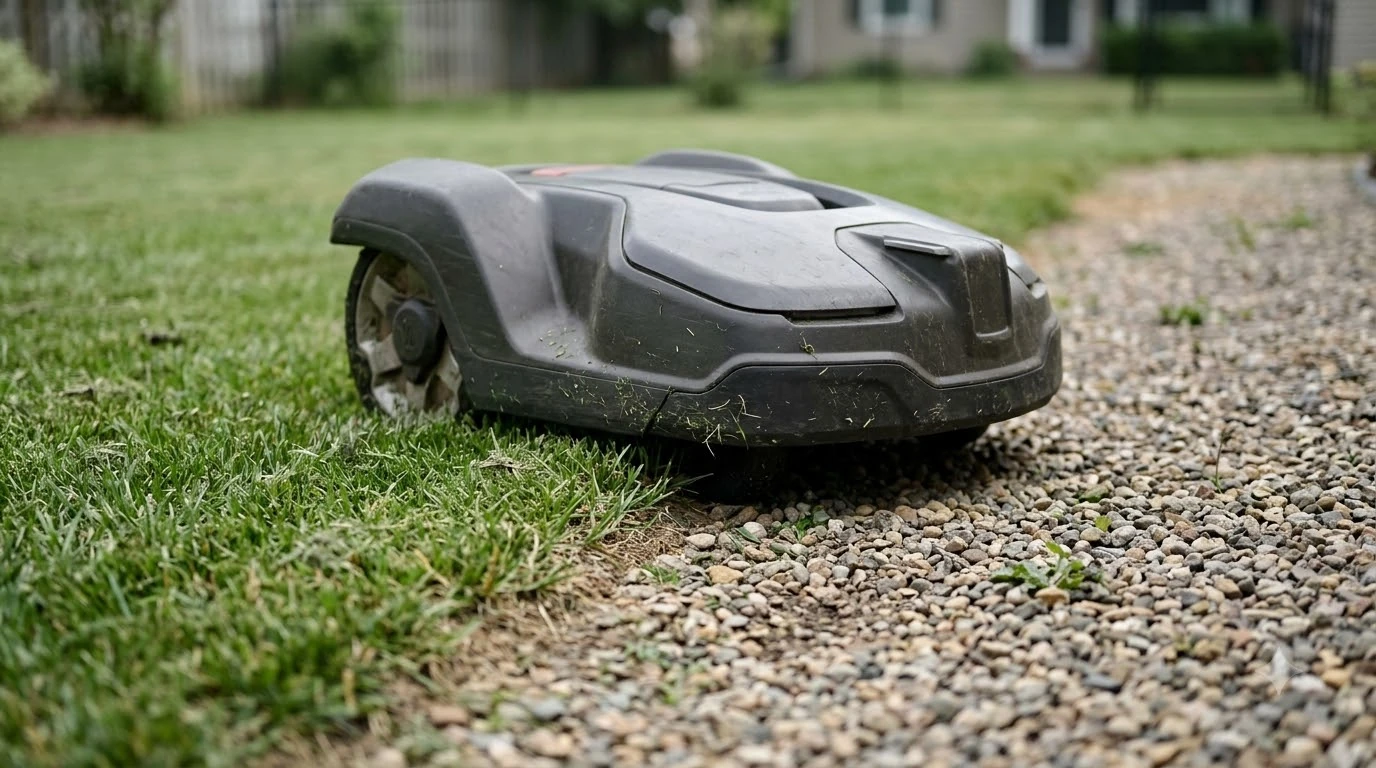

The robot mower error no loop signal meaning is simple: the mower cannot detect the signal that the charging station sends through the boundary wire. That signal is how the mower knows where its work area ends and where the dock is. The cause is usually a broken or poorly connected wire, a station that is off or faulty, a mower that is too far from the wire, or interference from metal nearby. Husqvarna’s support guidance, which the examples below come from, covers each case and the LED colour on the charging station that tells you which one applies.
The short answer
- What it means: the mower is not picking up the loop signal from the boundary wire or the station.
- Check the station light first: the LED colour narrows the cause faster than anything else.
- Most common cause: a broken wire or a loose connection at the station.
- After a service or part swap: the mower may need a new loop signal created with it in the station.
- If it keeps returning: test the wire and contact the dealer, because the station circuit board or power supply may be at fault.
What the loop signal does
The charging station sends a low-voltage signal around the boundary wire. The mower reads that signal to stay inside the lawn and to find its way back to the dock. When the signal is missing or too weak, the mower reports “no loop signal” and cannot mow reliably.
The error is most often seen on wired models, since they depend on the wire. Wire-free models use satellites and a connection to a reference station instead, so the same error text on those models usually points to the charging station or its power rather than to a wire.
Robot mower error no loop signal meaning: read the station light first
Husqvarna uses the LED on the charging station to separate the causes. Checking the colour before you touch anything saves a lot of guesswork. On a Husqvarna model the same fault is described in Husqvarna Automower loop signal error with the station light codes. The light on the base often tells you which fault is active, and station light patterns are decoded in a short guide.
| Station light | What it usually means |
|---|---|
| Flashing blue | A broken wire or a poor connection, so the loop is not complete |
| Solid blue | The wire is detected, but the installation is faulty |
| Solid green | The station is sending the signal, but the mower cannot detect it |
| Flashing green | ECO mode is active, so the loop signal is off when no mowing is scheduled |
| Solid red | A power supply or board problem |
| Off | The station is not receiving power |
Two of these causes are easy to rule out in a minute. A flashing green light simply means ECO mode is on, and a mower that was started by hand on the lawn may not detect the signal until it starts from the dock or is stopped first. An off light means the station has no power, so check the power supply and any tripped residual-current device before going further.
Wire breaks and bad connections
A flashing blue light is most often caused by a broken wire. Husqvarna says breaks come from garden work, weather, or animals, so walk the wire and look for cuts. Make sure both wire ends are fully pushed into the station and that the contacts are clean and tight. Worx mowers show a similar fault, covered in Worx Landroid no wire signal fix with the checks that apply to that brand. A mower that halts mid-run rather than at start-up is the subject of a mower stopping at the boundary.
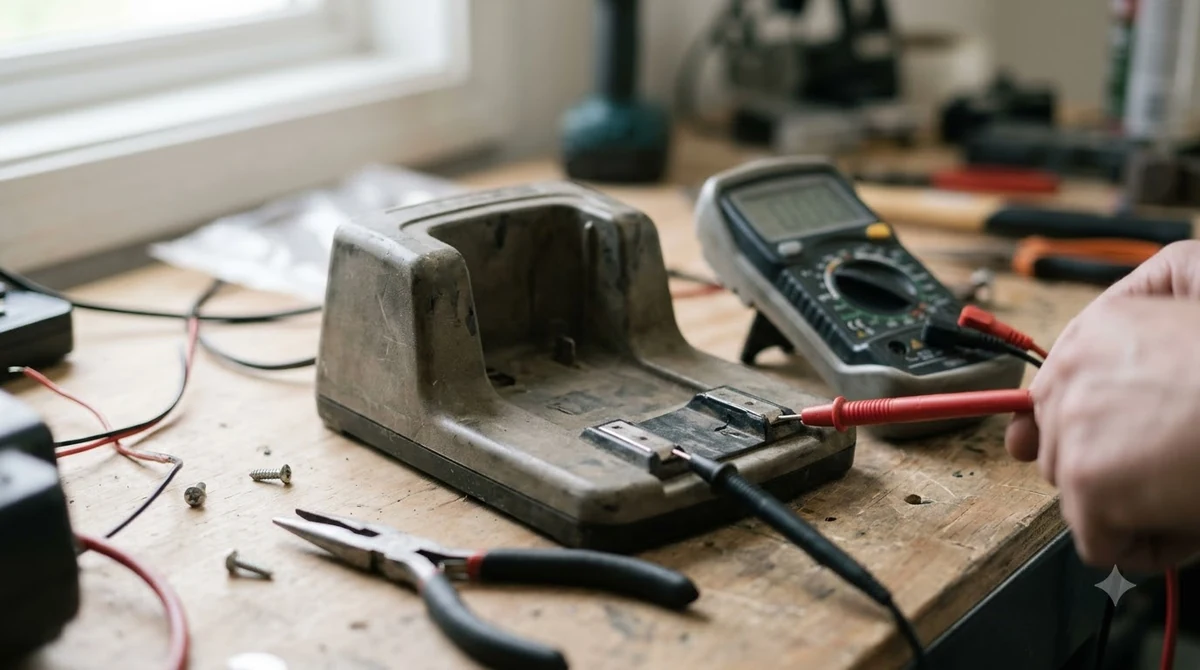
If the connections look fine, Husqvarna’s guidance is to measure the resistance. Disconnect the wire from the station and read the ohms across the two ends. The support page expects about 0.8 ohm per 100 metres, so roughly 1.6 ohm for a 200-metre loop. A reading of several hundred ohms points to a break. If the wire tests fine, the station circuit board may be faulty, and the next step is a dealer.
Finding the exact break takes more work. Husqvarna describes a manual search, which involves turning off ECO mode, swapping the connections at the station, and halving the suspect section by cutting the wire midway. A wire break detector tool avoids cutting, though it works less well on partial breaks. The repair uses a coupler, not tape: trim about 60 cm from each side of the damaged wire, seat both ends in the coupler, press it firmly with pliers, and bury it or secure it with staples.
Interference, distance, and wire length
When the station shows solid green, the wire is sending the signal and the mower is failing to receive it. That points to the mower’s position or to the installation rather than a break. Interference is sometimes blamed on grounding, so read about ground rod for a robot mower loop before spending time on it.
- Distance: keep the work area within the mower’s range from the wire. Husqvarna gives a maximum of 15 metres for the Aspire R4 and 35 metres for other models it lists.
- Total wire length: the boundary wire must not exceed 800 metres, or about 2,625 feet, so shorten the installation if it is longer.
- Metal nearby: fences, reinforcement steel, and buried cables near the station or the wire can disturb the signal. Move the station or the wire away from them where you can.
A signal that drops only while the mower is cutting can mean a weak spot near metal, the edge of the signal range, or a wire that is damaged in one place. Our reading is that if the error returns at the same part of the lawn, walk that section first.
After a repair or a part swap
Some repairs leave the mower without a valid loop, even when the wire is good. Husqvarna says to create a new loop signal with the mower sitting in the charging station. In the app, the path is More, then Settings, then Security, then New loop signal. Older models with a keypad use Security, then Advanced, then New loop signal. If a part such as a connector or pin has to be replaced, Automower spare parts options lists what is commonly available.
- Check the station light. Match it to the table above before changing anything.
- Confirm power and the station. A dark or red light points to power or the board, not the wire.
- Inspect and reconnect the wire ends. Clean the contacts and push the ends fully in.
- Measure the loop. Compare the ohm reading with the expected value for your wire length.
- Repair any break with a coupler. Bury or secure the repaired section so it does not move.
- Create a new loop signal. Put the mower in the station, then run the menu path for your model.
Frequently asked questions
Does “no loop signal” mean the mower is broken?
Not usually. In most cases the mower is fine and the wire, the station, or a setting is the problem. Start with the station light and the connections before assuming a mower fault.
What does a flashing blue light on the station mean?
It usually means the loop is not complete, most often from a broken wire or a loose connection at the station. Check the wire ends first, then measure the resistance across the wire.
Why does the error appear only when I start the mower by hand?
In ECO mode the loop signal is switched off when the mower is not scheduled to mow. Start the mower from the charging station, or press STOP before you lift it out, so the loop signal is enabled.
Do I need a new loop signal after a repair?
Often yes. Husqvarna advises creating a new loop signal after service or after replacing a component, with the mower placed in the charging station.
Sources
- Husqvarna support: No loop signal on Automower, causes and solutions (manufacturer): the LED meanings, resistance values, distance and wire-length limits, and the new loop signal menu path.
- Husqvarna support: finding and repairing a wire break (manufacturer): the manual search steps, the detector option, and the coupler repair method.
 Up next8 min readLearnHusqvarna Automower No Loop Signal: Causes and FixesUpdated Nov 11, 2026
 9 min readLearnWorx Landroid No Wire Signal: Causes and FixesUpdated Nov 11, 2026
 8 min readLearnWhat Do Robot Mower Error Codes Mean? Causes and First FixesUpdated Nov 12, 2026
 9 min readLearnRobot Mower Lifted Error Keeps Appearing: Causes and FixesUpdated Nov 11, 2026
 6 min readLearnWhy Does My Robot Mower Spin in Circles? Causes and FixesUpdated Nov 14, 2026
 6 min readLearnDo Robot Mowers Cause Lawn Tracks? Causes and FixesUpdated Nov 14, 2026