
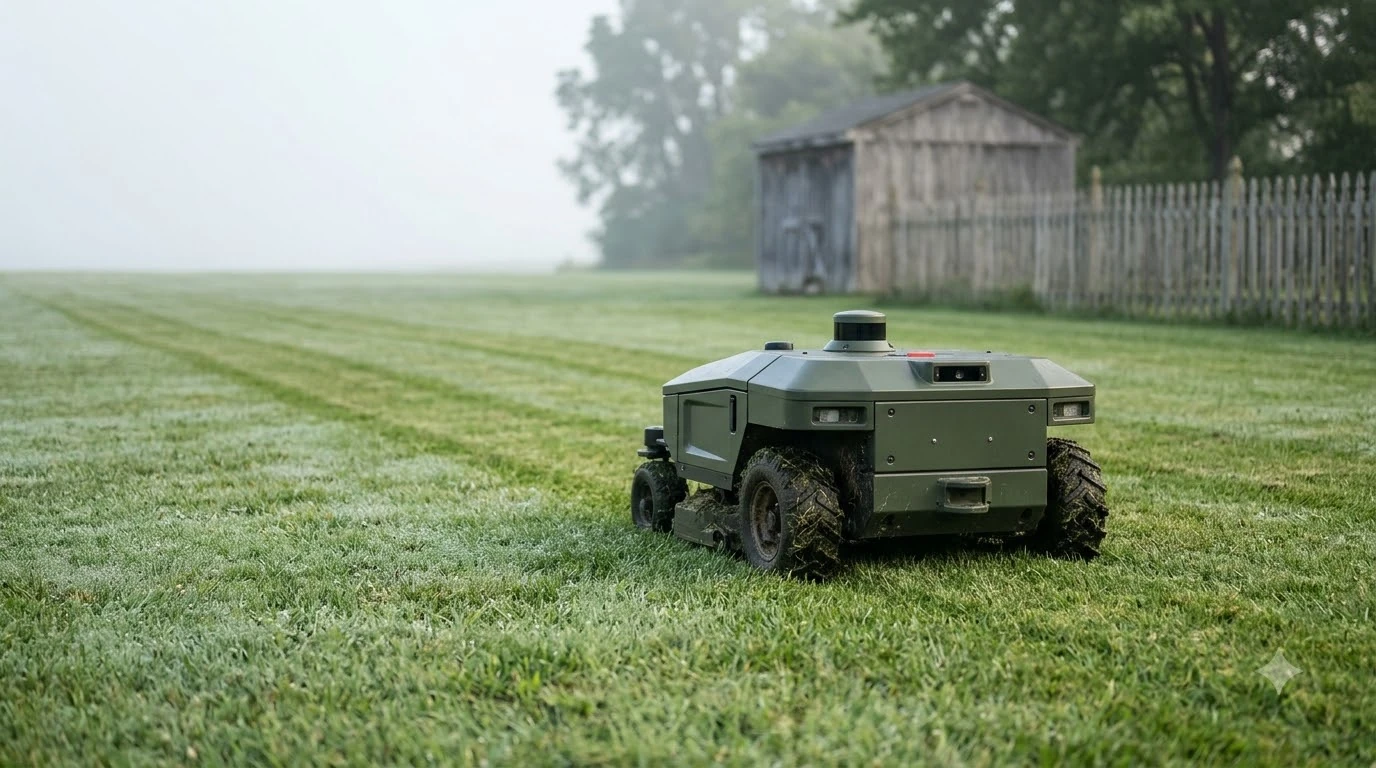

The eufy E15 mapping problem usually traces back to a setup condition: lawn size, grass height, base station clearance, clutter, or weak connectivity. eufy says the E15 typically needs 3 to 4 hours to map a standard 0.2 acre (8,712 sq ft) area. Check these conditions before you restart a run.
The short answer
- Size and terrain: keep the lawn at or under about 800 m2 (0.2 acre), grass below 9 cm, and slopes within 18 degrees.
- Base station: leave a straight path of at least 5 m in front, keep the charging cable 30 cm (12 in) above ground, and anchor the base with nails or glue.
- Lawn: map on a dry day with debris, holes and loose items cleared, and the gates the mower uses open.
- Connection: use a mobile hotspot for setup if Wi-Fi is weak, then enable 4G if the yard is not fully covered.
Common causes of the eufy E15 mapping problem
Most eufy E15 mapping problems come from five conditions: lawn size, grass and slope, base position, clutter on the lawn, and weak connectivity. eufy’s guidance names each one, so check them in that order before you blame the app. If you are new to the app flow, our guide to mapping your lawn with a robot mower app shows the general steps.
| Cause | What eufy’s pages say | Fix before you remap |
|---|---|---|
| Lawn above the rated size | Designed for lawns up to 800 m2 (0.2 acre) | Measure the lawn and confirm it fits |
| Tall grass or uneven ground | Grass below 9 cm; terrain variations below 3 cm | Mow and fill holes first |
| Steep slope | Slopes within 18 degrees | Check the slope before setup |
| Base with no clear path | Straight path of at least 5 m in front | Clear the path or move the base |
| Clutter and loose objects | Clear small or partly hidden objects | Remove stones, hoses, toys, pegs and loose wire |
| Weak Wi-Fi | Mobile hotspot for setup; 4G if coverage is partial | Use a hotspot, then enable 4G in the app |
eufy’s setup checklist also describes what the mower struggles with during early runs, and those signs are the early warning of trouble. It names hesitating in narrow passages, losing traction and struggling at edges as signs that something on the lawn needs attention.
Check the lawn size, grass and slope first
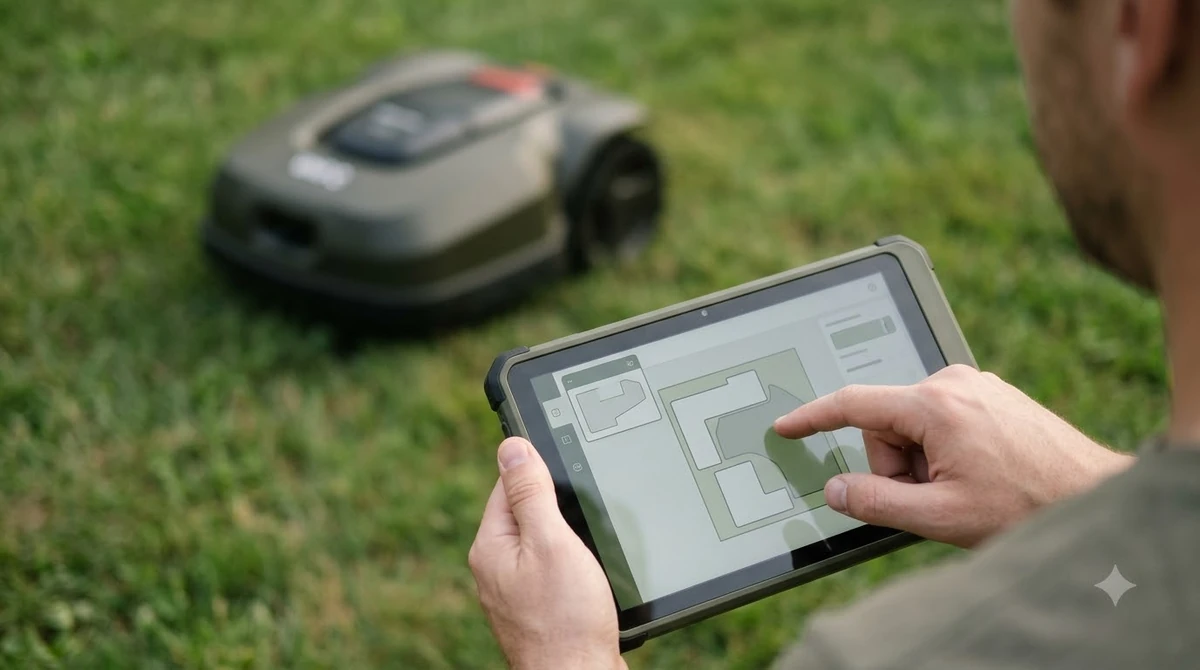
Lawn size is the first thing to rule out in any eufy E15 mapping problem, and the same goes for grass height and slope. The E15 is designed for lawns up to about 800 m2 (0.2 acre), according to eufy’s support article comparing the E15 and E18. Grass should stay below 9 cm, and slopes should stay within 18 degrees. Our eufy E15 vs E18 comparison puts the two models side by side.
The wording differs slightly between eufy’s pages. The product page describes lawns “up to 800 m²,” while its FAQ calls 800 m2 the maximum mapping size and uses “less than” wording. Treat 800 m2 as the ceiling and leave some margin, rather than mapping a lawn that sits right at the limit.
Heads up
A lawn close to the size limit will take longer to map, which can look like a eufy E15 mapping problem when it is only slow. eufy says larger or complex areas take more than the 3 to 4 hours it quotes for 0.2 acre, so plan a full afternoon.
Grass type matters too. eufy’s checklist lists dense Zoysia and St. Augustine as unsuitable for the E15, so a lawn with those grasses may map poorly even when the size is right.
Fix the base station position and power
The eufy E15 product page sets three base station rules: a straight path of at least 5 m in front, a charging cable 30 cm (12 in) above ground, and anchoring with nails on a lawn or glue on a hard surface. Get these right before you run the map, because base position is one part of the eufy E15 mapping problem that you can fix without touching the app.
- Clear the front path. Keep a straight run of at least 5 m in front of the base so the mower can line up and dock.
- Lift the power lead. Keep the charging cable 30 cm (12 in) above ground, and keep it off driveways and walkways.
- Anchor the base. Use nails on a lawn or glue on a hard surface, as the eufy E15 product page describes.
A badly placed base can cause trouble before the first run. The checklist adds placement advice. Avoid spots where trash cans sit, where cars can block access, or where a side gate is often shut. A dry corner during installation can turn into a wet spot after a summer storm, so check how water runs off before you commit.
Clear the lawn and open the gates before mapping
eufy recommends mapping on a dry period with the lawn clear, and opening the gates the mower will use before the run starts. Clearing the yard is the step to take first for any eufy E15 mapping problem caused by the lawn itself.
- Remove stones, branches, hoses, toys, pegs, loose wire and fallen fruit.
- Fill holes and uneven ground, and watch for exposed roots and deep wheel ruts.
- Move trash cans, furniture and temporary equipment out of the paths the mower will take.
- Close access points the mower should not cross, and set no-go zones around pipes or sprinkler heads.
Small objects matter too, so see how a robot mower handles kids’ toys for why they are better cleared than left to obstacle detection. Each of these ground conditions can stall a run, so walk the route before you start. Loose gravel can give poor traction, and tall grass can hide rocks and holes. The checklist also warns that two grass areas can look connected on a property plan while still being impractical to travel between, which can leave part of the lawn unmapped.
Fix Wi-Fi and the app connection
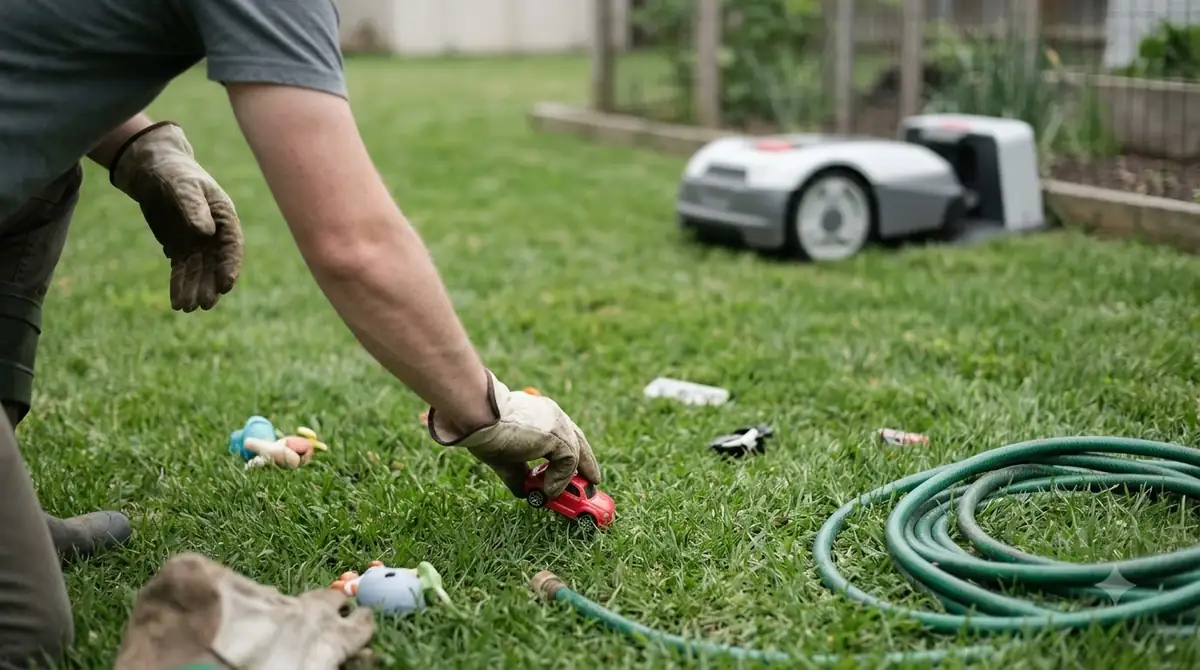
A weak connection can also cause a eufy E15 mapping problem, so check it before you rerun the map. eufy says a mobile hotspot can carry the initial setup when Wi-Fi coverage is limited, and a 4G data subscription in the app helps when the yard is not fully covered by Wi-Fi.
The product page does not state a minimum Wi-Fi requirement for mapping. Our reading is that a weak signal at the base station is the first thing to rule out for a eufy E15 mapping problem, so move your phone and hotspot closer to the base when you start the run, then check that the app stays connected.
When mapping stalls or keeps failing
The eufy pages we read do not list an error code or a reset procedure for failed mapping, so the next step is to recheck the conditions above and then contact eufy support. Do not guess at fixes that are not in eufy’s documentation. The E15 maps without a boundary wire, and our overview of how robot lawn mowers work without a wire explains the idea behind that.
eufy’s checklist gives one clear rule for repeated trouble: if the same problem appears more than once, adjust the lawn or the map. In practice that means re-checking the causes table, clearing the spot where the mower hesitates, and running the map again on a dry day. For a wider view of that symptom, read why a robot mower keeps getting stuck on edges.
Before you contact support, write down the step where mapping stopped, the approximate lawn size and where the base sits. Our reading is that these details make it easier to match a stalled run against the causes table, and they give support a clearer starting point.
eufy’s product page also says that each base station supports one map. For a yard that needs more maps, eufy says to contact its support team.
Frequently asked questions
How long should eufy E15 mapping take?
eufy says mapping typically takes 3 to 4 hours for a standard 0.2 acre area, and larger or complex areas take longer. If a run goes well past that on a lawn within the size limit, the eufy E15 mapping problem is more likely a setup condition, so check the causes table before you restart.
Can the eufy E15 map a lawn larger than 800 m2?
eufy designs the E15 for lawns up to 800 m2 (0.2 acre), and its FAQ calls this the max mapping size. Its pages word the limit slightly differently, so treat 800 m2 as the ceiling and ask eufy support about larger yards.
Does the eufy E15 need a boundary wire to map?
No. eufy’s E-series page lists the E15 with no boundary wire and no RTK, and the app guides automatic mapping. You still need a clear path in front of the base station and a nearby power outlet.
What if the mower keeps getting stuck during mapping?
eufy’s checklist says repeated problems in early runs mean you should adjust the lawn or the map. Hesitating in narrow passages, losing traction and struggling at edges are the signs to watch for, and pipes or sprinkler heads belong in no-go zones.
Sources
- eufy E15 robot lawn mower product page (eufy): mapping time, lawn size limit, base path, anchoring, cable height, one map per base, Wi-Fi and hotspot options.
- eufy robot lawn mower setup checklist (eufy): placement, mapping preparation, obstacles, gravel and grass limits, repeated-problem guidance.
- eufy E-series robot lawn mower page (eufy): no boundary wire and no RTK on the E15.
- eufy support article on the E15 and E18 (eufy): E15 lawn size guidance.
 Up next9 min readLearnRobot Mower Mapping Failed: Causes and Fixes That WorkUpdated Nov 11, 2026
 9 min readLearnAnthbot M5 RTK Station Setup Problems: Causes and FixesUpdated Nov 11, 2026
 7 min readLearnRobot Lawn Mower Problems: Causes and FixesUpdated Nov 13, 2026
 8 min readLearnHow to Update eufy E15 Firmware: What eufy Confirms and What to CheckUpdated Nov 12, 2026
 7 min readLearnHow Long Does the eufy E15 Battery Last?Updated Nov 12, 2026
 7 min readLearnHow to Set Up the eufy E15 Robot Lawn MowerUpdated Nov 10, 2026