
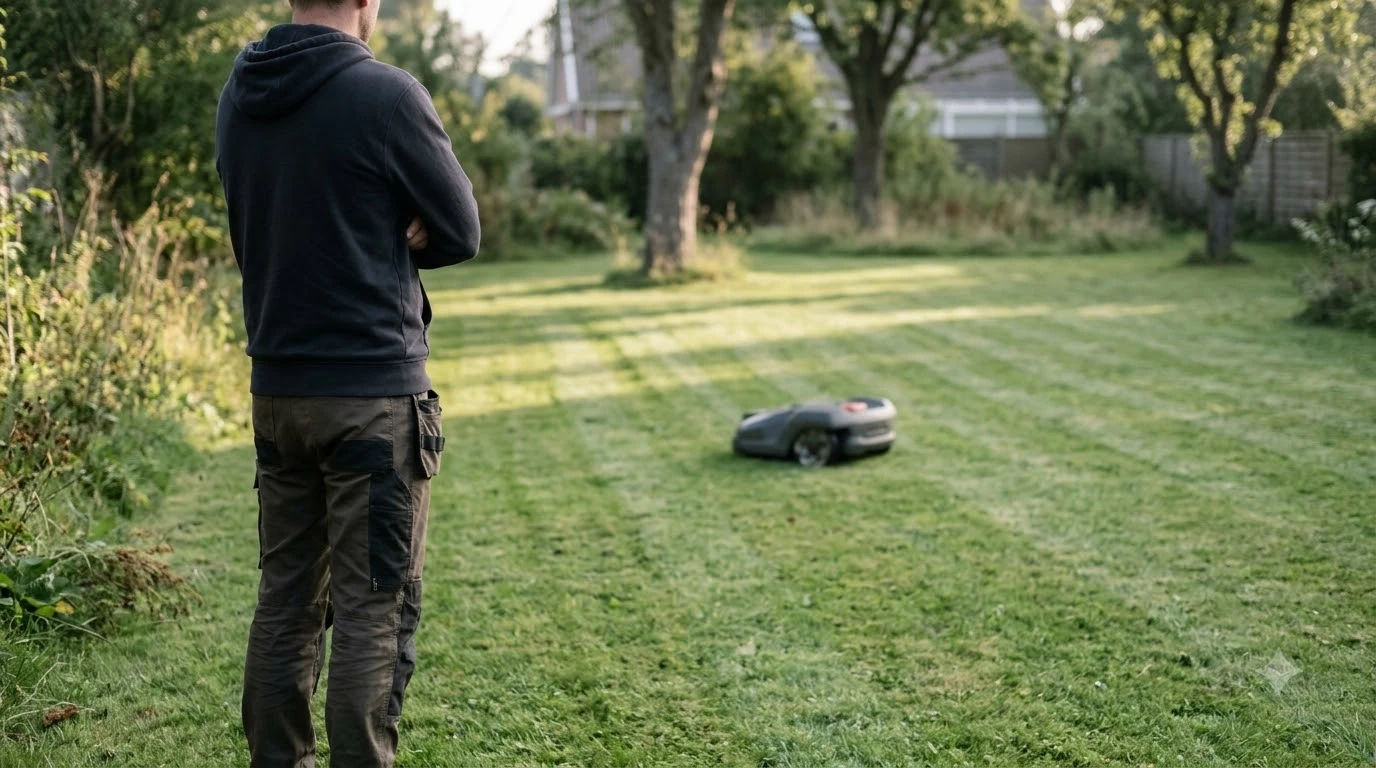

How to set up eufy E15 takes four steps: place the base station, connect the app, let the mower map the lawn, and check its limits first. eufy says mapping typically takes 3 to 4 hours for a 0.2 acre lawn. The E15 is rated for lawns under 800 square meters and slopes within 18 degrees, so confirm your yard fits before you set anything up.
The short answer
- Check the limits: lawn under 800 m2 (0.2 acre), slope within 18 degrees, grass under 9 cm tall.
- Place the base: a straight path of at least 5 m in front, charging cable 30 cm above ground, anchored with nails or glue.
- Connect the app: it guides automatic mapping, and a mobile hotspot helps if Wi-Fi is weak.
- Let it map: plan on 3 to 4 hours for 0.2 acre, with one map per base station.
What you need before you start
Before you start, confirm that your lawn is under 800 square meters (0.2 acre), that slopes stay within 18 degrees, and that grass is under 9 cm tall. eufy’s setup checklist gives the same limits and adds that dense Zoysia and St. Augustine grass are not suitable for the E15.
Have these items ready before you open the box:
- A power outlet near the spot you pick for the base station. The pages we read do not list the cable length, so measure the distance first.
- Nails for a lawn base, or a suitable glue for a hard surface.
- A phone with Wi-Fi, or a mobile hotspot for setup if your home network is weak.
- A dry day and a clear lawn for the mapping run.
Heads up
The terrain limits matter as much as lawn size. eufy’s product page says the E15 works best on mostly flat ground, with variations under 3 cm (1.2 in). Level bumps and mow tall grass before setup.
Place the base station
Place the base station on firm, reasonably level ground, with a straight path of at least 5 m in front of it. The position decides how the mower docks, so set it once and avoid moving it later.
- Pick the spot. Choose firm, reasonably level ground away from bins, car access and side gates that stay shut. Check how water runs off the spot after heavy rain.
- Clear the front path. Keep a straight path of at least 5 m in front of the base station so the mower can line up and dock.
- Route the power lead. Keep the charging cable 30 cm (12 in) above ground to prevent water damage, and keep it off driveways and footpaths.
- Anchor the base. Use nails on a lawn or glue on a hard surface, as the eufy E15 product page describes.
One reviewer placed the base on a fixed spot and plugged it in before starting the app, which matches the order eufy describes. Once the base is anchored, avoid moving it, because the mapping depends on where it sits.
No boundary wire to install
The eufy E15 needs no boundary wire and no RTK station, so setup skips burying or staking wire around the yard. eufy’s E-series page lists the E15 as wire-free and RTK-free, with mapping handled inside the app.
That removes the wire-laying stage that boundary-wire models require, so how to set up eufy E15 focuses on the base station, the app and the limits.
How to set up eufy E15 mapping in the app
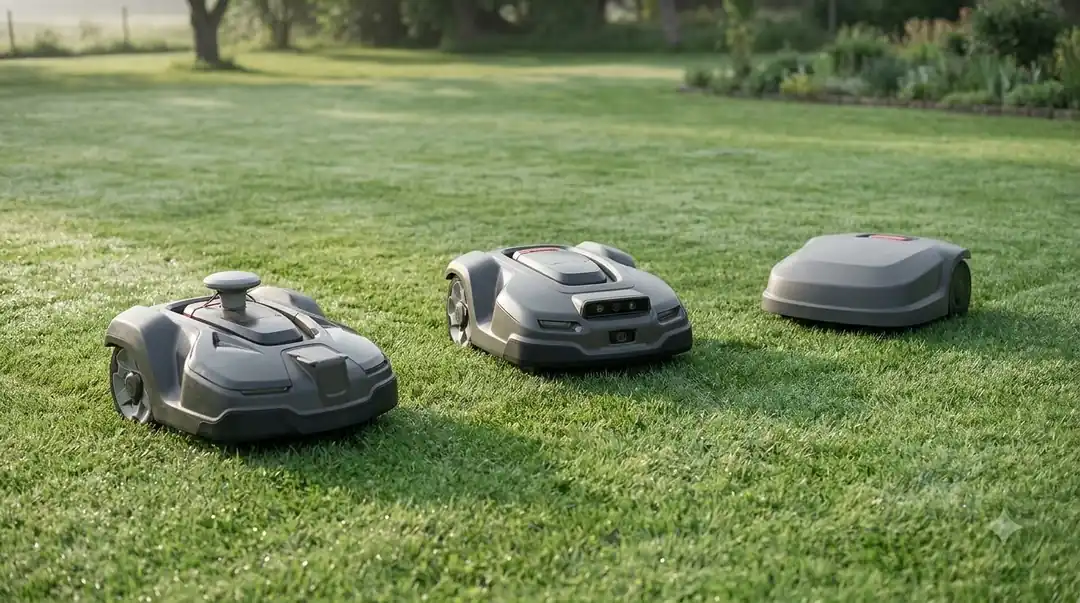
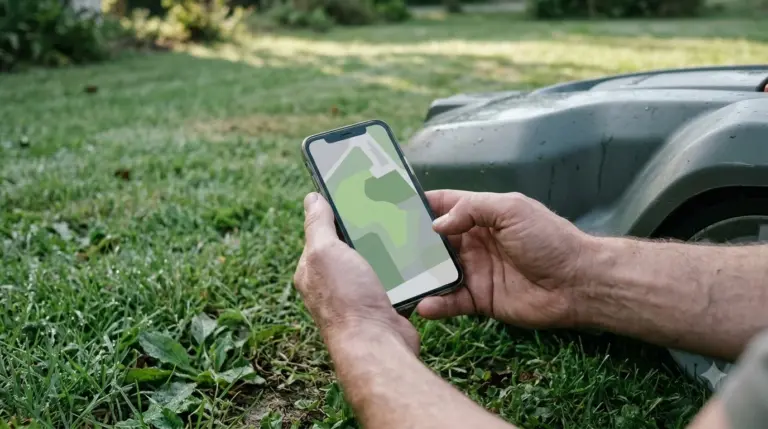
Connect the mower to the eufy app, and the app guides automatic mapping, which eufy says typically takes 3 to 4 hours for a 0.2 acre area. Larger or more complex lawns take longer, so plan a full afternoon rather than a quick run.
- Pair the mower. Follow the app prompts. eufy’s product page puts the initial setup at about 5 minutes.
- Fix weak Wi-Fi. If coverage is limited at the base station, use a mobile hotspot for setup, then enable 4G.
- Prepare the lawn. Map on a dry day with the lawn clear. Open the gates the mower will use, and move bins, portable furniture and temporary equipment out of the paths it will take.
- Let mapping finish. Each base station supports one map. For extra maps, eufy says you need additional base stations, which you order through eufy support.
Mapping is the longest step in setup, so use the dry, open conditions described above. A cluttered lawn gives the app more to work around, and the pages we read do not say how the app handles that.
Set no-go zones and check obstacles
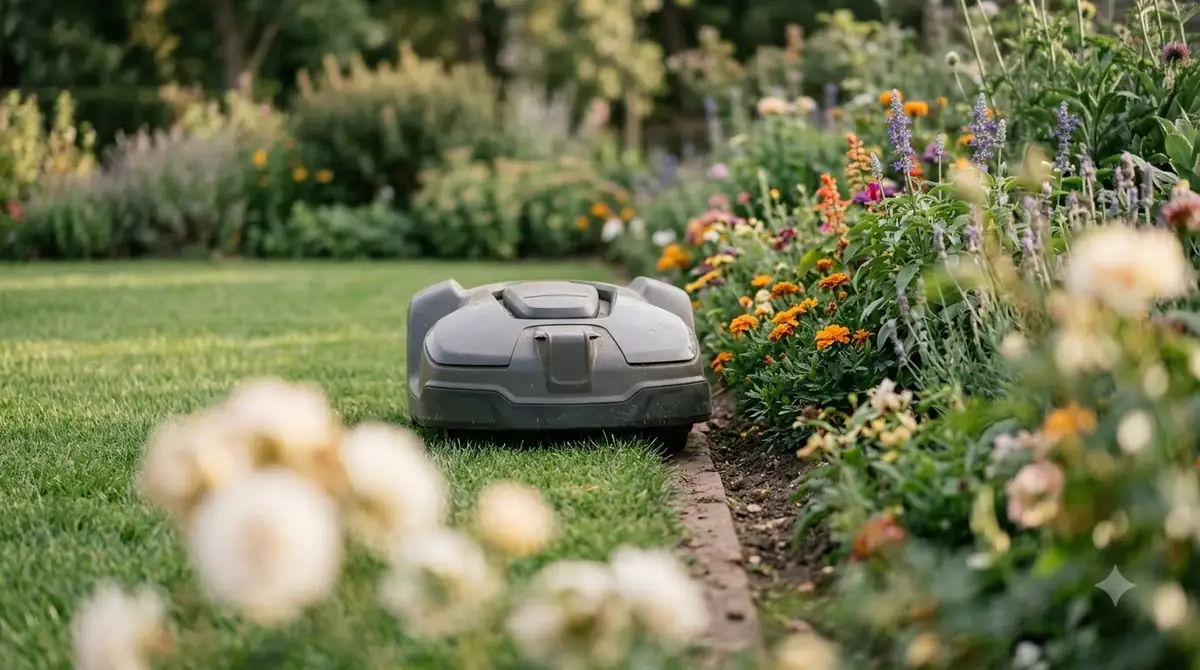
Set no-go zones around garden beds and other areas the mower should avoid, because eufy’s guidance says to define them before regular mowing. Part of how to set up eufy E15 well is getting these zones right on day one. Typical exclusions include unfinished turf repairs, garden beds and exposed irrigation hardware.
The pages we read describe the no-go idea but not the exact app steps, so check the no-go option in your app menu before you rely on it. Where a drop-off, pool or drain sits near the lawn, add a physical barrier as well.
One reviewer reported that the mower stopped when it met shoes and dog toys, paused, and steered around them. That is one reviewer’s test, not a guarantee for every yard.
Common setup mistakes
Most setup problems come from skipping the clearance rules or the lawn limits, so compare each step against the table before you start mapping.
| Mistake | What to do instead | Why it matters |
|---|---|---|
| No clear path in front of the base | Keep a straight path of at least 5 m | eufy’s clearance rule for docking |
| Charging cable lying on the ground | Keep it 30 cm (12 in) above ground | Prevents water damage |
| Base left loose | Nails on a lawn, glue on a hard surface | Keeps the base in place |
| Lawn larger than 800 m2 (0.2 acre) | Check the size before buying or setup | Outside eufy’s rated area |
| Grass taller than 9 cm | Mow before setup | Outside eufy’s grass limit |
| Weak Wi-Fi during setup | Use a mobile hotspot, then enable 4G | eufy’s connection guidance |
Charging, rain and what happens after setup
Once you finish how to set up eufy E15, the mower charges in 90 to 110 minutes, according to eufy’s E-series page, and it returns home automatically in rain or low-light conditions. One reviewer measured about 1.5 hours to a full charge. The product page does not give a rain sensor specification, so treat the rain return as a feature to observe over a few weeks rather than a measured value.
Frequently asked questions
Does the eufy E15 need a boundary wire?
No. eufy’s E-series page lists the E15 with no boundary wire and no RTK. The app guides automatic mapping, so you do not stake or bury wire around the yard. You still need a clear path in front of the base station and a power outlet nearby.
How long does eufy E15 mapping take?
eufy says mapping typically takes 3 to 4 hours for a 0.2 acre area, and larger or more complex lawns take longer. Map on a dry day with the lawn clear and the gates open. Each base station supports one map.
Can the eufy E15 cut St. Augustine or dense Zoysia?
eufy does not recommend the E15 for dense Zoysia or St. Augustine grass. Its setup checklist lists these grasses as unsuitable. Check your grass type before you buy, and confirm that grass stays under 9 cm tall.
Is the warranty length listed for the E15?
The eufy E15 product page mentions a hassle-free warranty and links to warranty information, but it does not state the warranty length. Check the warranty terms for your region on eufy’s site before you buy.
Sources
- eufy E15 product page (eufy): base clearance, cable height, anchoring, mapping time, lawn and slope limits.
- eufy robot lawn mower setup checklist (eufy): placement, mapping preparation, no-go zone examples, grass and terrain limits.
- eufy E-series robot lawn mower page (eufy): no boundary wire or RTK, charging time.
- eufy support article on the E15 and E18 (eufy): E15 lawn size guidance.
- Bob Vila review of the eufy E15 (independent publisher): fixed-spot base, app mapping and an obstacle test.
 Up next8 min readLearneufy E15 Mapping Problem: Causes and FixesUpdated Nov 11, 2026
 8 min readLearnHow to Update eufy E15 Firmware: What eufy Confirms and What to CheckUpdated Nov 12, 2026
 7 min readLearnHow Long Does the eufy E15 Battery Last?Updated Nov 12, 2026
 7 min readLearneufy E15 App: Fixing Offline, 4G, and Lifted AlertsUpdated Nov 13, 2026
 7 min readLearnHow to Set Up Worx Landroid Vision, Step by StepUpdated Nov 10, 2026
 9 min readLearnHow to Set Up Segway Navimow i110N: Easy Step-by-Step GuideUpdated Nov 10, 2026