
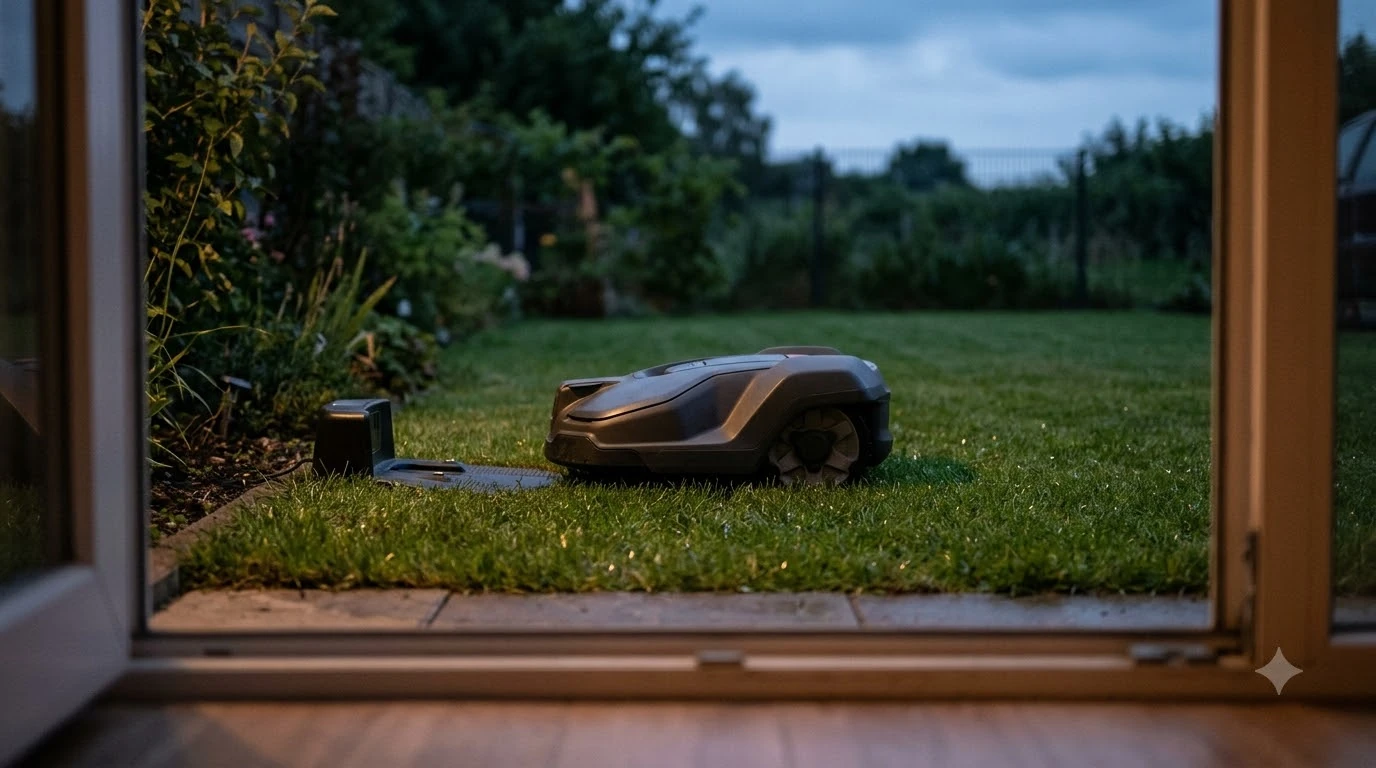

How to update eufy E15 firmware: the update runs over the air through the eufy app. eufy’s E15 product page lists “App, Firmware” among the items that can be updated over the air, and its FAQ tells owners to regularly update firmware. eufy’s general app article gives a menu path for eufy devices, but it does not name the E15, as of 2026-11-12.
The short answer
- Where the update happens: the eufy app. The E15 spec table lists over-the-air updates for both the app and the firmware.
- Which version to aim for: eufy says to update to the latest app and V6 firmware to use map splitting and zone management.
- Setup network: if Wi-Fi coverage is limited, eufy suggests a mobile hotspot for the initial setup.
- If it stalls: we found a user report of an update stuck at 0 percent, and no vendor fix for it. Contact eufy support if yours does not move.
- Check the version: eufy’s general app article says Device tab, gear icon, Settings, General, About Device, System Version. It does not name the E15.
- What we could not confirm: an E15-specific menu path, the update duration, and any USB or manual file route.
How to update eufy E15 firmware through the app
Knowing how to update eufy E15 firmware starts with the eufy app, because that is the route eufy names. The E15 product page includes an over-the-air update entry, and it lists “App, Firmware” as the two things that can be updated that way. In practice this means the update is delivered through the app rather than a manual file, as far as the vendor’s own page describes.
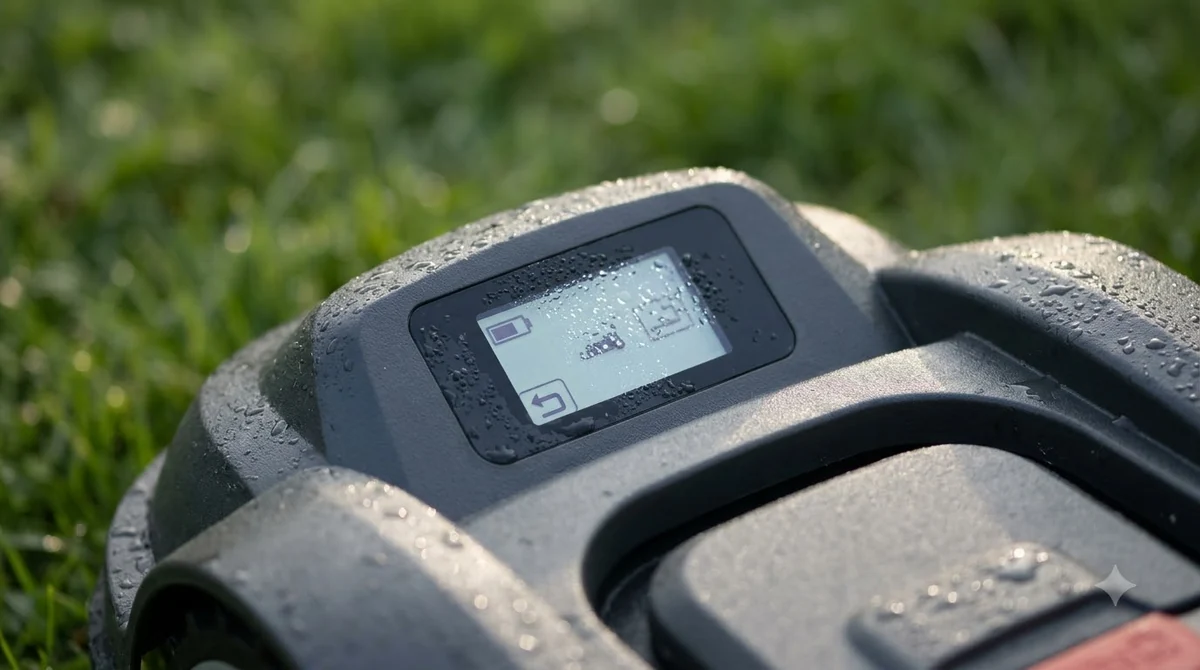
The E15 product page does not say where the firmware version is shown in the app. eufy’s general support article, “Update Firmware for eufy Devices via App”, applies to all eufy devices that use the Anker eufy app, but it does not name the E15 or any lawn mower. It says the firmware version is under About Device, reached through the Device tab, the gear icon, Settings, General, About Device, System Version.
Here is how to update eufy E15 firmware by hand, according to the same article: it says to open About Device and choose the option to check for a firmware update, which reports whether the firmware is current. It also says a device with network access normally updates automatically in the early hours, and that a failed automatic update is retried after 24 hours. Menu names can differ on a mower, so treat this as the likely route, not an E15 confirmation, and see how to update robot mower firmware for the general steps.
Keep the eufy E15 app and firmware current
eufy’s FAQ says owners should regularly update firmware, which is the clearest maintenance instruction on the page. It does not say how often, so a monthly check is our reading, not a vendor rule.
The product page gives one concrete reason to stay current. It says that to use the new map splitting and zone management features, you should update to the latest app and V6 firmware. If you want those features, check both versions, not only the firmware. The mapping side of the mower is covered in eufy E15 mapping problem causes and fixes. An app that is out of date can block a feature even when the mower firmware is current, and we could not find a vendor note that says which app version is the minimum.
| Item | What eufy says | Status for our check |
|---|---|---|
| Update route | Over-the-air for App and Firmware | Confirmed on the product page |
| Maintenance | Regularly update firmware | Confirmed, no interval given |
| Feature version | Latest app and V6 firmware for map splitting and zone management | Confirmed, no minimum app version |
| Setup network | Mobile hotspot if Wi-Fi coverage is limited | Confirmed for setup, not for updates |
| Check version and update | About Device page, then check for a firmware update (general eufy article) | E15 not named in the article |
| Automatic updates | Normally overnight on Wi-Fi; a failed update retries after 24 hours (general eufy article) | E15 not named in the article |
What to check before you start an update
Before you follow how to update eufy E15 firmware, note that the E15 pages we could read do not list update conditions such as battery level, docking, or a schedule rule for the firmware install. Because of that, we cannot say that a specific charge level or a specific dock position is required by eufy.
The one network rule we could confirm is the setup guidance. eufy’s product page says a mobile hotspot can be used for initial setup when Wi-Fi coverage is limited, and it does not state a minimum Wi-Fi strength.
Our reading is that a stable connection matters more than any single number, so the mower and the phone should both have a steady signal for the whole update. If the mower sits in a corner of the yard with weak Wi-Fi, a hotspot or a closer router position is worth trying before you start, and a Wi-Fi extender for a robot mower app is another option. The steps for connecting a robot mower to Wi-Fi apply here too.
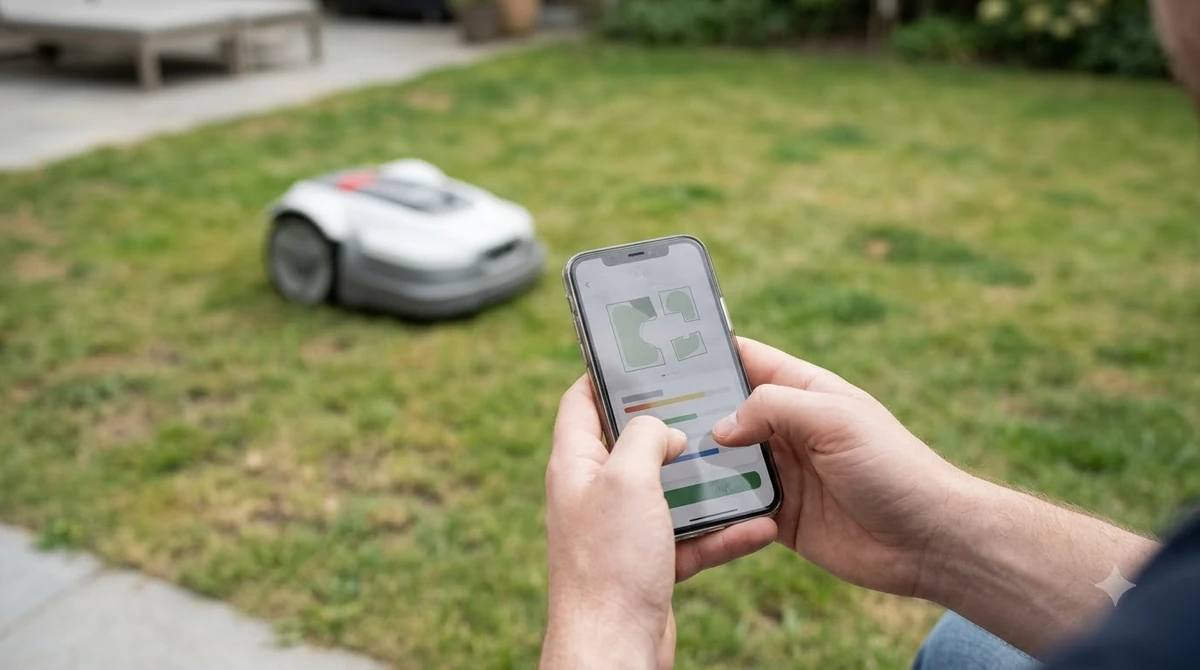
Our reading is that you should also keep the mower where it can finish the update without a mowing run starting in the middle. eufy does not confirm this for the E15, so treat it as general caution and not a vendor requirement.
If the update stalls at 0 percent
A search result pointed to a German blog post titled around an E15 firmware update that stays frozen at 0 percent. We could not open that page during this check, so we use it only as a report of a problem, not as proof of cause or fix. The report reads like a user account, not a vendor statement.
A stall is one problem owners can hit when they look up how to update eufy E15 firmware. For a failed automatic update, eufy’s general article says to wait 24 hours, since the device retries on its own. Our reading of a stalled manual update is to check the basics first: the app is open and connected, the phone and mower both have a steady network, the mower has power, and nothing else is changing the device at the same time. Restart the app before you try again. If the update still does not move, contact eufy support rather than trying an unofficial file from a forum, because we did not find any official manual route for the E15.
Heads up
Do not install firmware from a third-party file or a forum link. We found no official manual or USB route for the eufy E15 on the pages we could read, so the only route we can confirm is the app.
What we could not confirm for the E15
This guide on how to update eufy E15 firmware is short because the official pages we could read are thin on update detail. We could not confirm the update duration, an E15-specific menu path, a minimum app version beyond the V6 reference, or any release note for a specific firmware build. We also could not confirm whether the mower needs to be docked during an update, or whether the update can be paused.
Our reading is that the most useful next step is to write down the version you were on before you update eufy E15 firmware, and to read any release notes the app shows. If your E15 problem is not about updates, see eufy E15 problems and complaints. If eufy later publishes a step-by-step procedure, that should replace the general steps on this page.
Frequently asked questions
Can I update eufy E15 firmware without the app?
eufy’s product page lists the E15 firmware as an over-the-air update item, and the route it describes runs through the app. We found no official method that skips the app, so we cannot confirm one. A device with network access also updates automatically in the early hours, according to eufy’s general article.
How often should I update the E15 firmware?
eufy says to regularly update firmware but does not give an interval. A monthly check of the app is our reading, not a vendor rule.
Which firmware version do I need for map splitting?
eufy’s product page says to update to the latest app and V6 firmware to use map splitting and zone management. It does not state a minimum app version, so keep both current.
What if my eufy E15 update stays at 0 percent?
We found a user report of this problem but no vendor fix. Check the network and power, restart the app, and contact eufy support if it still does not move.
Sources
- eufy E15 robot lawn mower product page (eufy): the over-the-air entry for App and Firmware, the regular firmware update line, the latest app and V6 firmware note, and the hotspot guidance for setup. Read 2026-11-10 and 2026-11-12.
- Update Firmware for eufy Devices via App (eufy support): About Device path, manual check, overnight automatic updates, 24-hour retry. Applies to all eufy devices on the app; the E15 is not named. Read 2026-11-12.
 Up next7 min readLearnHow Long Does the eufy E15 Battery Last?Updated Nov 12, 2026
 8 min readLearneufy E15 Mapping Problem: Causes and FixesUpdated Nov 11, 2026
 7 min readLearnHow to Set Up the eufy E15 Robot Lawn MowerUpdated Nov 10, 2026
 7 min readLearneufy E15 App: Fixing Offline, 4G, and Lifted AlertsUpdated Nov 13, 2026
 6 min readLearnHow to Update Worx Landroid Vision FirmwareUpdated Nov 12, 2026
 7 min readLearnHow to Update Dreame A1 Pro Firmware: Over-the-Air Updates ExplainedUpdated Nov 12, 2026