
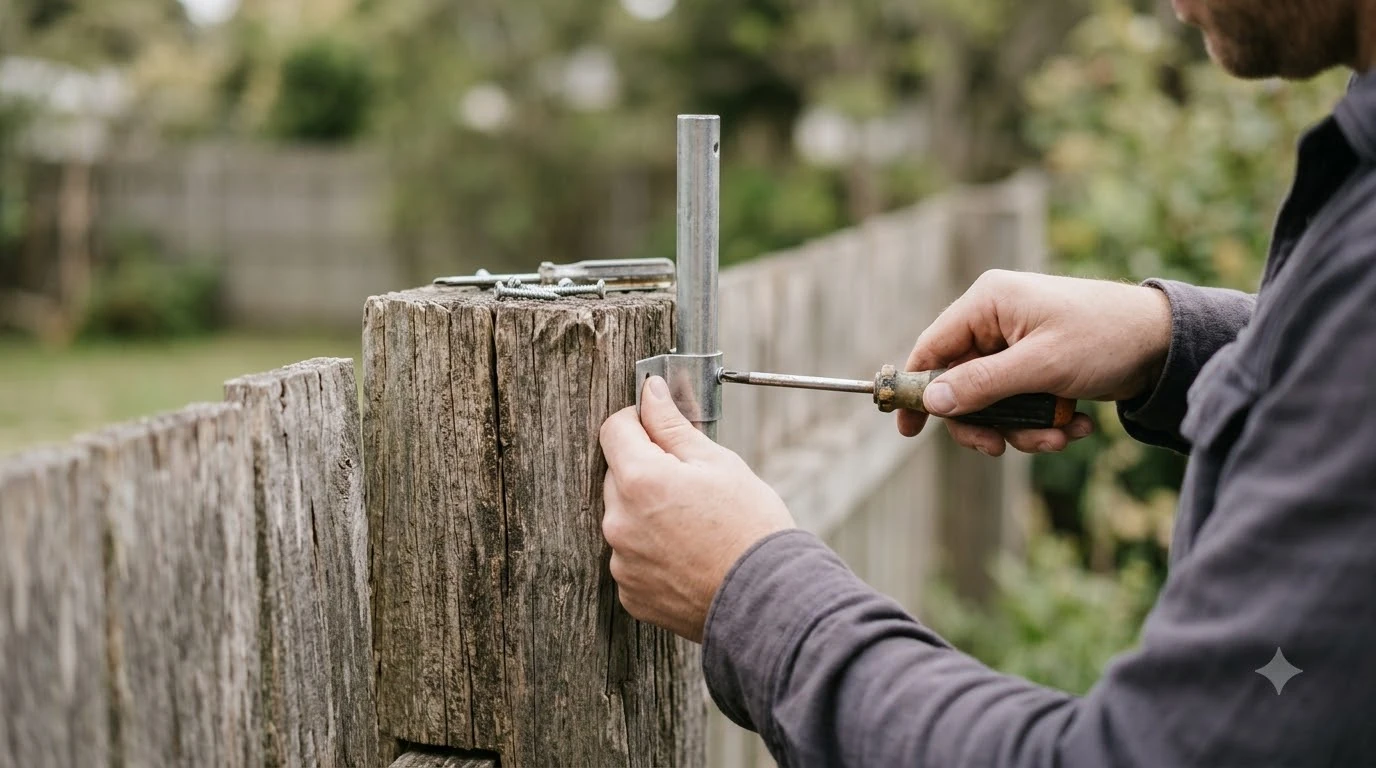

A wifi extender for robot lawn mower app must support the 2.4 GHz band, because Husqvarna says its Automower connects only on that frequency. Most robot mowers depend on your home network for app control, so a weak signal at the lawn or charging dock is the main reason to add one. Check the band, outdoor rating, and placement before you buy.
The short answer
- Band: choose a unit that supports 2.4 GHz, since 5 GHz and 6 GHz are not supported by Automower.
- Outdoor use: pick an extender designed for outdoor weather if it sits in the yard.
- Placement: put it as close as possible to the lawn or near windows that face the work area.
- Installation type: a boundary-wire mower keeps mowing when Wi-Fi drops, while wire-free models stop.
Choosing a wifi extender for robot lawn mower app use
Any range extender or mesh node can work only if it supports 2.4 GHz, which Husqvarna calls the only frequency its Automower connects to. The Husqvarna support page states that any extender or mesh system must support this band, so check the spec sheet before you buy.
A range extender repeats the signal it receives from your router, and a mesh node is one part of a connected set of units. For a robot mower, the band matters more than the brand, so when you pick a wifi extender for robot lawn mower app, check the band before the brand name. Our reading is that a dual-band unit can work, but only when its 2.4 GHz radio is switched on and the mower can join that network.

Check the 2.4 GHz band first
Husqvarna says Automower supports only 2.4 GHz Wi-Fi networks, and 5 GHz and 6 GHz networks are not supported. This single rule rules out many extenders that are sold as dual-band products, so read the band line before you buy a wifi extender for robot lawn mower app.
- The mower itself connects only on 2.4 GHz, according to Husqvarna.
- Any extender or mesh node in the chain must also support 2.4 GHz.
- Sunseeker’s glossary notes that 2.4 GHz often reaches farther than 5 GHz, although interference can be higher.
- If your router offers a combined band, confirm the 2.4 GHz setting before you assume the mower will connect.
Because the mower connects only on 2.4 GHz, a unit that cannot broadcast that band cannot link the mower to the app, whatever range it advertises.
Where to place a wifi extender for robot lawn mower app
Husqvarna advises placing a Wi-Fi extender as close as possible to the lawn or near windows facing the work area. Placing the unit near the work area, rather than only near the router, is the step Husqvarna’s guidance points to.
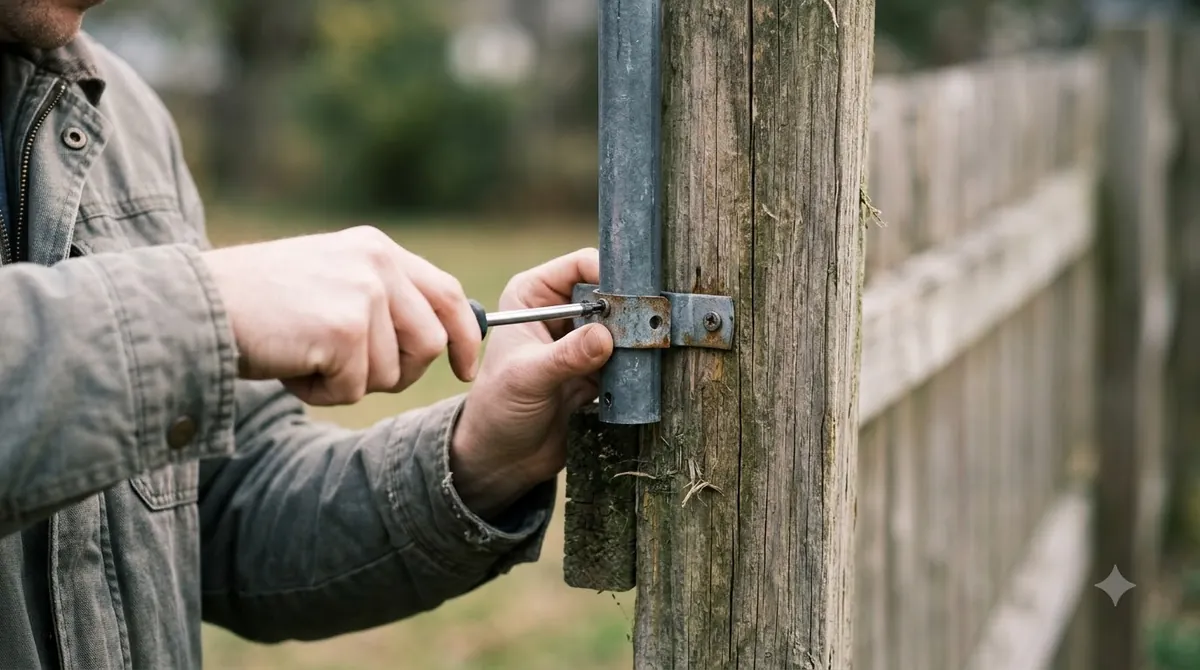
The same support page says to avoid thick walls, metal objects, and other electronics that can block signals. For outdoor areas, choose a wifi extender for robot lawn mower app designed for outdoor use to withstand weather conditions. Sunseeker’s glossary on Wi-Fi robot mowers describes a dock beside a strong router that still gets barely any Wi-Fi at the far corner of the lawn, because exterior walls, foil insulation, metal siding, and landscaping weaken the signal.
After you place the extender, check the result in the app. Husqvarna’s support page gives the path as More, then Settings, then Automower Connect, where you can check the signal strength under Wi-Fi. Test the reading at the mower’s usual spot, not only at the router. Husqvarna’s signal check is the practical test, so run it before you buy and again after you install a unit. Our reading is that a reading taken near the router can look strong while the lawn stays weak, which is why the mower’s usual spot matters more.
What happens when Wi-Fi drops
A boundary-wire Automower keeps mowing normally when Wi-Fi drops, but a wire-free EPOS model stops and searches for a signal. The table shows how each installation type behaves, using Husqvarna’s own wording, and what that means for buying a wifi extender for robot lawn mower app.
| Installation type | If Wi-Fi drops (Husqvarna) | Our reading for an extender |
|---|---|---|
| Boundary wire | Continues mowing normally | Matters mainly for app control |
| EPOS wire-free | Stops and searches for a signal | Most important to get right |
| Reference station | Stops, because Wi-Fi is required to communicate with the station | Needed to keep the mower running |
| AI vision | Stops if it does not recover the Wi-Fi signal | Needed to keep the mower running |
Sunseeker’s glossary makes a related point. A mower that stores its maps and schedules locally can keep running its schedule when internet access is temporarily unavailable. App functions such as map edits, alerts, status checks, and software updates still depend on Wi-Fi.
Vendor radio links and their range claims
Worx sells the Landroid Radio Link as a vendor option for the wifi extender for robot lawn mower app job. It is a transmitter that plugs into your router and a receiver on the mower, and the product page lists the WR140, WR150, and WR155 as compatible models. Worx’s product page describes the setup as plug-and-play, with no pairing step.
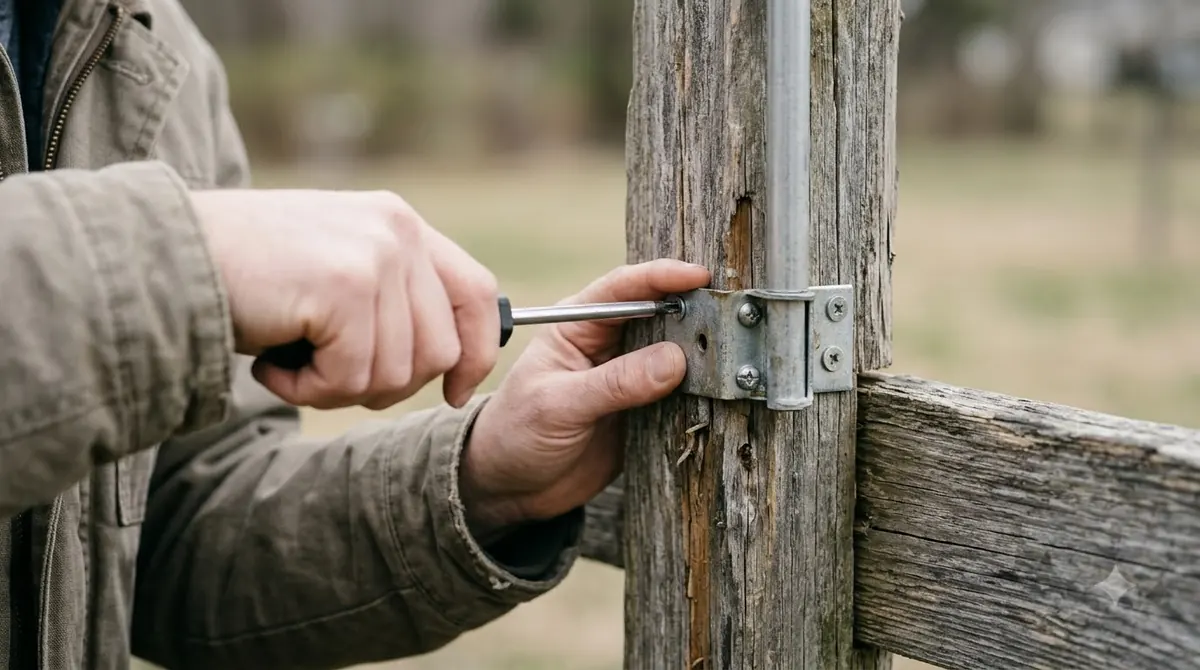
The range claims on that page do not agree. One product bullet says the kit extends the link by up to 0.62 miles, which is 3,280.84 feet, while the FAQ says upwards of 546 yards. The second figure is about half the first, so treat either number as a vendor claim until the product specifications settle it.
The page also says the radio link is limited by its connection to your home Wi-Fi network. A Radio Link can extend the path to the mower, but it cannot make a weak home network stronger. Worx lists only three compatible models, so check your model number before you order. A Radio Link is one alternative to a wifi extender for robot lawn mower app, not a separate requirement. The page did not show a dated price, so this guide does not quote one.
When an extender will not help
A wifi extender for robot lawn mower app only repeats the Wi-Fi signal you already have, so it cannot fix a home network that is down or a router with no internet service. Our reading is that if the internet connection itself fails, the mower’s app functions will fail too, whatever hardware sits in the yard.
A separate guide on whether you need an extender at all covers the yes or no decision for each installation type. Cellular connections are a separate topic, and this article does not cover them.
What to check before you buy
Before you buy a wifi extender for robot lawn mower app, confirm the band, the outdoor rating, and the installation type of your mower. Use the signal check in the app at the spot where the mower usually works, then decide whether the gap is worth closing with hardware.
- Band: the spec sheet of any wifi extender for robot lawn mower app should list 2.4 GHz support.
- Outdoor rating: any unit placed in the yard should be designed for outdoor weather.
- Installation type: confirm whether your mower uses boundary wire, EPOS, a reference station, or AI vision.
- Range claims: compare the manufacturer’s figures across its own pages before relying on one number.
- Signal reading: record the app’s Wi-Fi strength at the mower’s usual spot.
Our reading is that a wifi extender for robot lawn mower app is worth buying only when the signal reading is weak at the spot where the mower works, and the band and outdoor rating match the product specifications.
Frequently asked questions
Does a boundary-wire robot mower need a wifi extender?
Not to keep mowing. Husqvarna says a boundary-wire Automower continues mowing normally when Wi-Fi drops. So a wifi extender for robot lawn mower app mostly matters for app control, which Sunseeker describes as dependent on Wi-Fi.
Can a dual-band mesh system work with an Automower?
Yes, a dual-band wifi extender for robot lawn mower app works if its 2.4 GHz radio is enabled. Husqvarna says any extender or mesh system must support 2.4 GHz, and that 5 GHz and 6 GHz networks are not supported by the mower.
Is the Worx Landroid Radio Link range as large as its claim?
The product page does not settle it. One bullet claims up to 0.62 miles, and the FAQ says upwards of 546 yards. Worx does not say which figure is correct, so check the product specifications for any wifi extender for robot lawn mower app before you rely on either number.
What should I check first when the app shows a weak signal?
Open More, then Settings, then Automower Connect, and check the Wi-Fi signal strength, according to Husqvarna. Compare that reading at the spot where the mower usually works, not only near the router, before and after you add a wifi extender for robot lawn mower app.
Sources
- Troubleshooting Wi-Fi issues on Automower robotic lawn mowers (Husqvarna): used for the 2.4 GHz rule, extender placement and outdoor use, the effect of Wi-Fi loss on each installation type, and the app signal check.
- Landroid Radio Link (Worx): used for the transmitter and receiver setup, compatible models, and the conflicting range claims.
- Wi-Fi robot lawn mower glossary (Sunseeker): used for weak far-corner signal, wall and landscaping loss, the 2.4 GHz range trade-off, and local schedules.
 Up next8 min readGearBest Outdoor Mesh Wi-Fi for a Backyard Robot Mower: What to CheckUpdated Nov 12, 2026
 7 min readGearDo I Need a Wifi Extender for My Robot Mower?Updated Nov 19, 2026
 6 min readGearRobot Mower Outdoor WiFi Extender: 3 Simple TestsUpdated Nov 20, 2026
 7 min readGearRobot Mower Charging Station Extension Cable Outdoor: What to CheckUpdated Nov 19, 2026
 9 min readGearRobot Mower Winter Storage Accessories: What to Buy and CheckUpdated Nov 19, 2026
 9 min readGearRobot Mower Boundary Wire Repair Kit: What to Check Before You RepairUpdated Nov 19, 2026