
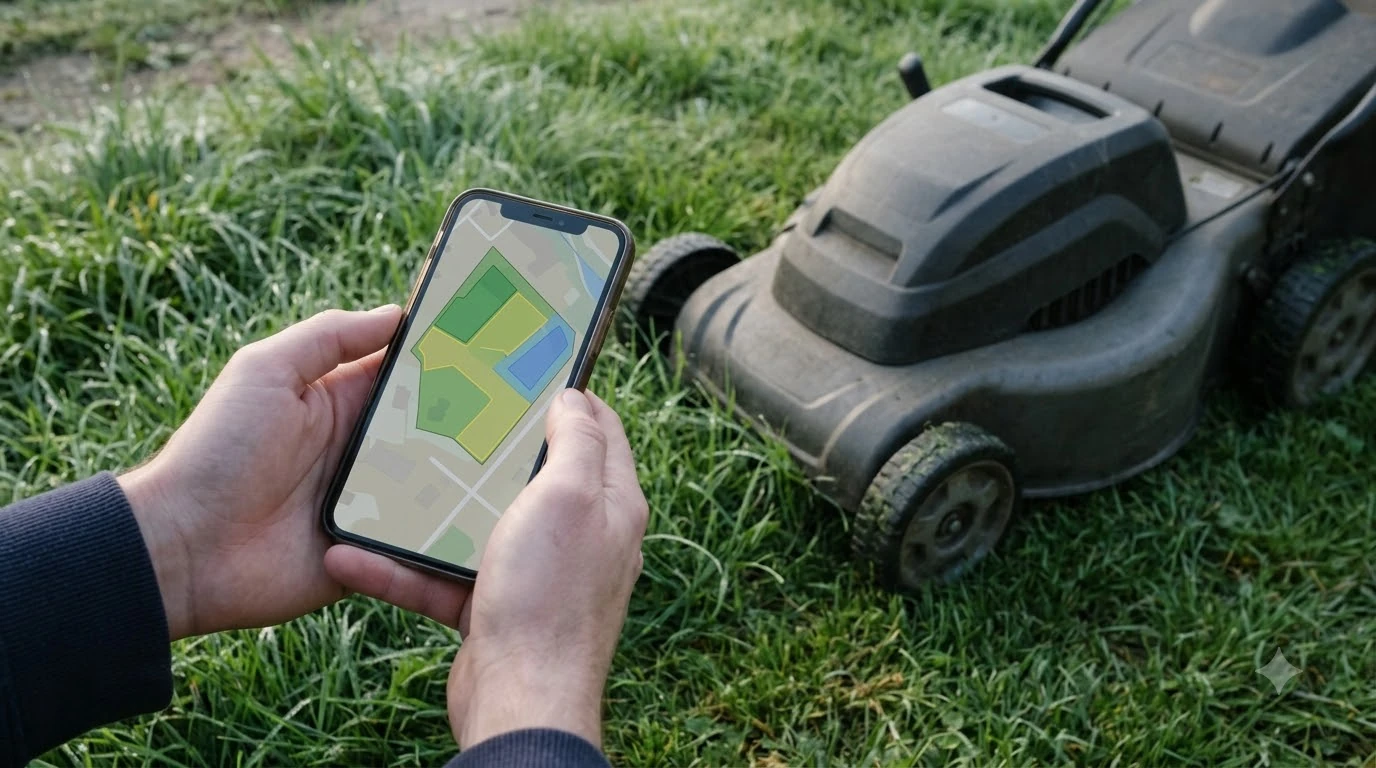

A robot mower outdoor wifi extender helps only when the mower needs Wi-Fi to keep its connection, and it works best mounted outside near the lawn on a 2.4 GHz network. Many robot mowers cut grass with the boundary wire or sensors, so Wi-Fi mostly matters for the app and remote features. This guide explains when an outdoor extender is worth it, what to check before you buy one, and how one owner set up a shed-mounted unit.
The short answer
- Check what the mower needs Wi-Fi for: app control, scheduling, updates and alerts are different from cutting grass.
- Look at the charging station first: one guide warns that the yard can be weaker than the house if the station is far from the router.
- Use a 2.4 GHz network: Husqvarna and Segway Navimow are both listed as 2.4 GHz only in the sources we read.
- Mount outdoors and keep the name distinct: one owner’s shed-mounted extender worked with a separate network name.
What a robot mower actually uses Wi-Fi for
For most robot mowers, Wi-Fi is a feature connection. The mower uses it to talk to the app, to take schedule changes, to download updates, and to send alerts. The guide we read says that some mowers can keep cutting during an outage, while remote features may be limited, depending on the model. For the bigger picture behind this topic, begin with our guide to deciding on a Wi-Fi extender and then come back here. If this point matters for your setup, read our Wi-Fi extender for mower app stability for more detail on it.
That is why an extender is a question about the app, not only about the lawn. If you rarely use the app while you are out in the yard, a weak signal at the far end may matter less than you think. If the mower loses its connection often, the extender becomes worth testing.
Check the signal where the charging station sits
The guide we read makes one point that matters for every setup: if the charging station is far from the router, Wi-Fi may be weaker in the yard than it is inside the house. Start there. Walk the charging station with your phone and check the signal before you buy anything.
If the signal at the station is weak, an extender placed near the station will usually help more than one placed near the back fence. Test the signal first, then choose the spot.
Band and network name
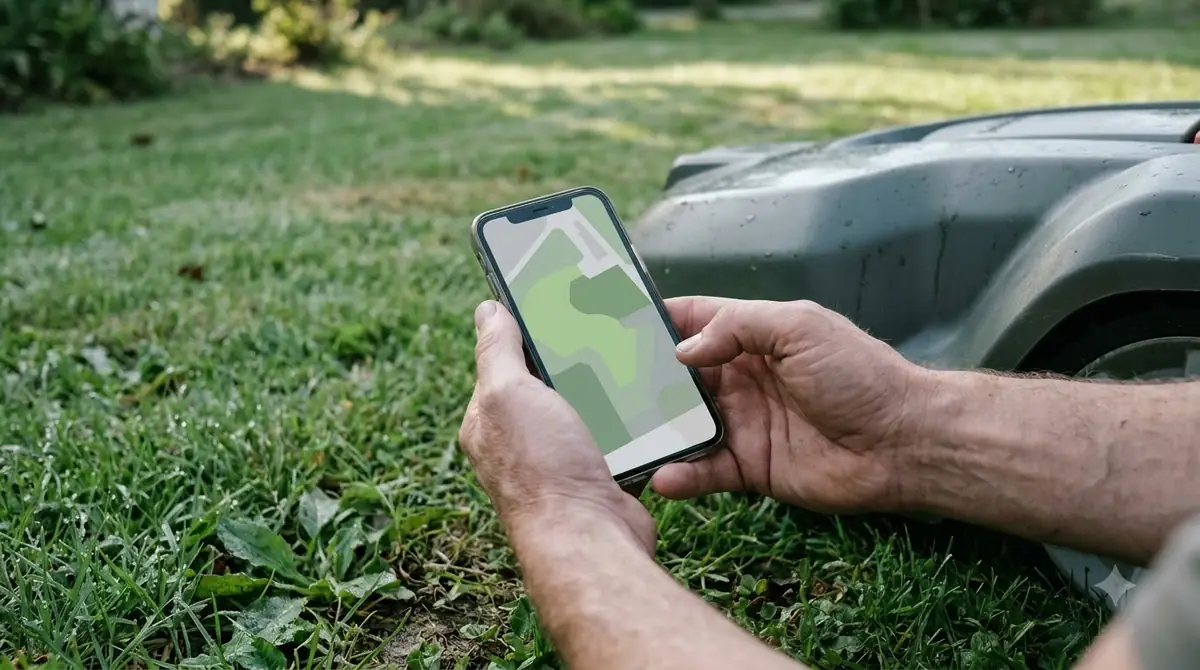
Many robot mower setups run on 2.4 GHz only, and the shed example below used a 2.4 GHz network. If your router broadcasts a combined name, check your mower’s manual for the band it needs, and turn on or separate the 2.4 GHz band in the router settings if required. You can find more background and practical detail on this point in our outdoor mesh Wi-Fi for backyards.
An extender that copies the home network name exactly can keep the mower on the weak house signal. In the shed example below, the owner kept a distinct name with a suffix, so the mower connected once and stayed on the stronger network.
A shed-mounted example
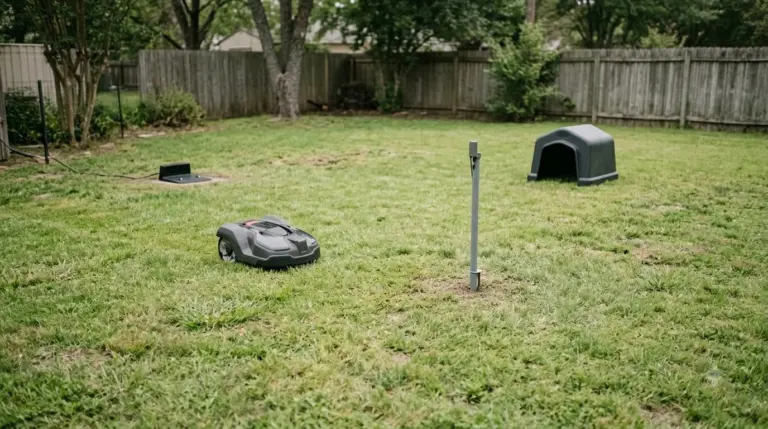
One owner mounted an outdoor-rated extender on the outside wall of a backyard shed and powered it over a single PoE cable from inside the shed. The extender picked up a faint home signal and rebroadcast a stronger 2.4 GHz network over the mowing area. The owner set the mower to use Wi-Fi only in the app, so it would not fall back to a weak cellular link.
This is one owner’s report, not manufacturer guidance, and the results were not measured against other setups. It is useful as a pattern: outdoor mounting, a distinct name, and a mower setting that keeps it on that network.

What to check before you buy a robot mower outdoor wifi extender
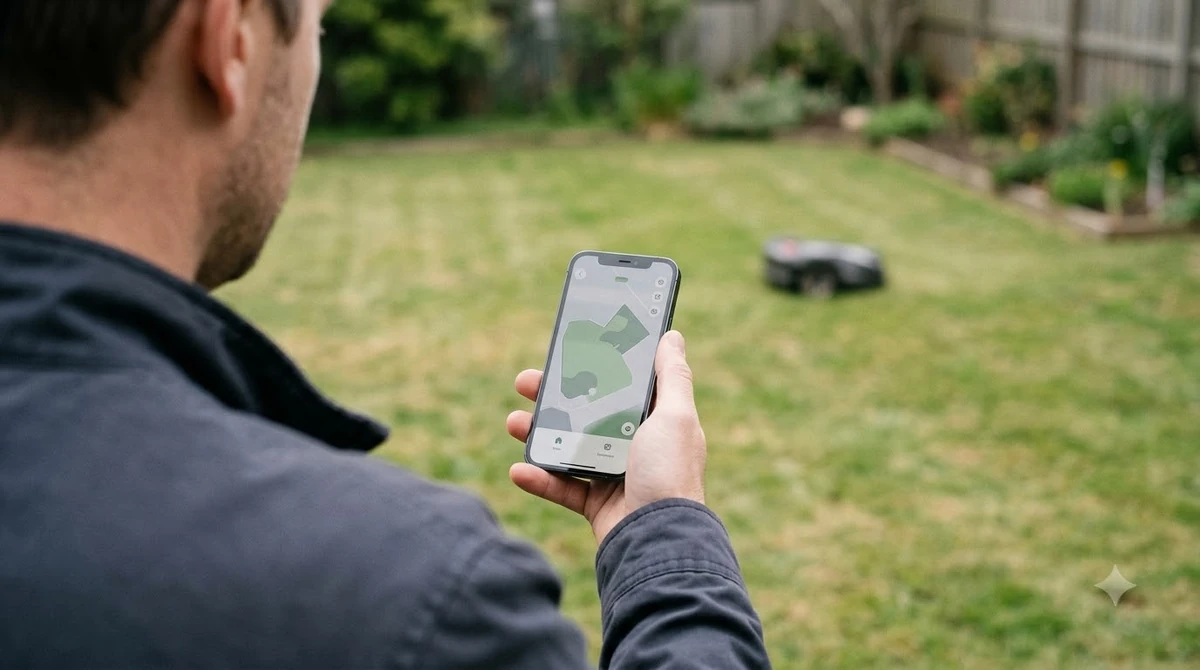
Look for an extender rated for outdoor use, since the shed example used an outdoor-rated unit mounted on an exterior wall. Check how it is powered, whether it can sit near the charging station, and whether it supports the 2.4 GHz band your mower needs. Then test the signal at the charging station and at the far end of the lawn before you commit to a mounting spot. See our 4G IoT module for robot mowers for further detail on a connected question.
Test the signal before and after
Measure first, then buy. Stand at the charging station, at the far end of the lawn and at the spot where the mower most often drops its connection, and note the signal bars in your phone’s Wi-Fi settings at each point. Those three readings show whether the problem starts at the station or only at the far end.
After you install an extender, repeat the same three readings. If the far end is now strong and the station is unchanged, the extender is doing its job. If the mower still drops, check the band setting and the network name before you change the hardware.
Keep a simple log for a week. Note the times the mower reports a lost connection and whether it was raining. Patterns in the log often point to a weak point in the yard rather than a general problem with the network.
Frequently asked questions
Does a robot mower need Wi-Fi across the whole yard?
It depends on the model and on the features you use. The guide we read says Wi-Fi mostly serves the app and remote features, so check your model’s manual before you cover the whole yard.
Should I use a 2.4 GHz or 5 GHz network?
The sources we read list Husqvarna and Segway Navimow as 2.4 GHz only, so use or separate the 2.4 GHz band for the mower.
Can an extender fix a robot mower that loses connection?
It can help if the loss comes from a weak signal at the mower’s location. Test the signal at the charging station first, because a weak signal there limits what an extender can fix.
Should the extender use the same network name?
The shed example used a distinct name with a suffix, which let the mower connect once and stay on the stronger network. Use a different name if the mower keeps joining the weak house signal.
Sources
- The Robo Zone (guide): Wi-Fi as a feature connection, and a weaker yard signal when the charging station is far from the router.
- ZippyLawn NZ (installer blog): shed-mounted outdoor extender in repeater mode, distinct network name, and the Wi-Fi-only app setting.
 Up next7 min readGearDo I Need a Wifi Extender for My Robot Mower?Updated Nov 19, 2026
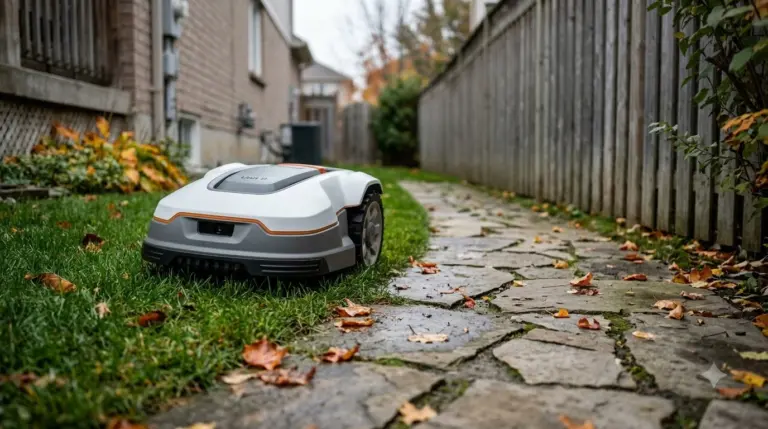 6 min readGearRobot Mower Lawn Edging Strips: 3 Simple Setup StepsUpdated Nov 14, 2026
 7 min readGearRobot Mower Boundary Flags for Setup: Test the Route FirstUpdated Nov 14, 2026
 8 min readGearWi-Fi Extender for Your Robot Lawn Mower App: What to CheckUpdated Nov 19, 2026
 7 min readGearRobot Mower Wire Tensioner: 4 Simple Checks FirstUpdated Nov 14, 2026
 8 min readGearHow to Balance Robot Mower Blades: Simple 2026 GuideUpdated Nov 19, 2026