

Why does my robot mower stop in the middle of the lawn with battery left? Usually a pause or stop command, a parking routine, or a lost signal is behind it. Check the app status and the history first, because many of these stops show a message or a routine name. Only a few causes need a visit to the mower itself.
The short answer
- Look at the app first. A pause, a smart routine or a satellite search usually shows a status line.
- A STOP press needs a manual restart. The mower cannot be restarted remotely after the STOP button has been pressed.
- Signal loss can stop it too. Wire-free models may stop while they search for satellites or lose a reference connection.
Check the app status before anything else
The fastest diagnosis is the status line in the app. Husqvarna’s support article on mowers that keep stopping lists the states you are likely to see, such as “Stopped, manual action required”, “Paused”, “Searching for satellites” or “Set by Rain Guard”. Each one points to a different fix. If the app shows no message, check the history tab for the last event before the stop, since that often shows what the mower was doing when it halted. A mower that halts mid-lawn may be reporting any of several faults, and a general mower troubleshooting guide helps you sort them.
These examples come from one brand, so use the wording for your own app. Other makers use different labels, but the logic is similar: a visible status points to the cause.
Pause commands and shared accounts
A pause can come from the mower’s app, from an automation service, or from another person on the same account. Husqvarna’s guidance notes that the pause may have come from someone other than you if several users are connected. Check whether a Smart Home service, an IFTTT applet or a second user sent the command. If so, restart the mower from the app and review the automation rules so the pause does not repeat.
Smart routines and weather guards
Rain, frost or wildlife guards can park the mower when conditions call for it. The mower usually resumes its schedule once the condition no longer applies. If a guard is set too sensitively for your lawn, adjust the routine rather than turning it off completely, so the mower still avoids wet grass. Our reading is that a routine that parks the mower in dry weather is worth reviewing, since the stop looks like a fault but is a setting.
Satellite, internet and reference station loss
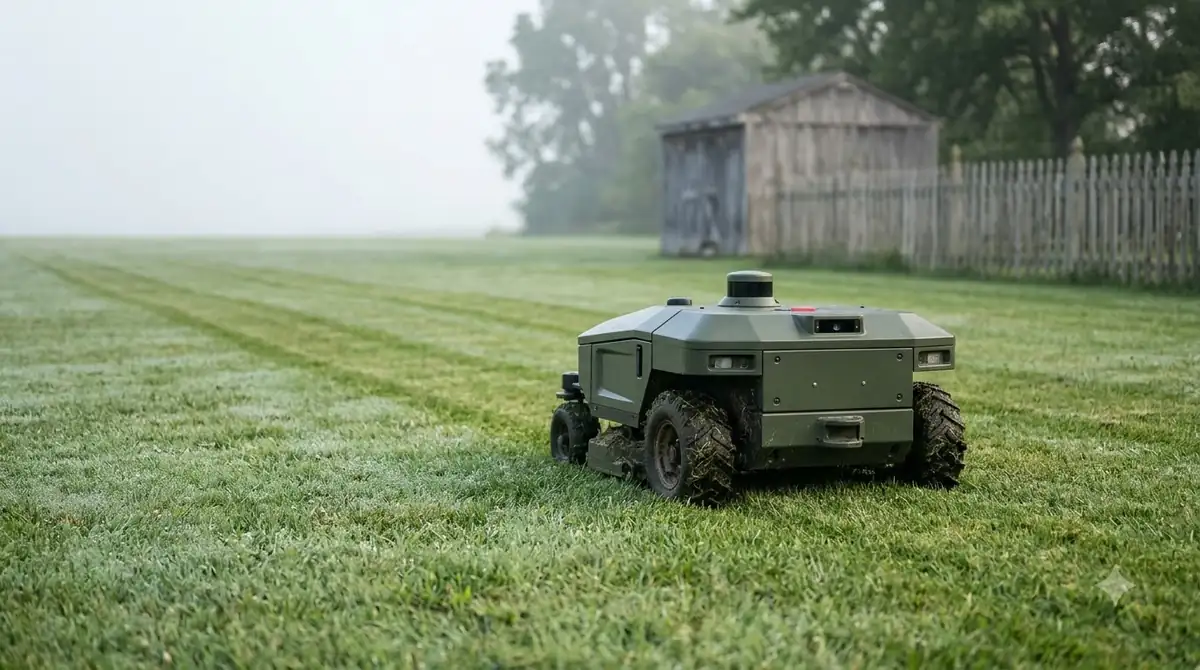
Wire-free models rely on satellite signals and, in some setups, on an internet connection or a reference station. The mower may stop while it searches for satellites, and in most cases it resumes on its own once the signal returns. A lost internet connection or a reference station problem needs a check of coverage and power. Confirm that the reference station is powered and that home Wi-Fi is stable near the station. Sensor-based mowers can stop when the map looks wrong, and LiDAR faults that pause a run are one example.
The STOP button needs an on-site restart
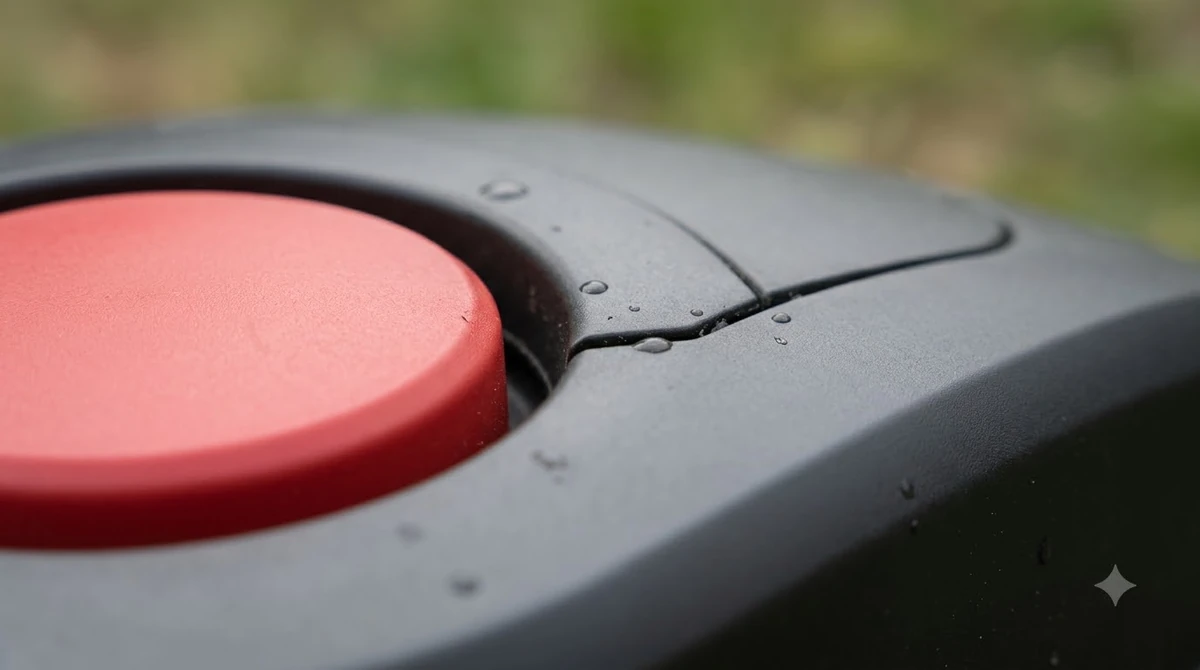
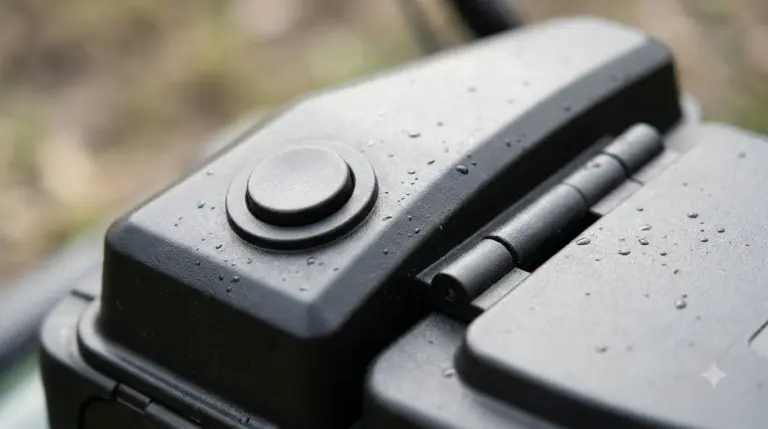
If someone pressed the STOP button on the mower, the app and Smart Home services cannot restart it. You need to go to the mower, follow the restart steps in the manual, and then send a new start command. This is a safety feature, so do not try to bypass it.
When it keeps happening
If the answer to why does my robot mower stop in the middle of the lawn is still unclear, track the stops for a week. Note the time, the weather and the app status each time. A pattern usually appears within a few stops, and that pattern is the most useful thing to share with support. Our reading is that a clear log beats a guess. A lift or tilt alert will stop the blades and the drive, so a lifted error that returns is worth ruling out. Another brand-specific view helps when your model is similar, and Landroid stuck fixes show how a log file speeds up support.
If the stop repeats with no pause, routine or signal message, note the time and the location in the lawn where it halted. Check whether the path to the work area is blocked by an object, since the mower may be trying to reach a zone it cannot enter. Then contact your dealer or support with the model, the app status and the time of the stops. A pattern of stops at the same spot points to a path or sensor issue, while random stops point to settings or signal.
Record the details before you contact support
Support teams can solve a stop much faster when they know what the app showed at that moment. Write down the time of the stop, the zone of the lawn where it happened, the weather, and any status line or error text shown. Note whether the mower was mowing, returning or heading to a zone. Include the model name and the firmware version from the app’s settings.
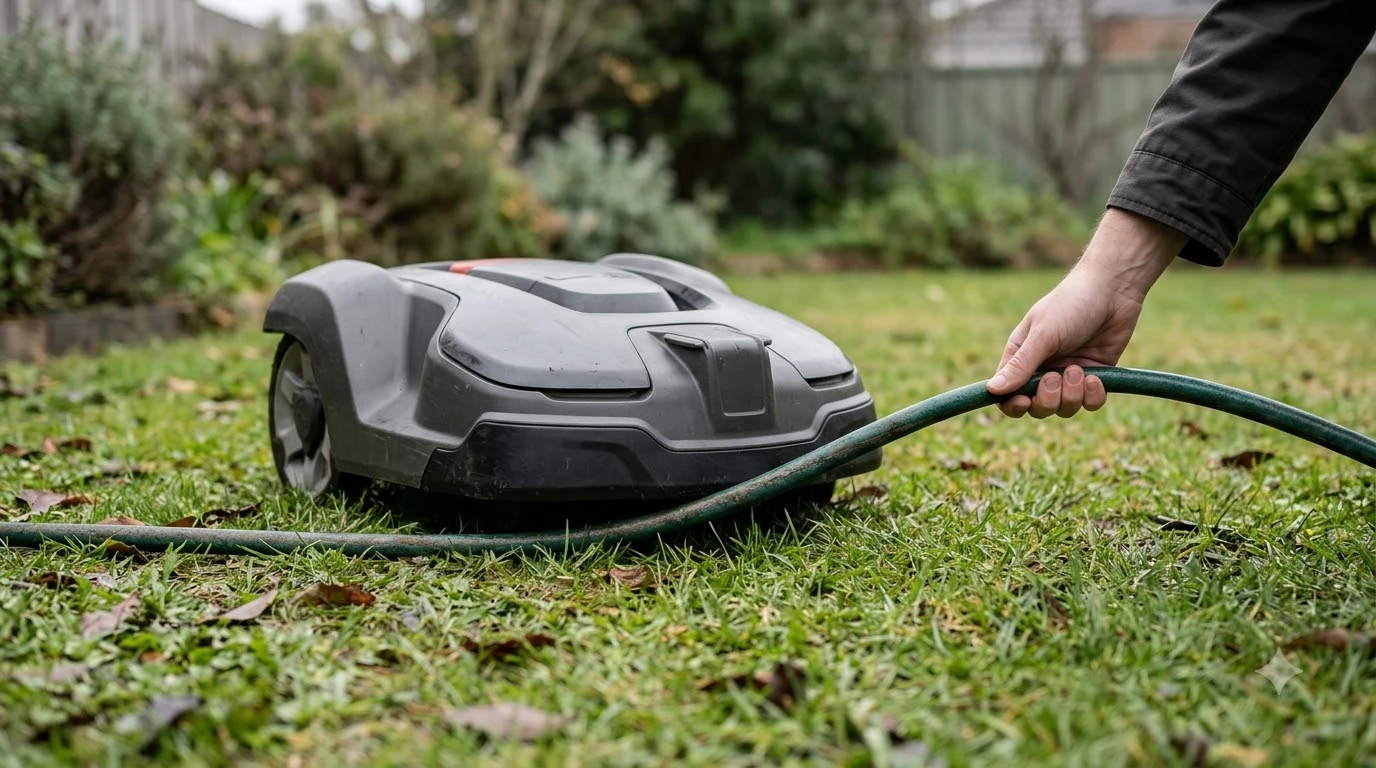
Check the simple things first. Make sure no other user or automation has sent a command. Confirm the mower is not parked in ECO mode and that no smart routine is active at the time of the stop. Look at the path between the mower and the spot where it halted, since a branch, a hose or a gate left open can block the route.
Our reading is that a stop that happens in one place points to a physical cause, such as an obstacle, a boundary issue or a sensor reading, while a stop at random times points to settings, signal or an account command. Sorting the stops this way narrows the search before anyone visits the lawn.
Frequently asked questions
Why did my robot mower stop with battery left?
Common causes are a pause command, a STOP press, a smart routine or a satellite search. The app status usually shows which one.
Can I restart a mower that was stopped with the STOP button from the app?
On Husqvarna models, no. A STOP press needs an on-site restart. Other brands may differ, so check the manual.
Will the mower restart on its own after a satellite search?
Usually yes. Once the satellite signal is acquired, the mower resumes. If it does not, check the signal coverage.
Could my smart home automation be stopping the mower?
Yes. A Google Home, Alexa or IFTTT command can send a pause. Review the connected services and any applets.
Sources
- Husqvarna: Automower won’t start or keeps stopping (manufacturer): STOP button, pause commands, smart routines, ECO mode and signal states.
- Husqvarna: why Automower stops despite having battery capacity (manufacturer): restart steps, satellite and reference station checks.
 Up next8 min readLearnWhy Does My Robot Mower Beep and Stop Mid-Cut? Common CausesUpdated Nov 14, 2026
 9 min readLearnWhy Does My Robot Mower Stop When Crossing Patio Pavers?Updated Nov 19, 2026
 6 min readLearnWhy Does My Robot Mower Keep Going Back to the Charger?Updated Nov 14, 2026
 6 min readLearnWhy Does My Robot Mower Spin in Circles? Causes and FixesUpdated Nov 14, 2026
 6 min readLearnWhy Does My Robot Mower Bump Into Things?Updated Nov 14, 2026
 7 min readLearnWhy Does My Robot Mower Miss Patches in Corners?Updated Nov 14, 2026