
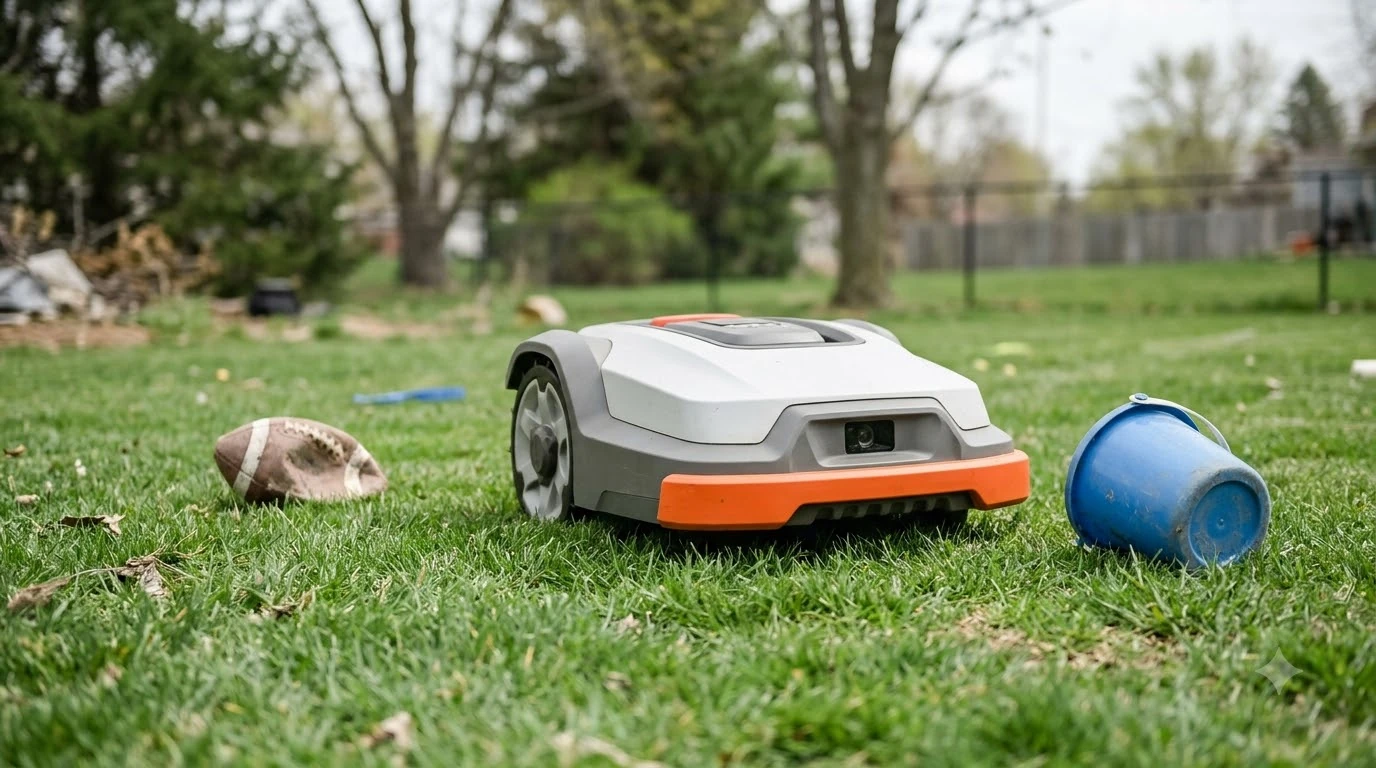

Why does my robot mower bump into things? Most robot mowers use a camera, ultrasonic sensors, or a physical bumper to find obstacles, and each one has blind spots. Small objects, soft items, and poor light or weather can slip past the sensors, so the mower only reacts after contact. A bump is not always a fault, but repeated bumps usually point to something specific that is worth checking.
The short answer
- Sensors have limits: ultrasonic sensors may miss very small items and have short range.
- Some objects are hard to see: soft, transparent, or thin items such as plastic bags or fine lines may not register.
- Bumpers react after contact: the mower will still touch an object before it changes direction.
- Repeated bumps need a check: look for a trapped body, debris, or a sensor fault before you assume the mower is failing.
How a robot mower detects objects
Most mowers combine several methods. Lymow describes a three-layer setup: binocular vision cameras that build a 3D picture of the yard, several ultrasonic sensors pointed at different angles that time sound echoes, and a physical bumper that acts as a backup. Each layer covers a different gap, but none of them covers everything. Laser sensing detects objects before contact, as how LiDAR spots obstacles explains. Camera models recognize some objects, as camera-based obstacle recognition describes, and it is worth reading before you change any settings.
The bumper is the last line of defense. It only reacts once the mower touches something, which is why a mower can still bump an object even when its camera and ultrasonic sensors are working.
Why sensors miss some objects
The limits are the main reason a mower bumps. Lymow lists the common gaps in its own explanation of obstacle detection, and they apply to most mowers that rely on similar sensors. Darkness reduces what cameras see, as night-time object detection limits explains, which gives more context than this short overview can.
- Small objects: ultrasonic sensors may miss very small items, and bumpers may not reliably detect small stones.
- Soft or see-through items: plastic bags and fine lines may not register as solid obstacles.
- Blind spots and range: ultrasonic sensors have blind spots and usually detect objects only within a few meters.
- Weather and light: temperature, humidity, and wind can affect ultrasonic readings, and changing light can affect camera images.
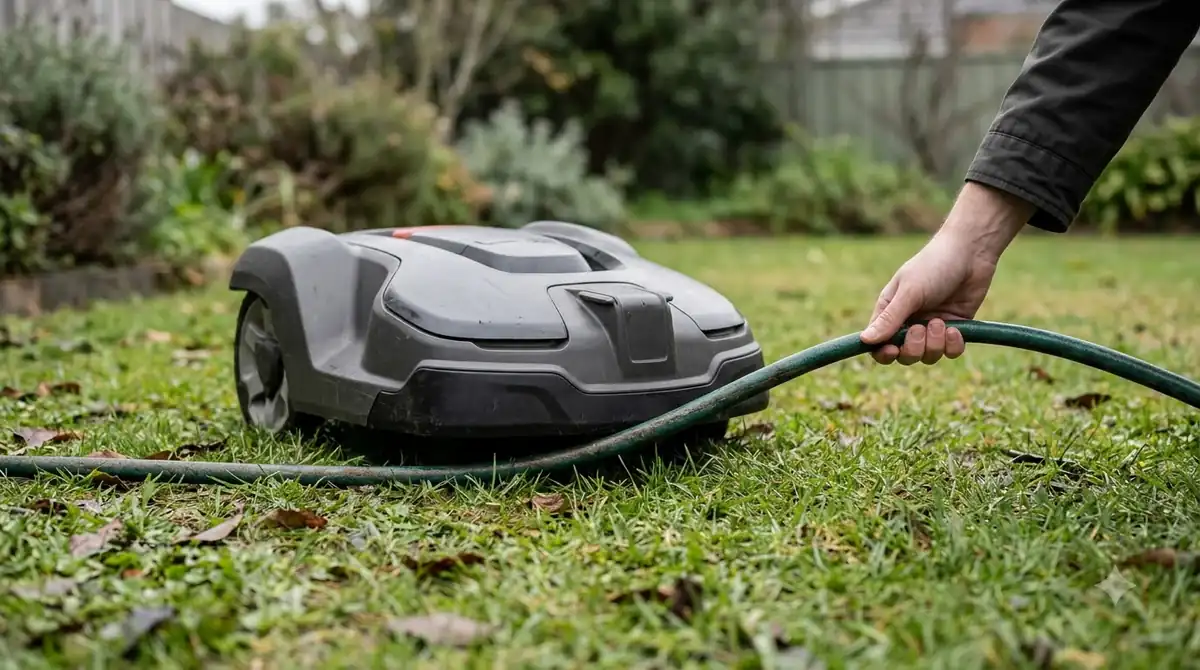
These gaps explain why a mower may hit a garden stone or a stray hose while it passes a safe-looking area. The fix is usually to clear the yard of loose items, not to change any setting.
Why does my robot mower bump into things: causes to check
Before you assume a sensor is at fault, look at the physical side. Husqvarna’s support article on its collision-sensor message lists several causes that can make the mower react as if it has hit something, even when nothing is in the way.
- A trapped mower. Husqvarna lists an object holding the mower, such as under garden furniture. The fix is to pull the mower clear.
- Debris in the body. Grass or dirt wedged between the body and chassis can keep the bumper from moving freely. Brush it out.
- Body not seated. If the body does not sit fully on the chassis, the bumper can misread. Check that it moves freely and is installed correctly.
- Blocked wheels. Objects that stop the drive wheels from turning can cause a stop message. Remove the obstruction.
- Grass height and cutting height. Grass taller than the model’s maximum, or a blade set too low, can also trigger a stop. Keep grass within the limit and raise the blade if needed.
- A temporary glitch. Husqvarna suggests turning the mower off and back on. If the error returns, contact a dealer.
Heads up
A bumper that is stiff, cracked, or does not spring back needs more than cleaning. Check that it moves freely by hand with the mower off before you decide the sensor is the problem.
How to reduce bumps in your yard
The simplest fix is a tidy yard. Pick up hoses, toys, stones, and garden tools before each run, and keep furniture off the route the mower takes. A mower that has a clear path rarely needs to rely on its bumper at all. Trunks are a frequent contact point, as navigating around tree trunks shows.
In our reading, a mower that bumps the same object on every run is telling you something about that spot. Check whether the object sits right at a corner, a gap, or a low branch, and whether the map shows the area as open. Moving the object or adjusting the boundary there is often more useful than repeated resets.
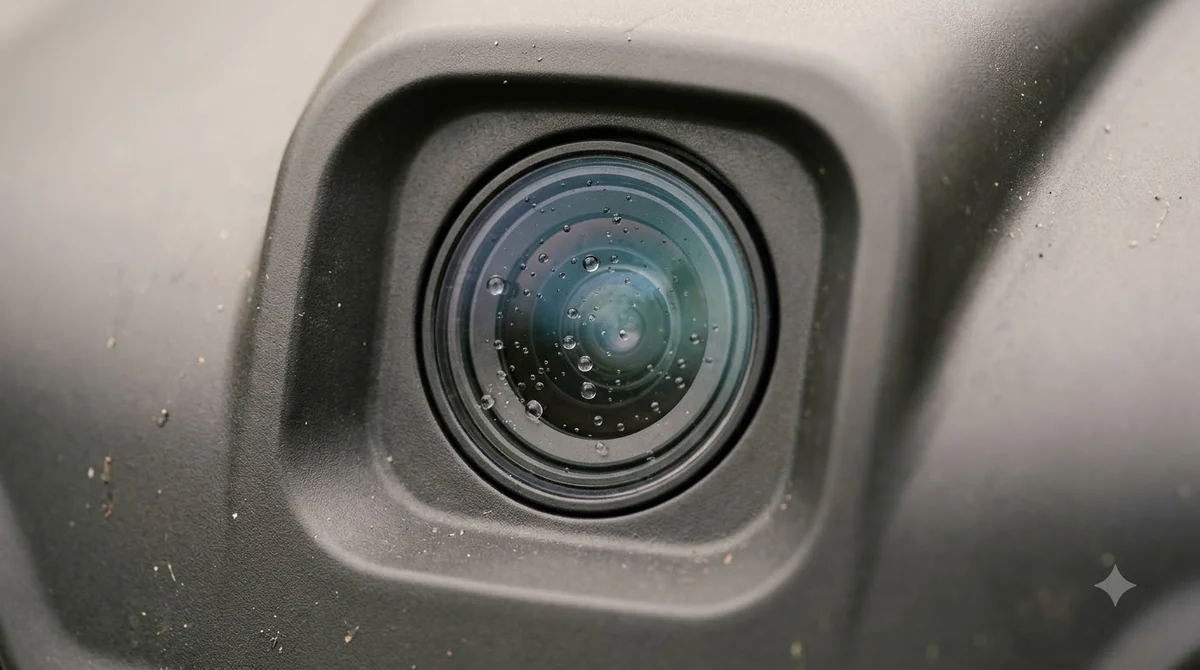
Check the sensor area as well. Dirt on a camera lens or a clogged ultrasonic opening can reduce how far ahead the mower sees, so a quick wipe can make a noticeable difference. Lymow’s own limitations list makes the same point: sensors work best when they are clean and the lighting is steady.
When to contact support
Most bumps have a clear cause, but a mower that keeps stopping with no visible object, or that bumps the same item every run, needs support. Note the time, the message in the app, and what was near the mower when it stopped. That record helps the dealer find the cause faster than a general report.
Related reads: Other faults owners report are summarized in common robot mower problems, so check it if you want the details behind this point.
Frequently asked questions
Why does my robot mower bump into things it should see?
Sensors have blind spots and short range, and small or soft objects can be missed. The bumper reacts only after contact, so some bumps can still happen.
Does a bumper stop only work after the mower hits something?
Yes. Lymow describes the bumper as a backup that reacts on contact, which is why the cameras and ultrasonic sensors are the first line of detection.
What does a collision sensor error on an Automower mean?
It can mean the mower is trapped, debris is wedged in the body, the body is not seated, or the wheels are blocked. Husqvarna’s article lists these causes with a fix for each.
Can dirt on the sensors cause bumps?
It can reduce how far ahead the mower sees, and Lymow notes that temperature, humidity, lighting, and wind can affect performance. Cleaning the sensor area is a low-cost first check.
Sources
- Collision sensor problem: Automower error message (Husqvarna): used for the list of causes that trigger a collision message and the fix for each.
- Obstacle avoidance solution (Lymow): used for the sensor layers and the small-object, blind-spot, and weather limitations.
 Up next7 min readLearnWhy Does My Robot Mower Drive Into the Flower Bed?Updated Nov 13, 2026
 6 min readLearnWhy Does My Robot Mower Spin in Circles? Causes and FixesUpdated Nov 14, 2026
 6 min readLearnWhy Does My Robot Mower Stop in the Middle of the Lawn?Updated Nov 14, 2026
 6 min readLearnWhy Does My Robot Mower Keep Going Back to the Charger?Updated Nov 14, 2026
 7 min readLearnWhy Does My Robot Mower Miss Patches in Corners?Updated Nov 14, 2026
 8 min readLearnWhy Does My Robot Mower App Say Offline?Updated Nov 13, 2026