
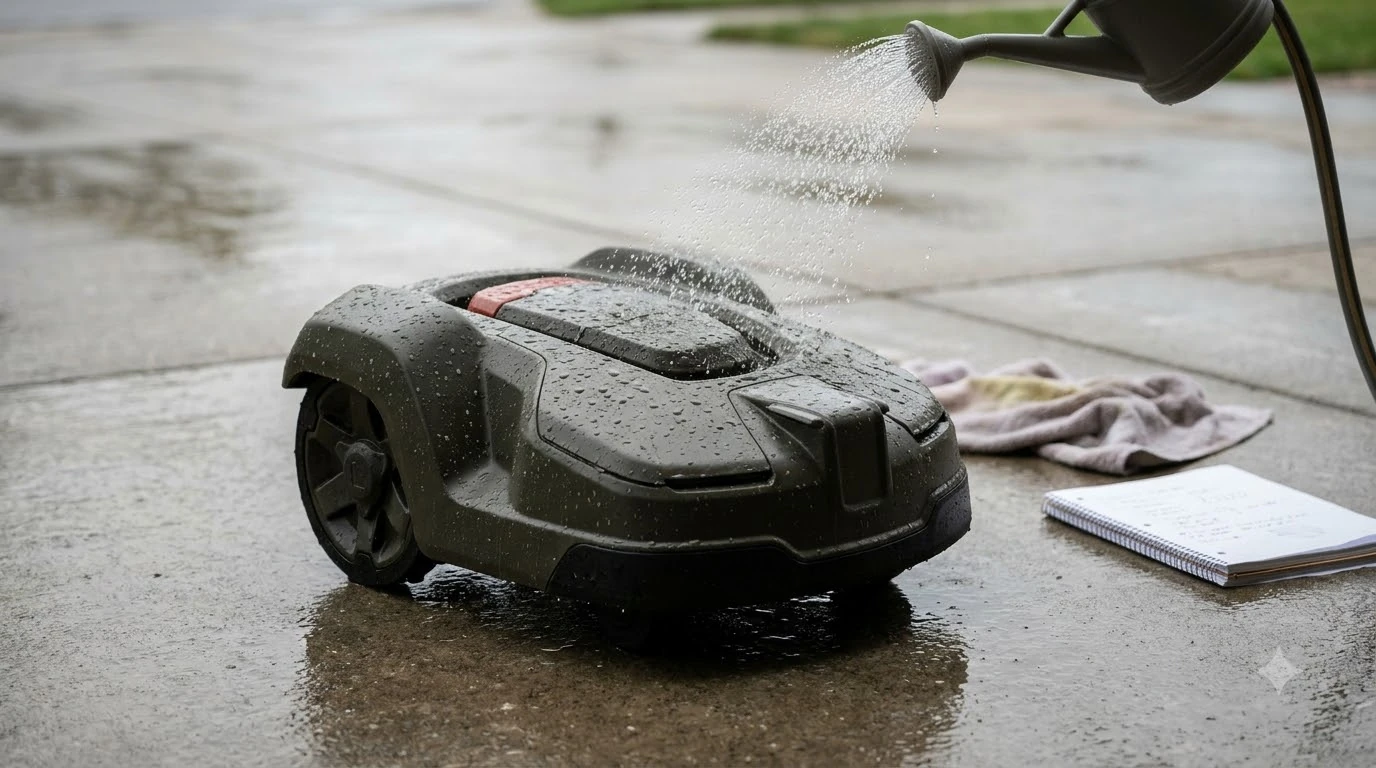

Choosing the best robot lawn mower with automatic rain-forecast scheduling comes down to verifying how a model combines cloud weather data with onboard hardware sensors and customizable post-rain drying delays. While most robotic mowers are water-resistant enough to survive a passing shower, cutting wet grass causes clumping under the deck, tears leaf blades, and leaves wheel ruts in soft soil. Predictive scheduling solves this by sending the unit back to its dock before storms arrive and holding it there until turf conditions improve.
The short answer
- Dual-layer detection works best: Look for models that pair cloud-based meteorological forecasts with a physical onboard conductive rain sensor so sudden, unforecasted downpours still trigger a dock return.
- Post-rain drying delays matter: A forecast-aware mower needs a configurable hold period—often adjustable up to 12 hours—so it does not resume cutting immediately while grass blades and topsoil remain saturated.
- Connectivity is non-negotiable: Forecast scheduling relies on continuous Wi-Fi or cellular data syncing; Bluetooth-only units cannot pull live local weather updates on their own.
- Growth-adaptive logic adds value: Advanced scheduling platforms factor in rainfall alongside temperature, sunlight, and grass species to scale cutting hours up or down across changing seasons.
- No single model fits every yard: The right choice depends on whether your property has reliable yard-wide Wi-Fi, clay-heavy soil that holds moisture, or frequent pop-up storms.
Why predictive weather scheduling beats a basic rain sensor
Predictive rain-forecast scheduling parks your mower before precipitation hits, avoiding the messy period when a traditional physical sensor waits for water droplets to accumulate on its contacts.
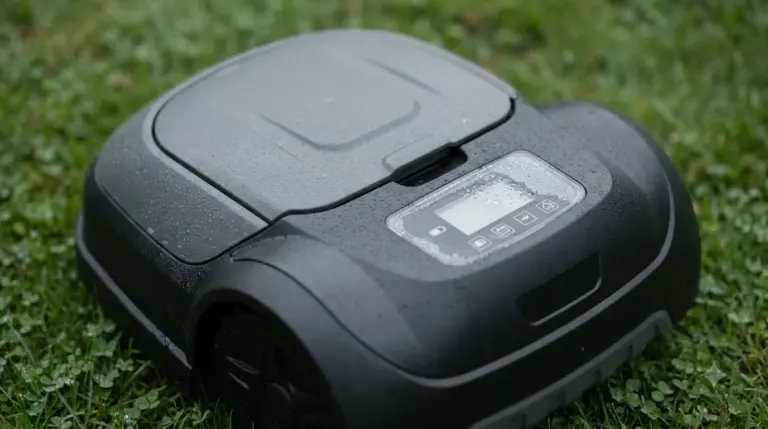
Standard conductive rain sensors mounted on the top shell of a robot mower only react after rain is already falling. By the time enough moisture bridges the metal contacts to trigger a dock command, the mower may have already spent several minutes cutting wet turf. Damp clippings stick to the underside of the cutting deck, coat the spinning razor blades, and drop onto the lawn in wet mats that block sunlight.
Forecast-driven systems take a proactive approach by pulling hyperlocal weather data through the manufacturer’s cloud platform. According to Husqvarna’s Automower Smart Routines documentation, features like Rain Guard monitor regional weather services for predicted rain, showers, or heavy rain and automatically instruct supported mowers to park at the charging station. Similarly, Segway Navimow support guidelines note that newer models check local weather feeds every 10 minutes and pause scheduled runs when rain, snow, or fog is detected.
Key technical specs to compare across weather-smart mowers
Evaluating forecast-enabled mowers requires looking beyond marketing labels to examine polling frequency, delay timers, and fallback hardware.
Brands implement weather automation differently across product tiers. Entry-level models often rely solely on a physical rain plate with a fixed delay, whereas mid-range and flagship units integrate cloud weather APIs, smart-home routines, or multi-variable growth algorithms. When comparing spec sheets and owner manuals, focus on how quickly the app syncs forecast changes and whether the mower falls back to onboard sensors if local weather data lags behind real-world microclimates.
| Specification | What to look for | Why it affects lawn quality |
|---|---|---|
| Weather data polling | Frequent cloud sync intervals (such as every 10 minutes or hourly checks) | Faster polling prevents the mower from leaving the dock right before a fast-moving storm arrives. |
| Onboard rain hardware | Physical conductive rain sensor alongside cloud forecast integration | Provides immediate backup protection when localized pop-up showers do not appear on regional radar. |
| Rain delay customization | User-adjustable post-rain hold timers (typically 3 to 12 hours) | Lets you match drying times to your yard’s shade levels, humidity, and soil drainage. |
| Connection type | Yard-wide Wi-Fi coverage or built-in cellular module | Ensures the mower receives forecast commands even when parked far from your home router. |
| Environmental triggers | Support for frost, extreme heat, and heavy rain thresholds | Protects turf from damage caused by mowing frozen grass blades or heat-stressed lawns. |
Some ecosystems go a step further by combining weather forecasts with agronomic inputs. Worx, for example, uses its Noesis cognitive auto-schedule to pair local weather station data—including rainfall, temperature, and sunlight—with user-entered details on grass species, soil type, and permanent irrigation. Husqvarna also offers a separate Weather Timer feature on many models that measures blade resistance to adjust cutting hours based on how fast the grass is actively growing.
How connectivity and sync delays affect real-world reliability
A forecast-scheduled mower is only as reliable as the wireless link connecting its control board to the manufacturer’s weather server.
Because meteorological data lives in the cloud rather than inside the mower’s local firmware, the unit needs an active internet pathway to receive pause and resume commands. Models equipped only with short-range Bluetooth cannot check weather forecasts autonomously; they require either a Wi-Fi connection at the dock or a cellular link. If your charging station sits behind a brick wall or at the far end of a large property where home Wi-Fi drops out, forecast updates will fail to reach the robot.
Heads up
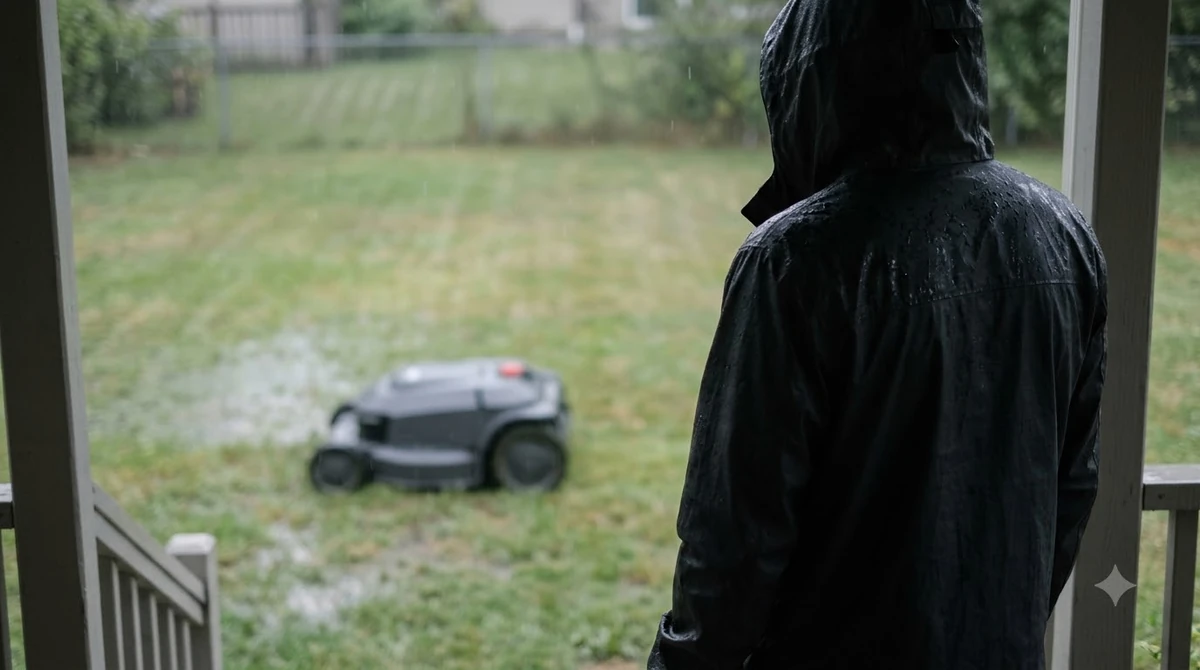
Manufacturer support manuals note that a noticeable delay can occur between when rain starts and when a forecast-driven mower docks, depending on how often the app synchronizes with its weather service. In addition, cloud weather scheduling does not protect electronics from lightning surges—always dock the mower and unplug the charging station during severe electrical storms.
Geographic location also influences accuracy. Cloud services pull data from nearby weather stations, which may sit several miles away from your neighborhood. On days with scattered thunderstorms, radar may show clear skies over the reporting station while rain falls on your yard. Pairing forecast scheduling with a physical rain sensor bridges that gap so either trigger can send the mower home.
Setting up post-rain delays for your soil and grass type
Configuring the right drying window after rain stops is just as important as parking the mower before the storm begins.
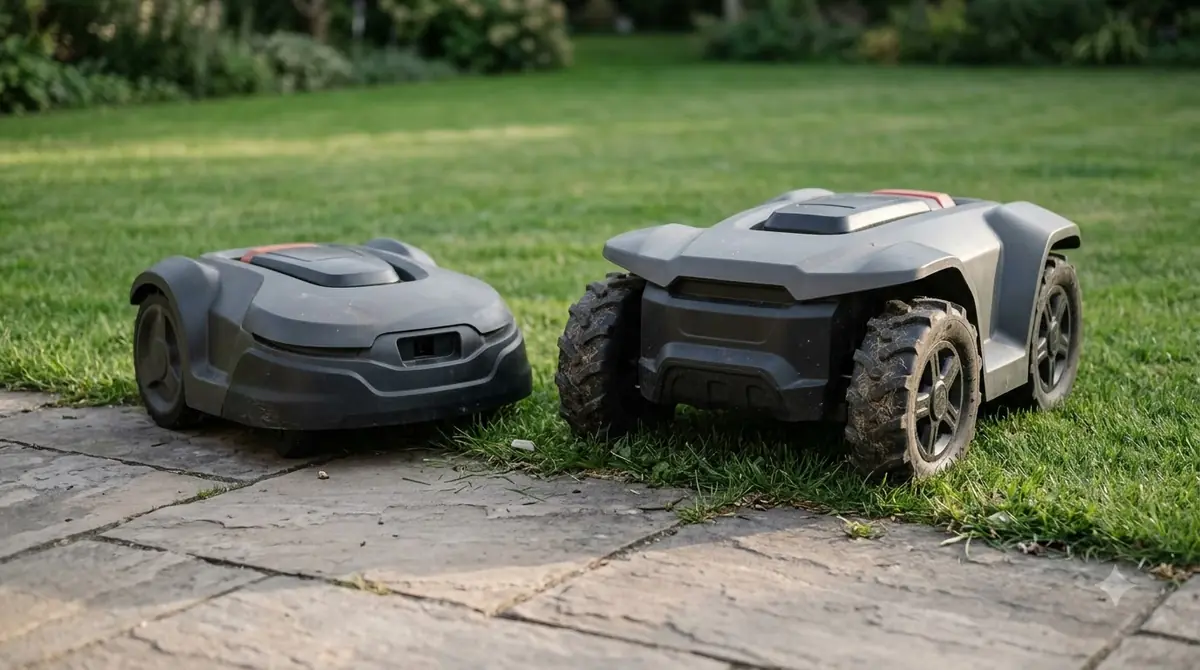
When a weather service updates from rain to cloudy or clear, a mower with no delay timer will immediately roll off the dock onto soaking-wet grass. Wet blades bend over instead of standing upright for a clean shear, and soft topsoil compresses under drive wheels—especially on sloped turns or heavy clay lawns.
- Assess your soil drainage. Sandy soils drain quickly and may only need a 2 to 3 hour pause after a light shower, while dense clay soils in shaded yards can require 12 hours or more before supporting wheel traction without rutting.
- Set a baseline delay in the app. Start with a moderate post-rain delay—such as 3 hours for sunny, well-drained turf—and adjust upward if you notice clumped clippings or tire tracks.
- Check your weekly operating window. In regions with frequent multi-day rain, long delay timers can shrink available mowing hours enough that grass grows too tall between cuts. Widen your allowed daily schedule slightly so the mower can catch up once dry weather returns.
- Keep the top sensor plate clean. If your mower pairs forecast data with a physical rain sensor, wipe pollen, tree sap, and dirt off the metal contacts every few weeks so moisture detection stays accurate.
What to check before you buy
Before committing to a specific model, verify five practical details against your yard layout and local climate so the weather automation works out of the box.
- Verify signal strength at the dock: Walk to your planned charging station location with your smartphone and confirm strong Wi-Fi reception, or choose a model with built-in cellular connectivity if your yard is out of router range.
- Confirm whether weather features require add-on kits: Check whether forecast scheduling comes standard in the base app or requires a separate connectivity module on the specific trim you are considering.
- Inspect the maximum rain-delay setting: Make sure the companion app lets you customize how long the mower waits after rainfall ends, rather than locking you into a short fixed timer.
- Look for dual sensor redundancy: Prioritize models that combine cloud weather forecasts with a physical onboard rain sensor so sudden downpours are caught immediately.
- Review frost and heat protections: If you live in an area with late spring frosts or midsummer droughts, check whether the scheduling software also pauses mowing during near-freezing temperatures or extreme heat.
Frequently asked questions
Can a robot lawn mower safely run in the rain if forecast scheduling fails?
Most modern robot lawn mowers carry weather-resistant housings designed to handle rain without electrical damage. However, manufacturers advise against cutting during heavy rain because wet grass clogs the blade disc, dulls blades faster, and increases the risk of wheel ruts on soft ground.
Does automatic rain-forecast scheduling work without a Wi-Fi connection?
No, unless the mower includes cellular connectivity. Forecast scheduling relies on syncing data from online weather services through the manufacturer’s cloud platform, so Bluetooth-only models without Wi-Fi or cellular links cannot check upcoming forecasts on their own.
How long should I set the rain delay after a storm passes?
A default delay of around 3 hours works well after light showers on sunny, well-drained lawns, while heavier rain or shaded clay soil often benefits from 6 to 12 hours of drying time. You can test readiness by walking across the turf—if your shoes leave wet marks or press into soft soil, add more delay time.
Will frequent rain delays cause my grass to get too tall for a robot mower?
Extended rainy stretches can prevent a robot mower from completing its regular micro-cutting cycles, allowing grass to grow taller than ideal. Many apps include a manual one-time schedule boost or allow you to temporarily expand daily mowing windows once dry weather returns so the mower can gradually bring the lawn back down.
Sources
- Park your mower during rain with Automower Smart Routines (Husqvarna): Used for details on Rain Guard forecast triggers, supported connectivity requirements, and hourly resume behavior.
- Can Navimow H2 adjust the mowing schedule based on weather forecasts (Segway Navimow Support): Used for 10-minute forecast polling intervals, 12-hour customizable rain delays, and dual sensor redundancy.
- Landroid schedule setup and Auto Schedule guide (Worx Wiki): Used for how cognitive auto-scheduling incorporates weather, soil type, grass species, and one-time catch-up schedules.
- How does the Weather Timer work on Automower (Husqvarna): Used for growth-based cutting resistance adjustments and blade maintenance notes.
 Up next8 min readBest Robot MowersHow to Choose the Best Robot Lawn Mower with Automatic Height Adjustment in AppUpdated Nov 19, 2026
 7 min readBest Robot MowersBest Automatic Lawn Mower: How to Choose One in 2026Updated Nov 13, 2026
 7 min readBest Robot MowersAutomatic Lawn Mower Price: What to Expect in 2026Updated Nov 18, 2026
 7 min readBest Robot MowersBest Robot Mower for Florida Summers: Rain, Heat and ScheduleUpdated Nov 17, 2026
 6 min readBest Robot MowersBest Robot Mower for a Yard with a Rain Garden: What to CheckUpdated Nov 14, 2026
 7 min readBest Robot MowersBest Robot Mower With Rain Sensor: What to Check Before You BuyUpdated Nov 10, 2026