
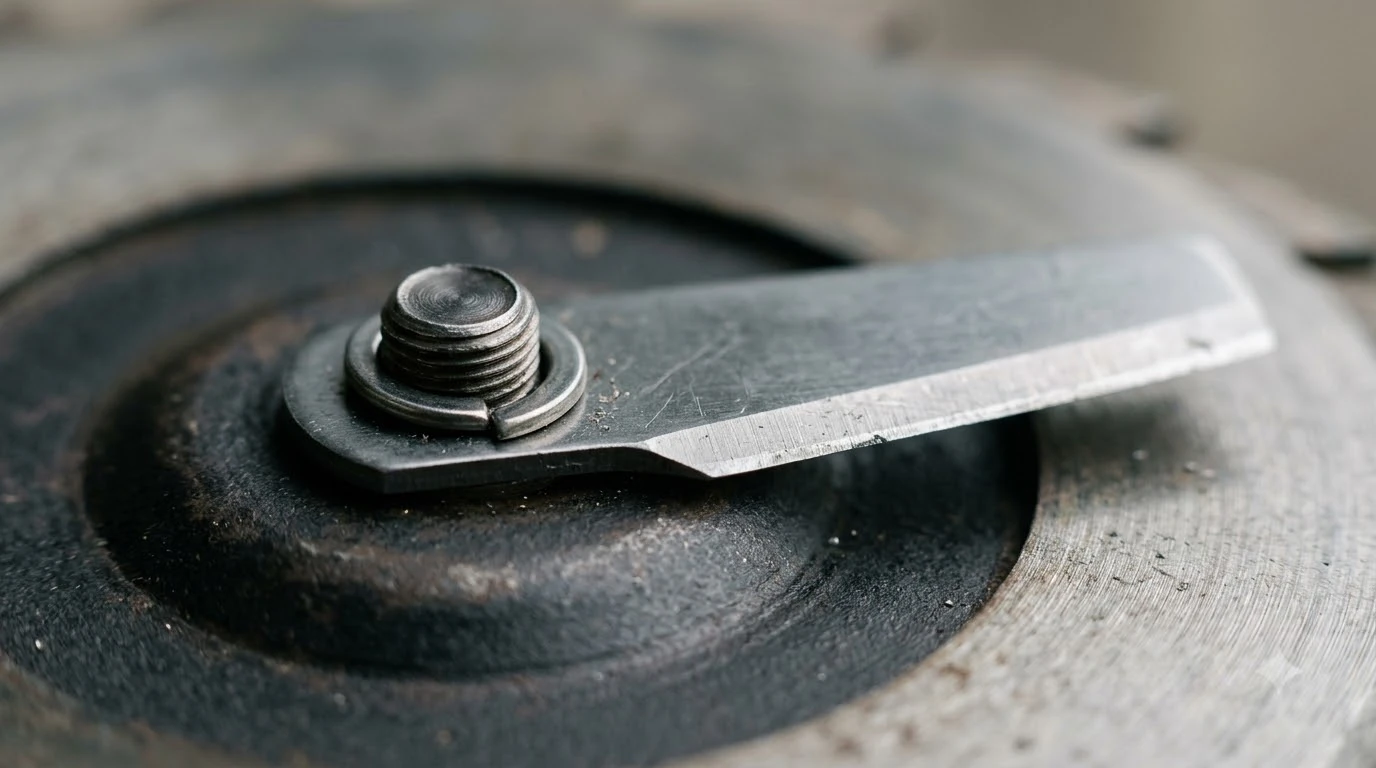

How to change Ecovacs GOAT blades comes down to three things: power the mower off, protect the LiDAR, and fit a matched set with new screws. Ecovacs’s help center names gloves and a covered LiDAR as the first precautions. The rest of the job follows the same sequence used by other robot mower brands, which we cite where Ecovacs’s public pages are silent.
The short answer
- Power off first: switch the GOAT off before you touch the blades.
- Protect the LiDAR: wear gloves, cover the LiDAR, and never drag the mower once it is turned over.
- One blade, one new screw: use a new screw every time you change a blade, and never put two blades on one screw.
- Match the kit: Ecovacs lists its A/O-series blade kit for the A3000 LiDAR PRO and O1000 RTK, so confirm your model first.
- Timing: Ecovacs lists about 4 to 6 weeks as the replacement frequency, but dull or damaged blades should be changed sooner.
What you need before you start
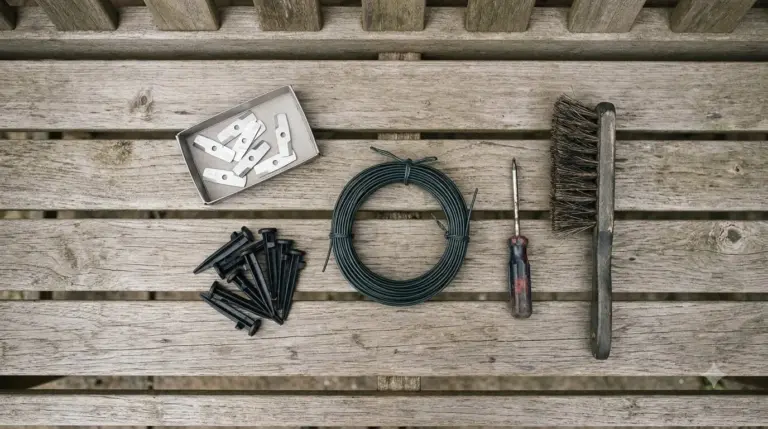
Before you start on how to change Ecovacs GOAT blades, gather gloves, a screwdriver that fits the screw head, a clean soft cloth, and a blade kit that matches your model. Blades are sharp even when the mower is off, so gloves are not optional. Ecovacs’s blade kit includes new screws, and cross-brand guidance says to use a new screw whenever a blade changes.
- Gloves: protect your hands from the blade edges.
- Screwdriver: choose one that matches the screw head; Husqvarna’s guide suggests a magnetic tip so screws do not get lost in grass.
- Clean, soft surface: a towel or mat keeps the cover from scratching.
- Matched blade kit: blades and screws for your exact GOAT model.
Power off and protect the LiDAR cover
Start by switching the GOAT off, then cover the LiDAR before you work near the blades. This is the first safety step in how to change Ecovacs GOAT blades without damaging the sensor. Ecovacs’s help center says to wear protective gloves and cover the LiDAR cover before replacing the blades, because the sensor lens scratches easily. Most robot mower guides, including Husqvarna’s, also begin with switching the mower off before any blade work.
- Switch off. Turn the GOAT off completely so the blades cannot move.
- Put on gloves. Protect your hands before you touch the cutting system.
- Cover the LiDAR. Shield the lens before you tip the mower over.
Turn the mower over without scratching it
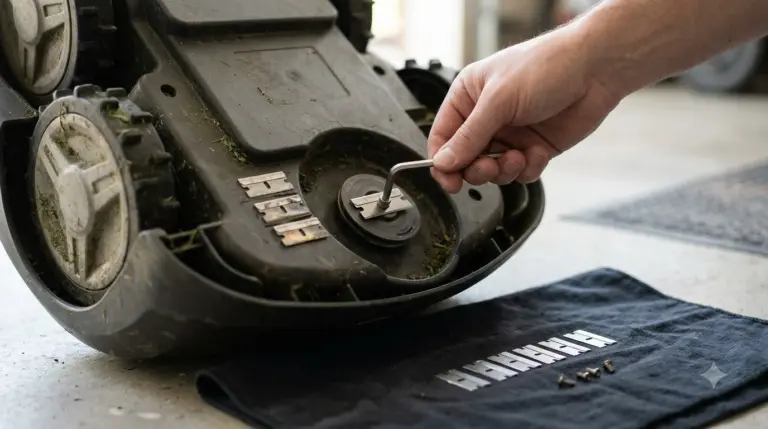
Lay the GOAT on a clean, soft surface and do not drag it once it is upside down. Ecovacs warns that dragging a turned-over GOAT can scratch the LiDAR lens, so lift it instead of sliding it. Husqvarna’s guide uses the same approach, asking owners to turn the mower upside down on a clean, soft surface to protect the cover. Keeping the mower steady is part of how to change Ecovacs GOAT blades safely, not just a cosmetic detail.
Remove the screws and the old blades
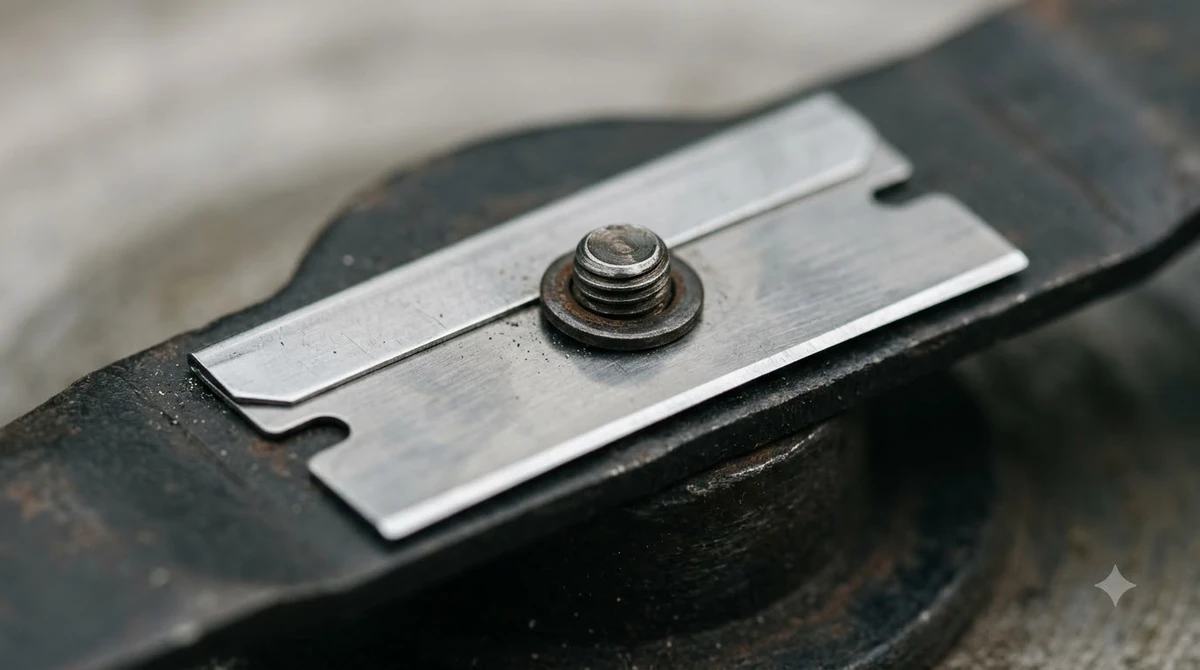
Loosen each blade screw with the screwdriver, then remove the screw together with its blade. Set the screws and blades aside in the order you removed them, so you can check the old set for wear. Husqvarna’s guide advises replacing the screw every time you change blades, so do not plan to reuse the old screws.
How to change Ecovacs GOAT blades: fit the new set
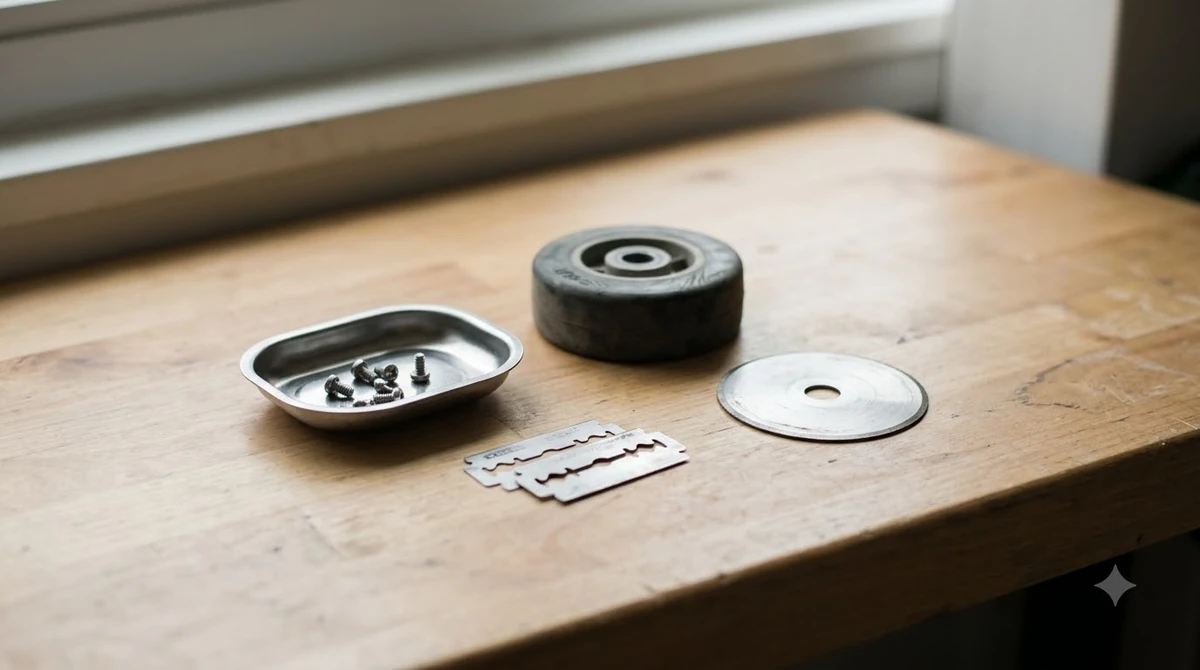
Attach each new blade with a new screw, repeat for every blade, and check that each one spins freely before you power the mower up. Keep old and new parts apart, because Husqvarna’s guide warns against mixing blade types or combining new and old blades.
- Seat the blade. Fit the new blade onto its mounting point.
- Use a new screw. Tighten it with the screwdriver, and do not reuse the old one.
- Repeat for every blade. Use only one blade per screw.
- Check the spin. Each blade should turn freely, with nothing binding it.
Heads up
Do not run the mower with a blade missing or bent. Eufy’s robot mower guidance says to avoid running the mower in that state, and Husqvarna’s guide asks owners to use original blades and screws, because a worn screw can let a blade come loose.

Choose the right kit and check compatibility
Ecovacs lists its blade kit for the A/O series as 12 blades and 12 screws, and names the A3000 LiDAR PRO and O1000 RTK as compatible models. Match the kit to your exact model before you order, because kits differ between GOAT lines. A correct match matters more than the number of parts when you plan how to change Ecovacs GOAT blades. The table below sums up what the Ecovacs kit page states.
| Item | What Ecovacs lists | What to check |
|---|---|---|
| Kit contents | 12 blades and 12 screws | Enough screws for each change |
| Series | A/O series blade kit | Confirm your GOAT is in this series |
| Compatible models | A3000 LiDAR PRO and O1000 RTK | Match your exact model name |
| Replacement frequency | About 4 to 6 weeks (as of 2026-11-10) | Use it as a starting point, not a fixed date |
How often to replace GOAT blades
Ecovacs’s blade kit page lists a replacement frequency of about 4 to 6 weeks, as of 2026-11-10, but wear and mowing conditions should set the real schedule. Eufy says there is no reliable calendar rule, so inspect the blades by sight and feel as well.
- Ecovacs’s listed interval is about 4 to 6 weeks, a useful starting point for planning.
- Visible wear means change the blades sooner: dull, bent, chipped or damaged blades should not stay on the mower.
- Cross-brand comparison: Husqvarna lists main disc blades at 3 to 6 weeks under normal conditions, so the interval varies by brand and model.
- Our reading: heavy mowing, damp grass and long seasons wear blades faster, so check more often in those conditions.
Mistakes to avoid when changing GOAT blades
The most common mistakes are running with a blade missing or bent, mixing old and new blades, and reusing worn screws. Each one is covered by a rule from the manufacturer guidance below.
- Running with a blade damaged. Eufy says not to run the mower with a blade missing or bent.
- Mixing blade types. Husqvarna says not to mix blade types or combine new and old blades.
- Reusing a screw. Husqvarna says to replace the screw every time, since a worn screw can let a blade come loose.
- Sharpening thin blades. Eufy advises avoiding sharpening thin replaceable blades unless the manual allows it.
- Dragging the mower. Ecovacs warns that dragging a turned-over GOAT can scratch the LiDAR lens.
Frequently asked questions
Do I need to change every blade at once?
The Ecovacs pages read for this guide do not say whether every blade must change at once. Cross-brand guidance from Husqvarna says to use one blade per screw and not to mix new and old blades. Check your model manual before deciding to replace only some blades.
Can I sharpen GOAT blades instead of replacing them?
Eufy advises avoiding sharpening thin replaceable blades unless the manual allows it. This guide did not confirm a sharpening rule for Ecovacs GOAT blades. Replacing a dull or bent blade is the safer default until your model manual says otherwise.
How often should I change GOAT blades?
Ecovacs’s blade kit page lists about 4 to 6 weeks as the replacement frequency. Blades that look dull, bent, chipped or damaged should be changed sooner, whatever the calendar says. Keep a note of the date of each change so you can compare wear over time, and check the blades each time you repeat how to change Ecovacs GOAT blades.
Do I need Ecovacs blades specifically?
Choose the kit that lists your exact model, since the right parts are part of how to change Ecovacs GOAT blades correctly.Husqvarna’s guide advises original blades and screws, because a worn screw can let a blade come loose. Check the compatibility list for your GOAT model before you order, rather than assuming a kit fits.
Sources
- Ecovacs help center FAQ on LiDAR and blade replacement (Ecovacs): gloves, covering the LiDAR, and not dragging the mower after turning it over.
- Blade Kit for ECOVACS GOAT A/O Series (Ecovacs): 12 blades and 12 screws, compatible models, and the 4 to 6 week replacement frequency.
- How and when to change blades on your Automower (Husqvarna): cross-brand steps on power-off, soft surface, new screws, one blade per screw, and blade lifetime.
- Robot lawn mower blade replacement (Eufy): replace when dull, bent, chipped or damaged, avoid sharpening thin blades, and do not run with a blade missing.
 Up next8 min readGearHow to Change Mammotion YUKA Blades SafelyUpdated Nov 19, 2026
 6 min readGearEcovacs GOAT Replacement Blades: Kit, Fit, and TimingUpdated Nov 20, 2026
 8 min readGearEcovacs GOAT Replacement Battery: What to Check FirstUpdated Nov 19, 2026
 8 min readGearBest Garage for Ecovacs GOAT: Size, Clearance and WinterUpdated Nov 11, 2026
 9 min readGearEcovacs GOAT Spare Parts: What Ecovacs Publishes and What the Warranty CoversUpdated Nov 19, 2026
 8 min readGearEcovacs GOAT Replacement Wheels: What Is Published and What to CheckUpdated Nov 12, 2026